

Modbus TCP Gateway Setup: Step-by-Step Guide for Installers
Modbus TCP gateway setup in five steps: wire RS485, match serial parameters, static IP, Unit ID mapping and test. Covers port 502 and troubleshooting.
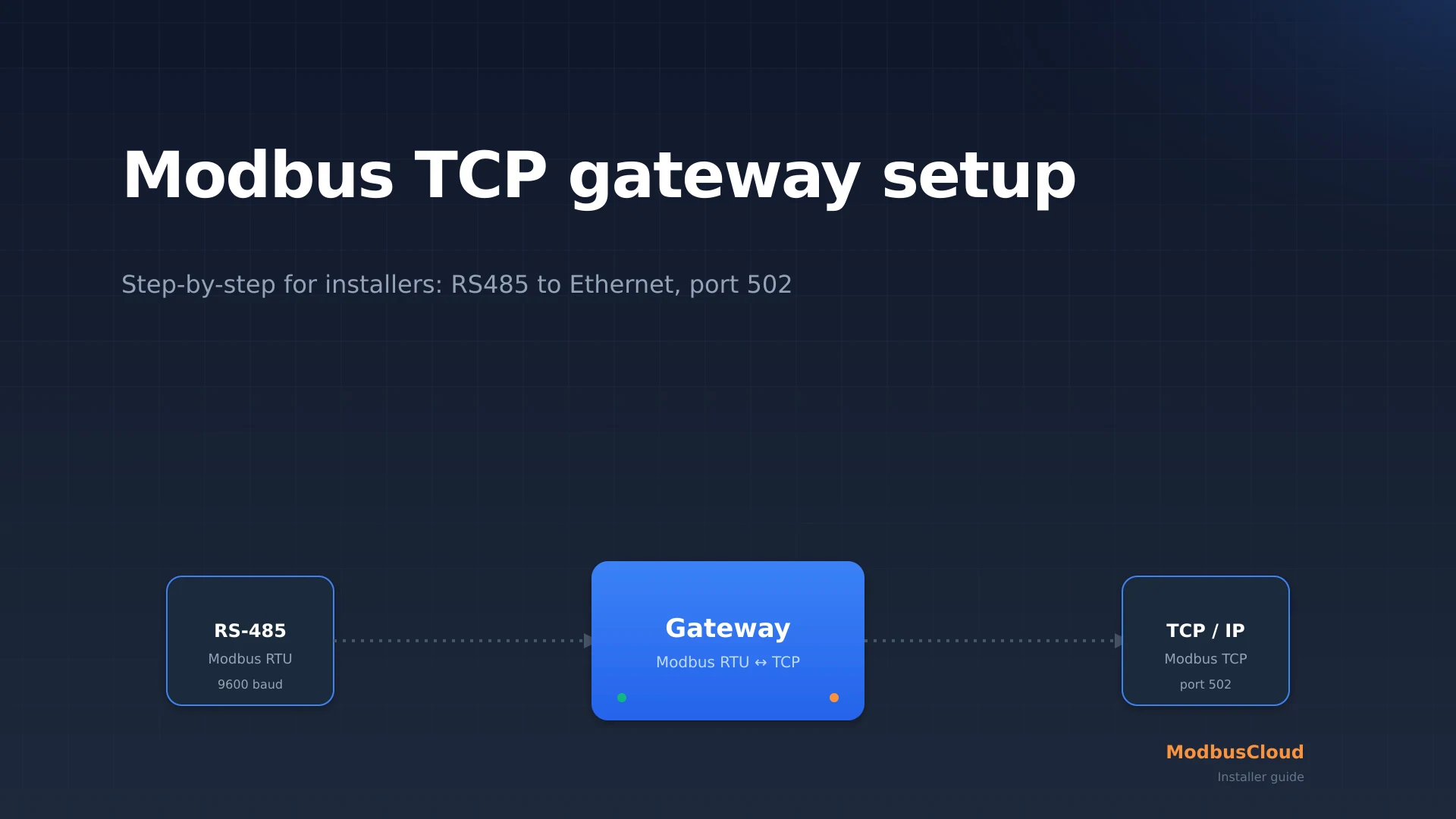
Modbus TCP gateway setup is the standard way to get an existing RS485 Modbus RTU bus onto an IP network, so a PLC, a building management system, or a cloud platform can read the devices. Yet most installers get stuck on the same three points: which IP address, which serial parameters, and what the Unit ID actually does. This guide runs the installation in five fixed steps.
You will learn how to wire the RS485 side, match the baud rate and parity to the slaves, give the gateway a static IP on port 502, set up Unit ID mapping, and test the connection with a Modbus client. By the end you will also know why you never put port 502 straight on the internet and how to fix the most common error messages. Written for installers, not for software developers.
Key takeaways
- A Modbus TCP gateway polls the RS485 bus as master and exposes each slave device as a TCP server on port 502, so the field devices never need to speak Ethernet themselves.
- Setup follows a fixed order: the RS485 side first (wiring and serial parameters), then the IP side (static address and Unit ID mapping), and a test last.
- The Unit ID in the MBAP header decides which RTU slave address (1 to 247) answers behind the gateway, so a wrong Unit ID produces the same silence as a miswired bus.
What is a Modbus TCP gateway?
A Modbus TCP gateway is a device that converts Modbus RTU messages from a serial RS485 bus into Modbus TCP frames over Ethernet, and back. On the RS485 side, the gateway acts as the single master that polls the slaves; on the Ethernet side, it acts as a server listening on port 502. The application layer stays identical: the same function codes, the same register types. Only the transport changes.
You recognize the role by its two ports: an A/B/GND terminal block for RS485 and an RJ45 port for the network. According to the MODBUS Messaging on TCP/IP Implementation Guide V1.0b from the Modbus Organization, Modbus TCP uses a fixed port, port 502, assigned by IANA. A gateway is needed because almost every heat pump, energy meter, and refrigeration controller speaks only RTU at the device level, while the higher level (PLC, switch, building management system) expects TCP.
If you want the protocol side first, read Modbus TCP explained for the MBAP header and port 502. If you are still unsure whether TCP is the right call, see Modbus RTU vs TCP, when to pick which.
What you need before you start
Before you begin, lay out four things. First, the datasheets of the slaves, because they list the serial parameters and the register start address. Second, a laptop with a Modbus client (such as the free Modbus Poll or QModMaster) for testing. Third, a static IP plan: pick an address in the same subnet as the master, outside the DHCP range. Fourth, the physical parts: shielded twisted pair for RS485, a 120 ohm termination resistor per end, and a Cat 5e or Cat 6 patch cable.
For each device, note the slave address, baud rate, and parity in advance. Every device on an RS485 segment must run the same baud rate and parity, because the bus supports only one speed. A single device at 19200 baud among slaves at 9600 baud takes the whole bus down.
Step by step: setting up a Modbus TCP gateway
Setup follows a fixed order. Get the RS485 side fully working before you assign the IP address, otherwise a fault leaves you unsure whether the problem is serial or network.
Step 1: Wire the RS485 bus
Connect all slaves in a daisy chain to the gateway's A/B/GND terminal block. Join A to A, B to B, and GND to GND over shielded twisted pair. Place a 120 ohm termination resistor at the start (at the gateway) and at the farthest device. An RS485 segment carries up to 32 unit loads over up to about 1200 meters.
Check with a multimeter that A and B are not swapped: at idle you measure a small positive difference between A and B. Reversed polarity is the most common cause of a bus that stays completely silent.
Step 2: Match the serial parameters
Set the gateway to exactly the same baud rate, data bits, parity, and stop bits as the slaves. A common combination is 9600 baud, 8 data bits, no parity, 1 stop bit (short: 9600 8N1). Read the factory value in the datasheet: many energy meters start at 2400 baud, while heat pumps often use 19200.
Verification: most gateways show an RX/TX LED that blinks as soon as traffic runs on the bus. If only TX blinks and RX never does, the gateway is sending requests but no slave is answering, so the baud rate or the address is still wrong.
Step 3: Assign a static IP address
Give the gateway a static IP address in the same subnet as the master, outside the router's DHCP range. An expiring DHCP lease breaks the polling, so a static address is not optional. Leave the TCP port on 502 unless a specific reason calls for another port. Note the address, because every TCP client needs it.
Verification: ping the IP address from the laptop. If the ping answers, the gateway is on the network. If it does not, check the subnet mask and whether the laptop and gateway are in the same subnet.
Step 4: Set up Unit ID mapping
This is where the Unit ID field from the MBAP header comes back. A TCP client opens a connection to the gateway's IP address and, in each request, sets the Unit ID equal to the slave address of the target RTU device. The gateway reads that Unit ID and routes the request to the correct slave on the bus. So make sure every slave address is unique (1 to 247) and that you know those addresses.
Step 5: Test with a Modbus client
Open the Modbus client on the laptop, connect to the gateway's IP address on port 502, and set the Unit ID to the address of a known slave. Read a register you know from the datasheet, for example with function code 03 (holding registers). A correct value confirms the whole chain at once: wiring, serial parameters, IP, and Unit ID.
How do you verify the connection works?
The connection works as soon as a Modbus client returns a known register with the expected value. As a check, read three things: a voltage or temperature you can compare with a meter on site, a counter that increments (such as kWh), and a register you deliberately try on a different Unit ID. That last one must return a timeout or exception, which confirms that per-Unit-ID routing really works and is not just hitting the same device every time.
Then check the poll cycle. A stable bus returns the same response on every poll without timeouts. If you see occasional dropouts, they almost always come from a wiring or termination problem on the RS485 side, not from the network.
Troubleshooting common issues
Most faults with a Modbus TCP gateway sit on the serial side, not the network. The table below lists the five most common.
| Symptom | Probable cause | Fix |
|---|---|---|
| No device responds | A and B swapped or no GND | Check polarity, connect GND, measure A/B idle voltage |
| One device missing, rest works | Address conflict or wrong baud rate | Assign a unique slave address, set all slaves to the same baud rate |
| Ping works, Modbus does not | Wrong Unit ID or port | Set Unit ID to the slave address, check port 502 |
| Works briefly, then drops | DHCP lease expired | Assign a static IP outside the DHCP range |
| Random CRC or timeout errors | Missing termination or cable too long | Place 120 ohm at both ends, stay under 1200 m |
Security: why port 502 never belongs directly on the internet
Modbus TCP has no built-in authentication and no encryption. Anyone who can reach port 502 can read and write registers without a password. A gateway you simply put on the internet is found within seconds by public scanners. Network separation is therefore a baseline requirement, not an extra.
Since 1 January 2026, the EPBD recast (EU 2024/1275, article 14) lowers the threshold for mandatory building automation to 70 kW of heating or cooling output. A growing group of medium-sized buildings must now supply continuous data points to a higher system, and a Modbus TCP gateway is often the link that makes it possible.
From setup to a central dashboard
Once the gateway works locally, you usually want to see the data remotely too. To find out which gateway type fits your project, compare the options in the Modbus gateway buyer guide. For the meters behind the bus, the Modbus energy meter comparison shows which models speak native TCP and which need a gateway.
Free: RS485 and Modbus RTU installation checklist (PDF)
The pre-commissioning checklist for every RS485 bus. Print it and take it to site.
- Wiring order: A/B polarity, GND and shielding
- Termination and biasing, with the multimeter checks
- Communication settings crib sheet (baud rate, parity, stop bits)
- The 10 most common faults and how to spot them
In practice, you build the chain with a ModbusCloud Gateway that reads the Modbus bus and sends every data point securely to a central dashboard, without opening port 502.
What is a Modbus TCP gateway?
A Modbus TCP gateway converts Modbus RTU messages from a serial RS485 bus into Modbus TCP over Ethernet. The gateway polls the bus as master and exposes each slave device as a TCP server on port 502, so a PLC or cloud platform can read the data.
How do I set up a Modbus TCP gateway?
In five steps: wire the RS485 bus (A, B, GND with 120 ohm termination), match the serial parameters to the slaves, give the gateway a static IP on port 502, set up Unit ID mapping per slave address, and test with a Modbus client.
What port does a Modbus TCP gateway use?
Port 502 by default, assigned by IANA. Some gateways allow a different port. The encrypted variant, Modbus/TCP Security, runs on port 802 with TLS and certificates, separate from the unsecured 502.
What is the Unit ID on a Modbus gateway?
The Unit ID is a 1-byte field in the MBAP header that decides which RTU slave address answers behind the gateway. A TCP client sets the Unit ID equal to the slave address (1 to 247) of the target device on the bus.
How many devices can I put behind one Modbus gateway?
An RS485 segment carries up to 32 unit loads, so in practice up to 32 slaves on one bus. The gateway polls them one by one. Each device needs a unique slave address between 1 and 247 and must run the same baud rate.
Why is my Modbus gateway not responding?
If the ping works but Modbus does not, the Unit ID or the port is usually wrong. If no device answers, check the RS485 polarity (A/B), the GND connection, the baud rate, and the termination resistor. The fault is more often serial than network.
Can I connect an RTU device to a Modbus TCP network without a gateway?
No. An RS485 RTU device does not speak Ethernet and has no IP address. You need a Modbus TCP gateway that polls the RS485 bus and exposes the devices as TCP servers on port 502.
Ready to connect the gateway to a central dashboard? A ModbusCloud Gateway reads both Modbus RTU and Modbus TCP and sends every data point securely to a central dashboard, without opening any inbound ports.
Question about your setup?
Ask it here. We think along with your project, and building a free integration is part of that.