
How your Modbus devices get into the portal
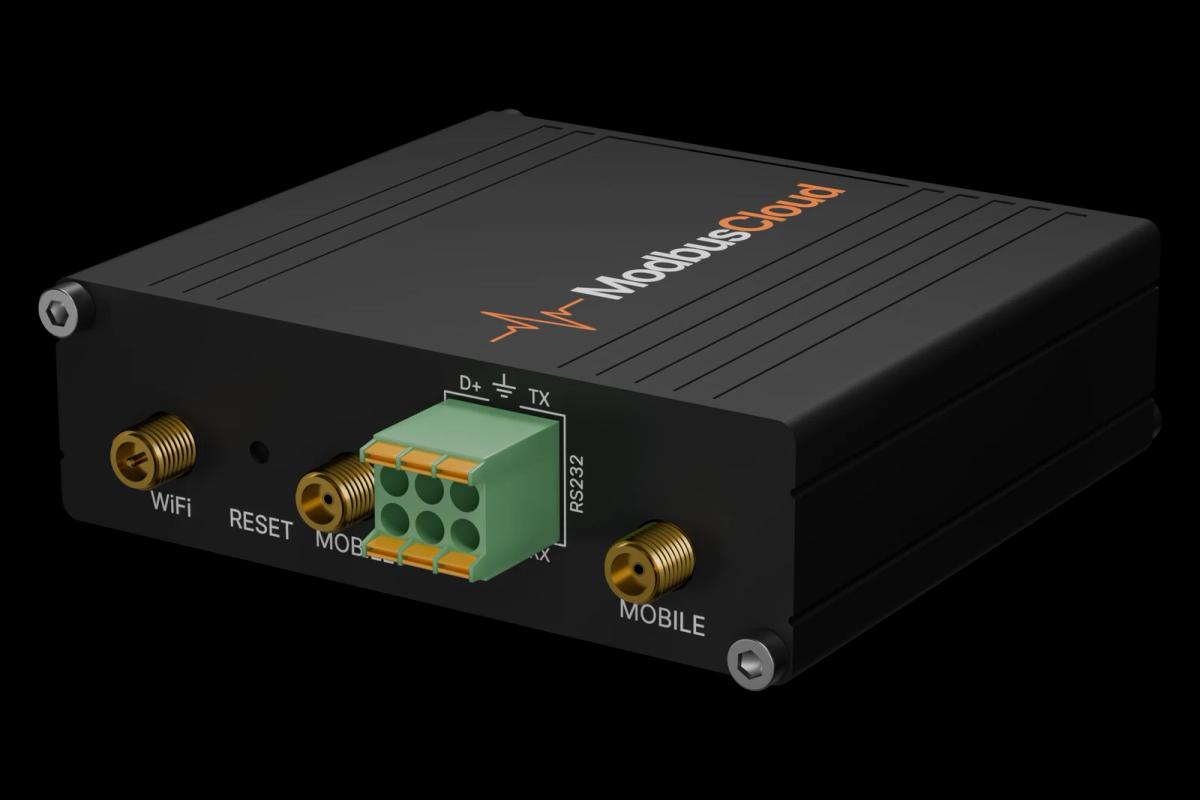
The gateway ships with the full template library installed.
From wiring to live values
Connect
Connect your devices via RS485 (Modbus RTU) or over the network (Modbus TCP). One RS485 line takes up to 32 devices.
Scan
Enter the gateway's serial number in the portal and start a scan. The gateway recognises what is connected, using the library on board.
Monitor
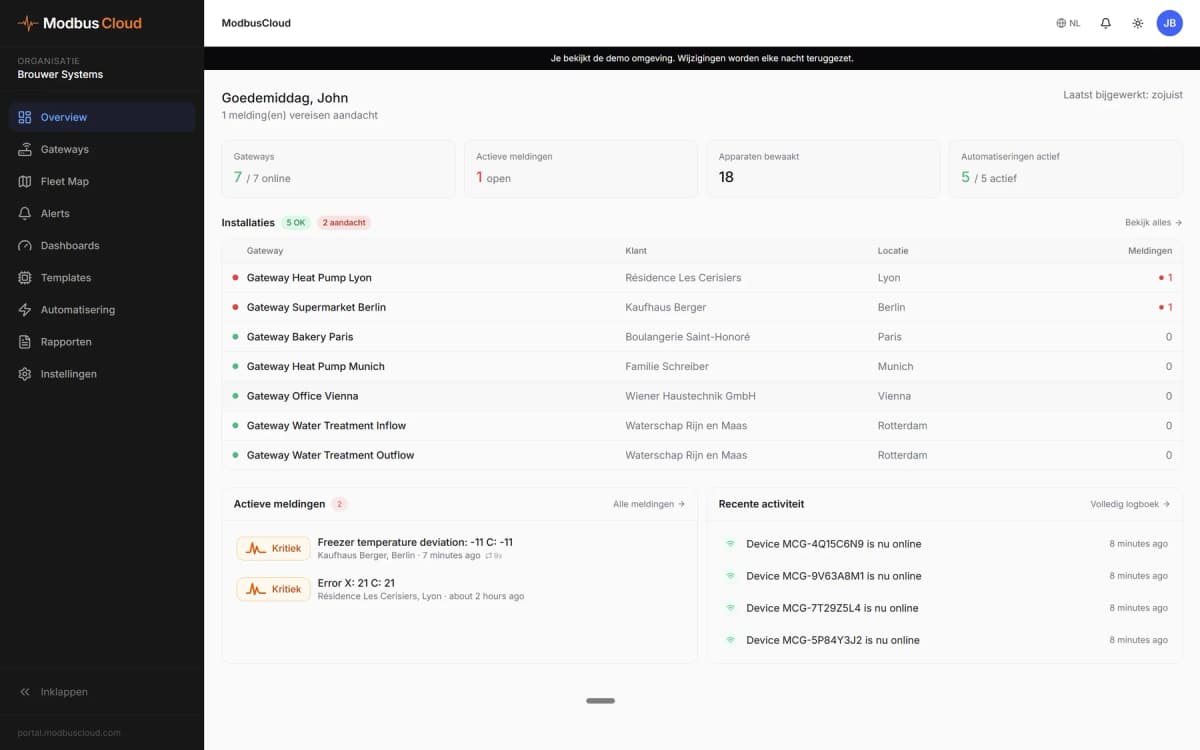
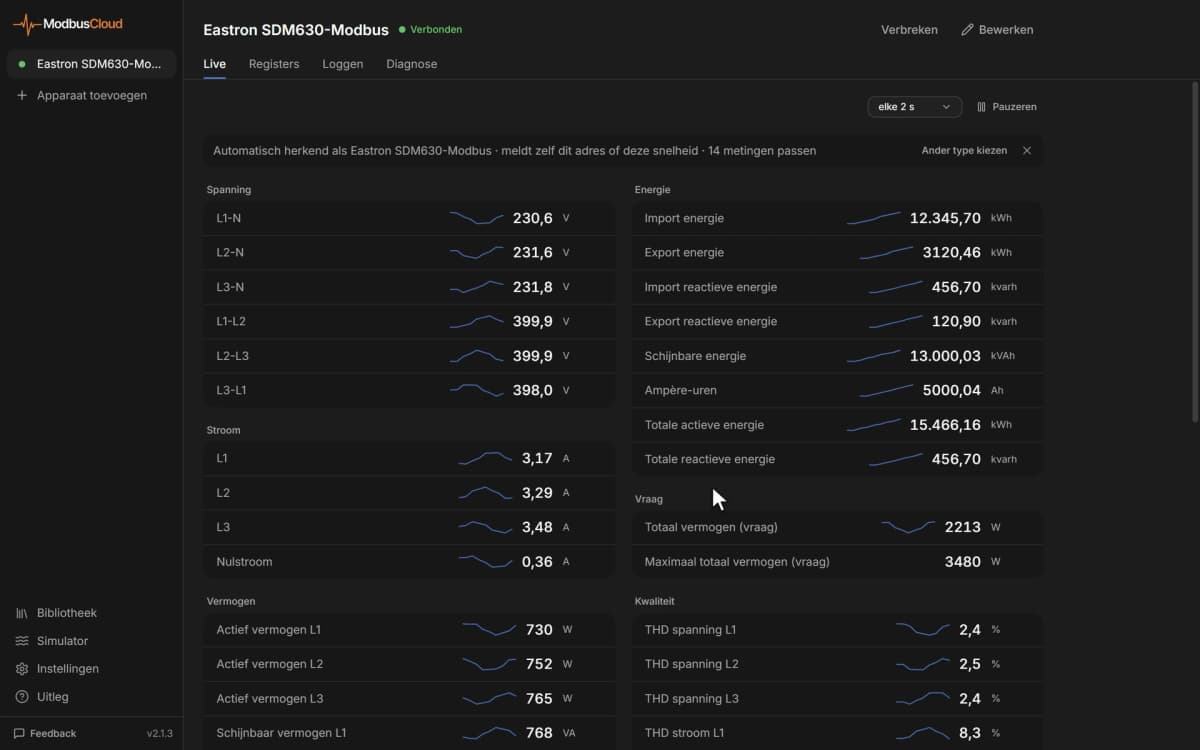
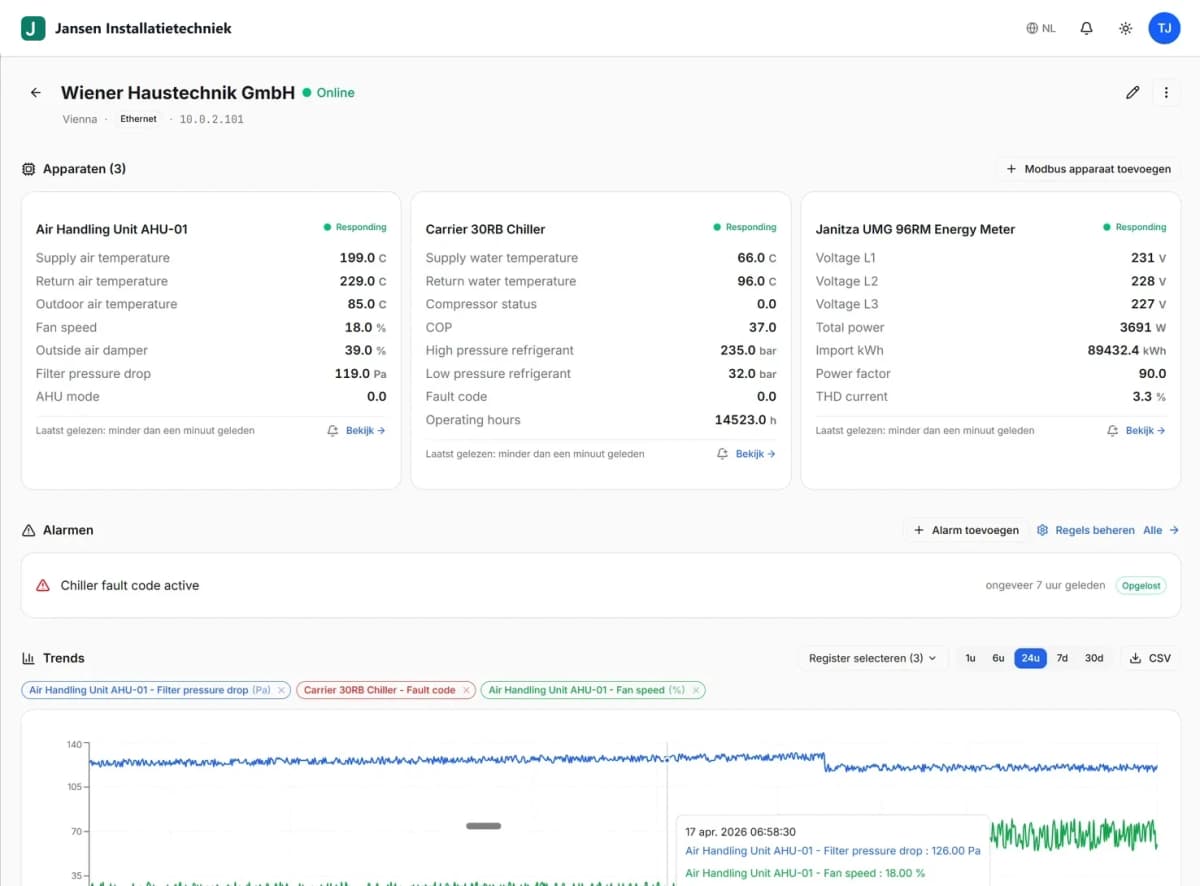
See live values, alerts and history. Alerts go by email to you or the end user.
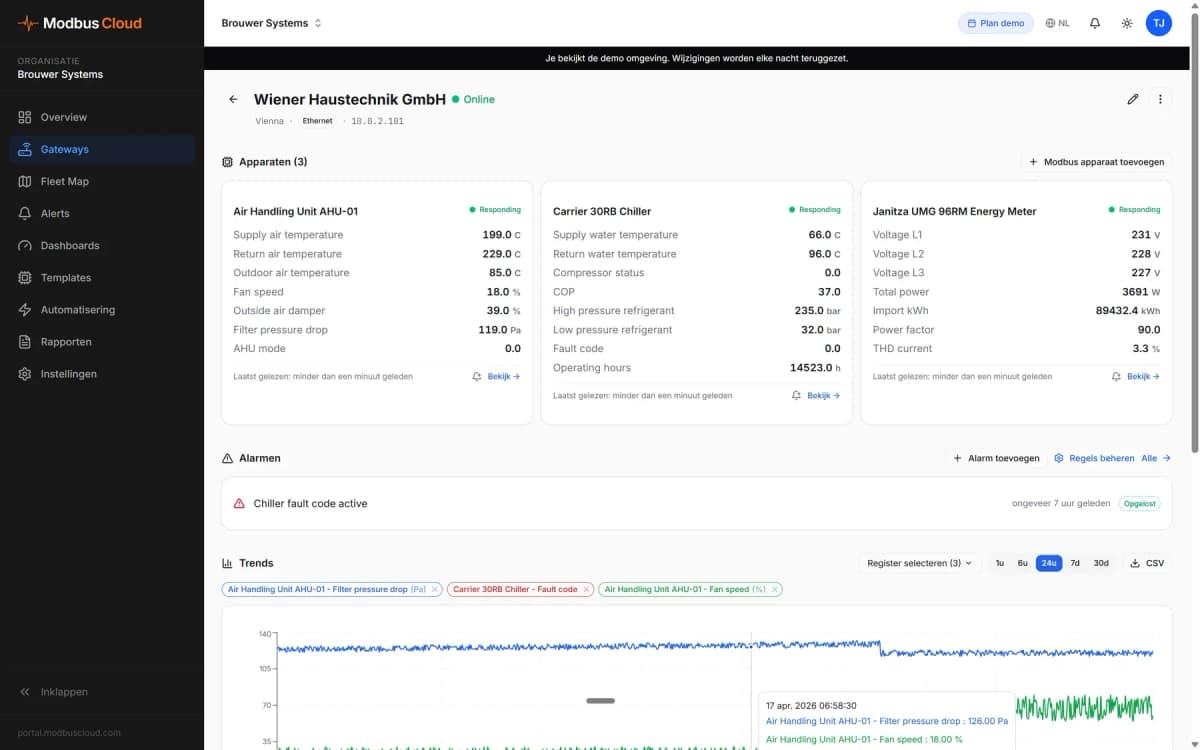
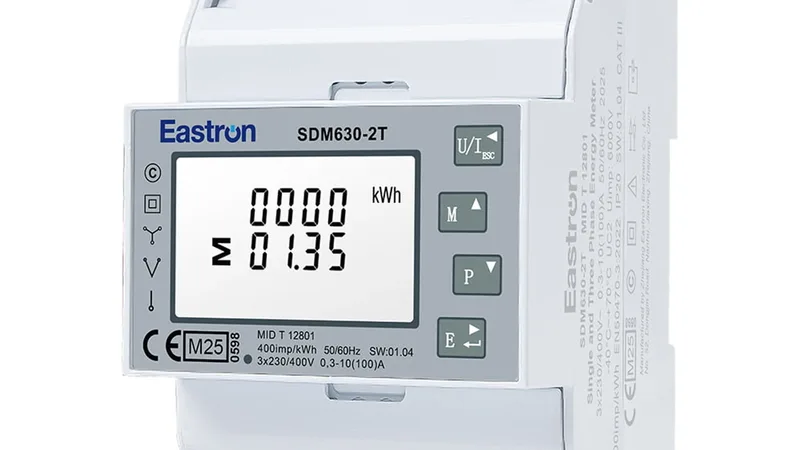
- Eastron SDM630RS485, address 1L1231.4 V
- SMA Sunny TripowerModbus TCPP8.42 kW
- NIBE S seriesModbus TCPFlow38.6 °C
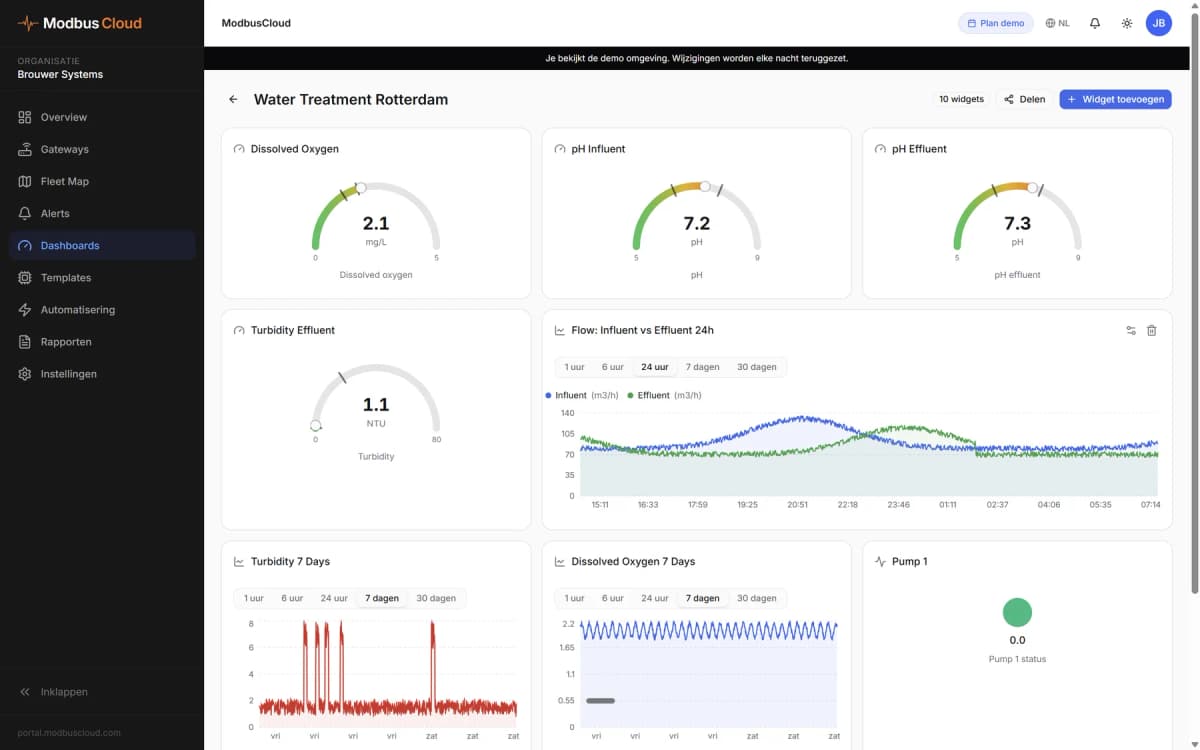
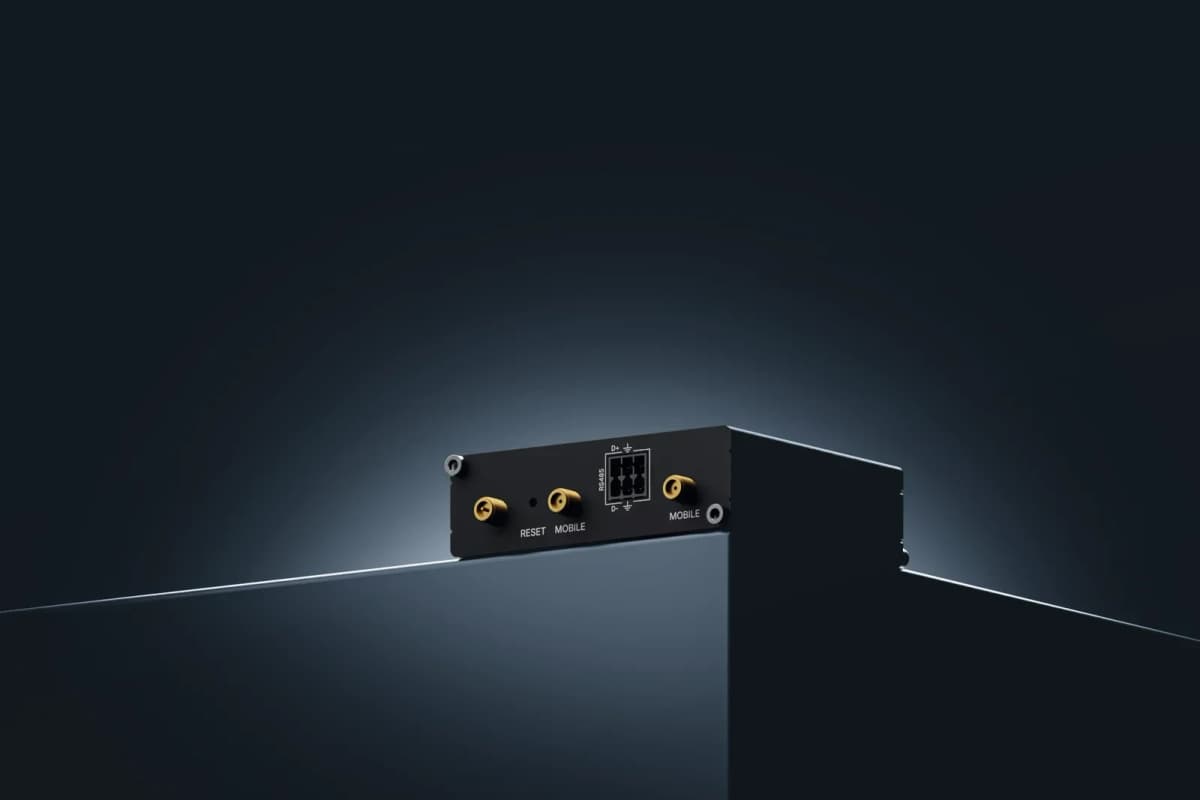
The gateway uses the network on site. If there is none, or it drops out, the data goes over 4G.
Three ways to set it up
The scan
Start a scan in the portal. The gateway recognises what is connected to the RS485 line and the network.
If a device is not in the library, we build the template for free as soon as we have the register data. Until then, you can set up the registers yourself.
More about plug and playWatch the scan video
Choose a template
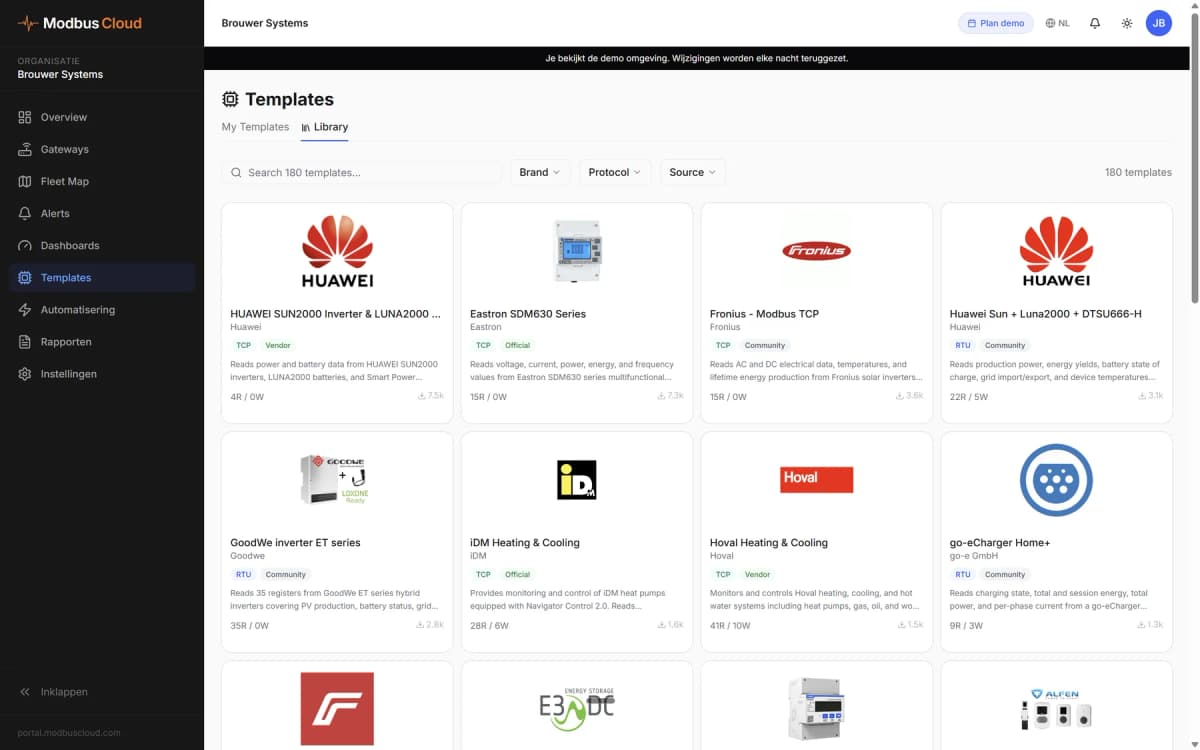
Pick the device from the library of 1236 devices. The template contains its registers.
Browse the libraryWatch the library video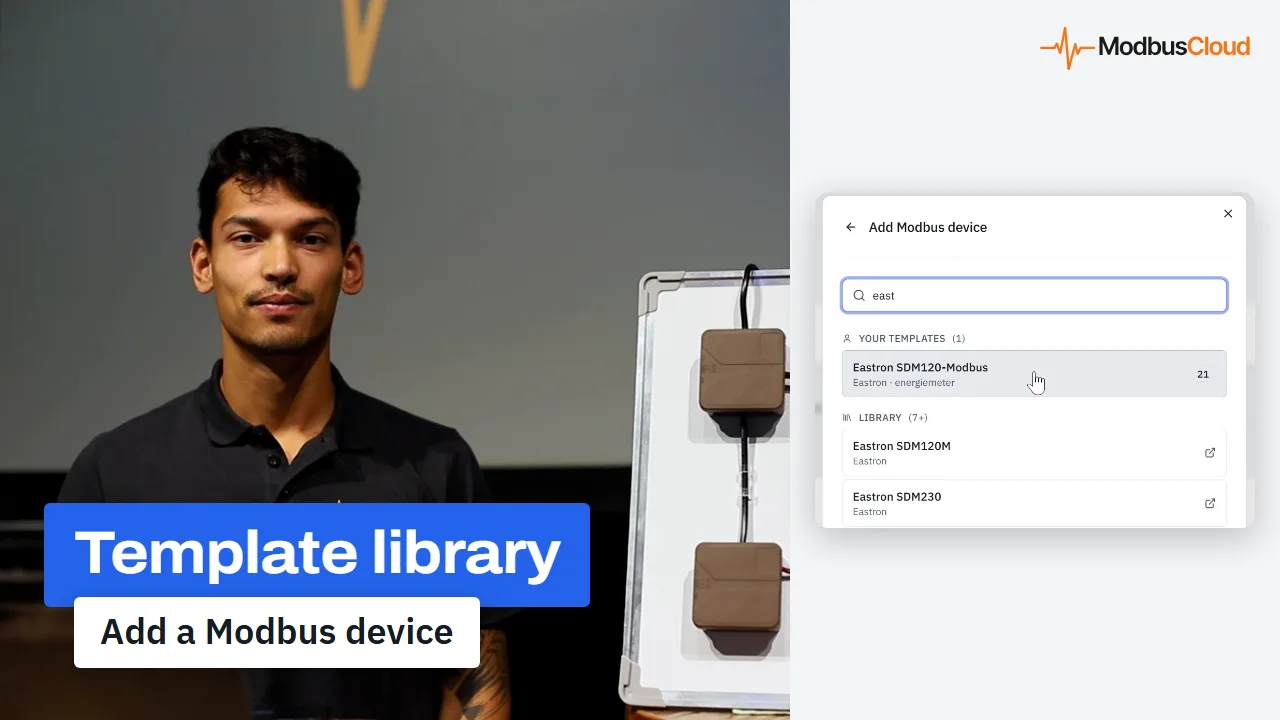
Set it up yourself
Enter the registers yourself, with address, name and data type. That way you can also read a device that is not yet in the library.
| Address | Name | Type |
|---|---|---|
| 0 | Voltage L1 | float32 |
| 12 | Power L1 | float32 |
| 72 | Total Energy Import | float32 |
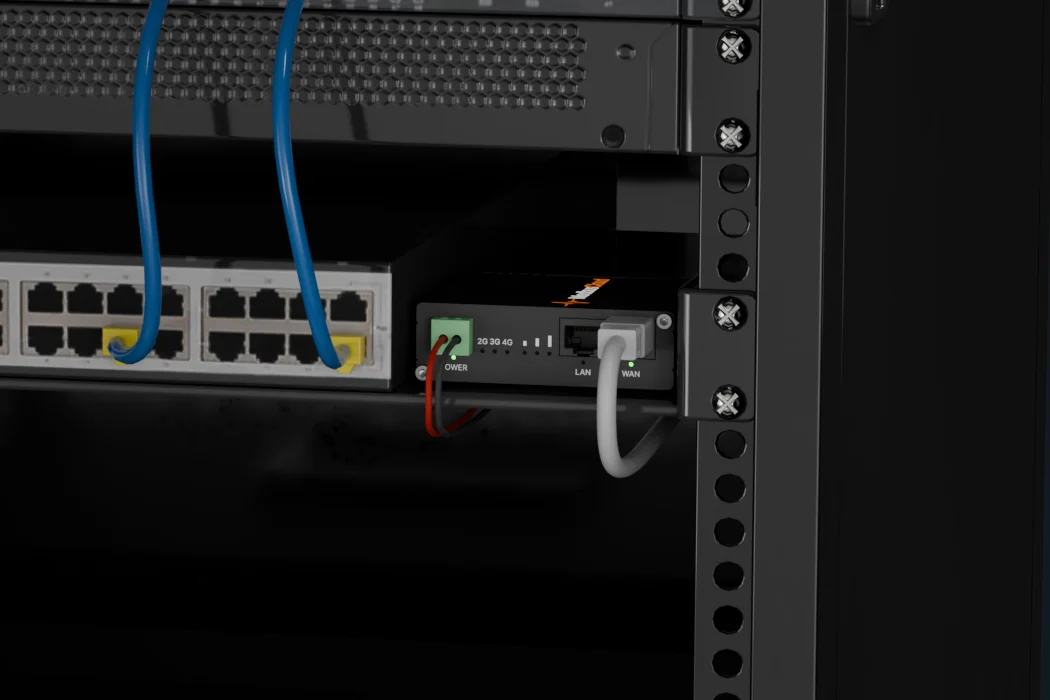
What you need
- The gatewayWith the full library installed and a SIM fitted.
- A power supplyOrder one with the gateway or use your own 9 to 57 V DC supply.
- A cable to the deviceA two-wire RS485 cable, or a network cable.
- A portal accountThat is where you enter the gateway's serial number.
We can help with the baud rate and Modbus address by email or phone. Support and warranty
What you can do next in the portal
By default, the gateway reads each Modbus device every 5 minutes. Over the local network this can go down to 1 second, over 4G to once a minute.
- Monitoring Live values and history per register, 365 days back
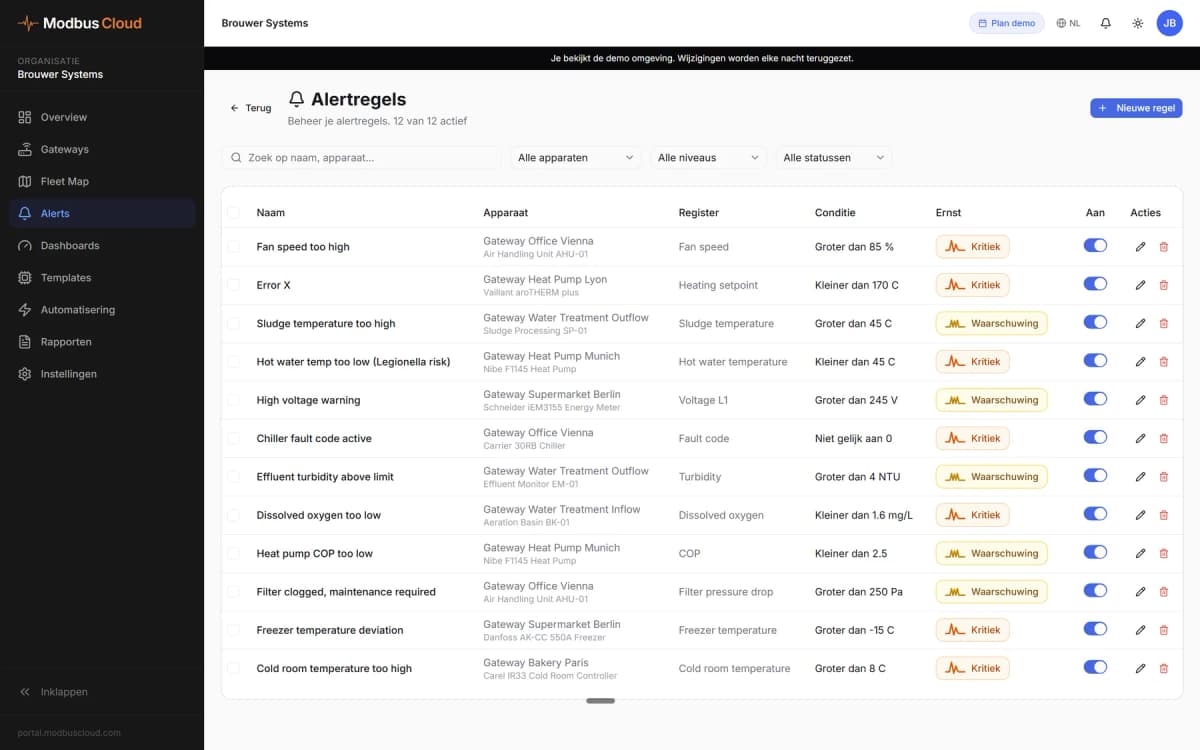
- Alerts A fault code becomes an email to you or the end user
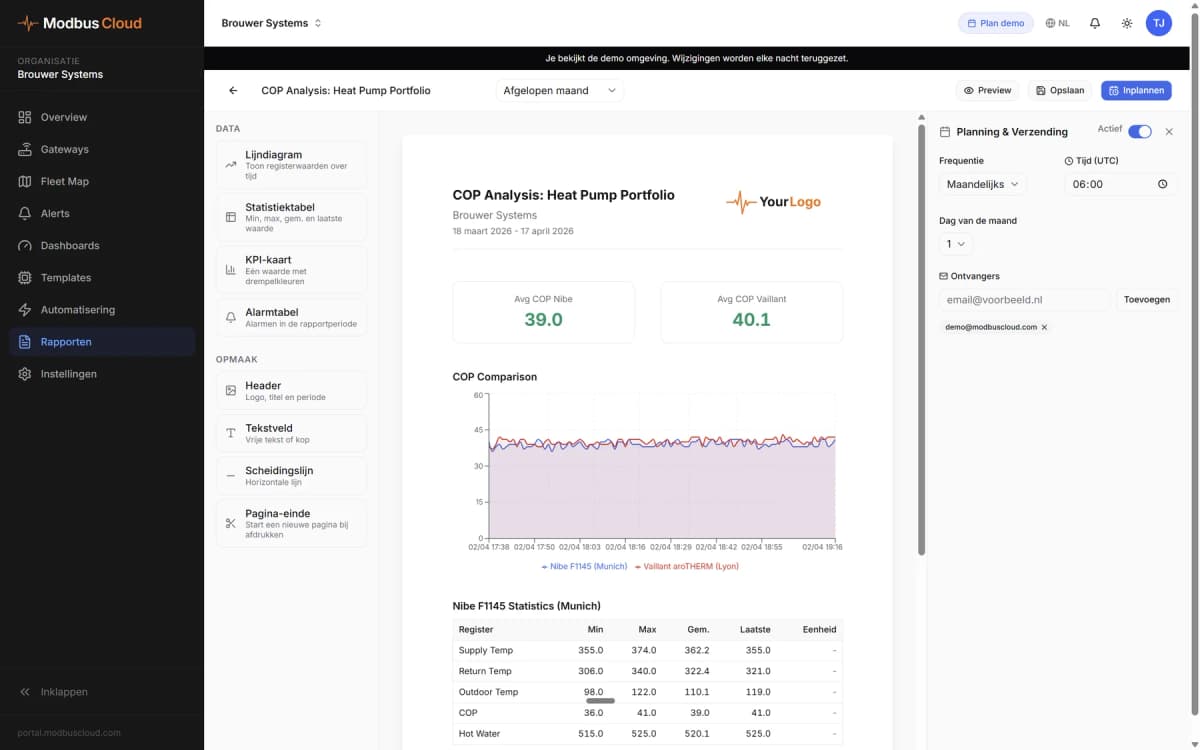
- Reports PDF reports and a weekly summary by email
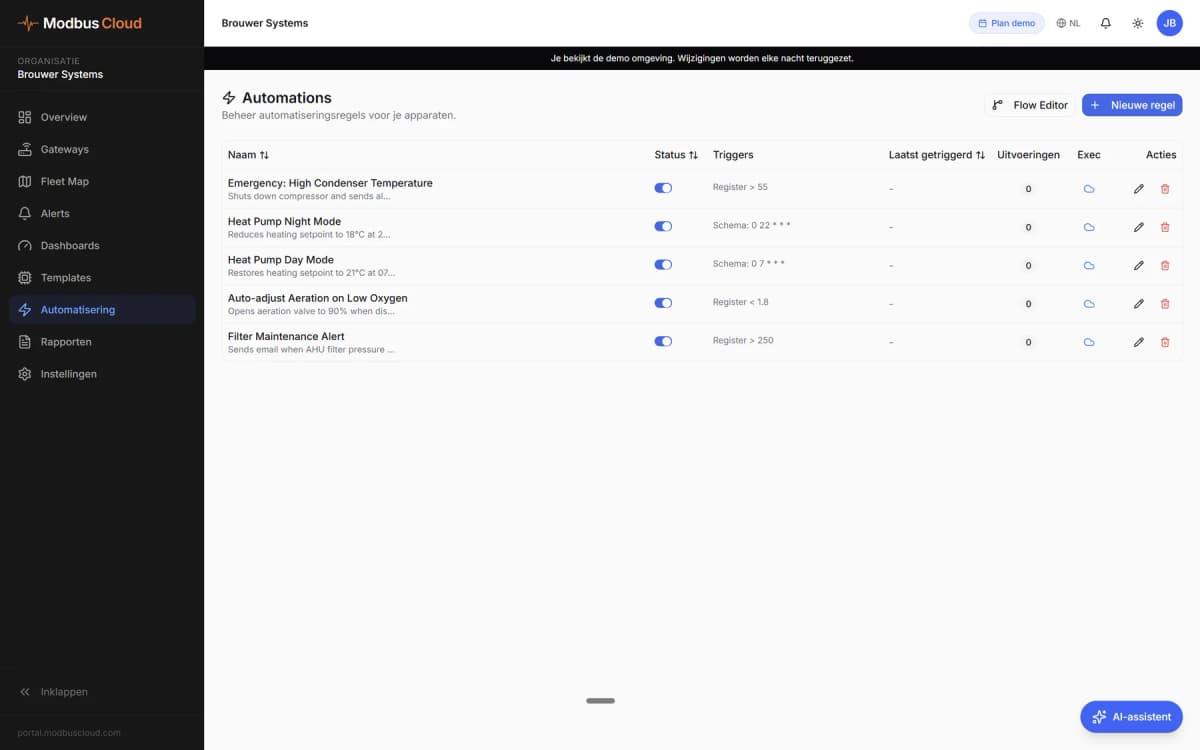
- Automation Write registers based on a reading, the time or the electricity price
- Dashboards Charts, gauges and status per customer or site
- White label customer portal Your customer's own portal, included
Want to see how it works?