







Add a Modbus device with the automatic scan
The gateway finds the energy meter with a scan in the portal.
The video as text
Intro and demo board
Welcome to ModbusCloud. My name is Lorenzo and today I will show you how the automatic Modbus scan works. Here you see the demo board and I will explain what you are looking at. 230 volts comes in here. Here it is converted to 12 volts to power the gateway. Here, 230 volts goes through to the energy meter and from the energy meter to the consumer. There is a Modbus RTU connection between the gateway and the energy meter.
Opening the portal
Now let's move to the computer. We'll pull up the portal. Once you are in the portal, navigate to the Gateways section. Under Gateways, click on the specific gateway you want to use, and then select Add Modbus device. We click on that, and there are three options. Option 1 is a custom template, for example from the manufacturer. Option 2 is the library, which is our own personal library.
Starting the automatic search
And then, number 3 is the process of searching. That is what we will explain today. Then we see various devices listed. That makes searching faster. If we don't select anything at all, then all available addresses will be scanned. However, if we specify just one energy meter, like we are doing here, and then click Search, it typically takes about one minute to complete the process. If we don't select anything, it takes about 2 to 3 minutes.
The scan result
Look, we can already see something happening. At this moment, we see one Modbus device. That is this one, the Eastron SDM120. It keeps searching, because it is checking if there are any more Modbus devices connected. Good to know, it searches via RTU, the wired version, and via Modbus TCP. We see that it is finished. Modbus device found, it says. Then, we can verify if this is indeed the correct one and examine exactly what values it provides. We also have the option to manually add other Modbus devices to the system.
Adding the device and choosing registers
We simply click on the Add button, and it has been successfully added. Finally, we navigate over to the overview page, and here it is. For this particular demonstration, I am going to focus solely on displaying the voltage, current, and power readings. After that, I will temporarily configure the system settings so that it refreshes and updates the data.
Creating a dashboard
every single second. Then we create a dashboard. And for the time being, I'll just go ahead and call it Heater. Then, we can move on to create a new widget. In this specific case, that widget is going to be the wattage. After that, we simply need to choose the register, select the Demo Gateway, and finally, pick the active power.
Heater on, live power
We can now see that it is consuming 0 watts, which is correct. It is turned off. Now we see the wattage increasing. And it can go even higher than that. That is exactly how you add new Modbus devices to your network using our automatic scan feature.
Adding manually and questions
It really is that simple. Do you want to add them manually? That is also possible. Have another question, or curious if your device can be connected? Send us an email and we will answer your question.
What the scan does
- The gateway searches its own RS485 bus (Modbus RTU) and the network it is connected to (Modbus TCP, port 502).
- A scan usually takes 1 to 2 minutes. Searching everything takes longer.
- While it searches, the gateway pauses its readings. Afterwards they resume by themselves.
- The gateway recognises devices with the template library stored on it. If a device is not in the library, we build the template free of charge as soon as we have its registers.
- A scan only reads. It does not change an address or any other setting on a device.
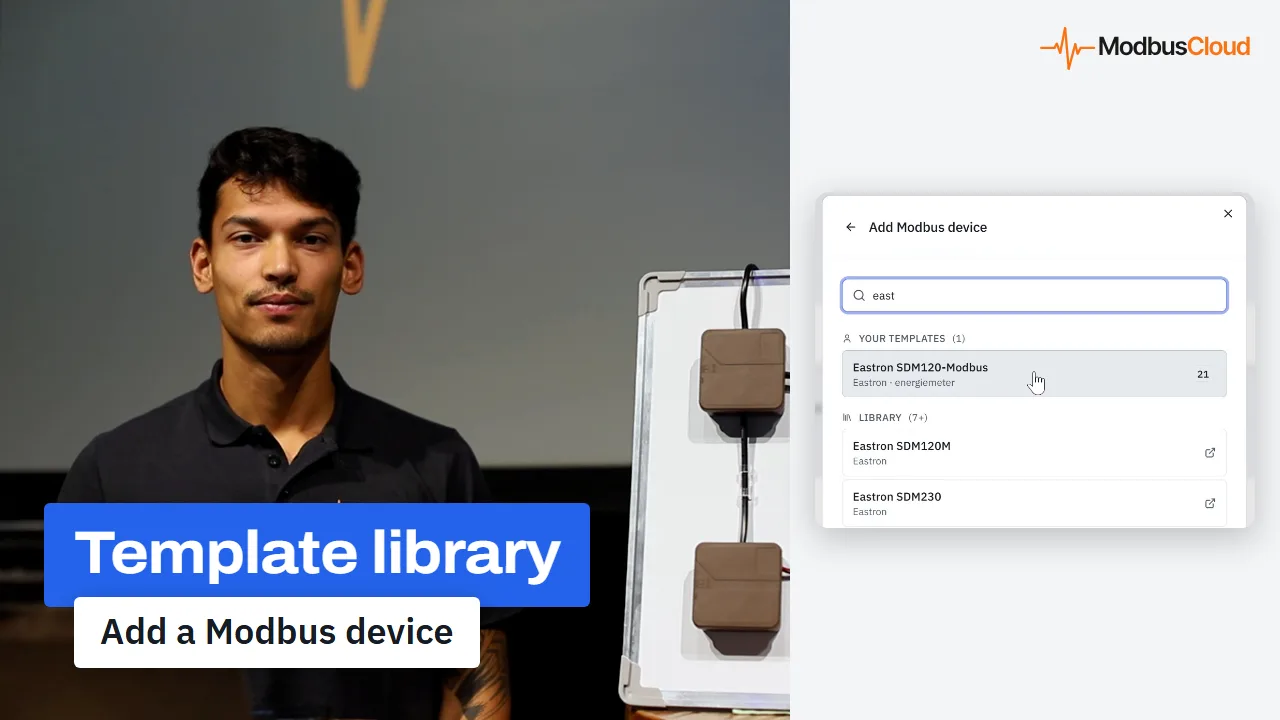
Add a Modbus device from the template library
In the second video you pick the Eastron SDM120 from the library yourself and set the address and the read interval.
Watch the videoWant to see how it works?
