Alerts for faults and thresholds
Set a threshold per register and choose who gets the email.
Want to see how it works?
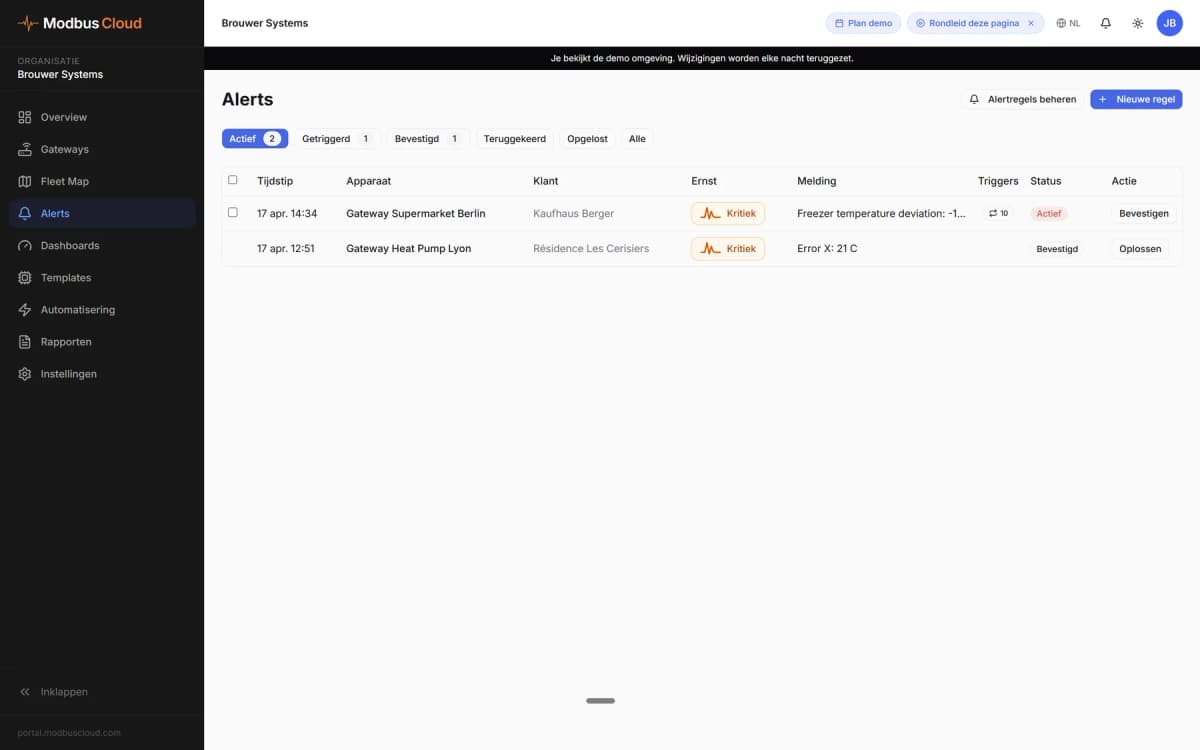
When an alert triggers
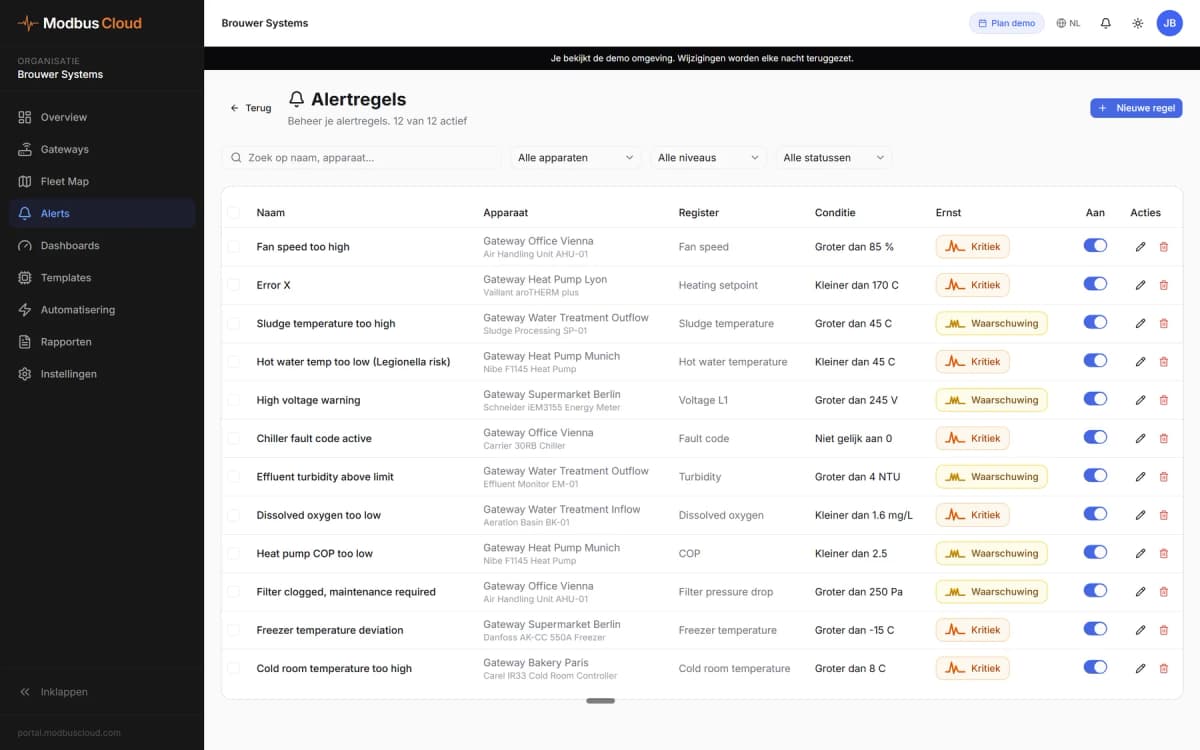
A rule compares a register value with a threshold.
- Threshold
- Greater than, less than, equal to or not equal to a value
- Fault
- Not equal to 0 on the fault code register catches every fault
- Offline
- An offline rule reports when a gateway goes offline and closes when it is back
- Severity
- Info, warning or critical
Alert ruleBakkerij De Wit
- Register
- Cold room 2 temperature
- Threshold
- Greater than −15 °C
- Severity
- Critical
- Email to
- You and the end user
Who gets the alert
For each rule, choose whether the email goes to you, the end user or both.
- Channels
- Email, a notification in the portal or a webhook to your own system
- Recipients
- Your organisation's alert list, extra addresses per rule and subscribers per gateway
- Quiet hours
- Per rule or for the whole organisation, for example from 22:00 to 07:00
- Repeats
- A minimum interval per rule between two emails, or one digest instead of separate emails
ModbusCloud06:12
Bakkerij De Wit - Koelcel 2 te warm
- Datum en tijd
- 5 okt. 2026, 06:12
- Klant
- Bakkerij De Wit, Zwolle
- Gateway
- Koelcellen De Wit
- Melding
- Koelcel 2 te warm
- Waarde
- −12,4 °C, groter dan −15 °C
The alert email with the measured value
The subject names the customer and the rule. Below it are the time, the gateway and the measured value.
In the portal, an alert is active, acknowledged, returned or resolved. The history shows who acknowledged it and when.
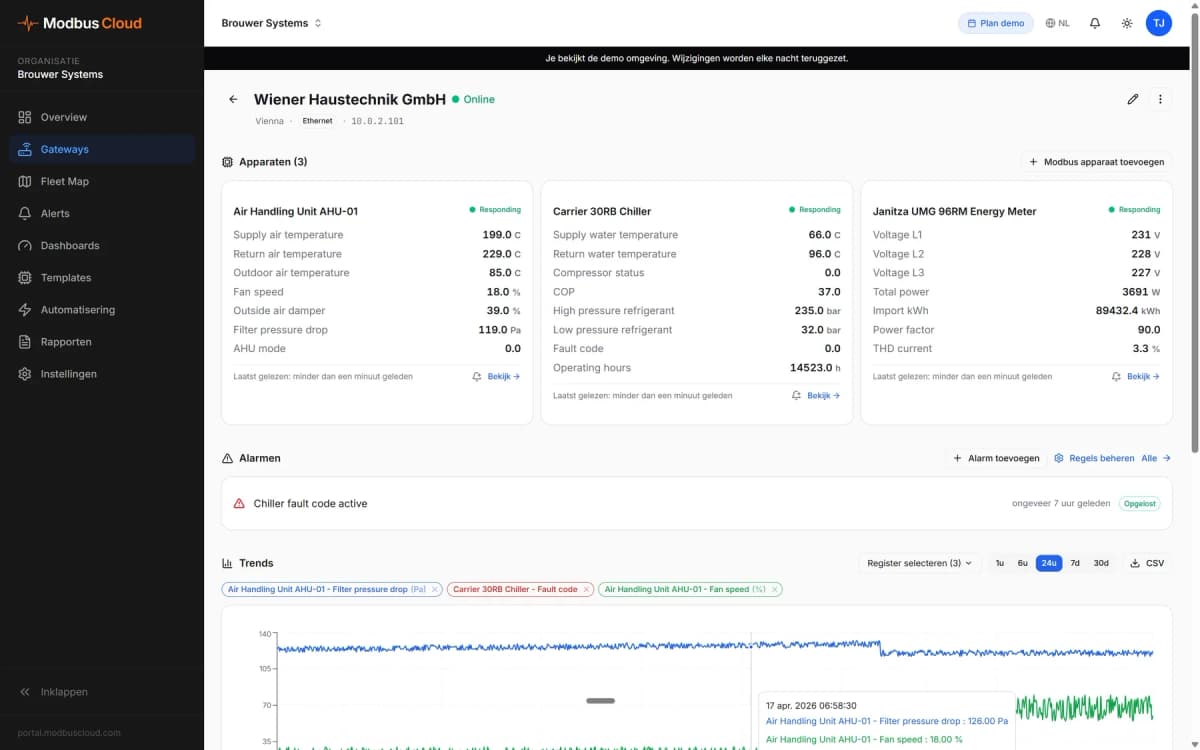
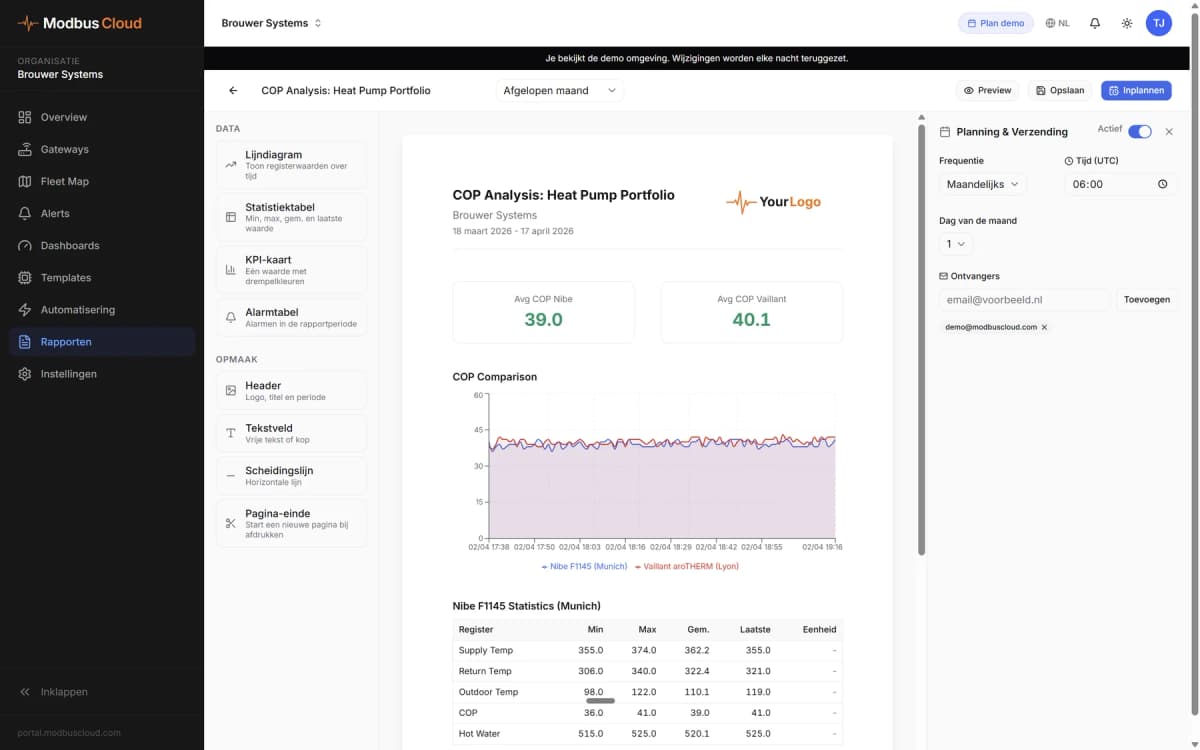
More in the portal
Want to see how it works?