

Support and warranty
We help by email, phone and WhatsApp, including with setting up your Modbus devices.
- Phone
- +31 85 333 4015
- +31 85 333 4015
Help with connecting and setting up
The library is on the gateway
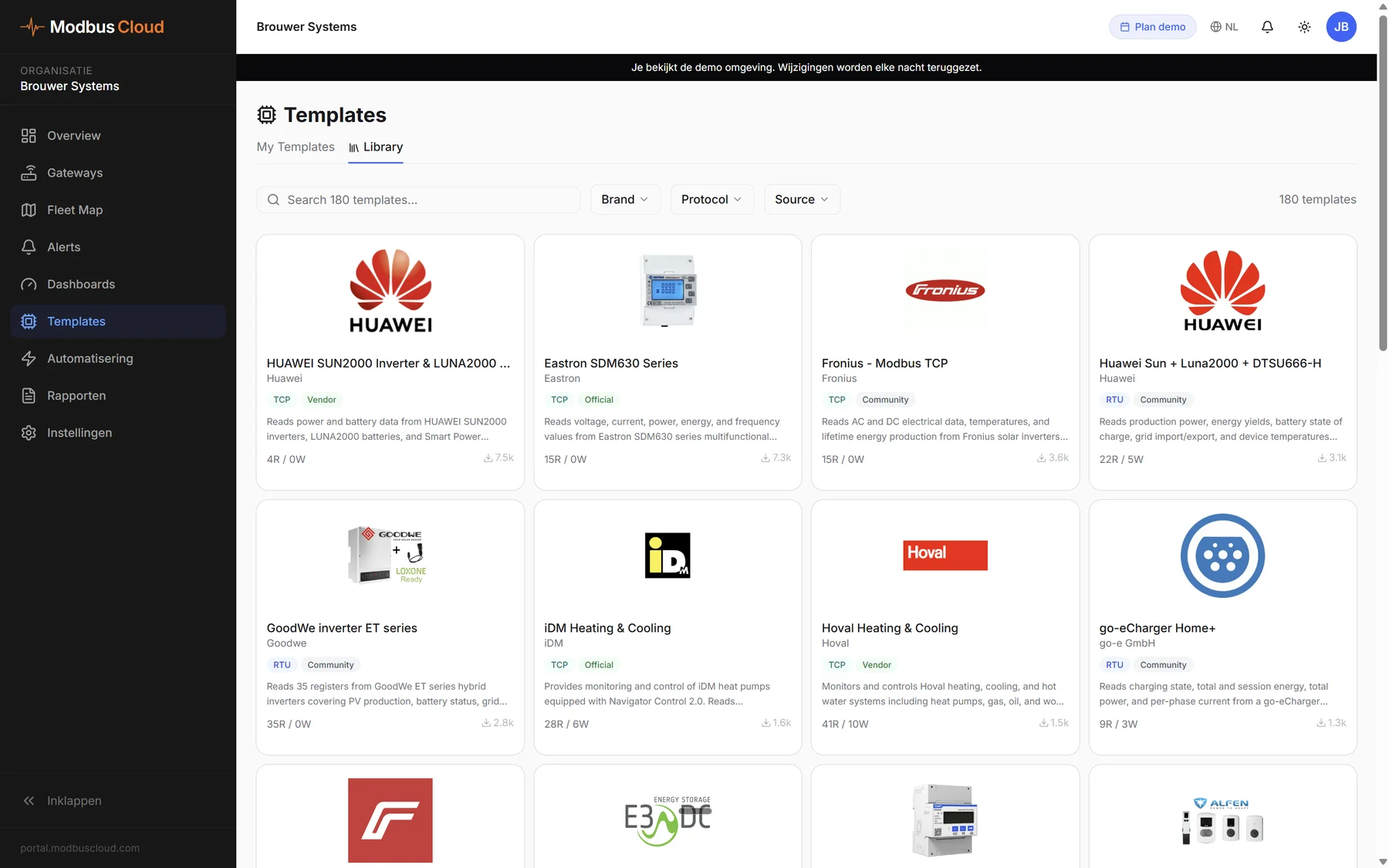
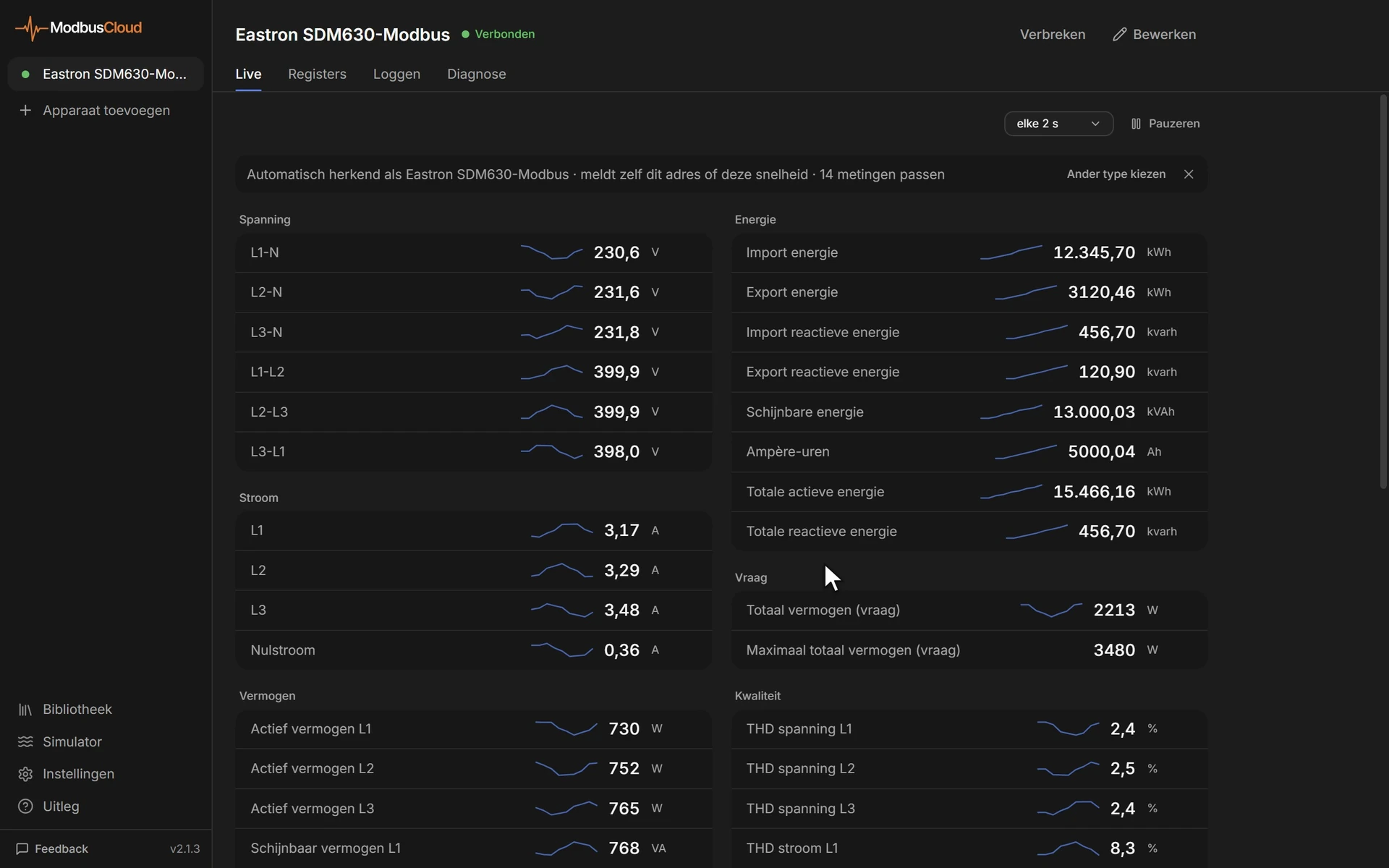
Start a scan in the portal and the gateway recognises any device from the library of 950 devices.
Browse the libraryFree template for a new device
If your device is missing, we build the template for free as soon as we have the register data. It is usually in the manufacturer's manual, so attach that to your email.
Remote help
We help with settings such as baud rate and Modbus address by email, phone or WhatsApp. You can also call or send a photo while you are on site.
+31 85 333 4015WhatsAppCheck the portal first
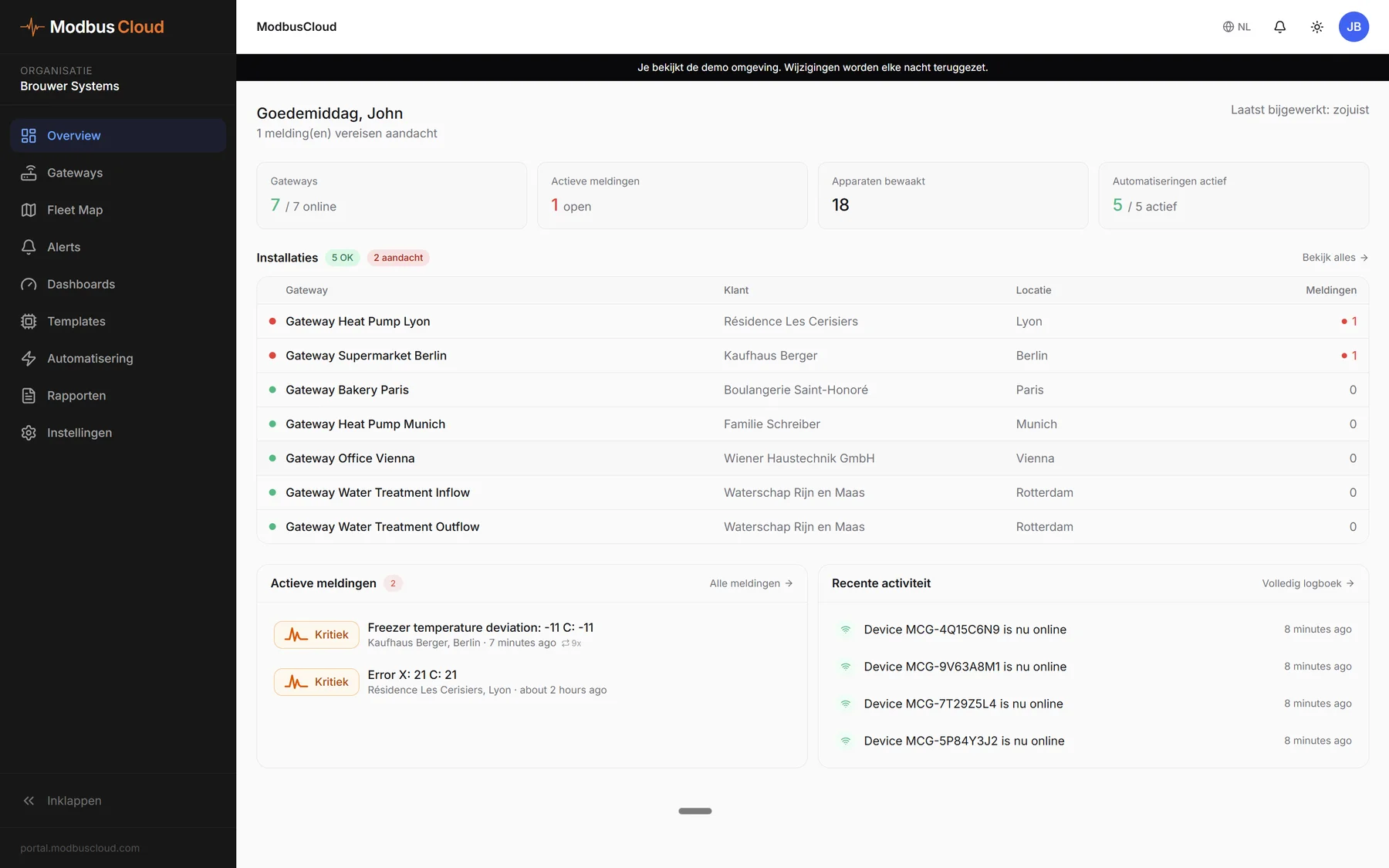
For each gateway you see whether it is online and when it last sent values. If a gateway goes offline, you get an alert.
100 days money-back guarantee
If the gateway fails to connect to a Modbus device from our template library, you return it and get your money back.
- Warranty
- Two years on the gateway.
- After that
- If the gateway breaks, you buy a new one. A one-off licence moves to the new gateway.
Downloads
Use Diagnostics to test a Modbus device from your laptop before the gateway is installed.
ModbusCloud Gateway manual
ModbusCloud Diagnostics
Free Modbus scanner for Windows and macOS. Detects the baud rate and address by itself over a USB-RS485 cable.
General
What is ModbusCloud?
A gateway and a portal. The ModbusCloud Gateway reads your Modbus devices and sends the values to the portal, where you see live values, alerts and history.
Who is ModbusCloud for?
For installers, manufacturers and operators with Modbus devices.
Who it's forCan my customer see the data too?
Yes. The end user gets their own login to the white label customer portal and only sees their own installations. You can also share a dashboard via a link.
What if the installation moves or is sold?
The gateway moves with it. After a move, you install it again. If the installation is sold, the buyer takes it over and nothing changes.
Do you offer support in English?
Yes. We help in Dutch, English and German.
Devices and setup
Does it work with my heat pump?
Yes, if your heat pump has Modbus RTU or Modbus TCP. The NIBE S and F series and the Daikin Altherma with the DCOM gateway are in the library. If your model is missing, we build the template for free as soon as we have the register data.
Does it also work with devices other than heat pumps?
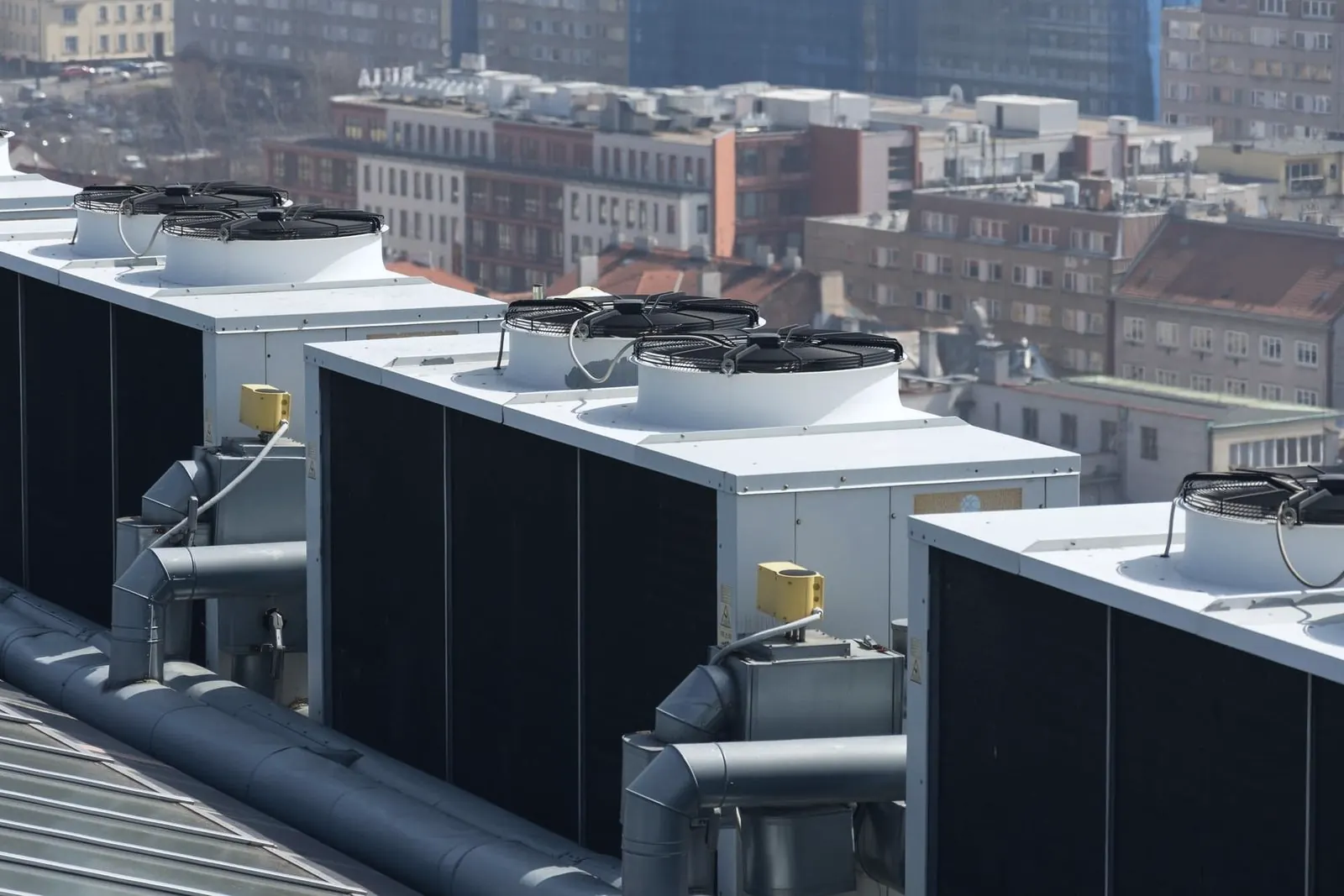
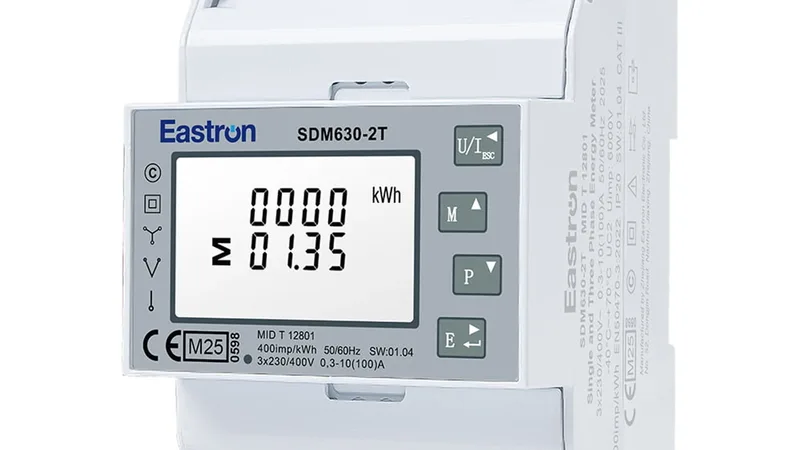
Yes. The gateway reads devices with Modbus RTU or Modbus TCP, such as energy meters, inverters, ventilation units, pumps and refrigeration systems.
Do I need Modbus knowledge?
No. The library is on the gateway and the scan recognises your devices. We can help with the baud rate and Modbus address by email or phone.
Do I have to configure the gateway myself?
No. After the scan, the devices from the library appear in the portal. You can always set things up yourself too.
Can I install the gateway myself?
Yes. Connect the devices and the power supply, enter the serial number in the portal and start a scan.
How many devices can I connect to one gateway?
Up to 32 Modbus devices per RS485 line. That is the electrical limit of the bus. There is no limit on the number of registers per device.
Do I pay for a new template?
No. If a device is not in the library, we build the template for free as soon as we have the register data. It is usually in the manufacturer's manual.
Do I have to go on site to change the configuration?
No. A change in the portal goes to the gateway automatically.
Connection and data
What if there is no internet on site?
The data goes over 4G. The SIM is already fitted.
4G data pricingWhat happens if the connection drops?
The gateway stores the readings and sends them once the connection is back. The portal accepts readings up to 7 days old.
Where is my data stored?
In the EU. The gateway sends to a server in Frankfurt and the data is stored in Ireland. We do not share the data with third parties.
How secure is the connection?
The gateway sends the data encrypted via MQTT over TLS. It sets up the connection itself, so you do not need to open any ports on the local network.
Want to see how it works?