

White label customer portal
Give every customer their own portal with your logo, colour and name. Included in the portal licence.
Want to see how it works?
What your customer gets
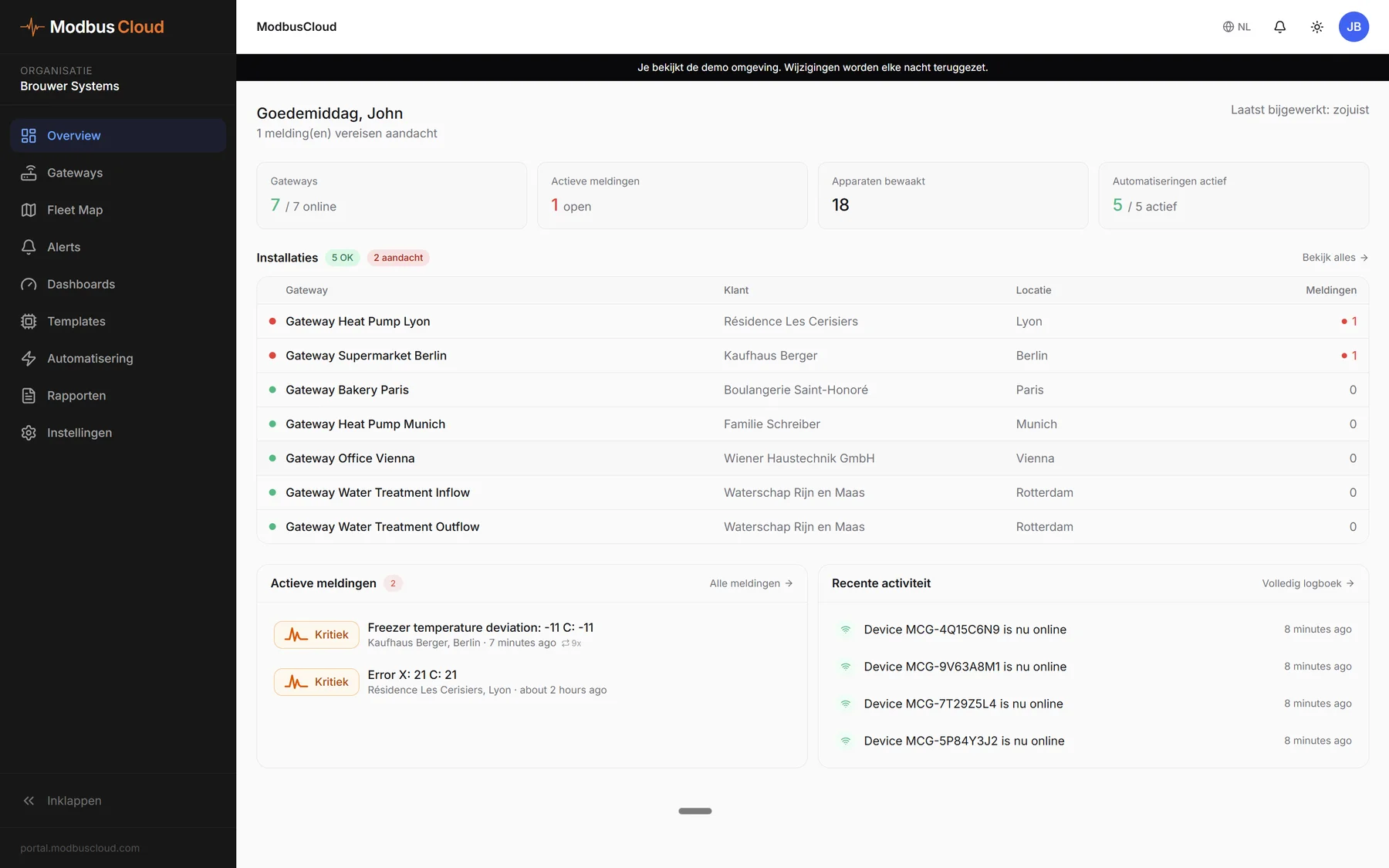
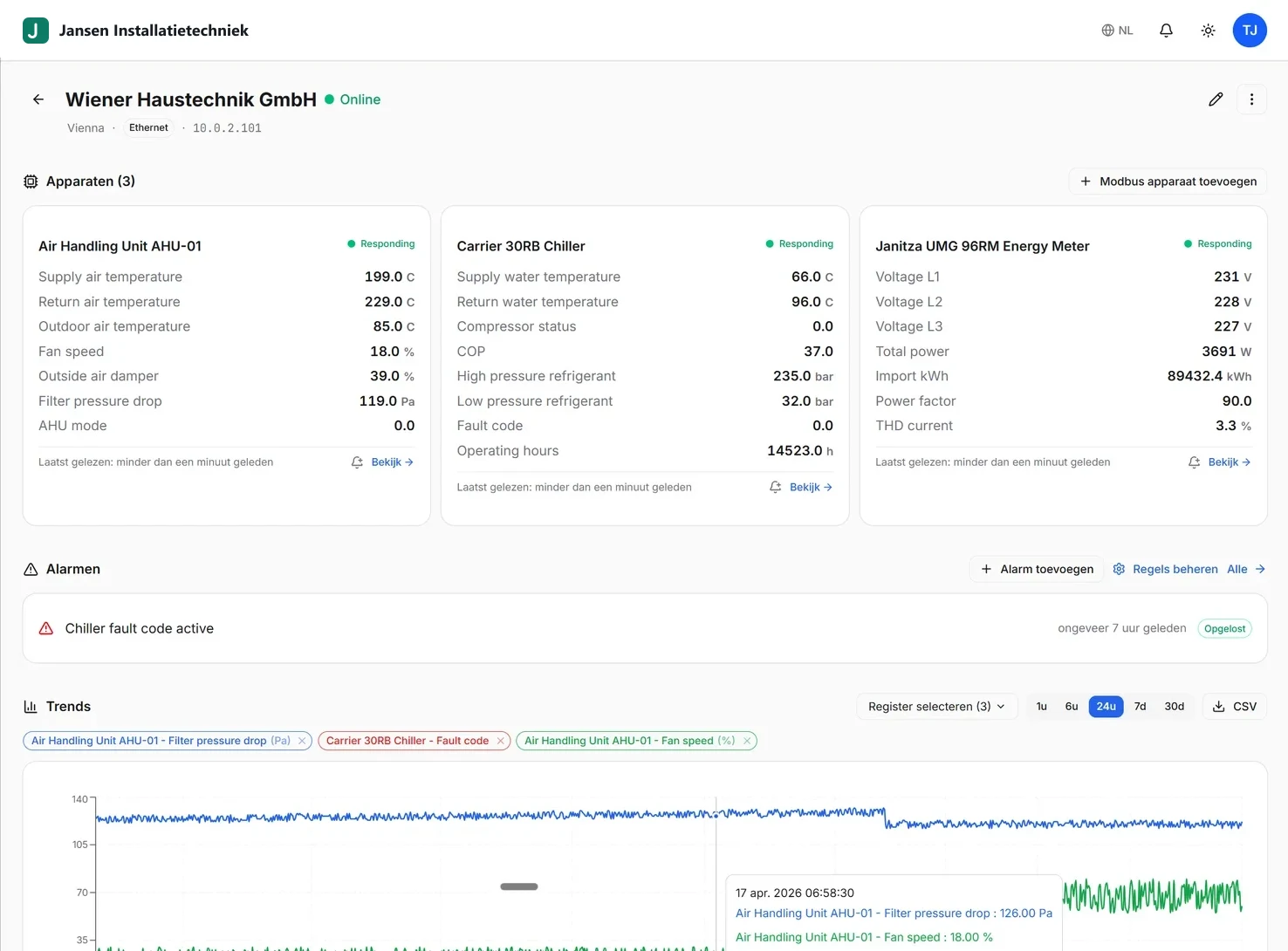
Their own subdomain on our neutral web address, with their own installation, alerts, dashboards and reports.
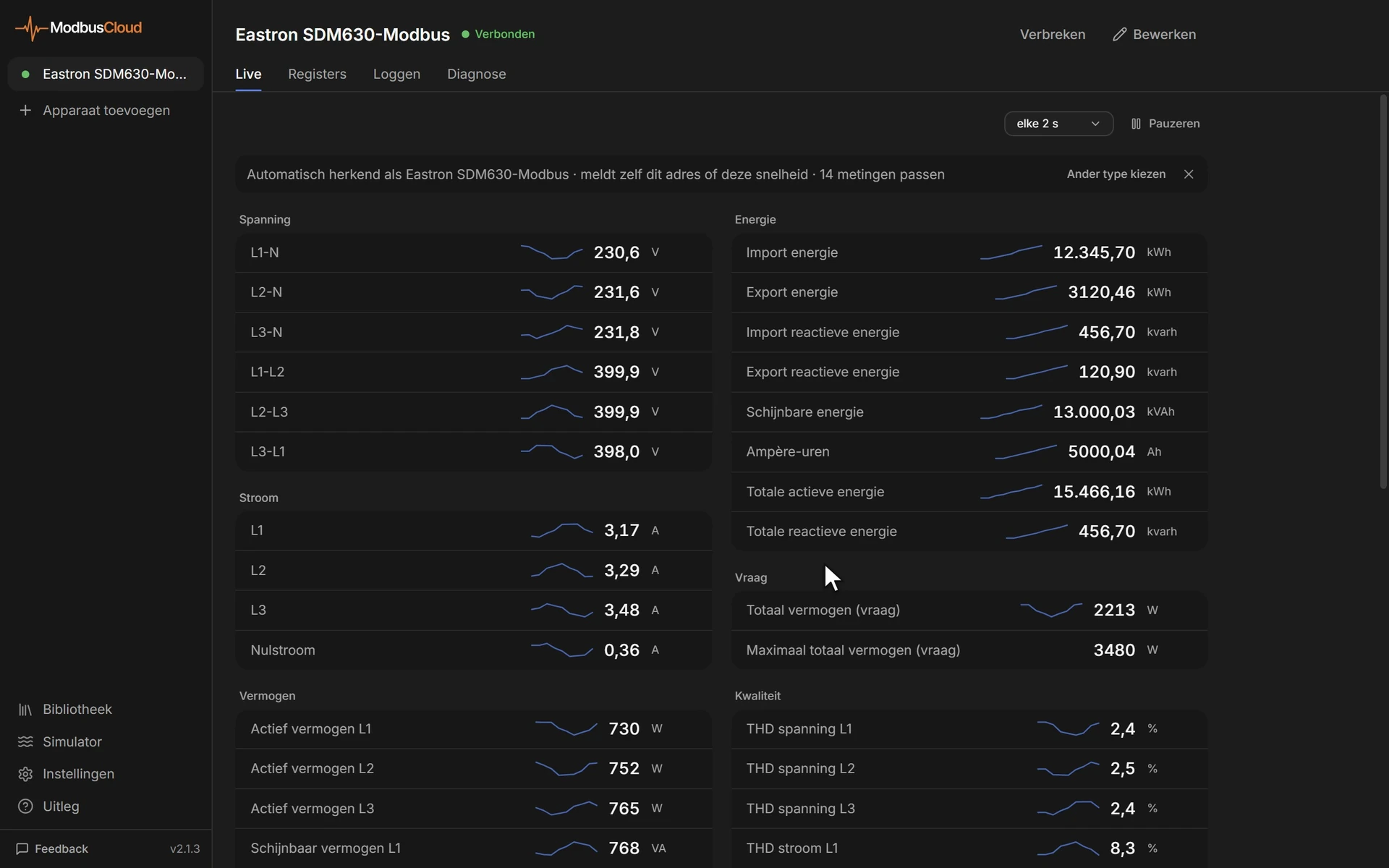
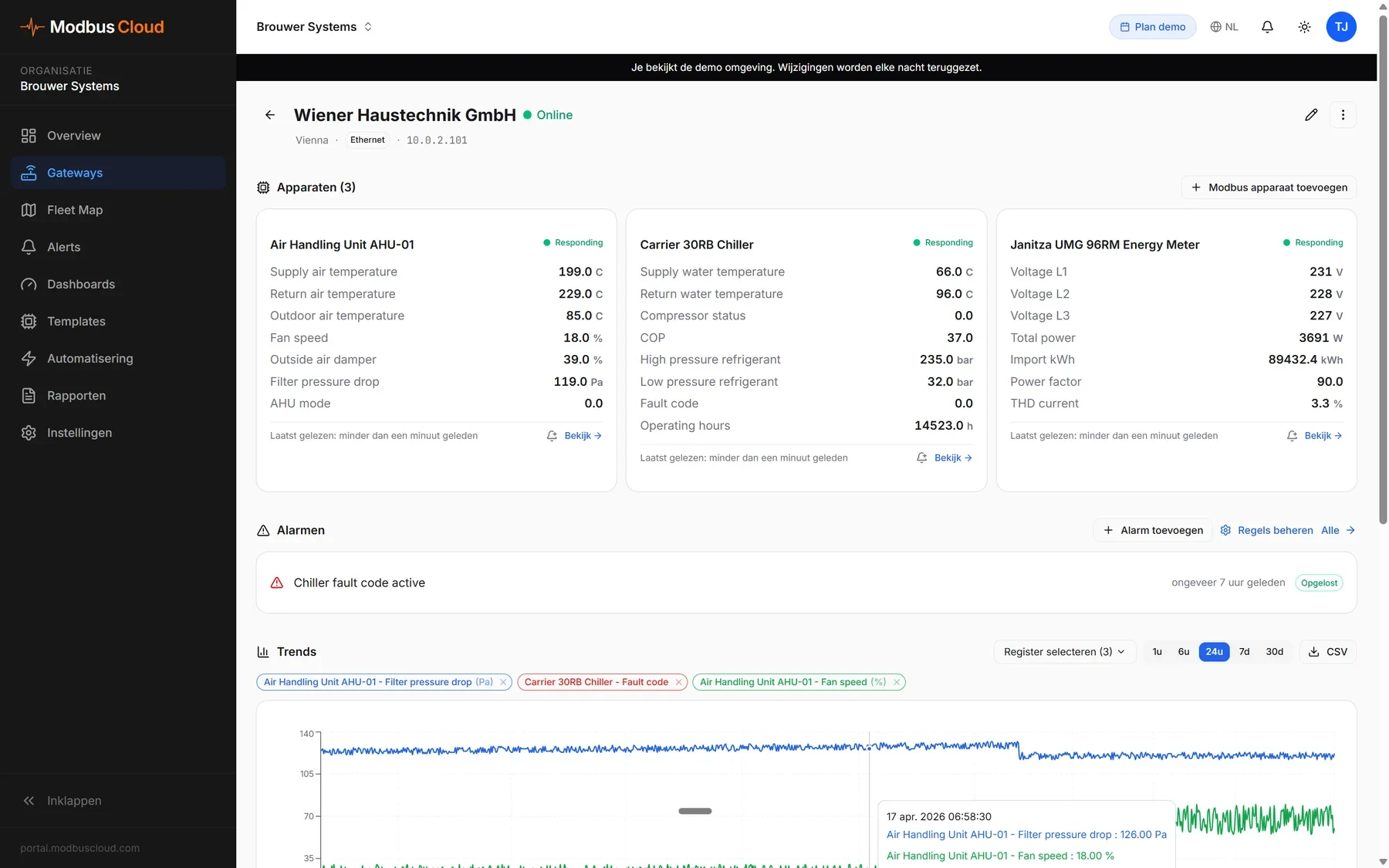
- Live values
- Values and charts from their own gateways and Modbus devices
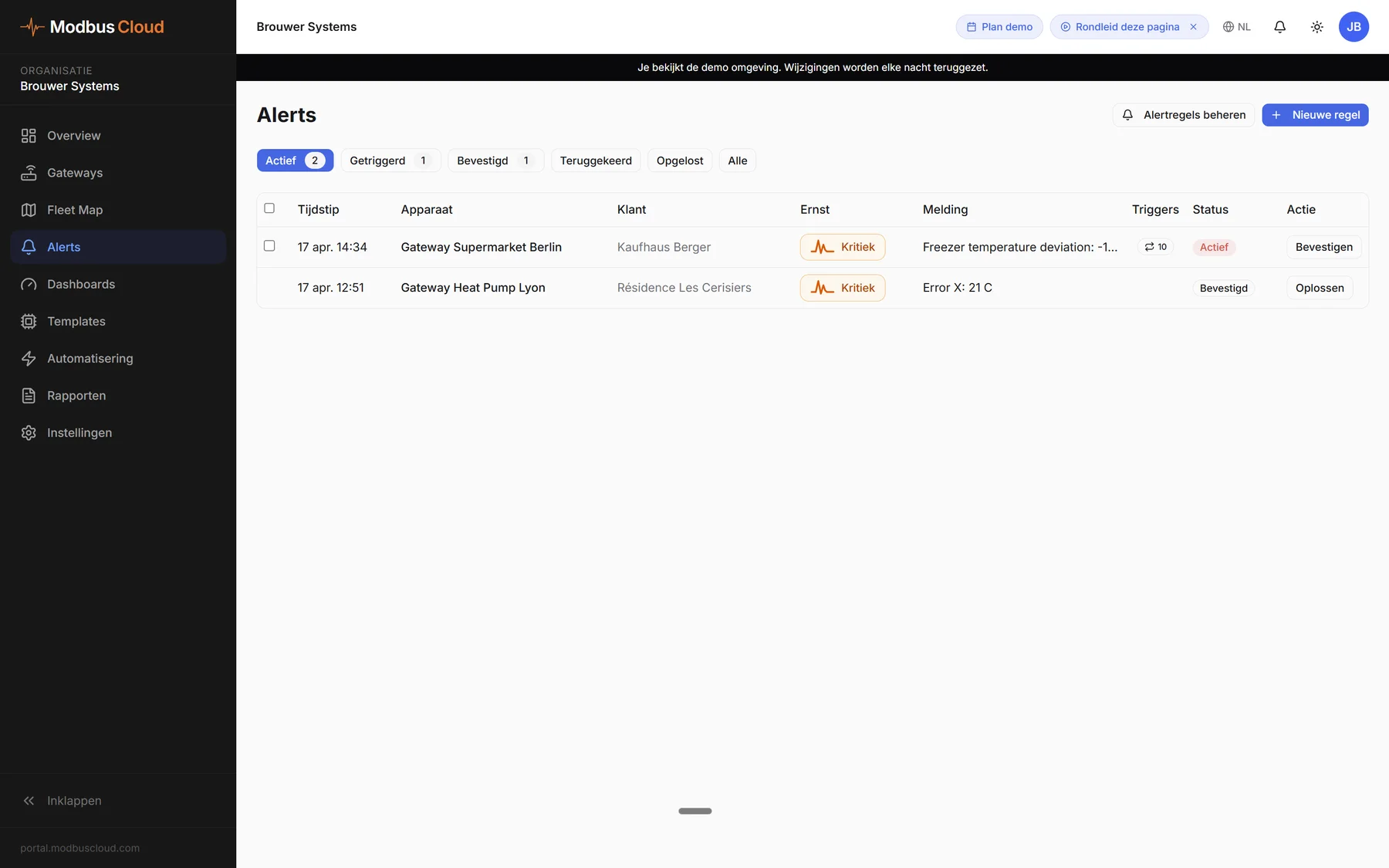
- Alerts
- The alerts you set up, and their own alert rules that email the customer directly
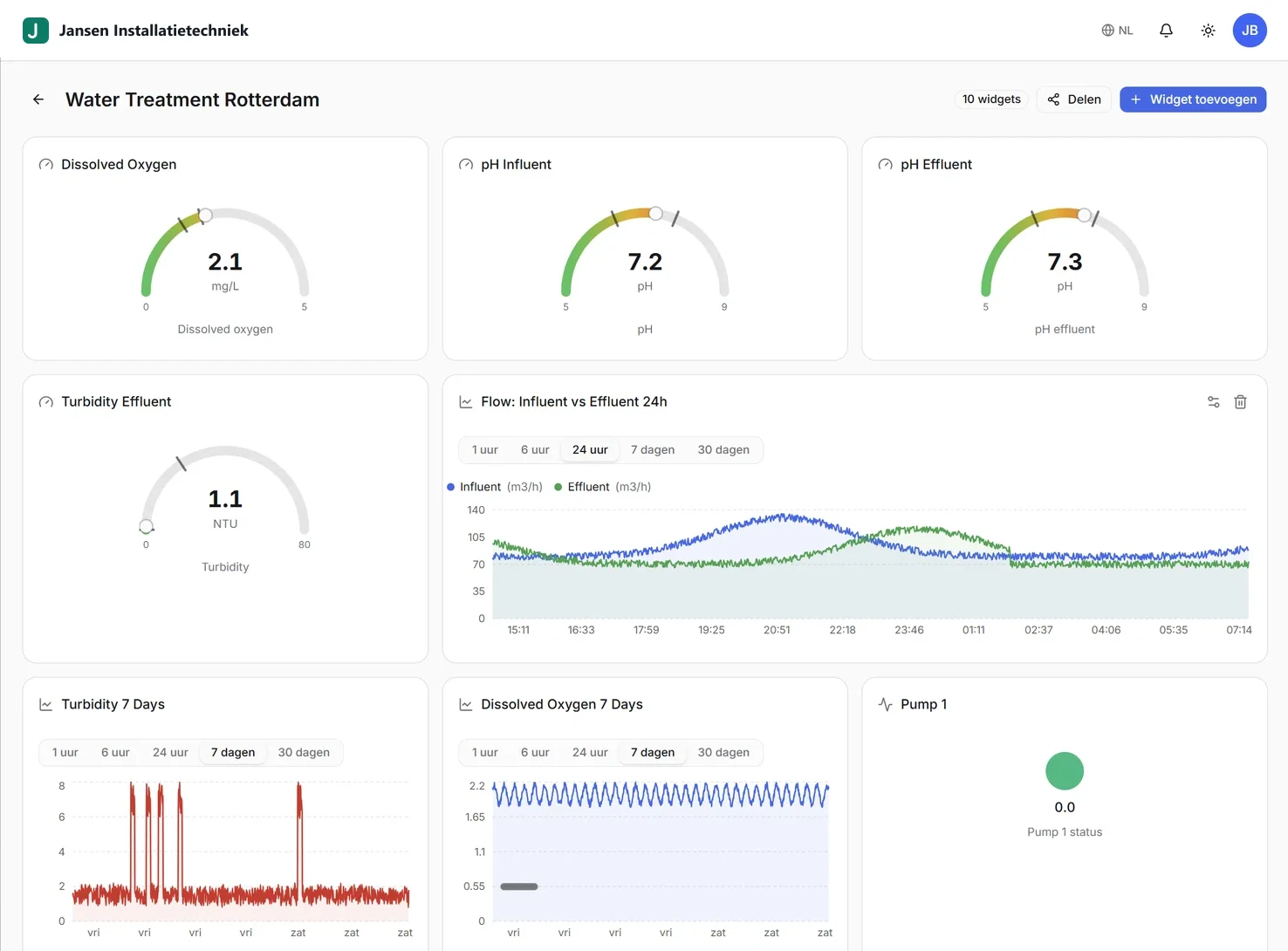
- Dashboards
- The dashboards you set up, and their own dashboards
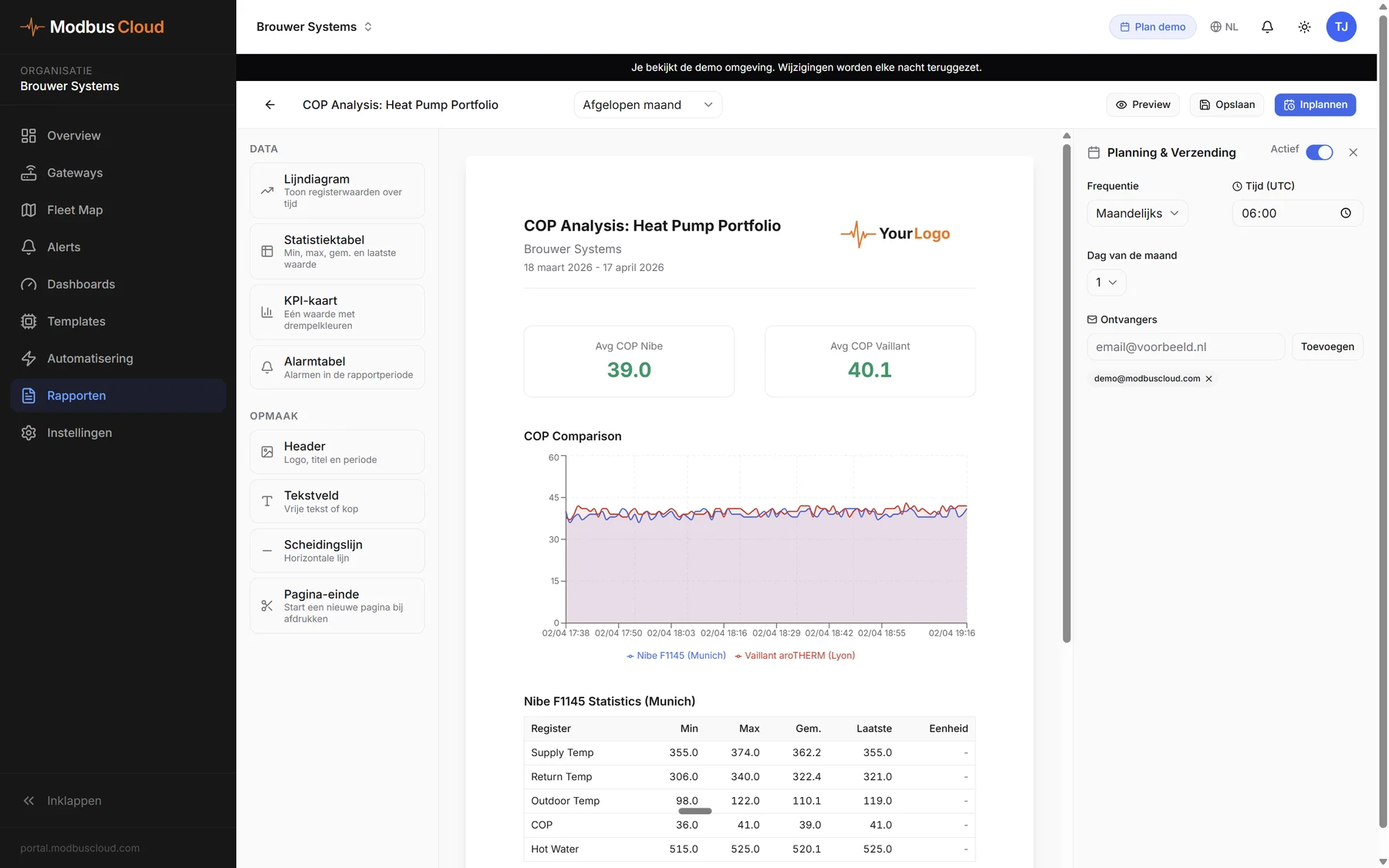
- Reports
- Reports you set up, saved as PDF, and their own reports sent automatically by email
- Colleagues
- Invite them, if you allow it
- Everywhere
- On phone and computer, in light and dark mode
What you control per customer
Switch the portal on for each customer with one click and choose the subdomain yourself.
- Branding
- Your logo for light and dark, brand colour, portal name, the icon in the browser tab and your contact details. Per customer you can also use the customer's own logo, for example a school's.
- Visibility
- On or off per gateway, per Modbus device and per register. Anything you add later is visible automatically.
- Permissions
- Creating their own alerts, dashboards or reports and inviting colleagues, on or off per customer
- Set up
- Read-only dashboards and reports that the customer can copy and adapt
- View as customer
- See exactly what your customer sees
- Overview
- Everything the customer does shows up in your portal. Their alert rules are marked.
- Switch off
- One click switches the portal off and ends all access
Smith Installations07:40
Brook Street Flats - Heat pump fault block A
- Date and time
- 5 Oct 2026, 07:40
- Location
- Brook Street Flats, Leeds
- Device
- Heat pump block A
- Alert
- Fault code active
- Value
- 21, not equal to 0
Fully white label
ModbusCloud does not appear in the web address, on the screen, in the browser tab or in the emails.
- Upload a logoFor light and dark backgrounds, or the customer's own logo
- Set your coloursYour brand colour in the portal and in the emails
- Name and iconYour portal name and the icon in the browser tab
- Contact detailsYour phone number and email address for the customer
- SenderEmails sent in your company name, in Dutch, English or German
- Invitation onlyNo open sign-up, no prices and no references to us
More in the portal
Want to see how it works?