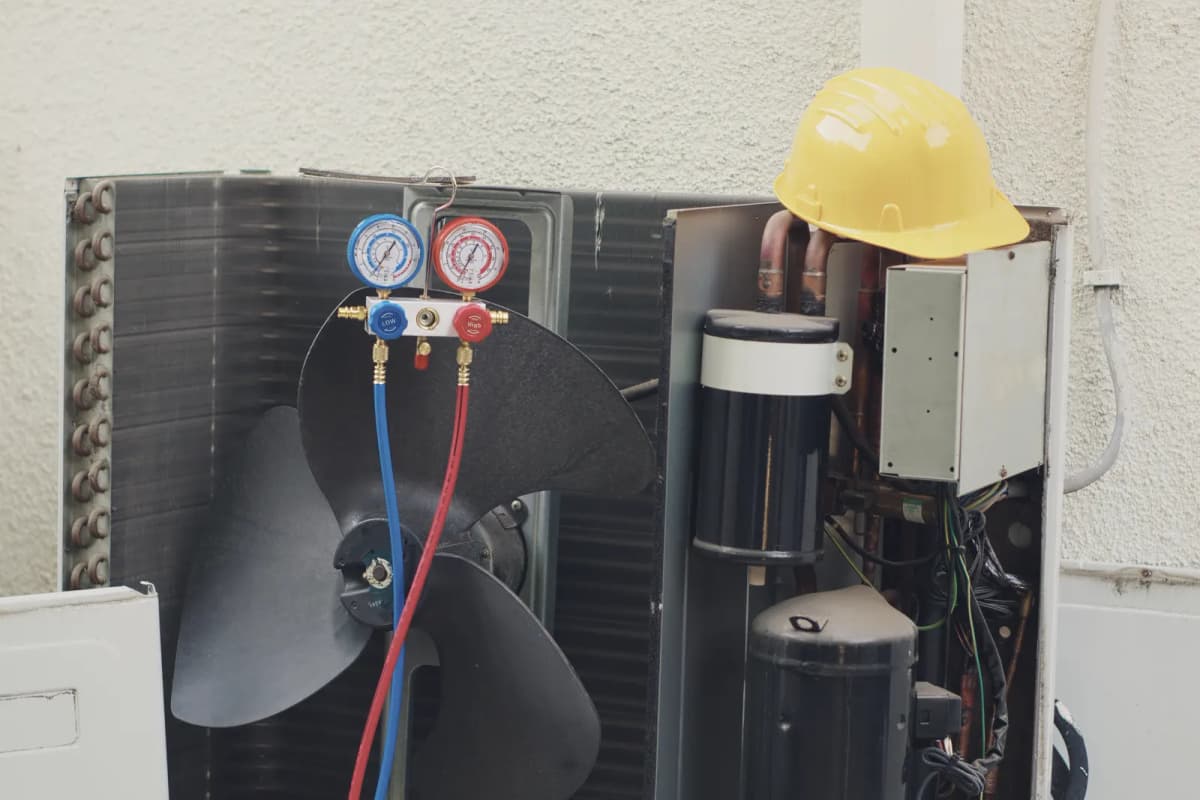
Write registers and automate switching
Change setpoints remotely, or switch based on a reading, the time or the electricity price.
Want to see how it works?
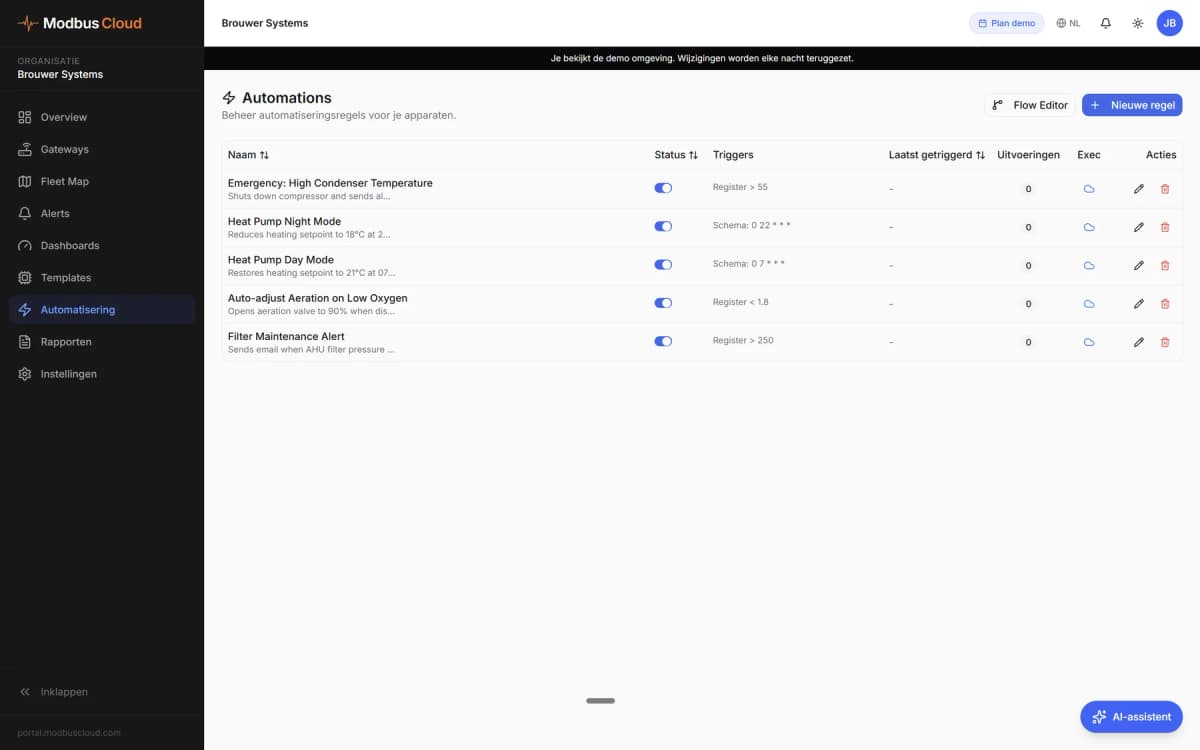
When a rule runs
A rule runs on a trigger, if its conditions are met.
- Reading
- A register value above or below a limit
- Time
- A fixed schedule, for example every day at 22:00
- Electricity price
- The dynamic electricity price
- Gateway
- The status of a gateway, online or offline
- Conditions
- A register value, a time window or a price window
RuleFamilie Schreiber
- Trigger
- Every day at 22:00
- Action
- Write register
- Register
- Heating setpoint
- Value
- 18 °C
What a rule does
You choose the action for each rule. Writing registers is enabled per organisation on request.
- Write register
- A setpoint, a mode or an on/off command on a Modbus device
- Webhook
- A message to your own system
- An email the moment the rule runs
- Manually
- Change a setpoint or mode yourself from the portal
RuleFamilie Schreiber
Heat the boiler when electricity is cheap
- Trigger
- Electricity price below your limit
- Condition
- Between 11:00 and 16:00
- Action
- Boiler setpoint to 65 °C
Switching based on the electricity price
A rule can respond to the electricity price.
For example, when the price drops below your limit, the rule raises the boiler setpoint. A time window limits this to the hours you choose.
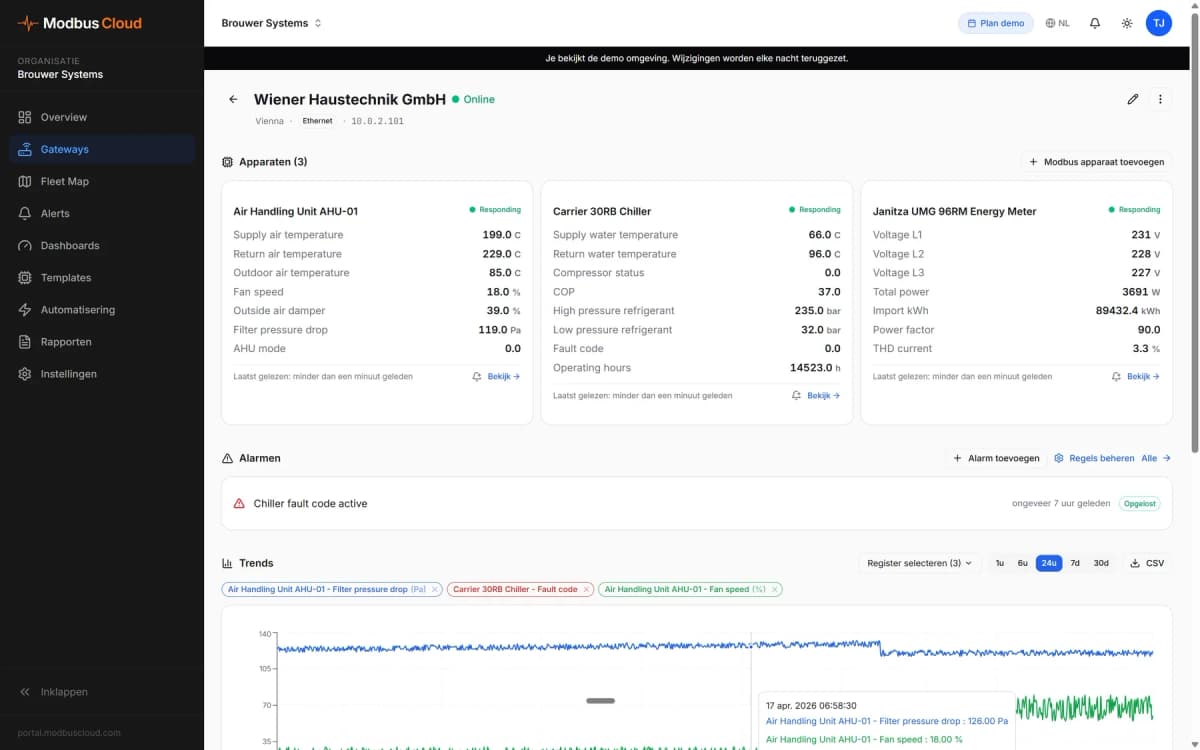
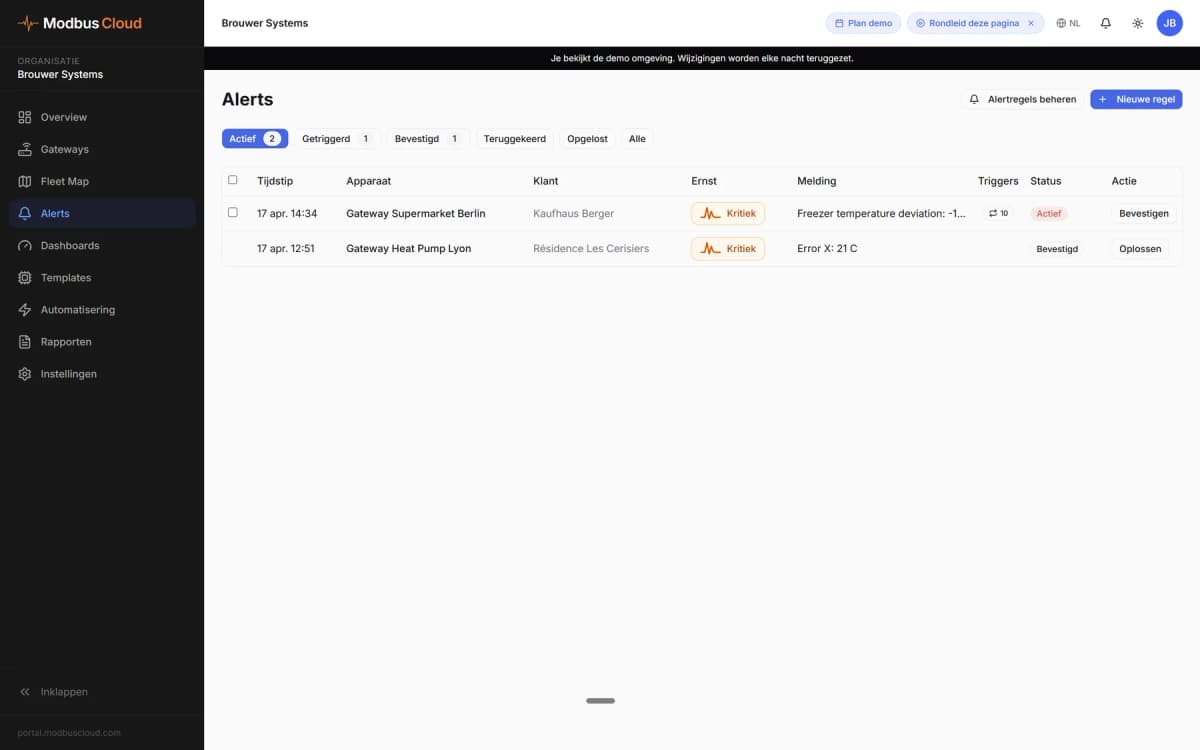
More in the portal
Want to see how it works?