

Modbus home automation integration guide
Modbus home automation explained: where Modbus fits beside KNX, BACnet, and EEBUS, the platforms that read it, and the five integration paths.
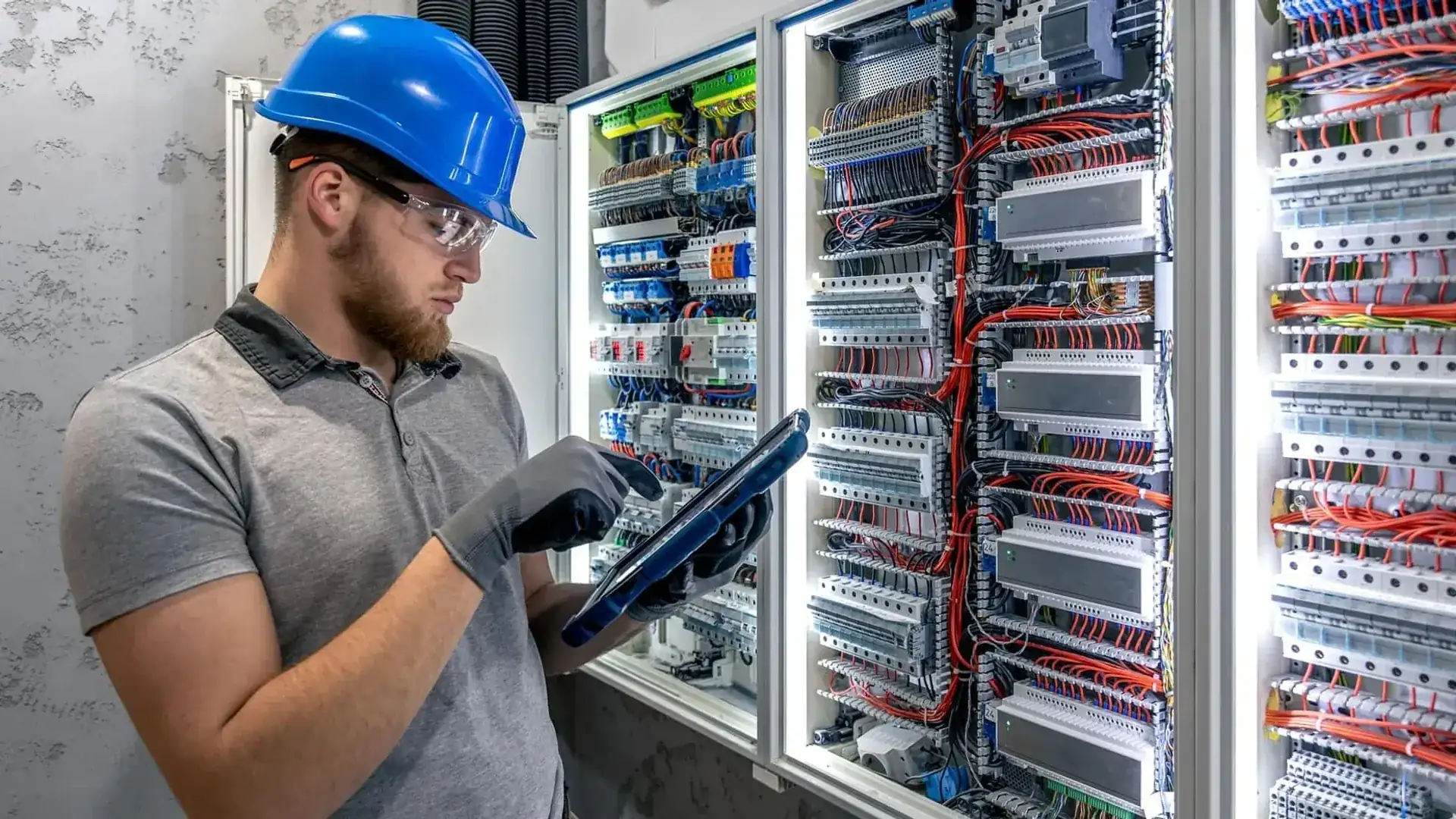
Modbus home automation is the use of the open Modbus protocol (RTU over RS485 or TCP over Ethernet) to read and control the wired devices behind a home or building, such as energy meters, heat pumps, inverters, EV chargers, and HVAC plant, so a controller, a building management system, or a cloud platform can see and steer them from one place. Modbus is rarely the top-level automation system. It is the field bus underneath it, and it is almost always bridged upward.
This pillar gives you the full map of Modbus home automation: what Modbus does in home and building automation, where it sits next to KNX, BACnet, EEBUS, and M-Bus, which platforms speak it, the five ways to integrate it, which devices expose it, and the pitfalls that cost installers a return visit. If you want the protocol basics first, start with what is Modbus.
Updated: August 2026.
Key takeaways
- Modbus home automation uses a wired field bus for meters and plant, not a room-automation system; it sits below KNX and BACnet and is bridged up to them.
- Every major platform reads it: Home Assistant, openHAB, Node-RED, Loxone, and commercial building management systems all have native Modbus support.
- There are five integration paths: native controller support, RTU-to-TCP gateway, protocol bridge, Modbus-to-MQTT, and cloud gateway.
- Most field problems are physical: slave addressing, RS485 termination, polling cadence, and exposing port 502 to the internet.
What is Modbus in home and building automation?
Modbus is an open, royalty-free, register-based protocol maintained by the Modbus Organization that lets one client (master) read and write 16-bit registers in field devices (servers or slaves). In a home or building it is the common language for measuring and controlling real plant: how much a meter counts, what a heat pump is doing, how much an inverter produces, whether a charger is drawing current.
Two variants matter. Modbus RTU runs over an RS485 serial bus, with up to 32 unit loads per segment, cable runs up to about 1,200 m, and up to 247 device addresses. Modbus TCP carries the same register model over Ethernet on TCP port 502. Many devices offer both. For a full comparison, see Modbus RTU vs Modbus TCP.
The reason Modbus survives in a world of newer protocols is simple. It is open, it is cheap to implement, and it appears on the datasheet of nearly every meter, inverter, heat pump, and controller sold in Europe. It does not do lighting scenes or user interfaces well. It does one thing reliably: expose device data as numbered registers that anyone can poll.
Free: RS485 and Modbus RTU installation checklist (PDF)
The pre-commissioning checklist for every RS485 bus. Print it and take it to site.
- Wiring order: A/B polarity, GND and shielding
- Termination and biasing, with the multimeter checks
- Communication settings crib sheet (baud rate, parity, stop bits)
- The 10 most common faults and how to spot them
We send you the checklist plus an occasional practical Modbus tip. No spam, unsubscribe anytime.
Where Modbus fits alongside KNX, BACnet, EEBUS, and M-Bus
In the layer model that building automation standards such as VDI 3814 and ISO 16484-5 describe, systems are stacked into three tiers: management, automation, and field. Modbus lives at the field layer, underneath the controllers and the supervisory system.
Each neighbouring protocol has its own role, and Modbus usually complements rather than competes with them.
| Protocol | Standard | Home role | Building role | Meets Modbus via |
|---|---|---|---|---|
| Modbus RTU/TCP | modbus.org | Meters, inverters, heat pumps, chargers | Field bus, sub-metering, plant | Native |
| KNX | ISO/IEC 14543-3 | Wired lighting, blinds, HVAC | Room automation | KNX-to-Modbus gateway |
| BACnet | ISO 16484-5 / ASHRAE 135 | Rare in homes | Dominant BMS backbone | RTU-to-BACnet/IP gateway |
| EEBUS | EEBUS Initiative | Home energy management | Grid-serving flexibility | HEMS or gateway translates |
| M-Bus | EN 13757 | Utility metering | Sub-metering | Bridged alongside Modbus |
| Zigbee / Matter | CSA | Wireless consumer devices | Light commercial | Controller level, not a peer |
The positioning line to remember: Modbus is the wired field bus for measuring and controlling plant, KNX and BACnet are the automation backbones, and EEBUS and Matter are energy and consumer application layers. When you need Modbus data inside a KNX project, you use a KNX to Modbus gateway. When the building runs on a BACnet BMS, you bridge Modbus into it, a choice covered in BACnet vs Modbus.
Why EEBUS does not replace Modbus
EEBUS gets framed as a Modbus killer for energy devices, but the two solve different problems. Modbus supplies the raw device readings. The EEBUS Initiative standard handles grid-serving energy management, steering flexible loads through a home energy management system (HEMS). A gateway or HEMS translates between them.
Modbus home automation platforms: Home Assistant, openHAB, Loxone, and BMS
An integration platform is the software or controller that becomes the Modbus client, polls the field devices, and turns their registers into entities, dashboards, and automations. Across the home side and the building side, five families dominate the Modbus home automation landscape.
Home Assistant is the centre of gravity for the home market. Its native Modbus integration handles both RTU and TCP, and its community is the largest source of Modbus configuration examples online. See the dedicated Home Assistant Modbus integration guide for the YAML detail.
openHAB is the Java-based alternative with a mature Modbus binding, favoured by more advanced DIY integrators. Node-RED is flow-based glue, commonly used to poll Modbus and republish to MQTT or stitch systems together.
Loxone is a proprietary European home and building controller with a Modbus extension, popular for whole-house projects where one vendor owns the logic. Commercial building management systems such as Schneider EcoStruxure, Siemens Desigo, Honeywell, Johnson Controls Metasys, Wago, and Beckhoff all consume Modbus, either directly or through a Modbus-to-BACnet gateway.
Five ways to connect Modbus devices
This is the core of any integration decision. There are five paths from a Modbus device to the system that will use its data, and picking the right one is mostly about where the controller lives and how many sites you run.
Native controller support is the simplest: the controller speaks Modbus itself, so you wire the device and configure registers. Use it when a single controller sits on-site and can reach the bus.
RTU-to-TCP gateway puts a serial RS485 bus onto the LAN so a TCP-only controller can poll it on port 502. This is the classic path for a BMS or an off-site controller, and the Modbus gateway buyer guide helps you pick hardware.
Protocol bridge exposes Modbus devices as native KNX or BACnet objects, so they appear inside an existing automation topology rather than as a separate system. Modbus-to-MQTT maps registers to MQTT topics, decoupling polling from the controller. It scales well and is the dominant pattern in the Home Assistant community.
Cloud gateway reads the bus locally and pushes the data encrypted to a cloud platform over 4G or Ethernet. This is the path for portfolios: many sites, one dashboard, alerting across all of them. The ModbusCloud Gateway follows this pattern, converting Modbus RTU and TCP into encrypted MQTT.
| If your situation is... | Use this path |
|---|---|
| One on-site controller, short bus | Native controller support |
| TCP-only controller or BMS, serial devices | RTU-to-TCP gateway |
| Existing KNX or BACnet installation | Protocol bridge |
| Home Assistant, many devices, scaling | Modbus-to-MQTT |
| Multiple sites, remote alerting | Cloud gateway |
Which devices speak Modbus
Modbus shows up on almost every category of measurable, controllable plant in a modern building. That is what makes it the integration hub rather than a niche bus.
- Energy meters from Eastron, Carlo Gavazzi, Janitza, and Schneider expose voltage, current, power, and cumulative energy.
- Heat pumps from Daikin, NIBE, Viessmann, and Vaillant expose flow and return temperatures, modulation, and fault codes, covered in heat pump Modbus monitoring.
- Solar inverters from SMA, Fronius, SolarEdge, and Huawei expose production and status, covered in solar inverter Modbus monitoring.
- EV chargers expose current and session data, often alongside OCPP, for load management.
- HVAC and refrigeration: air handling units, VRF systems, thermostats, and Carel or Danfoss refrigeration controllers all commonly speak Modbus.
The practical upshot: if a building has meters, a heat pump, an inverter, and a charger, one Modbus home automation bus and one client can read the lot. That is why the pillar treats device integration as a single problem, not four.
When to use Modbus, and when to bridge
Use Modbus directly when you are measuring or controlling plant and a controller can reach the bus. It is the cheapest, most open way to get real device data, and it is vendor-neutral. Read a meter, poll a heat pump, drive an inverter setpoint: Modbus is the default.
Bridge to another protocol when the top-level system is not Modbus. If the building runs a BACnet BMS, bridge Modbus into BACnet so the operator sees one system. If the home runs KNX, use a KNX-to-Modbus gateway so a meter appears as a KNX object. If you are decoupling polling or feeding a cloud, bridge to MQTT.
Avoid Modbus as the automation backbone. It has no native discovery, no standard object model beyond registers, and no built-in security. For room automation, scenes, and user interaction, KNX or a proper BMS is the right tool. Modbus feeds them; it does not replace them.
Common installer pitfalls
Most Modbus integration failures are not protocol problems. They are physical-layer and configuration mistakes that a checklist prevents.
Slave addressing. Every device on an RS485 bus needs a unique address between 1 and 247. Two devices sharing an address produce garbled replies that are hard to trace. Document the address map in the project file before you power up.
RS485 termination. Place one 120 ohm resistor at each of the two physical ends of the bus, and nowhere else. Missing or extra termination causes reflections and CRC errors, especially on longer runs. The RS485 wiring guide covers this in depth.
Polling cadence. Match the interval to how fast the value changes. A heat pump compressor state settles over minutes, so polling it every second only adds bus load. An inverter current changes constantly. Set polling per device class, not one global rate.
Port 502 exposure. As the warning above states, keep Modbus local. For remote access across sites, a cloud gateway that pushes outbound over an encrypted channel is both safer and simpler than opening inbound ports.
Baud rate and parity mismatch. Every device on one RS485 segment must share baud rate, data bits, parity, and stop bits. A common default is 9600 baud 8N1, but confirm each datasheet.
Frequently asked questions
How do I integrate Modbus with Home Assistant?
Home Assistant has a native Modbus integration for both RTU and TCP. You connect an RS485 dongle or a Modbus TCP gateway, then define the hub and registers in configuration YAML. Each register becomes a sensor, switch, or climate entity. See our Home Assistant Modbus integration guide for the full setup.
Are RS485 and Modbus the same thing?
No. RS485 is a physical electrical layer with two signal wires and a common reference. Modbus RTU is the application protocol that runs on top of it. Modbus TCP runs over Ethernet instead. A device with an RS485 port may or may not speak Modbus, so always verify from the datasheet.
Can you run Modbus over Ethernet?
Yes. Modbus TCP carries the same register model as Modbus RTU over standard Ethernet, using TCP port 502. Many devices support both RTU and TCP. An RTU-to-TCP gateway lets a serial RS485 device be reached over the LAN, which is common when a controller or BMS only speaks Modbus TCP.
Can BACnet and Modbus be used together?
Yes, through a gateway. BACnet is the dominant building management backbone, while Modbus is the field bus for meters and plant. A Modbus RTU-to-BACnet/IP gateway exposes Modbus registers as BACnet objects, so the BMS operator sees one system. This is the standard way to bring Modbus devices into a BACnet building.
When should you not use Modbus?
Avoid Modbus as your top-level automation system. It has no device discovery, no standard object model beyond registers, and no built-in security. For lighting, scenes, and user interfaces, use KNX or a BMS. Use Modbus for measuring and controlling plant, then bridge it up to the automation layer.
Is Modbus still relevant today?
Yes. Modbus appears on the datasheet of nearly every meter, inverter, heat pump and controller sold in Europe in 2026. Newer protocols such as EEBUS and Matter coexist with it rather than replace it. Modbus remains the open, vendor-neutral default for reading and controlling field devices.
Next step
You now have the full map of Modbus home automation: Modbus as the field bus, its place beside KNX, BACnet, and EEBUS, the platforms that read it, the five integration paths, and the pitfalls to avoid. The next decision is which path fits your project, from a single on-site controller to a cloud gateway spanning many sites. The Modbus gateway buyer guide linked above helps you match hardware to that choice.