

Solar inverter monitoring with Modbus, installer guide 2026
Solar inverter monitoring with Modbus: read SMA, Fronius, KOSTAL, Huawei and SolarEdge via SunSpec, which registers matter and how a vendor neutral fleet view works.
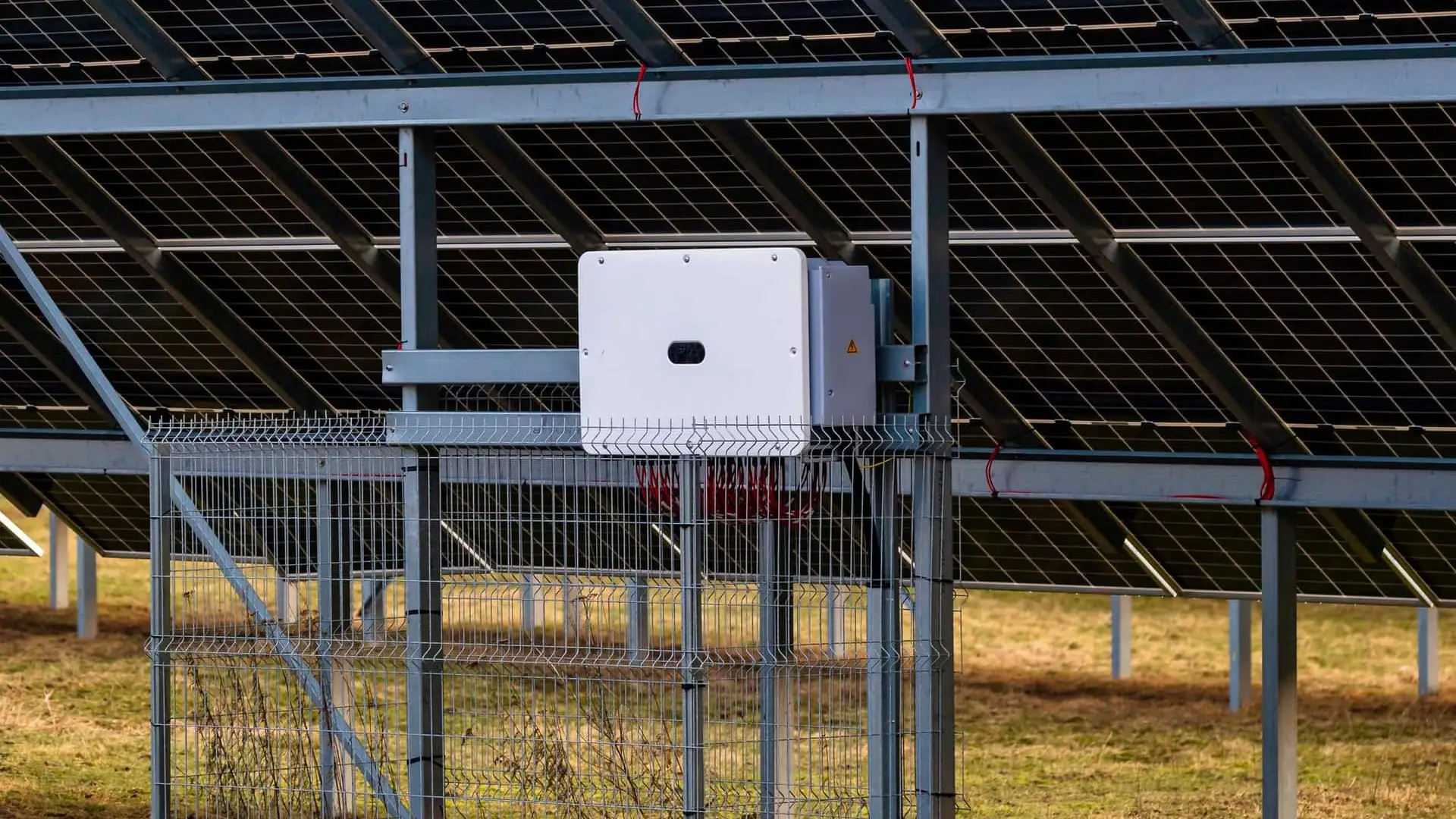
Solar inverter monitoring through Modbus means reading the inverter directly over the Modbus protocol (RTU on RS485 or TCP on Ethernet) instead of relying on the manufacturer cloud portal. For an installer that opens a dashboard where SMA, Fronius, KOSTAL, Huawei and SolarEdge sit side by side, your own alert rules become possible, and the data layer can talk to energy meters and heat pumps. In 2026 three forces pull at once: tightening grid codes (EU Network Code RfG, UK G99, AS/NZS 4777.2 in Australasia), falling feed-in tariffs that push self-consumption to the foreground, and fleet O&M economics where one missed underperforming plant costs more than a year of monitoring fees. This pillar explains how Modbus does the job, brand by brand and register by register.
Updated: June 2026.
Why Modbus monitoring matters now
Until 2023, monitoring was a nice-to-have you ticked off at handover: a Sunny Portal account, a Solar.web login and done. Since 2024 that has shifted. Grid codes (EU NC RfG, UK G99, US IEEE 1547-2018) make active power control mandatory for new installations, which means the inverter must accept and report on dispatch instructions. Self-consumption arithmetic has moved too: many European markets cut feed-in remuneration and added grid fees on export, so unused PV generation is now genuinely lost money instead of bill credit.
Concretely for installers: a 100 kWp plant drifting 10 percent below expected performance for 30 days costs the owner roughly EUR 500 in lost energy at current spot prices. A vendor-neutral Modbus monitor catches that in 48 hours instead of at the annual invoice. The same data is what you need to file a warranty claim with the inverter manufacturer.
Free: RS485 and Modbus RTU installation checklist (PDF)
The pre-commissioning checklist for every RS485 bus. Print it and take it to site.
- Wiring order: A/B polarity, GND and shielding
- Termination and biasing, with the multimeter checks
- Communication settings crib sheet (baud rate, parity, stop bits)
- The 10 most common faults and how to spot them
How Modbus reads from a solar inverter
Modbus dates back to 1979 and the solar industry standardised on it through the SunSpec Alliance specification. SunSpec pins down which register carries which measurement so compliant inverters (SMA, Fronius, KOSTAL, Huawei, GoodWe, SolarEdge, Sungrow) share one register map. A client (gateway, monitoring server, Home Assistant) opens a TCP socket or an RS485 session, reads holding registers from address 40001 onward, and decodes the response.
The layout is consistent. The first register pair carries the ASCII identifier "SunS". Then comes a Common Model block with manufacturer, model name and serial number. After that one or more Inverter Models appear, numbered 101 (single phase), 102 (split phase) or 103 (three phase). An End Model marker 0xFFFF closes the chain.
Two practical consequences. First, the same generic read implementation works across brands; one Python or Node script polls SMA, Fronius and KOSTAL alike. Second, you can programmatically detect what brand and model is wired to a gateway by reading the Common Model fields, an auto-detect feature that no vendor portal exposes.
What to know per brand
Inverters do Modbus differently in the details. The big variations are TCP port, RTU availability and how you enable the Modbus interface. The six brands below are the ones an installer is most likely to meet across European, UK and APAC fleets.
SMA Sunny Boy and Tripower
SMA inverters speak Modbus TCP over Speedwire (the built-in Ethernet port). Enable the Modbus server in the Webconnect UI under External Communication, pick the SMA profile (proprietary) or SunSpec (industry standard) and the unit listens on port 502. RTU is only possible with an external SMA Modbus Module, originally slot-fitted in older Sunny Boys. For new fleets pick TCP plus SunSpec and read Common Model followed by Inverter Model 101 (residential single phase) or 103 (Tripower three phase).
Fronius Symo and GEN24
Fronius implements SunSpec most thoroughly among the six. Open the Datamanager 2.0 web interface or the integrated UI on the GEN24, go to Settings, Modbus, and enable Slave as Modbus TCP. Port is 502, and you choose between "float" and "int + SF" (scale factor) data representation. Float is easier for plain monitoring; int + SF is the strict SunSpec compliant choice.
KOSTAL Plenticore
KOSTAL inverters listen by default on TCP 1502, not 502. Enable Modbus through the Webserver, Settings, Modbus / TCP screen. First trap for installers: the device does not answer on 502 and emits no helpful error. Configure the gateway explicitly for 1502.
Huawei SUN2000
Huawei exposes two TCP ports. Port 502 provides SunSpec-compatible read-only access. Port 6607 is a Huawei extension with more DC string detail and battery management registers. For residential, 502 is sufficient. For C&I where you measure per-string yield or steer a LUNA battery, enable 6607. Both ports need the SUN2000 wired to a local LAN; out of the box only the manufacturer cloud is active.
SolarEdge
SolarEdge also uses TCP 1502, plus RTU over RS485 when the Modbus Meter Connection is enabled in SetApp. The only data representation supported is SunSpec int + SF. SolarEdge offers a unique data source: per-panel data from the DC power optimisers, but that data only flows out via the manufacturer cloud, not via Modbus. What Modbus does provide: AC power, lifetime energy, alarm flags and meter registers if you attach a Modbus kWh meter.
Enphase
Enphase microinverters have no Modbus interface. Data flows from the IQ Gateway (formerly Envoy) over a local HTTP API at /ivp/meters/readings and /api/v1/production. For a mixed fleet with Enphase that means Modbus for five brands plus a separate HTTP poller for the Enphase sites. The ModbusCloud Gateway supports both paths in one device.
Which registers matter for installers
Most installer monitoring use cases need about twelve measurements. The table below shows SunSpec addresses in legacy 4xxxx notation. The Modbus engine itself uses 0-based offsets ((address minus 40001) = wire address), see also Modbus function codes.
| Measurement | SunSpec offset (model 103) | Unit | When it matters |
|---|---|---|---|
| AC Power (total) | 40083 | W | Real-time yield |
| AC Current (sum) | 40072 | A | Capacity check |
| AC Voltage L-N | 40081 | V | Voltage quality, grid code |
| AC Frequency | 40085 | Hz | Anti-islanding triggers |
| Total Energy (lifetime) | 40094 | Wh | Yield reporting |
| DC Voltage | 40099 | V | String diagnostics |
| DC Current | 40097 | A | String diagnostics |
| DC Power | 40101 | W | DC/AC ratio analysis |
| Cabinet Temperature | 40103 | C | Derating detection |
| Operating State | 40108 | enum | Status (running, fault, throttled) |
| Event Flags 1 | 40115 | bitmask | Which faults are active |
| Event Flags 2 | 40117 | bitmask | Vendor specific events |
For a fleet view, AC Power, Total Energy, Operating State and Event Flags are the minimum that earn their keep. They show yield, downtime and fault log. Add DC Voltage and DC Current for string-level diagnostics; cabinet temperature catches summer derating.
From a single plant to a fleet view
A fleet view is one dashboard that holds tens or hundreds of inverters grouped by customer, site and brand. The value is not the prettier chart; it is finding the underperforming plant before the customer does.
Concretely, each site has a ModbusCloud Gateway (see /gateway) on the local network. The gateway opens Modbus TCP sessions to every inverter, polls the registers from the table above every 30 to 60 seconds and ships the values encrypted to the cloud. There the platform computes Performance Ratio (PR) per plant, a dimensionless 0 to 1 score of actual yield against the theoretical maximum given measured irradiance. Well-managed C&I plants run PR 0.80 to 0.86; if PR falls below 0.75 for 48 hours the alert fires.
For alert routing use the same rules as for energy meters: critical events (Operating State = fault, communication loss longer than 5 minutes, no increase in Total Energy) trigger email plus push notification, warnings (derating, PR below threshold, voltage excursion) go to email only.
Step by step: gateway against an inverter park
The procedure below applies to an SMA, Fronius, KOSTAL, Huawei or SolarEdge inverter connected to a ModbusCloud Gateway.
- 1
Enable the Modbus server on the inverter
Open the inverter web UI (Sunny Webconnect, Fronius Datamanager, KOSTAL Webserver, SUN2000 SetApp, SolarEdge SetApp). Turn on Modbus TCP, choose SunSpec as the profile where applicable, note the inverter IP and the port (502 or 1502).
- 2
Wire the gateway into the same subnet
Plug the ModbusCloud Gateway into the same switch as the inverter. Static IP or DHCP reservation, so the inverter does not get a different address tomorrow. In the gateway register list, enter IP, port, slave ID (usually 1, sometimes 126 on Huawei) and the SunSpec model numbers you want to poll.
- 3
Poll test with function code 03
First validation: read holding registers 40001 to 40004. Expected response: ASCII "SunS" followed by 0x0001 (Common Model ID). A Modbus exception 02 (illegal data address) means the port is wrong; timeouts mean subnet or firewall.
- 4
Switch on fleet alerts
In the ModbusCloud dashboard configure alerts for Operating State, communication loss and PR threshold. Send a test alert, confirm email delivery.
- 5
Document and close out
Record per plant: brand, model, slave ID, port, firmware version. The metadata pays back in troubleshooting and warranty cases.
What vendor portals do not give you
Sunny Portal, Solar.web, FusionSolar and SolarEdge monitoring do one thing well: render a single brand for the end customer. They do not consolidate data across brands, expose an alert API you can wire into your own tooling, integrate with Home Assistant, or give a clean off-switch to a battery system. You are also bound to the vendor's retention window (often two years) and lose access when the customer deletes the cloud account or the vendor sunsets the portal.
Modbus monitoring scales differently. Your dataset stays in your tenant, you can hold 5 to 10 years of history, and you define the metrics and alerts. For an installer with a growing fleet that economics flips quickly in favour of an open monitor.
Frequently asked questions
How do I monitor a solar inverter?
Three options. One, the manufacturer portal (Sunny Portal, Solar.web, SolarEdge), free but single-brand and read-only. Two, a Modbus monitor like ModbusCloud, which reads any SunSpec compliant inverter plus brand-specific registers. Three, a DIY route with Home Assistant or a Raspberry Pi running pymodbus. For installers with multi-brand fleets the Modbus monitor gives the consolidated view that portals lack.
What is the best solar monitoring system?
It depends on scope. For a single-brand home install the manufacturer portal is fine. For an installer running multiple brands across many customers, a vendor-neutral Modbus platform like ModbusCloud removes four logins, four data shapes and four alert systems and replaces them with one.
How do I check my solar inverter?
Check three things via Modbus: Operating State register (40108 in SunSpec model 103) should show running, not fault or throttled; Total Energy register (40094) should be incrementing; Event Flags registers (40115, 40117) should be zero. Any deviation is a starting point for diagnosis.
How to check solar inverter reading?
Read AC Power (40083) and Total Energy (40094) and compare to expected. Expected can be a forecast model from irradiance and capacity or a baseline from last week's reading at the same time. A 20 percent deviation for two days is the typical fault threshold.
How to check if a solar inverter is faulty?
Look at Operating State (40108) and Event Flags (40115). Operating state non-running plus event flag non-zero confirms a fault. Specific bits in Event Flags map to ground fault, AC under-voltage, over-temperature, DC isolation fault and so on, per the SunSpec inverter model spec.
Can I monitor my own solar panels without the vendor portal?
Yes. Any SunSpec compliant inverter exposes the same registers from 40001 over Modbus TCP. With a Raspberry Pi, a Home Assistant integration or a commercial Modbus gateway you can read AC power, lifetime energy, fault flags and string data. You pay once for hardware and optionally a subscription but stay independent of the vendor cloud.
Do I need one Modbus gateway per inverter?
No. One gateway polls dozens of inverters in parallel as long as they share an Ethernet subnet. With RTU on RS485 the practical limit is 32 nodes per bus segment; with TCP the limit is gateway throughput, usually 50 to 200 inverters per device.
Solar inverter monitoring is less a feature and more a working condition in 2026. Grid codes, falling feed-in tariffs and the economics of fleet O&M push installers from optional dashboards into active monitoring. Modbus is the right protocol for the job because SunSpec, after a decade of standards work, gives one register map across SMA, Fronius, KOSTAL, Huawei, GoodWe, Sungrow and SolarEdge. An open Modbus monitor with a fleet view saves hours of troubleshooting per plant per year and keeps your dataset independent of vendor cloud policy changes. The ModbusCloud Gateway reads these six brands in parallel and consolidates them into one dashboard with alerts on the registers that actually matter.
Question about your setup?
Ask it here. We think along with your project, and building a free integration is part of that.