

KNX to Modbus gateway: when and why for installers (2026)
KNX to Modbus gateway guide for installers. Weinzierl, Intesis and Gira compared, datapoint mapping examples, 2026 prices, and when to choose a gateway or an alternative.
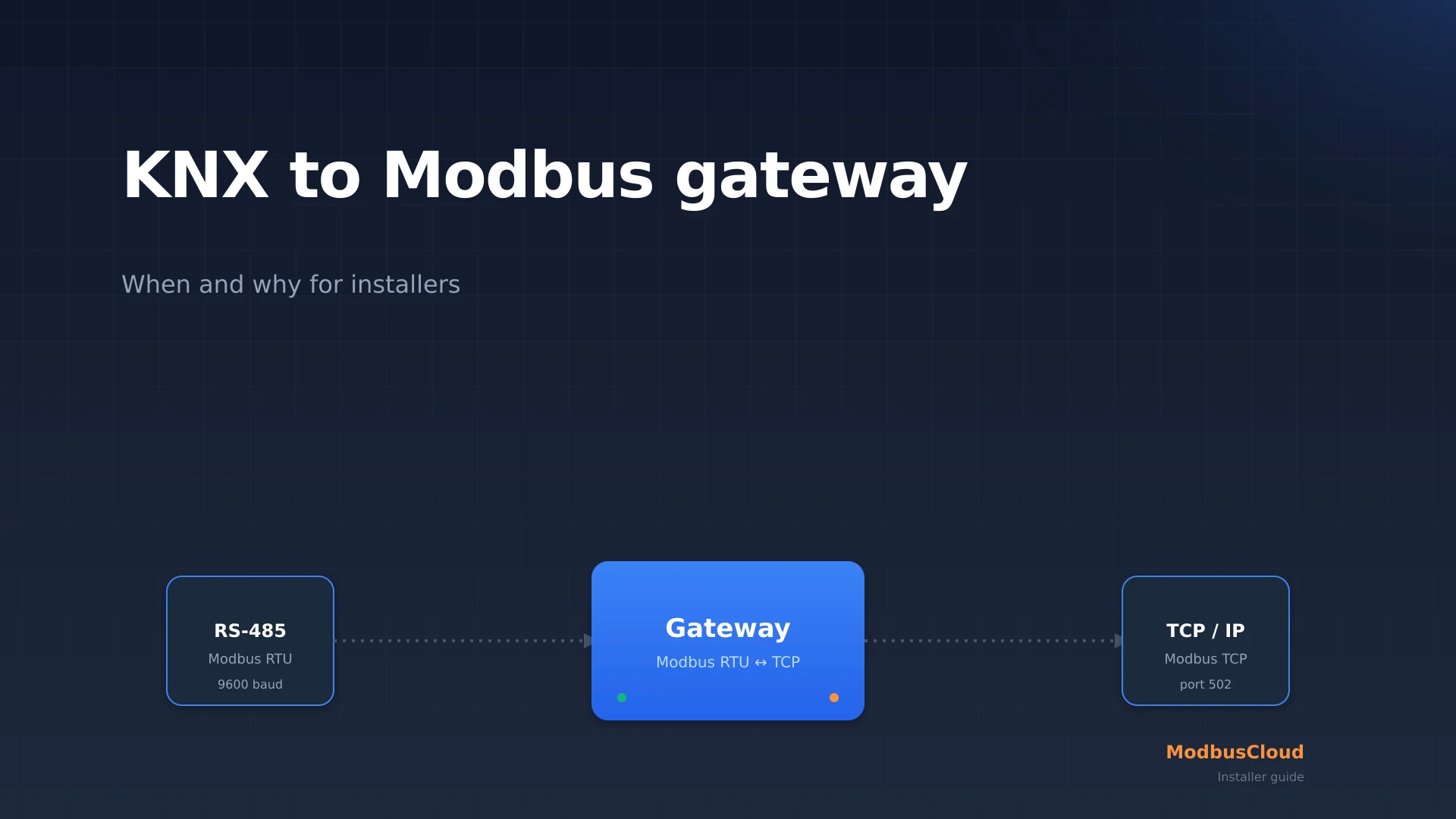
A KNX to Modbus gateway translates KNX group telegrams into Modbus registers so that a building management system (BMS) or SCADA platform without its own KNX stack can still read the KNX installation. Installers run into this need in two common situations: an existing KNX building has to integrate a new heat pump or energy meter that only speaks Modbus, or a commercial BMS has to expose KNX status when the BMS vendor does not offer a KNX card.
This guide shows when a KNX to Modbus gateway is actually required, which models (Weinzierl BAOS 777, Intesis IN701, Gira 213900, MDT, ISE Smart Connect) fit which kind of project, and how a working datapoint mapping looks (from DPT 9.001 to an INT16 holding register). Written for KNX system integrators, HVAC installers and home automation specialists, not for software developers.
Key takeaways
- A KNX to Modbus gateway is bidirectional: it can act as Modbus TCP server (BMS reads KNX status) or as Modbus master (a Modbus heat pump is published on the KNX bus).
- Prices range from EUR 405 (Weinzierl BAOS 777) to EUR 715 (Gira 213900), with datapoint budgets between 500 and 1200 points.
- For homes below 50 datapoints, Home Assistant with the KNX integration is often cheaper. For commercial buildings above 250 m² of heated floor area, the EU EPBD recast 2024/1275 requires monitoring, and a physical gateway becomes the obvious choice.
Free: RS485 and Modbus RTU installation checklist (PDF)
The pre-commissioning checklist for every RS485 bus. Print it and take it to site.
- Wiring order: A/B polarity, GND and shielding
- Termination and biasing, with the multimeter checks
- Communication settings crib sheet (baud rate, parity, stop bits)
- The 10 most common faults and how to spot them
What is a KNX to Modbus gateway?
A KNX to Modbus gateway is a DIN-rail device that sits on the KNX TP1 bus (9600 baud, twisted pair, polarity-independent) on one side and exposes a Modbus TCP port or an RS485 Modbus RTU terminal on the other. Internally it maintains a mapping table that pairs KNX group addresses with Modbus holding registers, input registers, or coils.
The gateway is not a classic protocol translator: KNX is event-based and bidirectional, Modbus is master-slave and polling. The gateway bridges the gap by caching the last KNX value heard for each group object, and serving it on demand (Modbus FC03 read holding registers) to a Modbus master. In the opposite direction it accepts a Modbus write (FC06 or FC16) and sends it as a KNX group telegram on the TP1 bus. For Modbus fundamentals, see the complete Modbus guide. How Modbus TCP works physically is covered in Modbus TCP explained.
KNX is standardized in ISO/IEC 14543-3-1 through -3-7 (ratified 2006, successor to EIB and BatiBus). According to the KNX Association, over 110,000 certified KNX professionals are active worldwide, with the largest concentration in Germany, Austria, Switzerland, the Netherlands and Belgium.
When do you need a KNX to Modbus gateway?
Four scenarios keep coming back in installer practice.
Scenario 1: existing KNX home, new Modbus heat pump
An installer drops a Mitsubishi Ecodan or a Bosch Compress 7000i into an existing KNX home. Both speak Modbus TCP, not KNX. The gateway exposes the heat pump flow temperature (a Modbus holding register) as a KNX group object, so the existing KNX visualization shows the value and KNX scenes can switch the heat pump on or off via a Modbus write.
Scenario 2: PV inverter feeding KNX visualization
SolarEdge HD-Wave inverters speak Modbus TCP on port 1502 rather than 502 (SolarEdge SunSpec implementation guide). A KNX to Modbus gateway reads the inverter in master mode and publishes generated power, daily yield, and lifetime yield as KNX group objects for the visualization touchscreen.
Scenario 3: commercial building with KNX HVAC plus sub-meters
In an office building KNX controls lighting and HVAC zoning, while Eastron SDM630 three-phase sub-meters hang off the RS485 bus. The EU EPBD recast 2024/1275 (in force since May 2024, monitoring mandatory for non-residential buildings over 250 m² heated floor area from 2027) requires sub-meter data to be centrally available. The gateway aggregates KNX and Modbus into a single Modbus TCP server that the BMS reads.
Scenario 4: BMS exports KNX to SCADA
An industrial customer wants to export the KNX status of the office building to a SCADA platform that only reads Modbus TCP. The gateway is purely server in this case: the SCADA polls the holding registers every minute and logs the values.
Which gateway fits which project?
The European market offers six serious KNX to Modbus gateways. Prices below are list prices excluding VAT, verified with European distributors in April 2026.
| Gateway | Price ex VAT | Datapoint budget | Modbus mode | Configuration |
|---|---|---|---|---|
| Weinzierl KNX BAOS 777 | EUR 405 | 1000 | TCP server | ETS plug-in |
| ISE Smart Connect KNX Modbus | EUR 555 | 1000 | TCP server | ETS plug-in |
| Intesis IN-KNX-MBTS-1k0 | EUR 590 | 1000 | TCP server | Web interface |
| Intesis IN701KNXMOD0000 | EUR 690 | 1200 | TCP server + master, RTU + TCP | Web interface |
| Gira 213900 | EUR 715 | 250 | TCP server | ETS plug-in |
| MDT KNX Modbus RTU | EUR 480 | 500 | RTU master | ETS plug-in |
The Intesis IN701 is the only model that handles both master and slave roles, and the only one with RS485 RTU and TCP on board at the same time. For commercial projects mixing TCP inverters and RTU sub-meters on the Modbus side, that is the difference between a clean job and a workaround.
How does a working datapoint mapping look?
A datapoint mapping pairs a KNX group address with a Modbus register and defines how the value is encoded on each side. The example below shows a room thermostat exposing its measured temperature through the gateway as a Modbus holding register.
In the ETS plug-in for the Weinzierl BAOS 777 you define per datapoint: the KNX group address, the DPT (datapoint type), the Modbus register address, the data type (INT16, UINT16, INT32, Float32), and optionally a scale factor. For temperature, INT16 with scale 0.1 is the standard. For energy meter values in kWh, Float32 IEEE 754 (two registers, big-endian) is more common.
Step by step: configuring the Weinzierl BAOS 777
The Weinzierl BAOS 777 is the volume seller in continental Europe. The steps below apply from firmware 2.4 (released 2025 Q3).
- 1
Mount the gateway on the DIN rail in the distribution board
Connect KNX + and KNX - to the upper terminals. Power the device via 24 V DC PELV on the side terminals or via Power over Ethernet (PoE 802.3af). Connect the Ethernet jack to a switch on the KNX/IP backbone.
- 2
Import the ETS product into your ETS6 project
Download the Weinzierl product archive from the KNX Online Catalog. Open your ETS6 project, add the device to the line that hosts your TP1 bus, and assign a physical address (for example 1.1.250).
- 3
Define datapoints in the ETS plug-in
For each group object choose DPT, read or write direction, and the Modbus register address. For heat pump flow temperature: DPT 9.001, read, register 40021, INT16 scale 0.1.
- 4
Test from your laptop with QModMaster or ModbusPoll
Connect over Ethernet and issue an FC03 read holding registers 40021 through 40022. You should see the current temperature in the scaled format. Only then push the mapping into the BMS.
How does this fit into a ModbusCloud setup?
The KNX to Modbus gateway is not a replacement for the ModbusCloud Gateway. The roles are distinct: the KNX to Modbus gateway solves the local protocol problem (KNX and Modbus working together inside the building), while the ModbusCloud Gateway solves the cloud problem (carrying Modbus data securely to a central platform for monitoring, alerts and compliance logging).
In practice you cascade both devices: KNX devices through the KNX to Modbus gateway, the Modbus TCP port of that gateway into the local BMS network, and the ModbusCloud Gateway reads the same Modbus TCP server and pushes the data encrypted over MQTT to the ModbusCloud platform. For energy meter and sub-meter dashboards you then use the same stack as described in the energy management software comparison.
Frequently asked questions
What is a KNX to Modbus gateway and when do you need one?
A KNX to Modbus gateway translates KNX group telegrams into Modbus registers so a BMS or SCADA platform without a KNX stack can read KNX data. You need one when KNX and Modbus devices share a project and have to see each other's data.
How much does a KNX to Modbus gateway cost in 2026?
List prices range from EUR 405 for the Weinzierl BAOS 777 to EUR 715 for the Gira 213900. The Intesis IN701 sits at EUR 690 and is the only model that handles both Modbus RTU and TCP, in both server and master roles.
Which datapoints can be mapped between KNX and Modbus?
All standard KNX DPT types map to Modbus. DPT 9.001 (2-byte temperature) becomes INT16 scale 0.1 or Float32. DPT 1.001 (1-bit switch) becomes a coil or a holding register bit. DPT 14.x (4-byte float) maps directly to Float32.
How does the Weinzierl BAOS 777 differ from the Intesis IN701?
The Weinzierl is Modbus TCP server only and cheaper at EUR 405. The Intesis IN701 handles Modbus RTU and TCP, both server and master, at EUR 690. Choose Intesis for commercial sites with mixed Modbus devices, Weinzierl for pure server roles.
Can a KNX to Modbus gateway act as both master and slave?
Not every model. The Intesis IN701 and the MDT RTU gateway support both roles. The Weinzierl BAOS 777, ISE Smart Connect and Gira 213900 are Modbus TCP server only (slave). Decide the role before you order.
Does a KNX to Modbus gateway work with a Mitsubishi Ecodan heat pump?
Yes, as long as the Ecodan has a Modbus TCP interface (PAC-IF071B-E adapter or later). The gateway polls the heat pump registers (FC03) and publishes the values as KNX group objects. Check the Ecodan Modbus map for exact addresses per model.
Do I still need a ModbusCloud Gateway in addition to the KNX to Modbus gateway?
Yes, if you want cloud monitoring. The KNX to Modbus gateway solves the local protocol problem. The ModbusCloud Gateway reads the Modbus side and forwards the data encrypted to the ModbusCloud platform for dashboards, alerts and compliance logging.
Question about your setup?
Ask it here. We think along with your project, and building a free integration is part of that.