








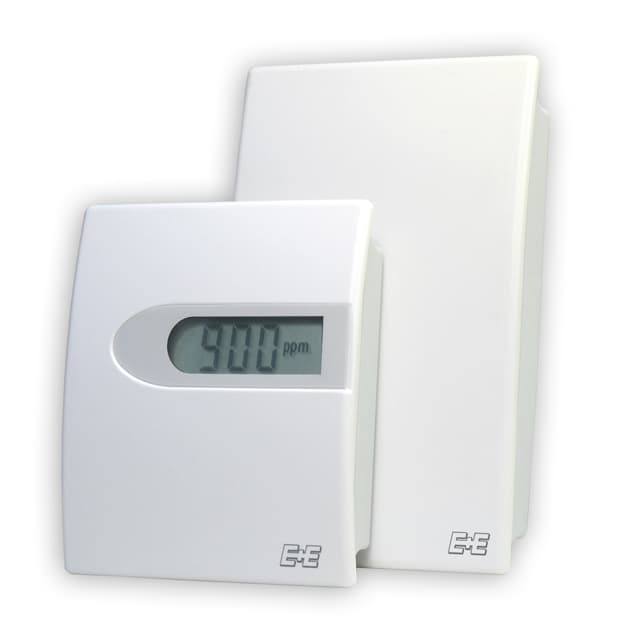
E+E Elektronik EE800 - CO2, Temperature and Humidity Room Sensor
Measures CO2, temperature, humidity and dew point for room climate control
The E+E Elektronik EE800 is a room sensor that measures CO2, temperature, relative humidity and dew point via Modbus RTU. This template reads all four values from the sensor and makes them available on the ModbusCloud dashboard for remote monitoring and alerting.
- Protocol
- Modbus RTU
- Connection
- RS485, 9600 baud
- Registers
- 4, read only
- Brand
- E+E Elektronik
- Key readings
- Temperature · Relative humidity · Dew point temperature · Carbon dioxide CO2
- Compatible models
- EE800
- Last updated
Registers (4)
4 read, 0 write
| Name | Unit | Access | Address (Hidden until you enter your email) | Function (hidden) | Type (hidden) |
|---|---|---|---|---|---|
| Temperature T | °C | Read | |||
| Relative humidity RH | % | Read | |||
| Dew point temperature Td | °C | Read | |||
| Carbon dioxide CO2 | ppm | Read |
Loading registers…
Send your device list
If a device is not in the library yet, we build the template for free as soon as we have the register data.
Use cases
- Monitor CO2 levels in meeting rooms and offices to verify adequate ventilation performance.
- Create an alert when CO2 concentration exceeds 1000 ppm for more than five minutes.
- Track relative humidity and dew point remotely to prevent condensation and mold in residential buildings.
- Log temperature trends across multiple zones on a single cloud dashboard for energy audits.
- Compare indoor air quality data from several EE800 sensors installed in different rooms or buildings.
- Generate periodic reports on room climate conditions for building certification or compliance purposes.
Installation
Mount the E+E Elektronik EE800 on the wall in the monitored room according to the manufacturer's installation guide.
Connect the RS-485 A and B data lines from the EE800 to the ModbusCloud Gateway, and connect the sensor's power supply wires to a suitable power supply.
Set the Modbus slave address on the EE800 using its DIP switches or configuration tool, and ensure it does not conflict with other devices on the bus.
Verify that the gateway serial port is configured for 9600 baud, 8 data bits, even parity (1) and 1 stop bit, matching the EE800 defaults.
Import the E+E Elektronik EE800 template in the ModbusCloud platform and assign the correct slave address.
Confirm that CO2, temperature, humidity and dew point readings appear on the dashboard before closing the installation.
Things to watch for
I see no data from the EE800 after connecting it. What should I check?
Verify the RS-485 wiring polarity (A and B lines) and confirm that the baud rate is set to 9600 with even parity on both the sensor and the gateway. Also check that the configured slave address matches the address set on the EE800.
The temperature or humidity values look incorrect or extremely large. Why?
All registers on the EE800 are float32 (two consecutive 16-bit registers). Make sure the byte order and word order in the gateway match the sensor's format. An incorrect word swap will produce nonsensical values.
Can I connect multiple EE800 sensors to one gateway?
Yes. Assign a unique Modbus slave address to each EE800 and add a separate template instance for each sensor in ModbusCloud. Keep the total RS-485 bus length and device count within specification.
Do I need to enable Modbus on the EE800 before it responds?
The EE800 typically ships with Modbus RTU enabled by default. If the sensor does not respond, consult the E+E Elektronik data sheet to confirm that the Modbus output option is installed and active on your specific model variant.
More E+E Elektronik templates
 E+E Elektronik EE310 - High-end humidity and temperature sensor up to 180 °C
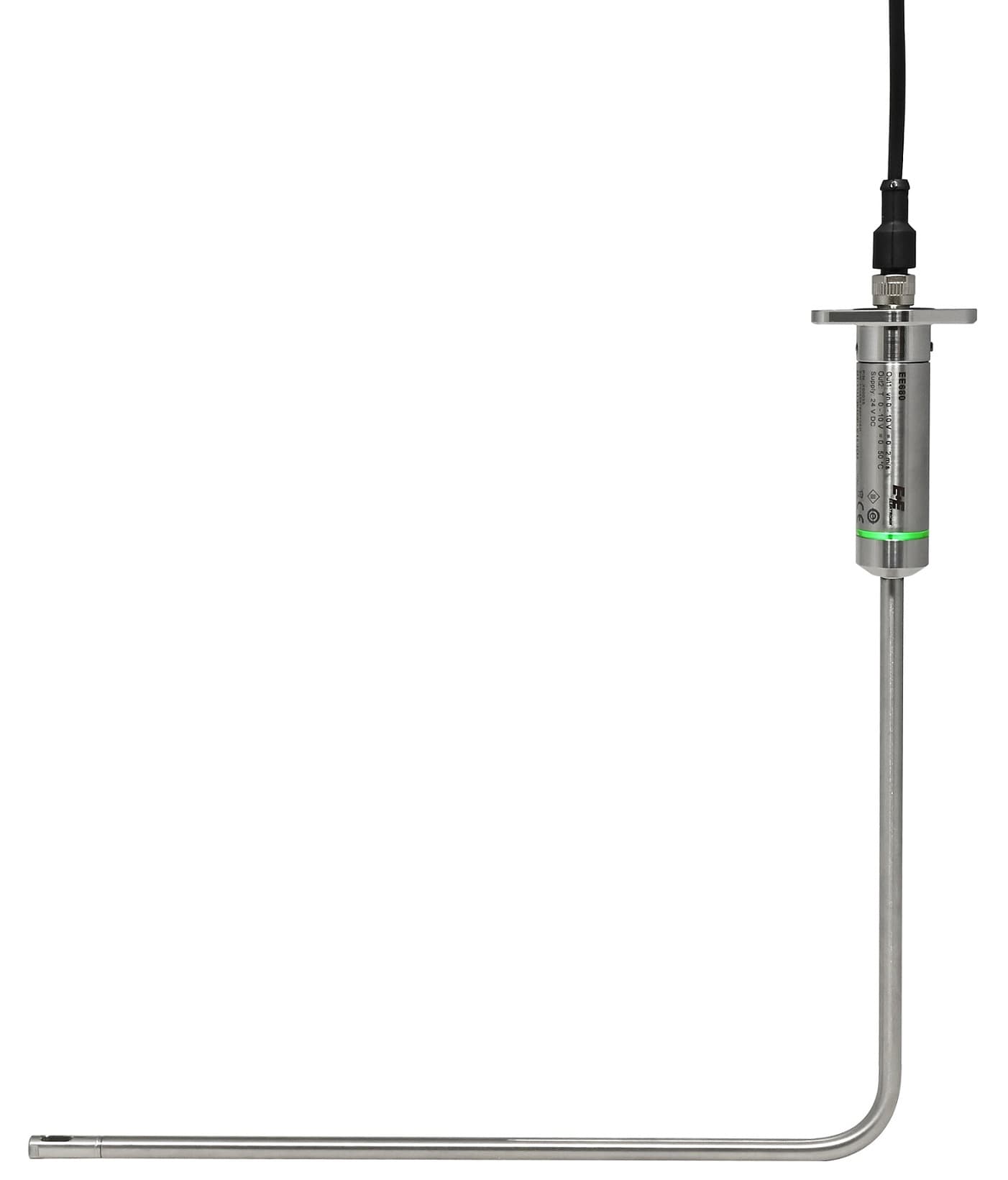 E+E Elektronik EE680 - Air Velocity Sensor for Laminar Flow Monitoring
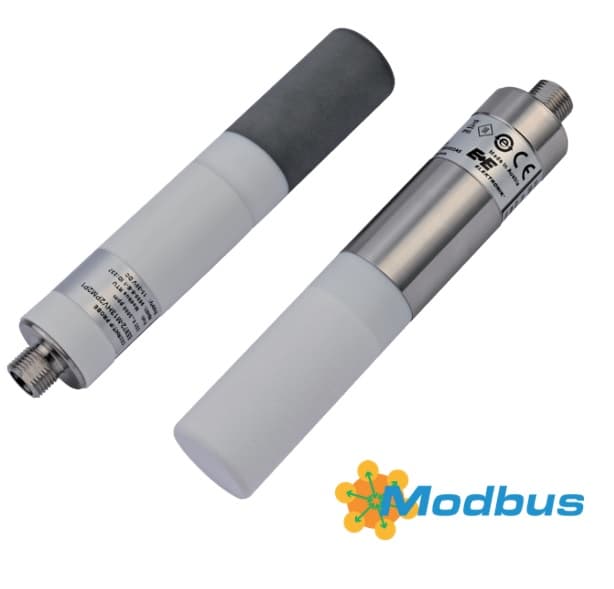 E+E Elektronik EE872 - Modular 4 in 1 probe for CO2, humidity, temperature and pressure
 E+E Elektronik EE072 - Humidity and Temperature Probe with Digital Interface
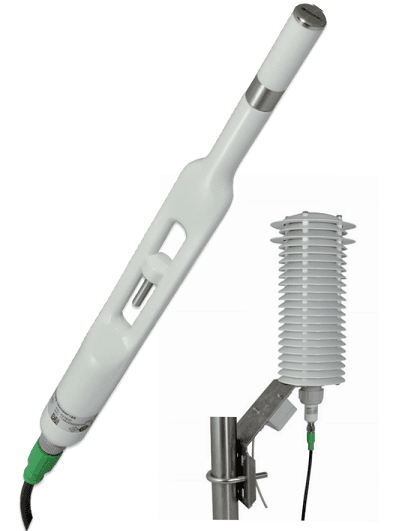 E+E Elektronik EE260 - Heated Humidity and Temperature Probe for Meteorology
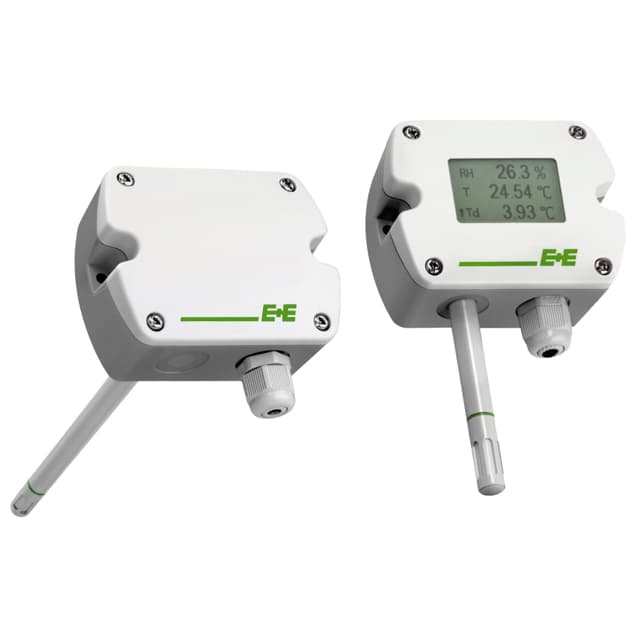 E+E Elektronik EE210 - Humidity and Temperature Sensor for Demanding Climate Control
Want to see how it works?
