








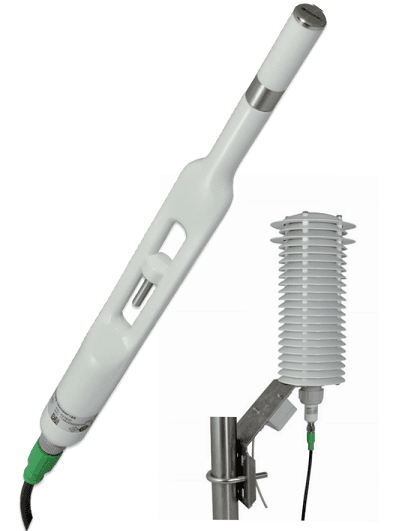
E+E Elektronik EE260 - Heated Humidity and Temperature Probe for Meteorology
Measures heated humidity and temperature for meteorology applications
Template for the E+E Elektronik EE260 heated humidity and temperature probe via Modbus RTU. Reads relative humidity, temperature, dew point, and frost point from this meteorology-grade sensor designed for high-humidity outdoor conditions.
- Protocol
- Modbus RTU
- Connection
- RS485, 9600 baud
- Registers
- 4, read only
- Brand
- E+E Elektronik
- Key readings
- Temperature · Relative humidity · Dew point temperature · Frost point temperature
- Compatible models
- EE260
- Last updated
Registers (4)
4 read, 0 write
| Name | Unit | Access | Address (Hidden until you enter your email) | Function (hidden) | Type (hidden) |
|---|---|---|---|---|---|
| Temperature T | °C | Read | |||
| Relative humidity RH | % | Read | |||
| Dew point temperature Td | °C | Read | |||
| Frost point temperature Tf | °C | Read |
Loading registers…
Send your device list
If a device is not in the library yet, we build the template for free as soon as we have the register data.
Use cases
- Monitor outdoor relative humidity and temperature on a live cloud dashboard for remote weather stations.
- Log dew point and frost point trends to assess condensation or icing risk on building facades or infrastructure.
- Create an alert when relative humidity exceeds 95% for more than 30 minutes to trigger maintenance checks.
- Export historical temperature and humidity data for environmental compliance reports.
- Combine EE260 readings with other sensors on one dashboard to get a full picture of site climate conditions.
Installation
Wire the EE260 probe to the RS-485 port of your ModbusCloud Gateway, connecting A, B, and GND terminals.
Set the EE260 Modbus slave address using the probe's configuration interface and note the address for the next step.
Ensure the probe is configured for 9600 baud, 8 data bits, odd parity, and 1 stop bit to match the template defaults.
In the ModbusCloud portal, add a new device, select the E+E Elektronik EE260 template, and enter the slave address you configured.
Verify that temperature, relative humidity, dew point, and frost point values appear on the dashboard after the first poll cycle.
If the RS-485 bus exceeds 10 meters or includes multiple devices, install a 120 ohm termination resistor at the far end of the bus.
Things to watch for
All register values show zero or NaN on the dashboard. What is wrong?
The EE260 uses float32 encoding across two consecutive registers. Confirm that the byte order (big-endian or little-endian) matches the template setting. Some EE260 firmware versions default to big-endian word order. Check the probe documentation for the exact byte swap configuration.
I get communication timeouts even though wiring looks correct.
Verify that the baud rate is set to 9600 and parity is set to odd (1 stop bit) on both the probe and the gateway. A mismatch in parity is one of the most common causes of Modbus RTU timeout errors.
Can I read all four values in a single Modbus request?
No. The register addresses are non-contiguous (1002, 1020, 1104, 1130), so the template issues separate read requests for each measurement. This is handled automatically and does not require manual configuration.
Do I need to calibrate the EE260 after connecting it to ModbusCloud?
ModbusCloud reads the values as provided by the probe. Calibration is performed on the EE260 itself using E+E Elektronik tools. The template does not modify or scale the raw float32 values.
More E+E Elektronik templates
 E+E Elektronik EE310 - High-end humidity and temperature sensor up to 180 °C
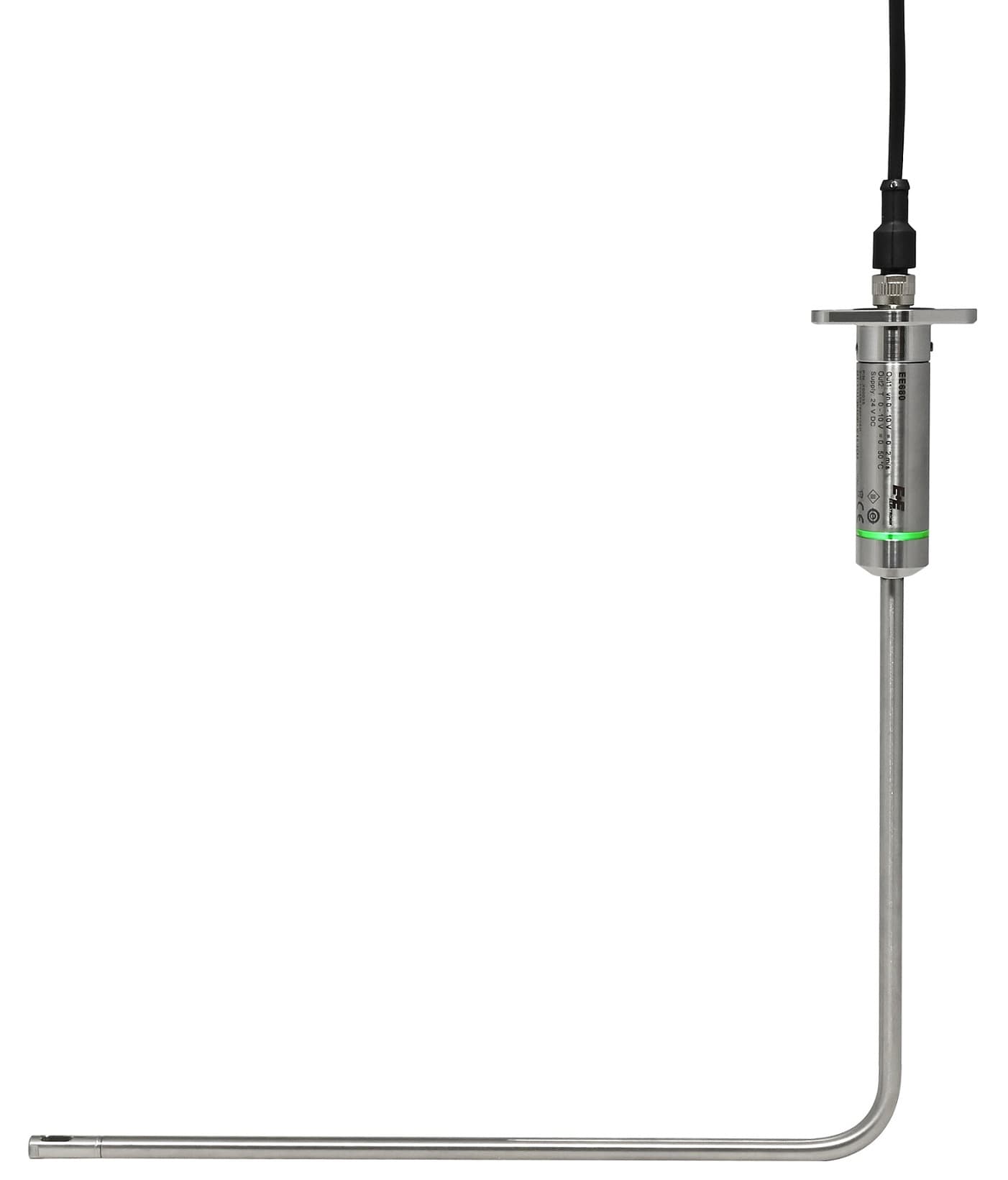 E+E Elektronik EE680 - Air Velocity Sensor for Laminar Flow Monitoring
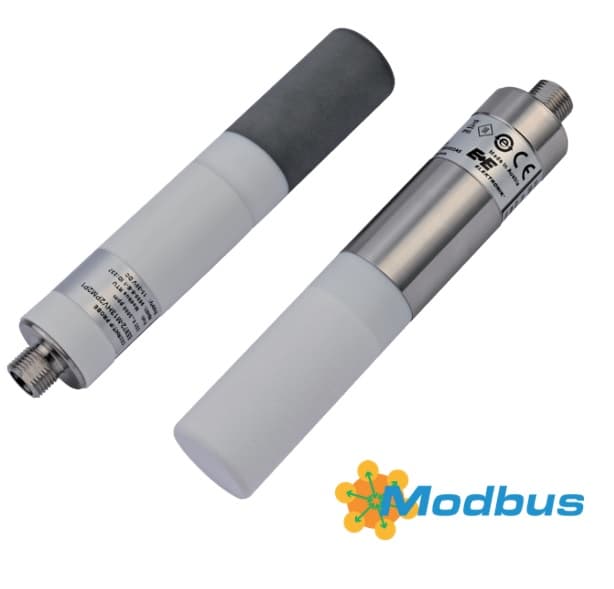 E+E Elektronik EE872 - Modular 4 in 1 probe for CO2, humidity, temperature and pressure
 E+E Elektronik EE072 - Humidity and Temperature Probe with Digital Interface
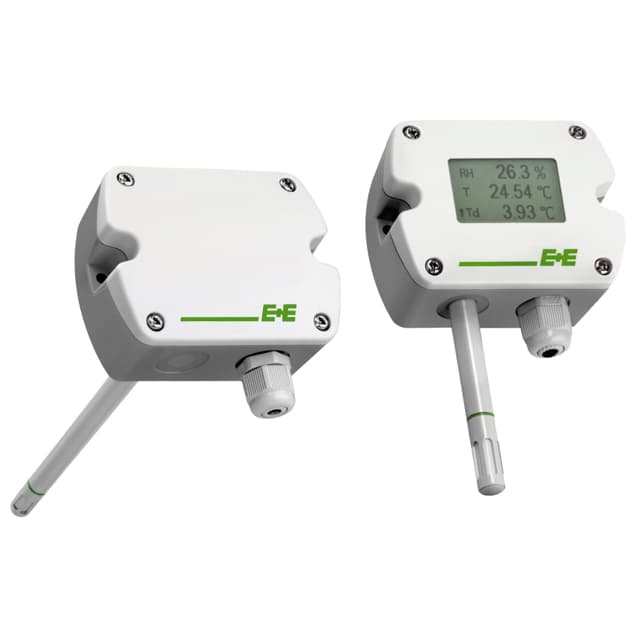 E+E Elektronik EE210 - Humidity and Temperature Sensor for Demanding Climate Control
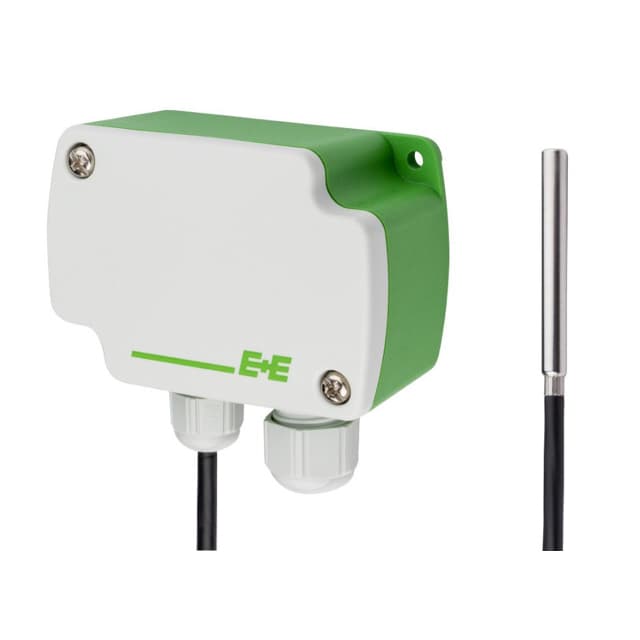 E+E Elektronik EE4x1 - Temperature Sensors with Modbus Output
Want to see how it works?
