









E+E Elektronik EE072 - Humidity and Temperature Probe with Digital Interface
Measures relative humidity, temperature, and derived humidity parameters for process control.
The E+E Elektronik EE072 is a humidity and temperature probe communicating over Modbus RTU. This template reads relative humidity, temperature, dew point, frost point, and absolute humidity. It is suited for demanding climate control in agriculture, pharma, clean rooms, and transportation.
- Protocol
- Modbus RTU
- Connection
- RS485, 9600 baud
- Registers
- 5, read only
- Brand
- E+E Elektronik
- Key readings
- Temperature · Relative humidity · Dew point temperature · Frost point temperature · Absolute humidity
- Compatible models
- EE072
- Last updated
Registers (5)
5 read, 0 write
| Name | Unit | Access | Address (Hidden until you enter your email) | Function (hidden) | Type (hidden) |
|---|---|---|---|---|---|
| Temperature T | °C | Read | |||
| Relative humidity RH, Uw | % RH | Read | |||
| Dew point temperature Td | °C | Read | |||
| Frost point temperature Tf | °C | Read | |||
| Absolute humidity dv | g/m³ | Read |
Loading registers…
Send your device list
If a device is not in the library yet, we build the template for free as soon as we have the register data.
Use cases
- Monitor greenhouse temperature and relative humidity on a live cloud dashboard for your customer.
- Create an alert when dew point temperature approaches a critical threshold in a cold storage facility.
- Log absolute humidity trends over time to verify clean room compliance with regulatory standards.
- Track frost point temperature in transportation containers to prevent condensation damage to goods.
- Compare relative humidity across multiple zones in a pharmaceutical production environment.
Installation
Wire the EE072 probe to the RS-485 port of your ModbusCloud Gateway, connecting A, B, and GND terminals correctly.
Set the Modbus slave address on the EE072 to a unique value that does not conflict with other devices on the same bus.
Confirm the EE072 is configured for 9600 baud, odd parity (matching the template defaults).
Import the E+E Elektronik EE072 template in the ModbusCloud portal and assign it to the correct gateway and slave address.
Verify that all five readings (temperature, relative humidity, dew point, frost point, absolute humidity) appear on the cloud dashboard before closing the installation.
Things to watch for
Why do I get misread or NaN values for temperature or humidity?
All registers use float32 (two 16-bit registers per value). Make sure the gateway is configured for 32-bit float reads with the correct byte and word order. If values look random, try swapping the word order in the gateway settings.
Can I read all registers in a single block request?
The register addresses starting at 1002 are not contiguous. You may need to configure individual register reads or multiple smaller read blocks rather than one continuous block read.
What parity setting does the EE072 require?
The default communication setting is 9600 baud with odd parity (1 stop bit). Ensure the ModbusCloud gateway serial port is set to the same parameters, otherwise the device will not respond.
The probe does not respond on the bus. What should I check?
Verify the RS-485 wiring polarity (A and B not swapped) and confirm the correct slave address. If the bus has multiple devices, check for address conflicts and ensure proper bus termination at both ends.
More E+E Elektronik templates
 E+E Elektronik EE310 - High-end humidity and temperature sensor up to 180 °C
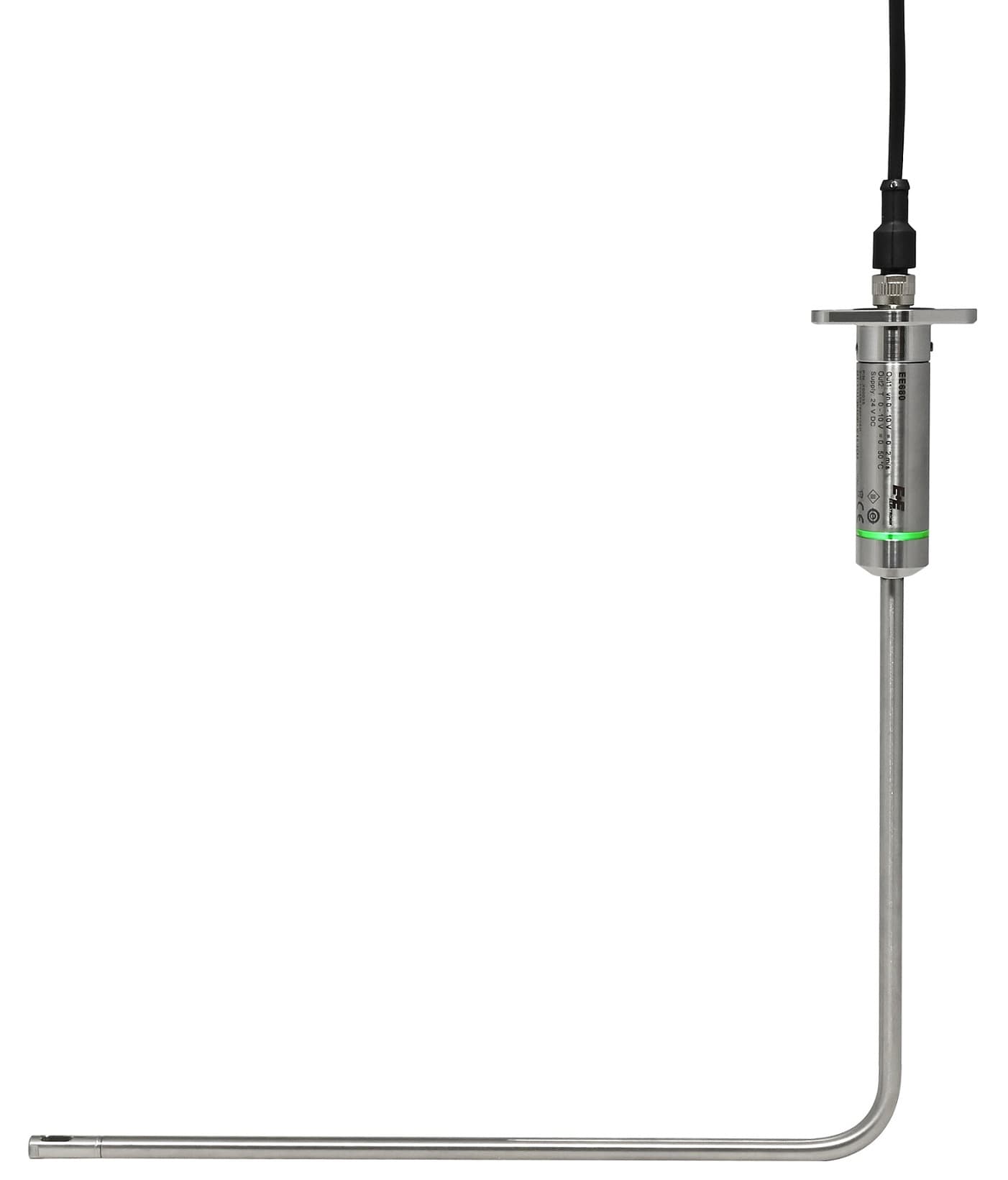 E+E Elektronik EE680 - Air Velocity Sensor for Laminar Flow Monitoring
 E+E Elektronik EE872 - Modular 4 in 1 probe for CO2, humidity, temperature and pressure
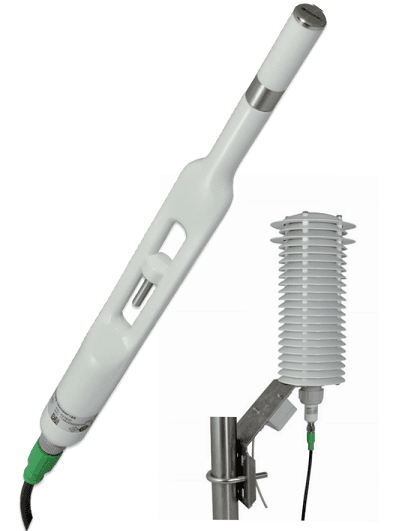 E+E Elektronik EE260 - Heated Humidity and Temperature Probe for Meteorology
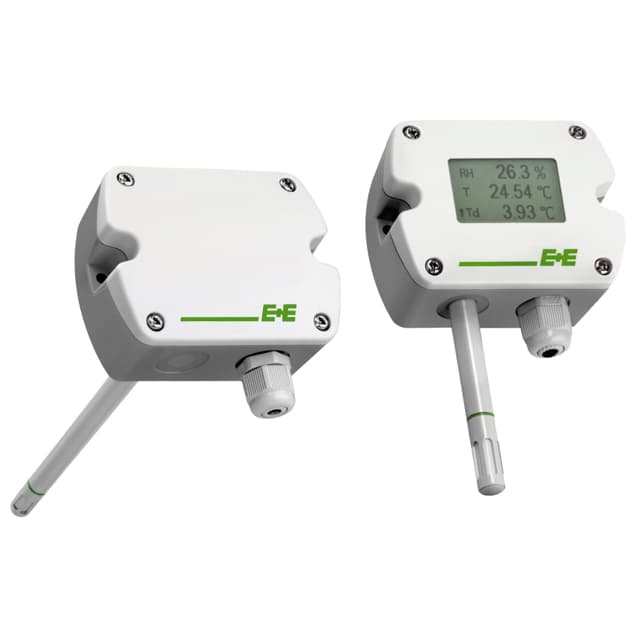 E+E Elektronik EE210 - Humidity and Temperature Sensor for Demanding Climate Control
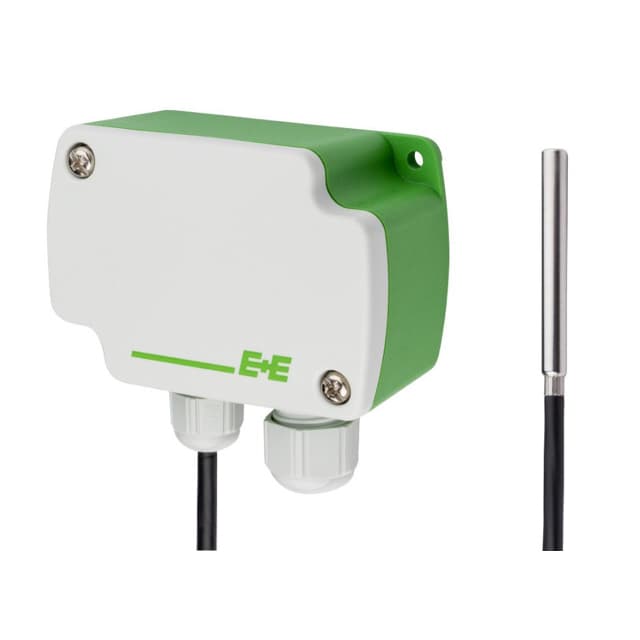 E+E Elektronik EE4x1 - Temperature Sensors with Modbus Output
Want to see how it works?
