








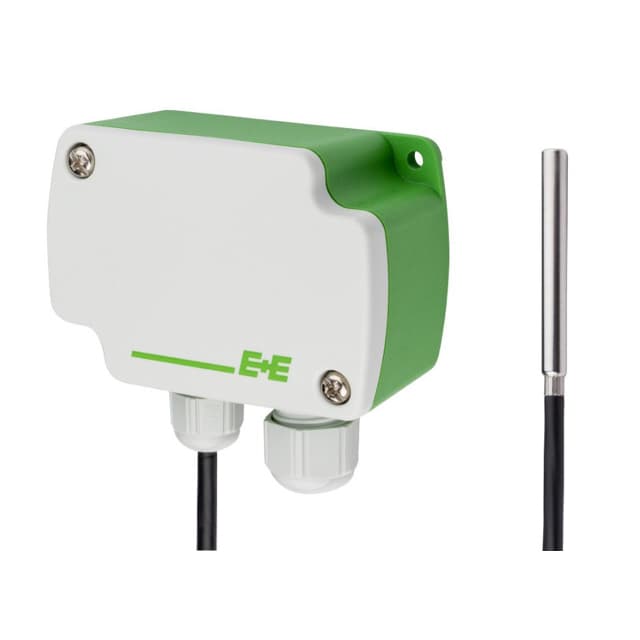
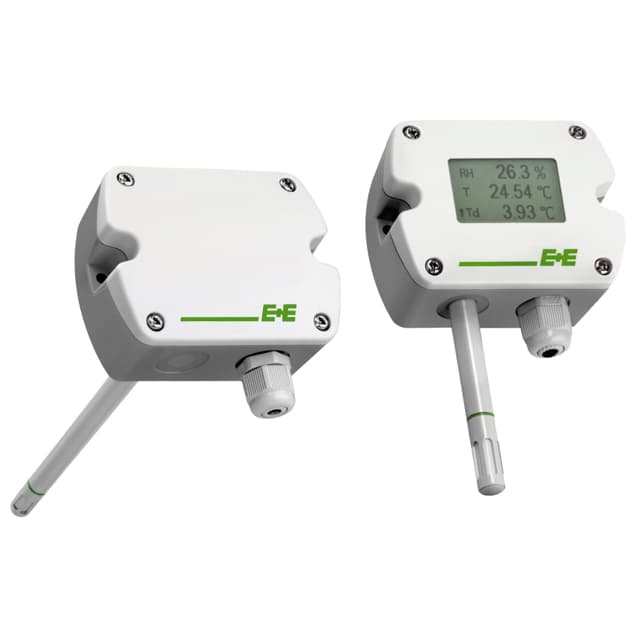
E+E Elektronik EE4x1 - Temperature Sensors with Modbus Output
Measures temperature of air or liquids via Modbus RTU for HVAC and building automation.
This template reads temperature data from E+E Elektronik EE4x1 series sensors via Modbus RTU. It supports readings in Celsius, Fahrenheit, and Kelvin from duct, strap-on, wall-mounted, and remote probe sensor variants.
- Protocol
- Modbus RTU
- Connection
- RS485, 9600 baud
- Registers
- 3, read only
- Brand
- E+E Elektronik
- Key readings
- Temperature (°C) · Temperature (°F) · Temperature (K)
- Compatible models
- EE431 · EE441 · EE451 · EE471
- Last updated
Registers (3)
3 read, 0 write
| Name | Unit | Access | Address (Hidden until you enter your email) | Function (hidden) | Type (hidden) |
|---|---|---|---|---|---|
| Temperature T | °C | Read | |||
| Temperature T | °F | Read | |||
| Temperature T | K | Read |
Loading registers…
Send your device list
If a device is not in the library yet, we build the template for free as soon as we have the register data.
Use cases
- Monitor duct supply and return air temperatures on a live cloud dashboard for HVAC commissioning.
- Create an alert when outdoor temperature drops below a frost threshold to protect vulnerable systems.
- Log pipe surface temperatures over time to verify heating system performance for your customer.
- Compare temperature readings from multiple EE4x1 sensors across zones in a single dashboard view.
- Track immersion probe temperatures in process control applications and export historical data for reporting.
Installation
Wire the EE4x1 sensor to the RS-485 port on your ModbusCloud Gateway, connecting A, B, and GND terminals.
Set the Modbus slave address on the EE4x1 sensor using its DIP switches or configuration tool, ensuring it does not conflict with other devices on the bus.
Confirm the sensor is configured for 9600 baud and odd parity, which matches the default settings used by this template.
Import the E+E Elektronik EE4x1 template from the ModbusCloud template library into your project.
Assign the correct slave address in the template configuration and verify that temperature values appear on the dashboard.
If multiple EE4x1 sensors share the same RS-485 bus, ensure each has a unique Modbus address and add a bus termination resistor on the last device.
Things to watch for
I see zero or no response from the sensor. What should I check?
Verify that the RS-485 wiring is correct (A to A, B to B, GND to GND). Confirm the Modbus slave address set on the sensor matches the address configured in the template. Check that baud rate is 9600 and parity is set to odd (1 stop bit).
The temperature values look incorrect or extremely large. Why?
Temperature registers on the EE4x1 are float32 values spanning two consecutive registers. Ensure the byte order (big-endian or ABCD) matches the sensor output. An incorrect byte order will produce nonsensical readings.
Can I read temperature in Fahrenheit instead of Celsius?
Yes. The sensor provides the same measurement in three units at different register addresses: 1002 for Celsius, 1004 for Fahrenheit, and 1008 for Kelvin. Select the register that matches your preferred unit in the template configuration.
Do all four EE4x1 models work with this single template?
Yes. The EE431, EE441, EE451, and EE471 share the same Modbus register map. This template is compatible with all four models without modification.
More E+E Elektronik templates
 E+E Elektronik EE310 - High-end humidity and temperature sensor up to 180 °C
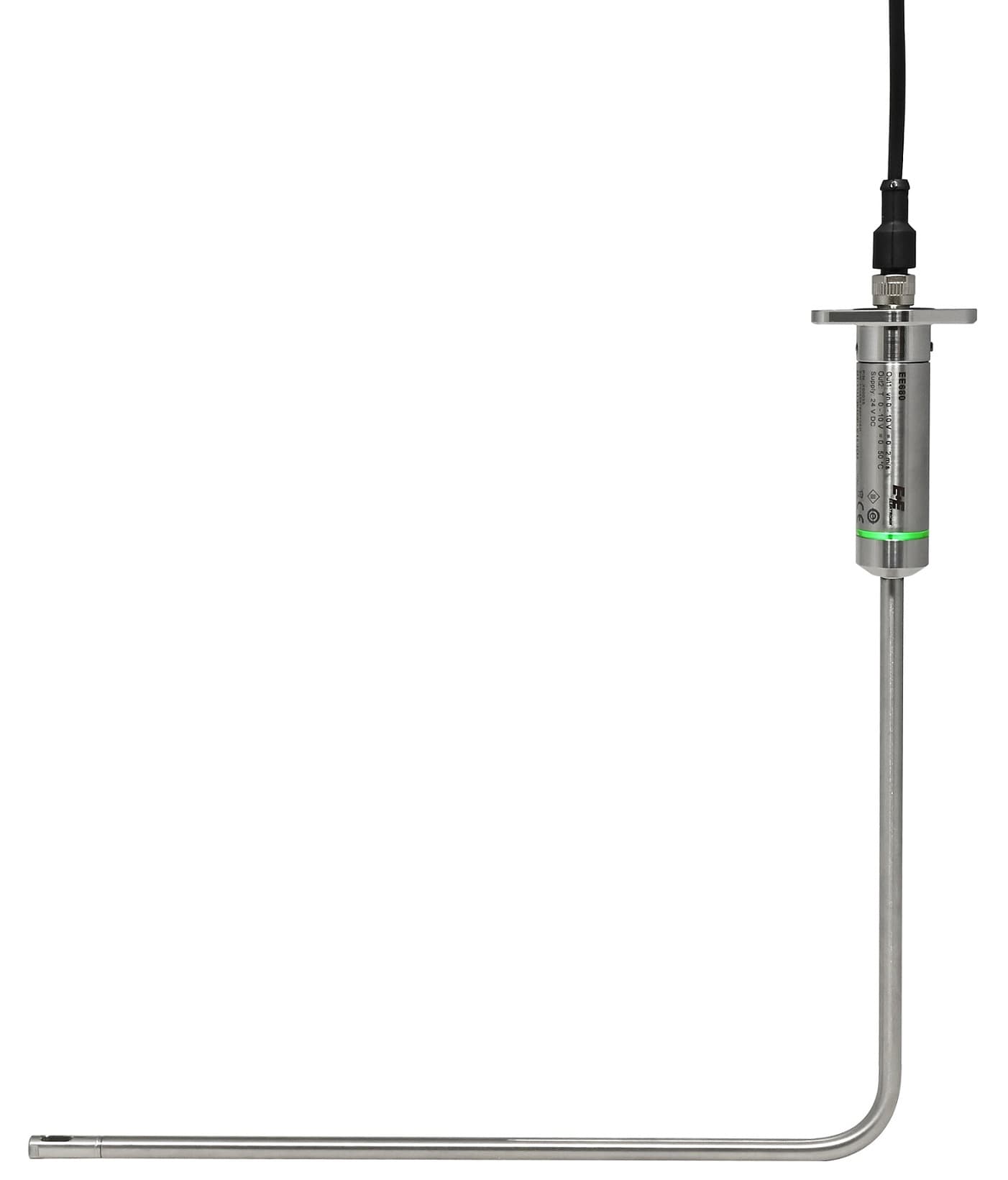 E+E Elektronik EE680 - Air Velocity Sensor for Laminar Flow Monitoring
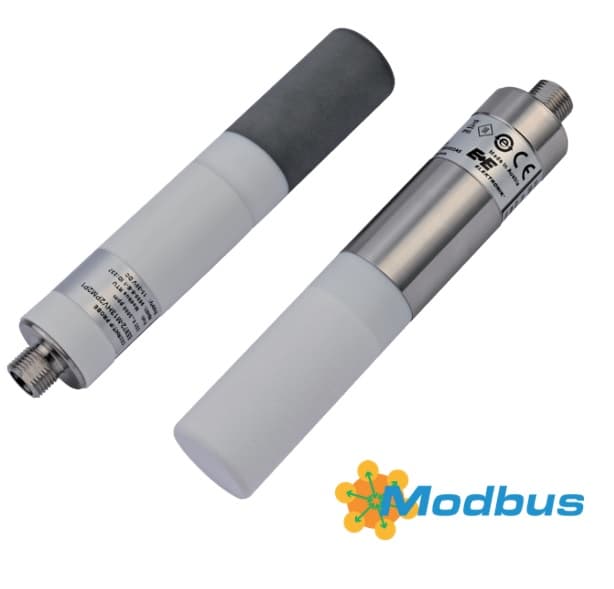 E+E Elektronik EE872 - Modular 4 in 1 probe for CO2, humidity, temperature and pressure
 E+E Elektronik EE072 - Humidity and Temperature Probe with Digital Interface
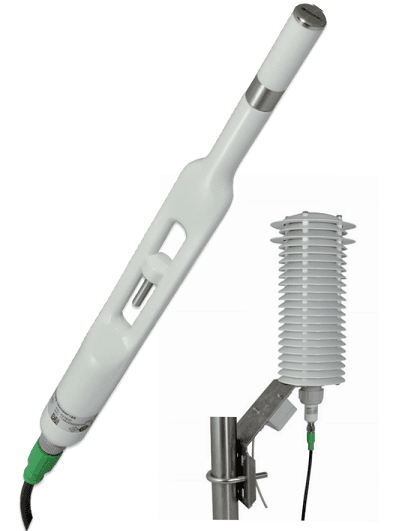 E+E Elektronik EE260 - Heated Humidity and Temperature Probe for Meteorology
 E+E Elektronik EE210 - Humidity and Temperature Sensor for Demanding Climate Control
Want to see how it works?
