









Eastron SDM72D-M
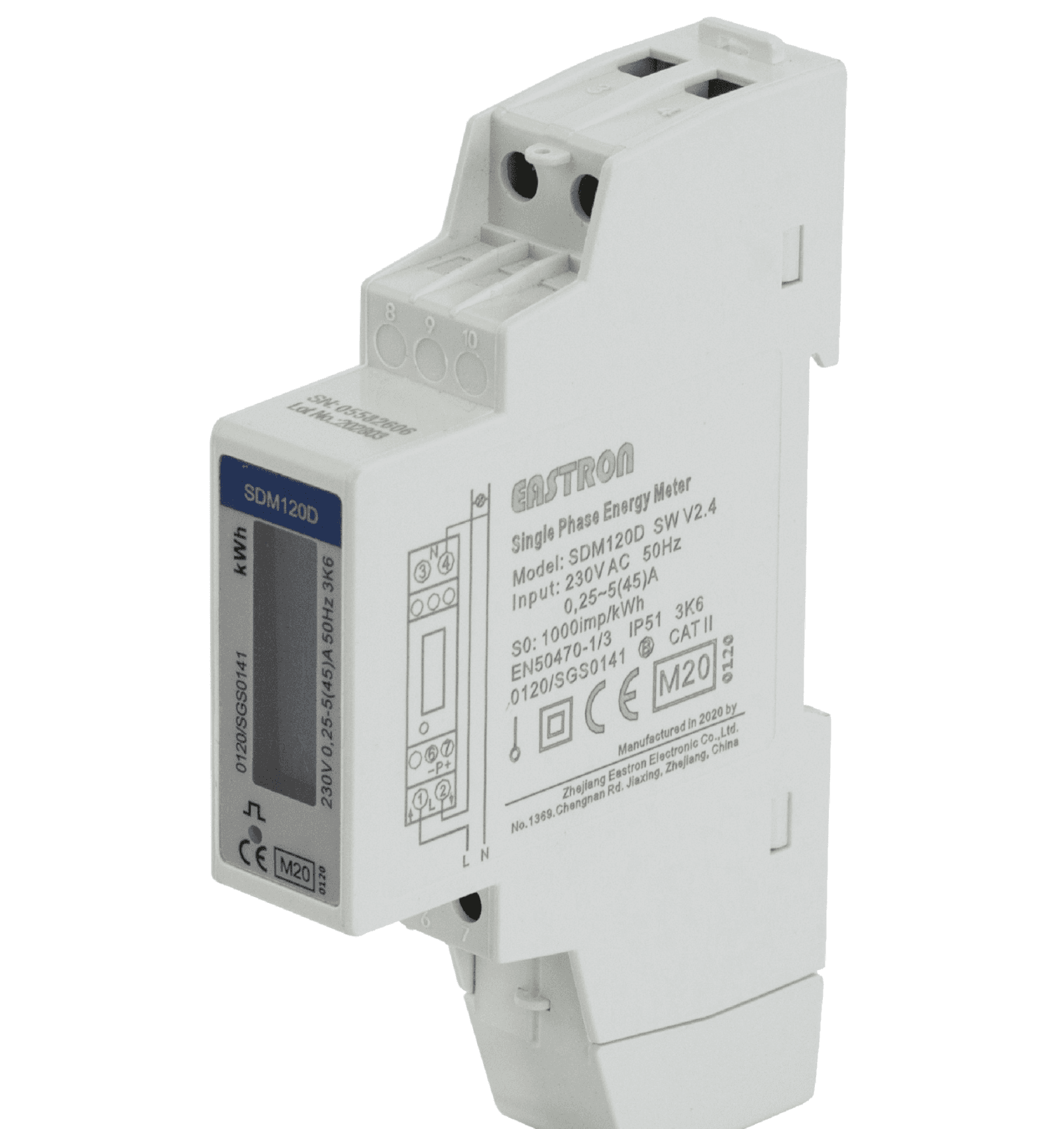
Reads energy metering values from an Eastron SDM72D-M three-phase meter.
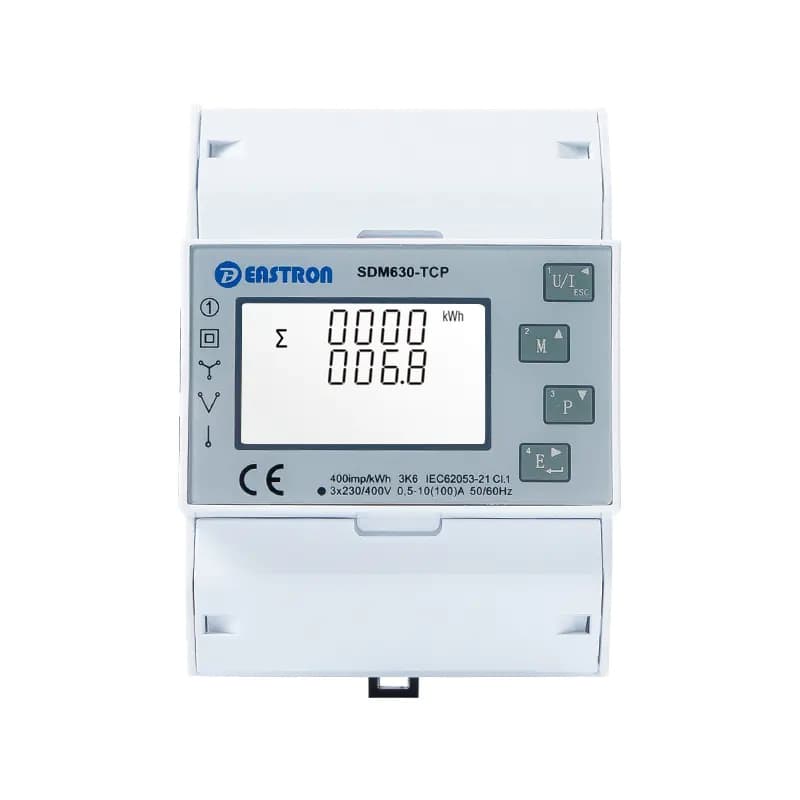
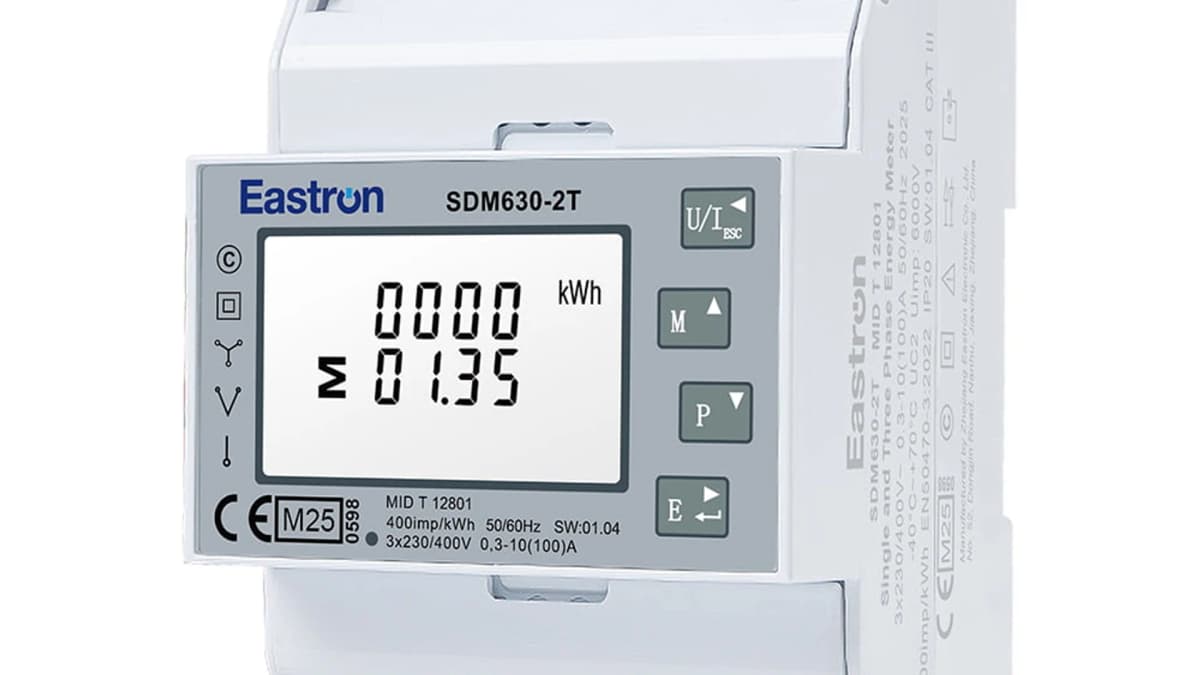
This ModbusCloud template reads voltage, current, power, energy, and frequency from an Eastron SDM72D-M three-phase energy meter over Modbus RTU at 9600 baud. All registers are float32 values spanning two Modbus addresses each, covering per-phase and total measurements. The SDM72D-M is the simpler cousin of the SDM630 and suits smaller submetering projects where you do not need the full register set.
- Protocol
- Modbus RTU
- Connection
- RS485, 9600 baud
- Registers
- 15, read only
- Brand
- Eastron
- Key readings
- Voltage L1 to L3 · Current L1 to L3 · Power L1 to L3 · Total active/apparent/reactive Power · Total Energy Import/Export · Frequency
- Compatible models
- SDM72D-M
- Last updated
Registers (15)
15 read, 0 write
| Name | Unit | Access | Address (Hidden until you enter your email) | Function (hidden) | Type (hidden) |
|---|---|---|---|---|---|
| Voltage L1 | V | Read | |||
| Voltage L2 | V | Read | |||
| Voltage L3 | V | Read | |||
| Current L1 | A | Read | |||
| Current L2 | A | Read | |||
| Current L3 | A | Read | |||
| Power L1 | kW | Read | |||
| Power L2 | kW | Read | |||
| Power L3 | kW | Read | |||
| Total active Power | kW | Read | |||
| Frequency | Hz | Read | |||
| Total Energy Import | kWh | Read | |||
| Total Energy Export | kWh | Read | |||
| Total apparent Power | VA | Read | |||
| Total reactive Power | var | Read |
Loading registers…
Send your device list
If a device is not in the library yet, we build the template for free as soon as we have the register data.
Use cases
- Submeter individual tenant consumption in a commercial building for internal billing.
- Measure PV export and building import separately for feed-in tariff compliance.
- Track per-phase current to size a future EV charger or battery expansion correctly.
- Compare measured consumption against the utility bill to catch billing errors early.
- Monitor kWh and kVArh totals for commercial tariffs that charge for reactive power separately.
Installation
Wire the SDM72D-M A and B RS485 terminals to the ModbusCloud gateway RS485 channel, using twisted pair cable.
Verify default settings on the meter front panel: address 1, 9600 baud, 1 stop bit, no parity.
In ModbusCloud, add a Modbus RTU device matching those settings and import the Eastron SDM72D-M template.
Confirm voltage and current readings match the meter display within a few percent.
Things to watch for
Can I put an SDM72D-M and an SDM630 on the same bus?
Yes. Give each meter a unique Modbus slave address (1, 2, 3, ...) using the meter front panel menu. Then create one ModbusCloud device per meter and import the matching template on each.
Import and export energy both increase over time. Is that right?
Yes, those are lifetime counters, so they only go up. To get daily or monthly consumption, compute the difference between two snapshots. ModbusCloud can do that automatically on the dashboard side using a delta aggregation.
Want to see how it works?
