








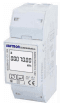
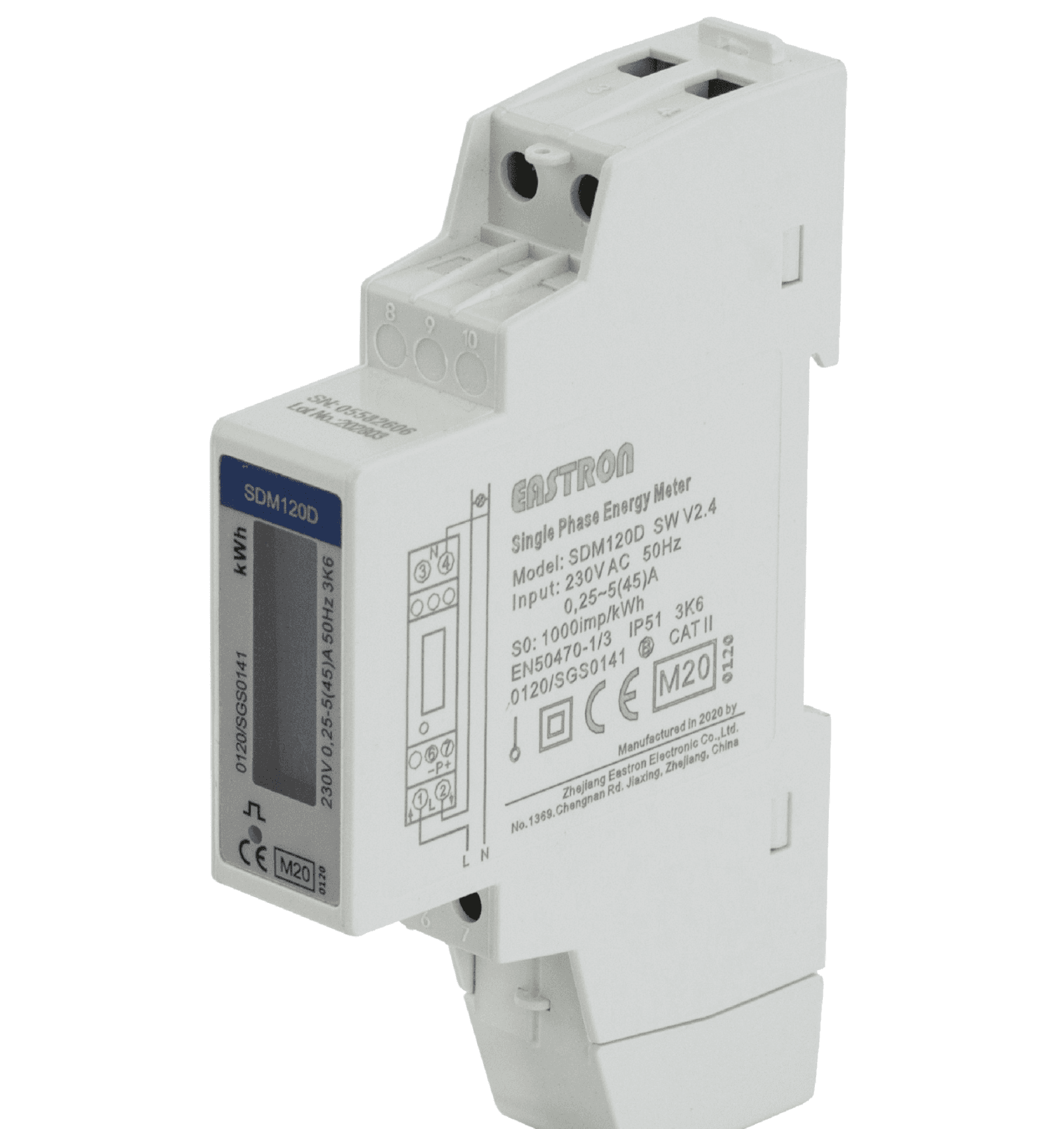
Eastron SDM230
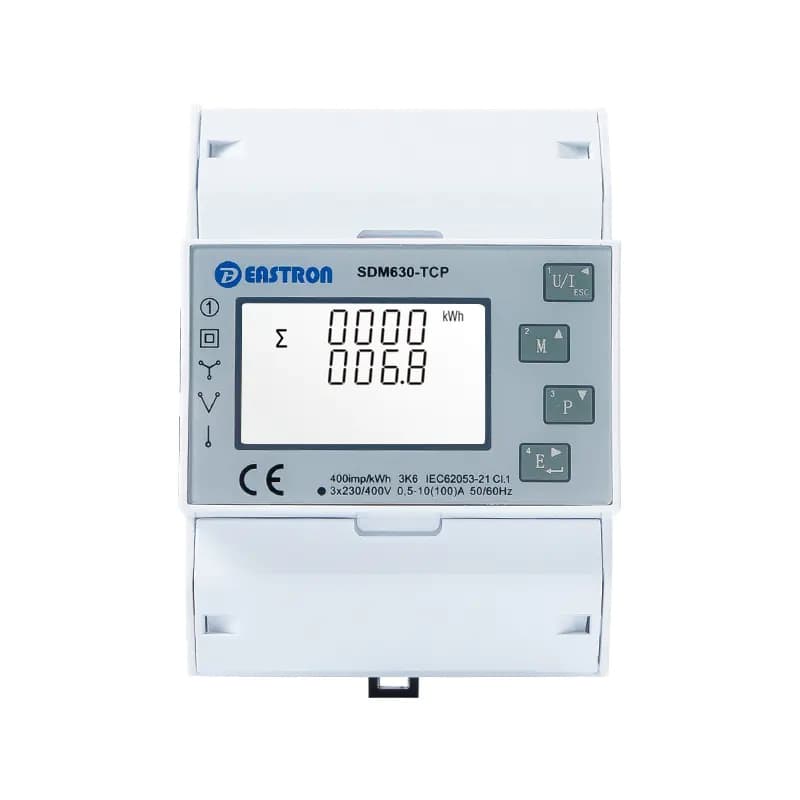
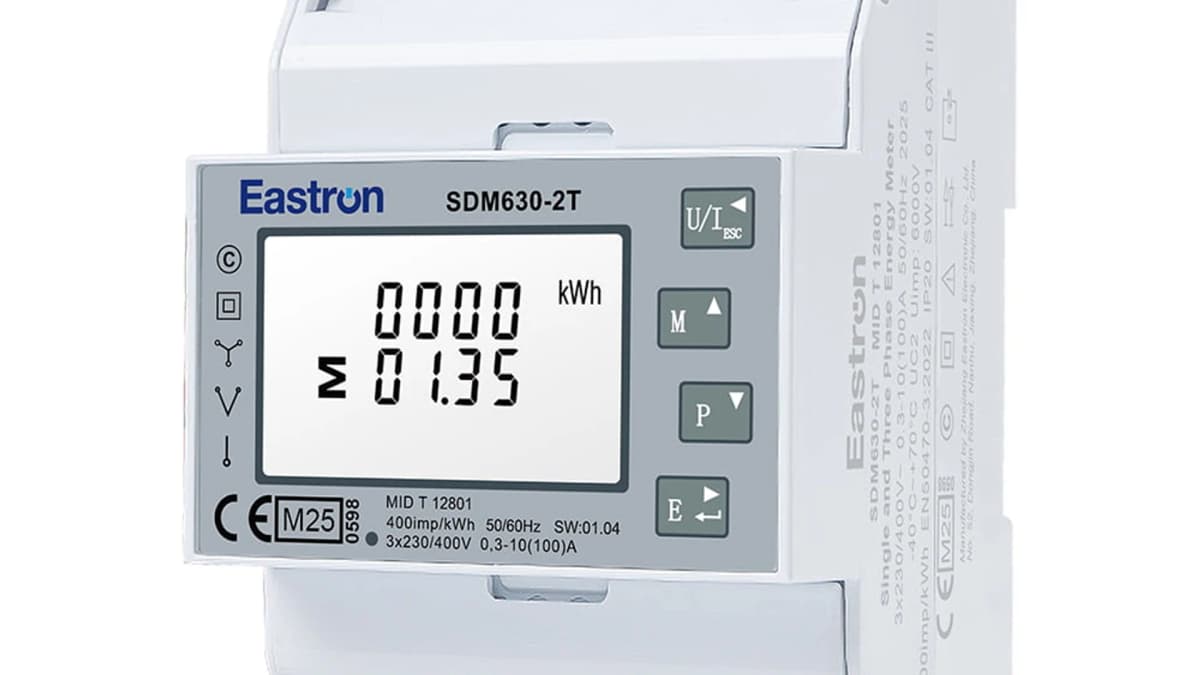
Reads energy and power values from an Eastron SDM230 single-phase meter.
This ModbusCloud template reads voltage, current, active power, import and export energy, and demand values from an Eastron SDM230 single-phase multifunctional energy meter over Modbus RTU at 9600 baud. Twelve float32 registers cover the full measurement set, making it a natural fit for single-phase submetering, PV monitoring, and EV charger metering applications.
- Protocol
- Modbus RTU
- Connection
- RS485, 9600 baud
- Registers
- 12, read only
- Brand
- Eastron
- Key readings
- Line to neutral voltage · Current · Active Power · Import Active Energy · Export Active Energy · Maximum current demand · System power demand
- Compatible models
- SDM230
- Last updated
Registers (12)
12 read, 0 write
| Name | Unit | Access | Address (Hidden until you enter your email) | Function (hidden) | Type (hidden) |
|---|---|---|---|---|---|
| Line to neutral volts | V | Read | |||
| Current | A | Read | |||
| Active Power | W | Read | |||
| Import Active Energy | kWh | Read | |||
| Export Active Energy | kWh | Read | |||
| Maximum current Demand | A | Read | |||
| Maximum total system power demand | W | Read | |||
| Maximum total system power demand | W | Read | |||
| Current system positive power demand | W | Read | |||
| Maximum system positive power demand | W | Read | |||
| Current system reverse power demand | W | Read | |||
| Maximum system reverse power demand | W | Read |
Loading registers…
Send your device list
If a device is not in the library yet, we build the template for free as soon as we have the register data.
Use cases
- Submeter a single-phase circuit for tenant billing in a residential conversion.
- Monitor peak demand over the day to help the customer qualify for lower commercial tariff bands.
- Track import and export energy separately on a single-phase PV feeder.
- Log power factor to identify poor-quality loads that waste apparent power and raise bills for commercial customers.
- Compare measured consumption with the utility bill as a sanity check for billing disputes.
Installation
Wire the SDM230 RS485 A and B terminals to the ModbusCloud gateway RS485 channel.
Verify default meter settings on the front panel: address 2, 9600 baud, no parity, 1 stop bit. Change only if multiple meters share a bus.
In ModbusCloud, add a Modbus RTU device matching those settings and import the Eastron SDM230 template.
Cross-check the first voltage and current readings against the meter display.
Things to watch for
Register 84 and 86 both say Maximum total system power demand. Which do I use?
They use different averaging windows depending on firmware revision. Register 84 is the standard 15-minute rolling peak. Register 86 may be a daily or monthly peak. Check your utility contract for which window they bill on and use the matching register.
Export energy is zero even though I have PV. Is the template reading wrong?
Confirm the CT is clamped in the correct orientation. If the orientation is flipped, consumption shows as negative or zero and export stays at zero. Reversing the CT on the cable solves this.

Want to see how it works?
