








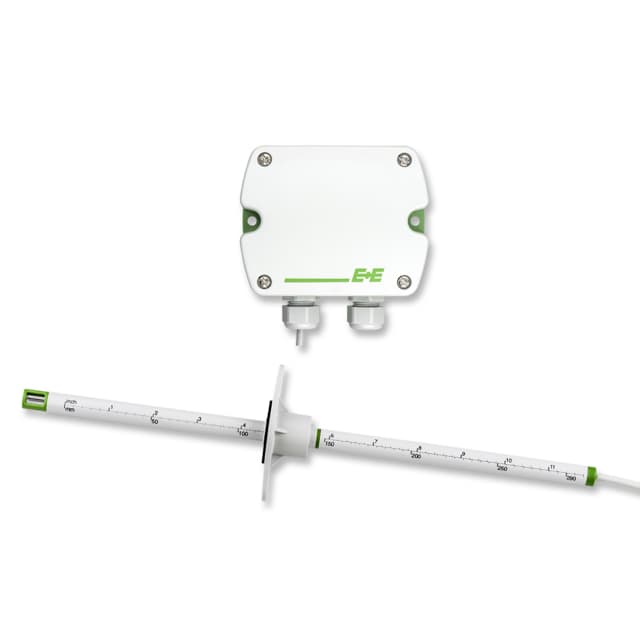
E+E Elektronik EE650 - Air Flow Sensor for HVAC
Measures air flow velocity and temperature for HVAC applications.
The E+E Elektronik EE650 is an air flow sensor for HVAC and ventilation systems. This Modbus TCP template reads air velocity (m/s) and temperature (°C) from the sensor's float32 registers. It is suited for building automation and duct airflow monitoring.
- Protocol
- Modbus TCP
- Connection
- Ethernet, Modbus TCP
- Registers
- 2, read only
- Brand
- E+E Elektronik
- Key readings
- Airflow (m/s) · Temperature (°C)
- Compatible models
- EE650
- Last updated
Registers (2)
2 read, 0 write
| Name | Unit | Access | Address (Hidden until you enter your email) | Function (hidden) | Type (hidden) |
|---|---|---|---|---|---|
| Airflow | m/s | Read | |||
| Temperature T | °C | Read |
Loading registers…
Send your device list
If a device is not in the library yet, we build the template for free as soon as we have the register data.
Use cases
- Monitor real-time duct air velocity on a cloud dashboard to verify ventilation system performance.
- Create alerts when airflow drops below a minimum threshold, indicating filter clogging or fan failure.
- Log temperature trends in supply air ducts to support energy audits and comfort analysis.
- Compare airflow readings across multiple ducts to detect imbalances in the ventilation system.
- Generate periodic reports on air velocity and temperature for building management documentation.
Installation
Mount the EE650 sensor in the ventilation duct according to the manufacturer's installation guide, ensuring correct insertion depth and orientation.
Connect the EE650 to the local network via Ethernet and assign it a static IP address or verify its current address in the sensor configuration tool.
Connect the ModbusCloud Gateway to the same local network as the EE650 sensor.
In the ModbusCloud platform, import the E+E Elektronik EE650 template and enter the sensor's IP address and Modbus TCP port (default 502).
Verify that the gateway reads valid float32 values for airflow (register 1040) and temperature (register 1002) on the live data view.
Adjust the polling interval in the gateway configuration to match your monitoring requirements, for example every 10 or 30 seconds.
Things to watch for
I see zero or nonsensical values for airflow and temperature. What could be wrong?
The EE650 stores values in float32 format across two registers. Check that your gateway is configured to read 32-bit float and that the byte order (big-endian or word-swapped) matches the sensor's output. Try toggling the word swap setting if values look incorrect.
What Modbus TCP port does the EE650 use by default?
The default Modbus TCP port is 502. If you have changed this in the sensor's configuration, update the port number in the ModbusCloud gateway settings accordingly.
Can I connect multiple EE650 sensors to one ModbusCloud gateway?
Yes. Each sensor has its own IP address on the network. Add a separate device entry in ModbusCloud for each sensor, using the same EE650 template but pointing to the respective IP address.
Do I need to set a Modbus unit ID for the EE650?
In most Modbus TCP setups the unit ID defaults to 1. If your EE650 has been configured with a different unit ID, match it in the gateway connection settings.
More E+E Elektronik templates
 E+E Elektronik EE310 - High-end humidity and temperature sensor up to 180 °C
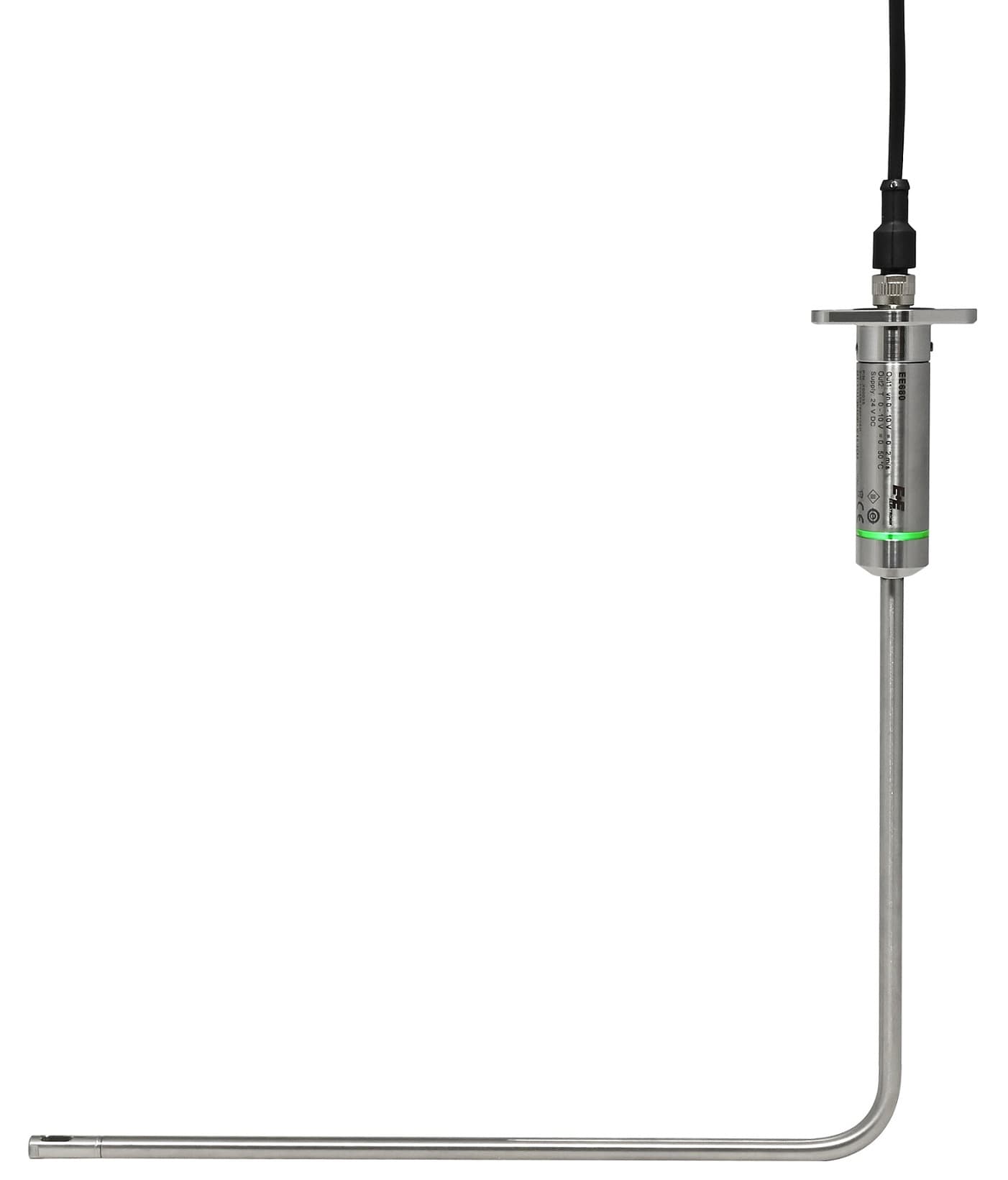 E+E Elektronik EE680 - Air Velocity Sensor for Laminar Flow Monitoring
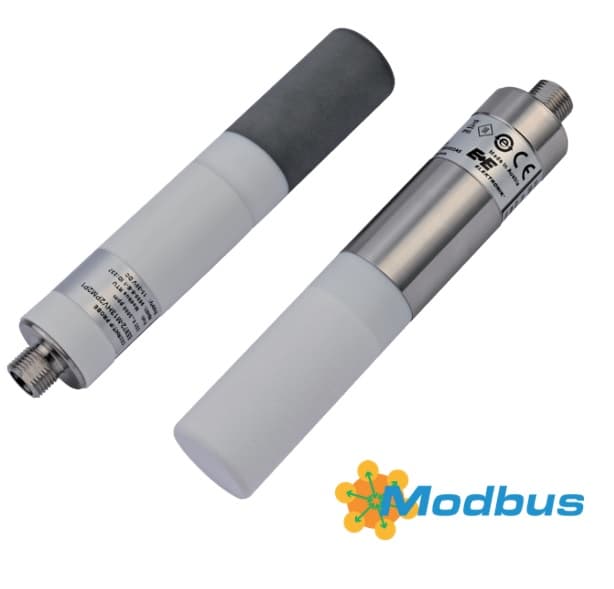 E+E Elektronik EE872 - Modular 4 in 1 probe for CO2, humidity, temperature and pressure
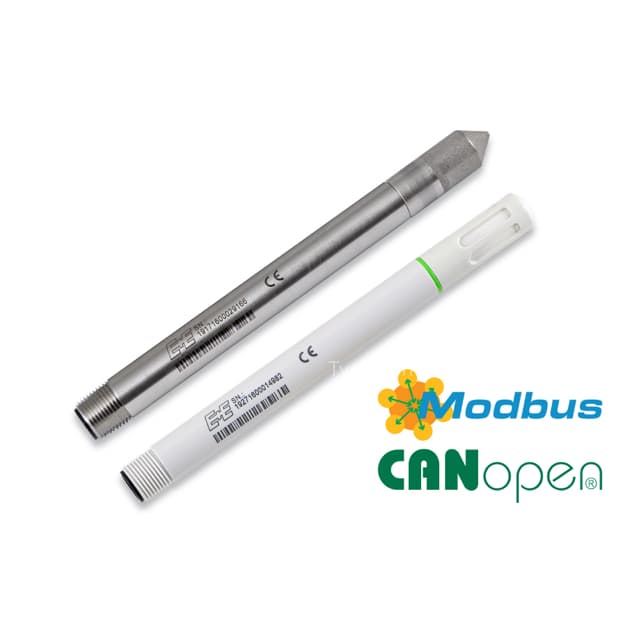 E+E Elektronik EE072 - Humidity and Temperature Probe with Digital Interface
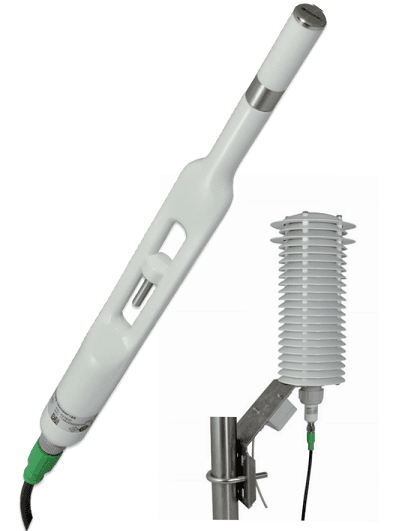 E+E Elektronik EE260 - Heated Humidity and Temperature Probe for Meteorology
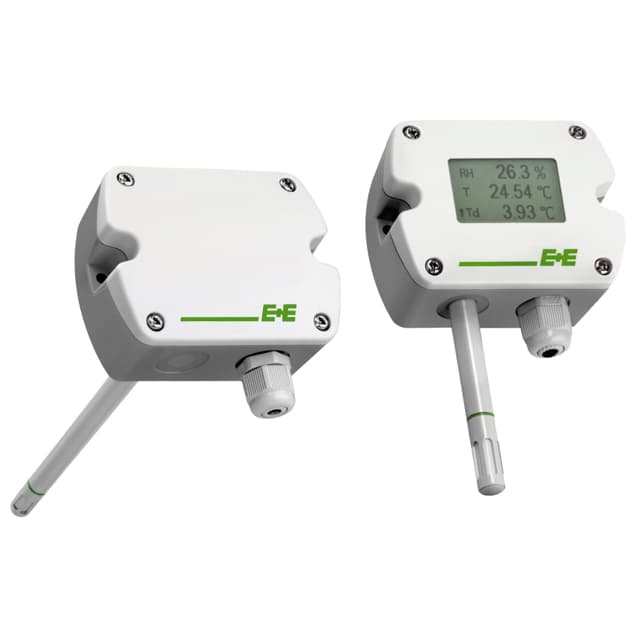 E+E Elektronik EE210 - Humidity and Temperature Sensor for Demanding Climate Control
Want to see how it works?
