In this lesson
What this lesson covers
- Three tests that show at which layer the connection dies
- Port 502, the direction, and why outbound is usually enough
- How many connections a device accepts, and the separate VLAN
Read first: Port 502, the MBAP header and the unit id
A Modbus TCP job fails on the network far more often than on the protocol, and port 502 is only one of the three things that have to line up: a route to the device, a firewall that lets the session through, and a device that still has a free connection slot. This lesson takes those three apart in the order a fault report arrives. After it you can prove at which layer a connection dies, and choose network settings that still hold next year.
Can your client reach the device at all?
Three commands answer that, and the order is the point, because each one takes exactly one layer off the list. Take an inverter at 192.168.1.50.
ping 192.168.1.50
nc -vz 192.168.1.50 502
mbpoll -m tcp -a 1 -t 4 -r 1 -c 2 -1 192.168.1.50
On Windows the second command is Test-NetConnection 192.168.1.50 -Port 502. Both nc and mbpoll are free to use, also commercially.
| Test | What a pass proves | What a failure points at |
|---|---|---|
ping | IP address, subnet, VLAN and cabling are all fine | Wrong address, wrong mask, wrong VLAN, dead cable, device off |
| Port test on 502 | Something is listening on the Modbus port | Firewall, wrong port, or Modbus TCP switched off in the device |
| One register read | Unit id and register address are right too | Unit id, base 0 against base 1, or a device that is busy |
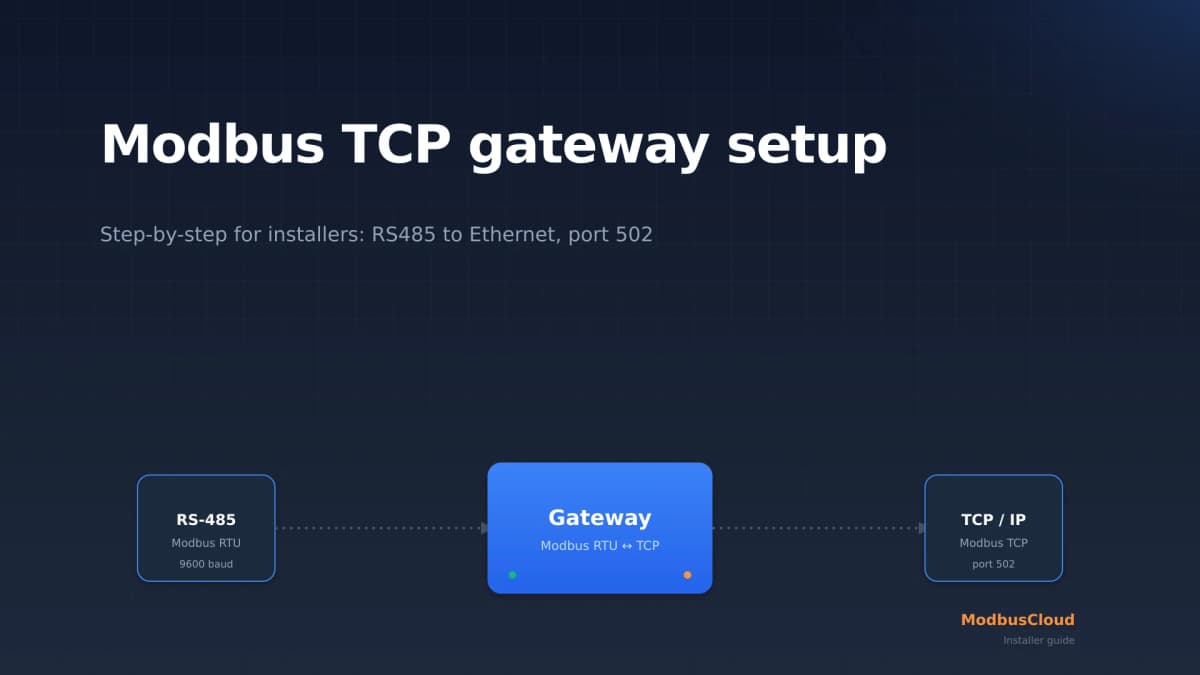
That is the whole method: a test that passes removes a layer, and a test you skip stays a suspect. The second line is where most jobs stall, because in many devices the Modbus server is off out of the box. SolarEdge states it plainly, the Modbus TCP function is disabled by default, and a NIBE S-series wants it enabled in menu 7.5.9 with software 2.2.1 or later. Getting a gateway to that point end to end is covered in the Modbus TCP gateway setup guide.
Which port, and in which direction
Outbound TCP to port 502 on the device, and nothing inbound as long as your client sits in the same network. Port 502 is the port registered with IANA for Modbus, and the specification is strict: a server must listen on 502 by default, and a product that offers a second Modbus port has to keep 502 available next to it. The client picks its own source port, above 1024 and different per connection, so the rule reads: TCP, any source port above 1024, destination the device, destination port 502.
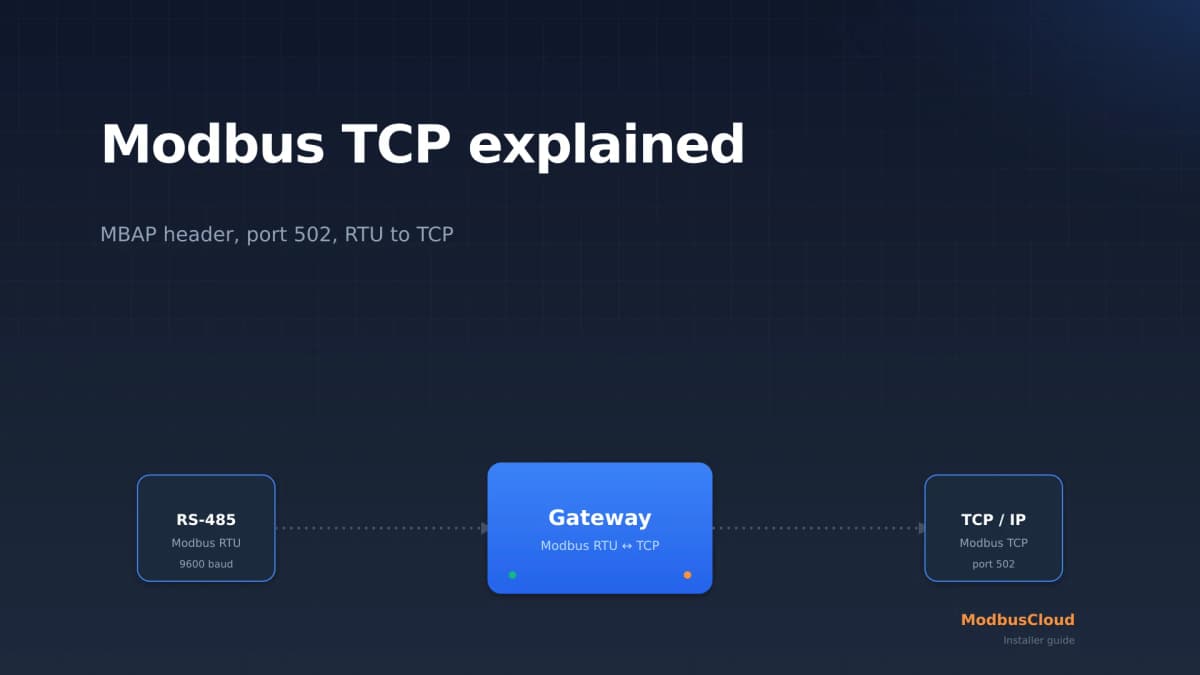
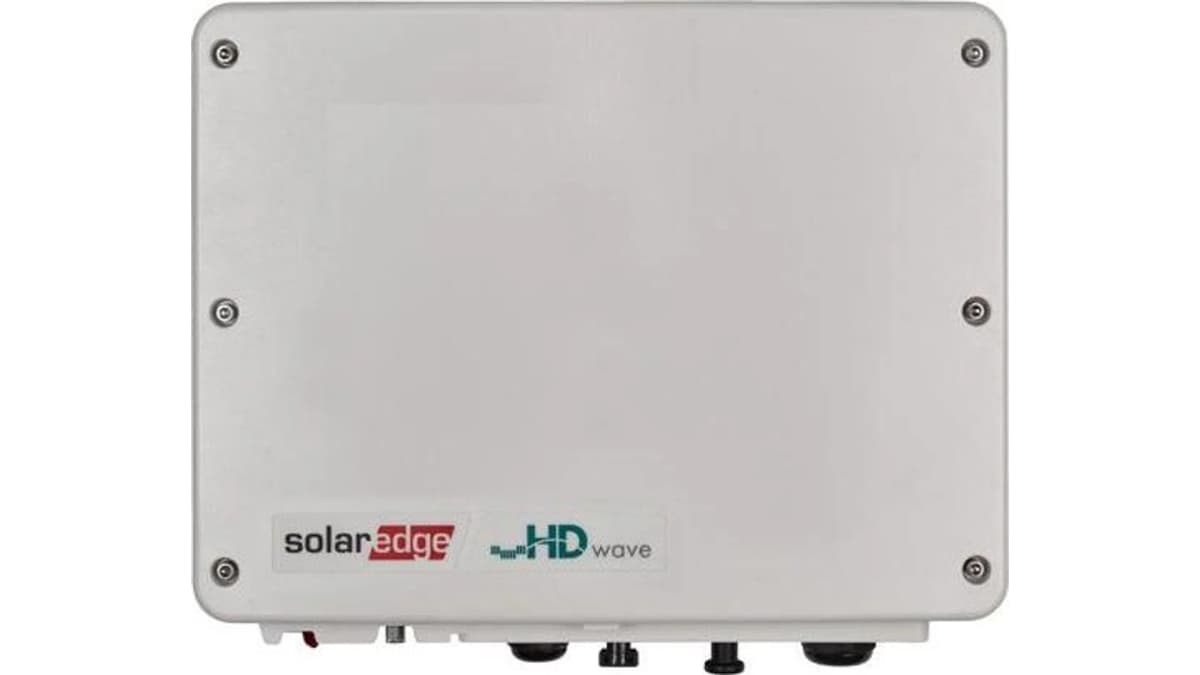
Manufacturers break that rule in the field. SolarEdge units with SetApp default to port 1502 and the older LCD units to 502, so two products from one brand need different rules. The complete picture for that brand is in reading a SolarEdge inverter over Modbus TCP, and what actually travels over that port is taken apart in the MBAP header and the unit id.
Static IP or DHCP?
Give every Modbus device an address that is still correct in a year, because a poll list stores an IP address and nothing else. A DHCP reservation is usually the better route: the address is tied to the MAC address and stays managed in one place, in the router, instead of on a sticker in a cabinet. A fixed address in the device works too, as long as it sits outside the DHCP pool.
An expired lease that hands out a different address is a classic cause of a system that worked yesterday. The range matters as well: a NIBE S-series accepts connections only from 10/8, 172.16/12 and 192.168/16, so a client on a public address or behind carrier-grade NAT is refused before Modbus is ever reached. The transport itself is covered in Modbus TCP explained.
How many connections can the device handle?
Far fewer than people assume, and the number is in the datasheet rather than in the standard. A SolarEdge inverter documents one. Schneider publishes a whole ladder for its meters.
| Device | Simultaneous Modbus TCP connections |
|---|---|
| SolarEdge inverter | 1 |
| Schneider ION 8600, ION 8800 | 4 |
| Schneider ION 8650, ION9000 | 8 |
| Schneider ION 7550, ION 7650, PM8000 | 32 |
The specification deliberately leaves the number to the device, but it does prescribe what happens when the pool is full: the oldest unused connection is closed. So count your own clients before you assume there is room. A building management system, an energy monitoring platform, Home Assistant and a laptop with a test tool are already four clients on one meter.
What happens when you ask too often
You run into one of two different limits, and they have different symptoms. The first is protocol level: a server accepts a limited number of simultaneous transactions, between 1 and 16 depending on the product, and when that pool is full it answers with exception 06, server device busy. That is a real answer from a healthy device, not a network problem.
The second limit is set by the manufacturer and is invisible in the protocol. SMA asks for at least ten seconds between data transfers, no more than five values per inverter at a time, and quotes a reaction time of 5 to 10 seconds. The NIBE S-series allows 100 registers per second and 20 registers per query. Sixty registers from a NIBE is therefore three queries, and at a poll interval of 2 seconds you use 30 registers per second, less than a third of the budget. How that scales to a whole installation is worked out in polling interval and bus load.
Why field devices belong in their own VLAN
Because Modbus has nothing to protect itself with. Neither the MBAP header nor the PDU has a field for a password, a key, a token or a signature, so whoever can open a TCP session to port 502 can read every register and write to the writable ones. The only thing the specification offers is an optional access control module that filters on source IP address, and an IP address is not an identity.
Segmentation is what replaces the missing authentication. A separate VLAN for field devices decides who is allowed to try at all, and it keeps discovery and broadcast traffic away from equipment whose network stack was built for a handful of connections. Manufacturers say the same in their own words: NIBE writes that Modbus TCP communication over the open internet is very risky and not recommended, and enforces it by refusing anything outside the private ranges.
This is also why a port forward to 502 is never the answer for remote access: roughly half of all internet reachable industrial devices measured by Bitsight in 2025 are Modbus or Niagara FOX, and each one is a single open session away from being written to. What TLS on port 802 adds is the subject of securing Modbus.
Keep the connection open or reconnect?
Keep it open. The specification is explicit: the connection stays open for as long as the Modbus communication lasts, and when it ends the client closes it, not the server. Opening and closing a TCP connection for every poll is the wasteful pattern, because every reconnect claims a socket on a device that may have only one.
Two things push back. Devices apply an idle timeout, and a SolarEdge inverter closes the session after two minutes of silence, so a five minute poll interval means a reconnect on every cycle. And after a client reboot the device may still hold the old session half open, in which case reconnecting from the same source port stalls until the TCP establishment timeout, 75 seconds on most stacks. A different source port after a restart avoids that wait.
Common mistakes
-
Opening the Modbus settings while the ping is still failing. Nothing in the register map explains a device that has no route to your laptop. Two commands rule out the whole network layer first, and they cost ten seconds.
-
Forgetting that the Modbus server has to be switched on. In many inverters, meters and heat pumps the TCP server is disabled from the factory and needs a menu item or a DIP switch. The symptom, a refused connection on port 502, is identical to a firewall block.
-
Letting several systems poll the same device. On a device with one connection slot, a monitoring platform and a laptop take turns pushing each other out, and neither of them gets an error. Put one client in front and distribute the data from there.
-
Polling faster than the manufacturer allows. SMA wants at least ten seconds between data transfers and the NIBE S-series caps at 100 registers per second. Go over it and the answers turn inconsistent, which sends people looking for a network fault that does not exist.
Get hands-on
Work upward through the layers on a device you can reach, and note what each step proves.
- 1
Ping the device
Run
ping 192.168.1.50. No reply means IP address, subnet, VLAN or cable. Modbus is not in the picture yet, so leave its settings alone. - 2
Test the port
Run
nc -vz 192.168.1.50 502, orTest-NetConnection 192.168.1.50 -Port 502in PowerShell. A refusal here while the ping works means the firewall, a different port such as 1502, or a Modbus server that is switched off. - 3
Switch the Modbus server on
Check the device menu or the DIP switches before you touch the firewall. This is the step that gets skipped most often.
- 4
Read one register
Only now run
mbpoll -m tcp -a 1 -t 4 -r 1 -c 2 -1 192.168.1.50. Two registers is enough. If this fails while the port test passed, you are looking at the unit id or at the address counting, not at the network. - 5
Open a second session
Start a second read against the same device from another machine while the first one runs. Watch whether both survive. That is how you measure the connection limit instead of guessing it.
- 6
Write it down
Record IP address, port, unit id, the poll interval the manufacturer allows and the number of connections you measured. That note is what the next engineer reads instead of repeating this exercise.
No hardware. Run steps 1, 2, 4 and 5 against the pymodbus simulator on 127.0.0.1:5020, which is free to use, also commercially. Point the port test and mbpoll at that address and that port. The simulator accepts several connections without complaining, so step 5 shows you the method rather than a real limit. Real devices are the ones that push a client out.
Expected result: three tests that pass on three different layers, and a maximum number of connections you wrote down instead of assumed.
Summary
- Test upward in three steps, ping, then port 502, then one register read, because every test that passes removes a whole layer from the list of suspects.
- A Modbus server is required to listen on port 502, but products break that rule, so check the datasheet before you blame the firewall for a refused connection on 1502.
- A stateful firewall needs only an outbound rule for a gateway that dials out, while a client reaching in from another VLAN needs an explicit inbound rule.
- Devices accept a fixed number of simultaneous connections, from one on a SolarEdge inverter to 32 on a Schneider PM8000, and the client that gets dropped when the pool is full receives no error message.
- Modbus carries no authentication of its own, so a separate VLAN plus a single gateway that crosses the boundary is what actually keeps the field network closed.
Check yourself
Four questions about this lesson. Every answer comes with an explanation.
Stuck on a project?
Describe what you see and where it goes wrong. We will look at it and tell you what we would do.