








LG PDRYCB500
Controls LG HVAC units via a Modbus RTU contact board.
Template for the LG PDRYCB500 contact board, communicating over Modbus RTU at 9600 baud. It reads HVAC parameters such as room temperature, on/off status, and error alarms, and allows control of setpoint temperature, operating mode, fan speed, and on/off switching.
- Protocol
- Modbus RTU
- Connection
- RS485, 9600 baud
- Registers
- 6, read and write
- Brand
- LG
- Key readings
- On/Off Status · Room Temperature · Error Alarm · Setpoint Temperature · Mode Status · Fan Speed Status
- Available commands
- On/Off Control · Setpoint Temperature · Run Mode · Fan Speed
- Compatible models
- PDRYCB500
- Last updated
Registers (6)
6 read, 4 write
| Name | Unit | Access | Address (Hidden until you enter your email) | Function (hidden) | Type (hidden) |
|---|---|---|---|---|---|
| Status On_Off | Read and write | ||||
| Room_Temp | °C | Read | |||
| Error Alarm (CH) | Read | ||||
| SetPoint Temperature | Read and write | ||||
| Mode_Status | Read and write | ||||
| SetFanSpeed_Status | Read and write |
Loading registers…
Send your device list
If a device is not in the library yet, we build the template for free as soon as we have the register data.
Use cases
- Monitor room temperature and setpoint temperature of LG HVAC units on a live cloud dashboard.
- Control on/off status and operating mode remotely to respond to tenant comfort requests.
- Create an alert when an error alarm is triggered on a connected LG indoor unit.
- Adjust fan speed and setpoint temperature across multiple LG units from a single interface.
- Track HVAC operating mode changes over time to optimize energy consumption in commercial buildings.
Installation
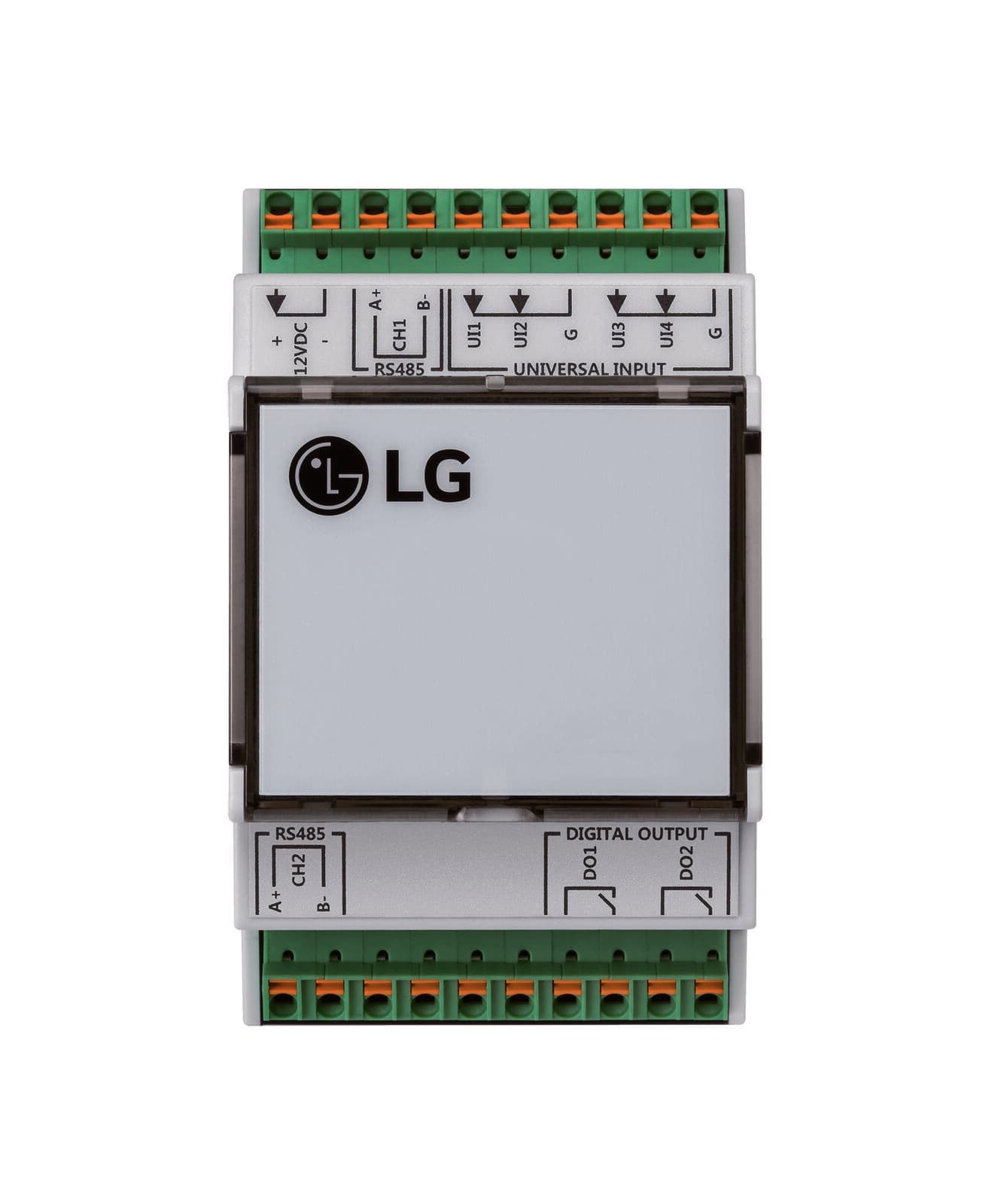
Connect the ModbusCloud Gateway to the LG PDRYCB500 contact board using a standard RS-485 wiring connection (A, B, and GND terminals).
Configure the Modbus address on the PDRYCB500 following the procedure in the LG V-Net PDRYCB500 manual, then reboot the LG device so the new address takes effect.
Set the baud rate on the gateway to 9600 to match the PDRYCB500 default communication settings.
Import the LG PDRYCB500 template from the ModbusCloud template library and assign it to the connected gateway.
Verify the connection by checking that room temperature and on/off status values appear correctly on the ModbusCloud dashboard.
If multiple LG units are connected, assign unique Modbus addresses to each PDRYCB500 board and add a template instance per unit.
Things to watch for
I changed the Modbus address on the PDRYCB500 but the gateway cannot communicate with it.
The LG device must be rebooted after changing the Modbus address. Without a reboot, the new address will not be applied and the board will not respond to requests on the configured address.
The register addresses in the LG documentation do not match what I see in the template.
LG documentation uses absolute register numbering (e.g., 30003 or 40002). The template uses zero-based offset addressing. Input registers subtract 30001, and holding registers subtract 40001. The template handles this automatically.
What baud rate and serial settings should I use?
The PDRYCB500 communicates at 9600 baud over Modbus RTU. Ensure your gateway serial port is set to 9600 baud with the correct parity and stop bit settings as specified in the LG manual.
Can I control multiple LG indoor units with one gateway?
Yes. Each PDRYCB500 board must have a unique Modbus address on the RS-485 bus. Add a separate template instance in ModbusCloud for each unit, matching the configured address.

Want to see how it works?
