








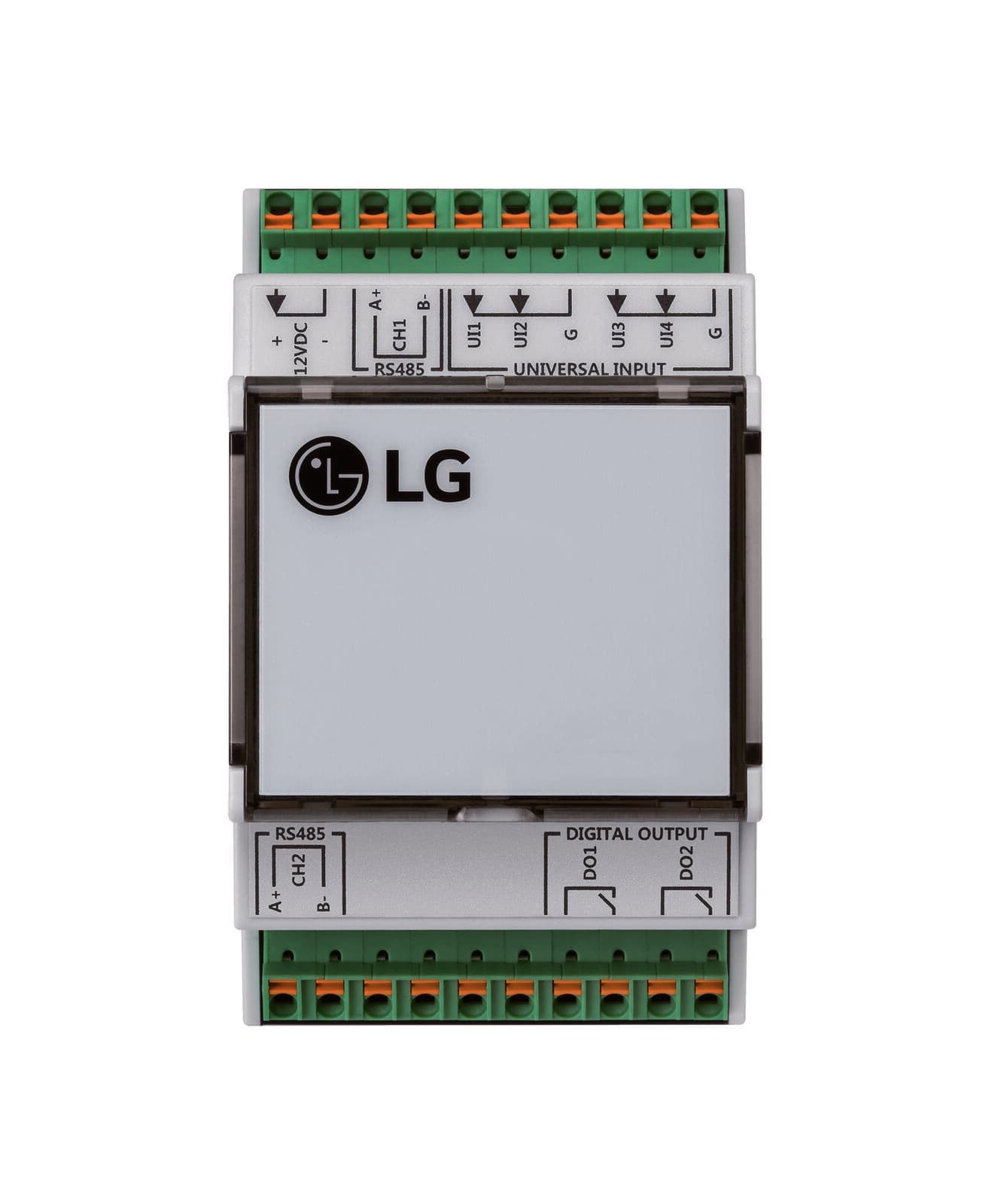
LG PMBUSB00A Modbus Gateway
Controls LG air conditioners, ventilators, and heat pumps via Modbus gateway
Template for the LG PMBUSB00A Modbus Gateway, enabling Modbus RTU communication with LG air conditioners, ventilators, DX ventilators, and HydroKit/AWHP heat pumps. Read temperatures, filter alarms, and operating states. Control operate mode and setpoints for up to 255 indoor units.
- Protocol
- Modbus RTU
- Connection
- RS485, 9600 baud
- Registers
- 6, read and write
- Brand
- LG
- Key readings
- Connected IDU · Filter Alarm · Room Temperature · Pipe In Temperature · Pipe Out Temperature
- Available commands
- Operate Mode · Connected IDU · Room Temperature · Pipe In Temperature
- Compatible models
- PMBUSB00A
- Last updated
Registers (6)
5 read, 4 write
| Name | Unit | Access | Address (Hidden until you enter your email) | Function (hidden) | Type (hidden) |
|---|---|---|---|---|---|
| Connected IDU | Read and write | ||||
| Filter Alarm | Read | ||||
| Room Temp. | °C | Read and write | |||
| Pipe In Temp. | °C | Read and write | |||
| Pipe Out Temp. | °C | Read | |||
| Operate Mode | Write |
Loading registers…
Send your device list
If a device is not in the library yet, we build the template for free as soon as we have the register data.
Use cases
- Monitor room temperature and pipe temperatures of LG indoor units on a live cloud dashboard.
- Create an alert when a filter alarm triggers so maintenance can be scheduled proactively.
- Remotely switch operate mode between cooling, heating, and fan-only for LG air conditioners.
- Track pipe-in and pipe-out temperatures of an LG HydroKit or AWHP heat pump to verify system efficiency.
- Adjust room temperature setpoints for multiple LG indoor units from one central interface without a site visit.
- Log historical temperature data for comfort audits or energy performance reports.
Installation
Connect the ModbusCloud Gateway to the LG PMBUSB00A via RS-485 wiring, observing correct A/B polarity and ground connections.
Set the Modbus RTU baud rate on the ModbusCloud gateway to 9600 to match the PMBUSB00A default.
Ensure an LG technician has assigned unique addresses to all indoor units on the LG HVAC bus before proceeding.
Import the LG PMBUSB00A template in the ModbusCloud platform, which contains predefined registers for indoor unit address 0.
For indoor units with address greater than 0, recalculate the Modbus register addresses using the provided Excel table and update the template accordingly.
Verify communication by checking live values for room temperature and connected IDU status on the ModbusCloud dashboard.
Things to watch for
Why do I see correct data for one unit but zeros or errors for other indoor units?
The template registers are preconfigured for indoor unit address 0 only. For units with address 1 or higher, you must recalculate the register offsets. Use the provided Excel table to determine the correct addresses for each unit.
Communication fails entirely. What should I check first?
Verify that the RS-485 wiring polarity (A/B) is correct and that the baud rate on the ModbusCloud gateway is set to 9600. Also confirm that the PMBUSB00A is powered and connected to the LG indoor units.
Who is responsible for assigning indoor unit addresses?
Indoor unit addressing must be performed by an LG technician on the LG HVAC system. This cannot be done from the Modbus side or from the ModbusCloud platform.
Can I control all 255 units from a single ModbusCloud gateway?
Yes, the PMBUSB00A supports up to 255 addressable units. Duplicate the template for each unit and adjust the register addresses. Keep in mind that polling many units increases the scan cycle time.

Want to see how it works?
