


Free Modbus scanner for RS485 and Modbus TCP
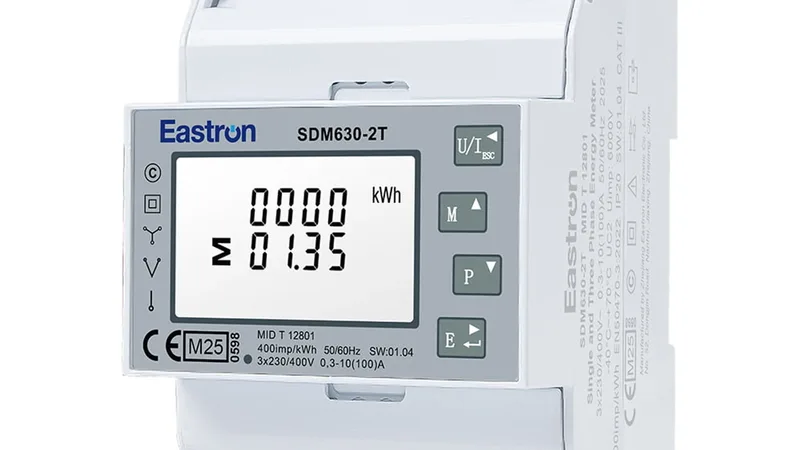
ModbusCloud Diagnostics is a free Modbus scanner for Windows and macOS. It finds the baud rate, parity and address of an RS485 device, scans your network for Modbus TCP devices and shows the registers with names and units. No account needed.
What a Modbus scanner does
A Modbus scanner is a program that works as a Modbus master, also called a Modbus client. It sends requests to Modbus devices (slaves or servers) and shows what comes back.
You use it during commissioning and fault finding: to see whether a device answers at all, at which address and with which serial settings, and what is in its registers. ModbusCloud Diagnostics does these four jobs in one app, on a USB-RS485 adapter or on the network.
Modbus is an open protocol that Modicon published in 1979. It works by request and response: the master polls, a device answers. Modbus has no encryption or authentication of its own, so a scanner on the same bus or network can read every device on it.
Find the device
Search an RS485 bus for addresses 1 to 247, or your network for devices that answer Modbus TCP.
Find the serial settings
On RS485 the app tries the common combinations of baud rate, parity and stop bits and the most used addresses until the device answers.
Read the registers
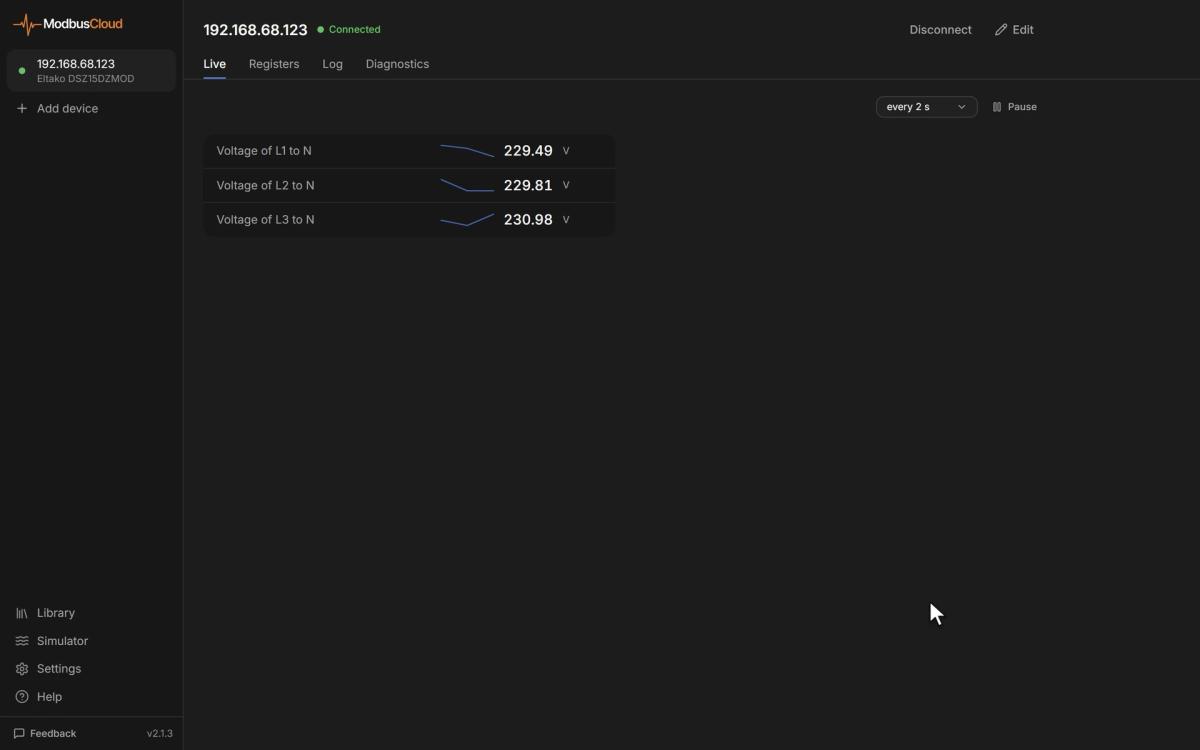
Coils, discrete inputs, input registers and holding registers, in thirteen data types with the four word orders side by side.
Check the communication
The share of answered requests, the average response time and the recent errors, each explained in plain language. You can copy the diagnosis as a text report or print it.
Scanning an RS485 bus with a USB adapter
Modbus RTU runs over RS485. Your computer reaches the bus through a USB-RS485 adapter, which shows up as a COM port on Windows and as a serial port on a Mac.
Plug in the adapter
Connect A and B of the adapter to A and B of the device and plug the adapter into your computer. The app finds the serial port of the adapter by itself.
Let the app find the settings
It tries the 13 most common combinations of baud rate, parity and stop bits and the 14 most common addresses. Once the device answers, you see the settings it found.
Scan for more devices
With the settings known, scan the bus for addresses 1 to 247. Several devices on one bus can be added and read at the same time.
When nothing answers
Check the wiring first. A and B swapped, a missing termination resistor or a device without power are the usual causes. Settings outside the common combinations you enter by hand.
The documentation shows each step with screenshots. Connecting a device with Diagnostics
Scanning a network for Modbus TCP devices
Modbus TCP devices sit on your network with an IP address. The app scans your own subnet for devices that answer on the Modbus port, usually 502.
For each device it finds, it tries a few common unit IDs. That matters for a Modbus gateway, which passes requests on to the devices behind it under their own unit ID. You can also type an IP address directly.
A gateway that forwards RTU frames over the network instead of Modbus TCP works with the setting RTU over TCP.
Function codes it reads and writes
The app reads and writes with these Modbus function codes.
| Read | 01 Read Coils, 02 Read Discrete Inputs, 03 Read Holding Registers, 04 Read Input Registers |
|---|---|
| Write | 05, 06, 15 and 16, with a confirmation first that you can switch off |
| Identify | 17 Report Server ID and 43/14 Read Device Identification |
Values refresh from every half second to every 30 seconds. A log records them every 250 ms to every minute, or only when they change, so you can follow a value over time, such as a temperature that drifts before a fault. The recording saves as CSV or JSON. The console, off by default, shows every request and answer in hex.
The scanner also recognises the device
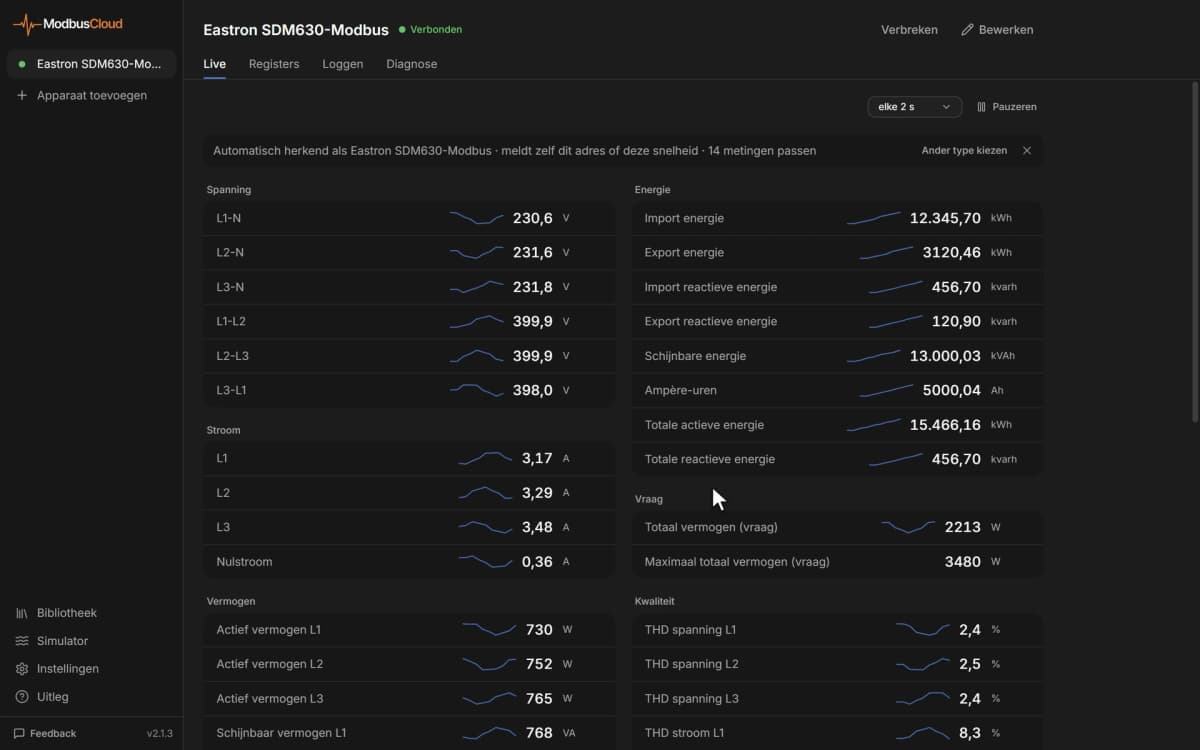
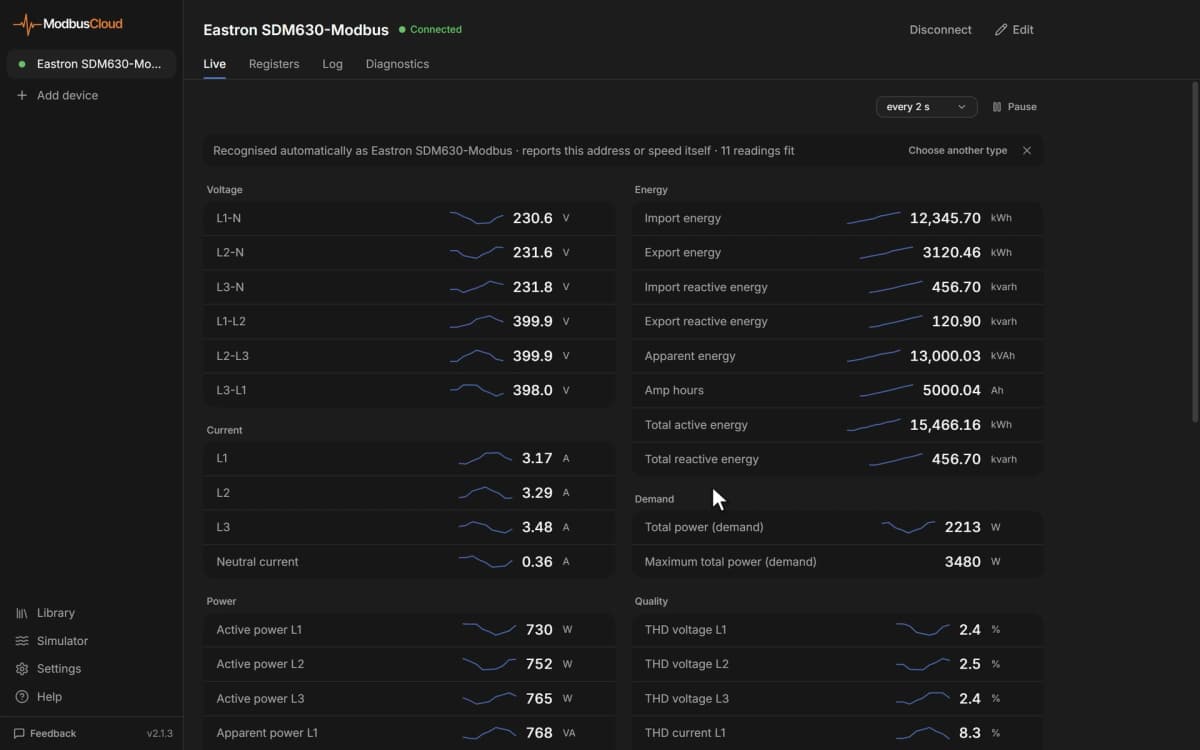
A plain scanner shows numbers. ModbusCloud Diagnostics compares what it reads with a library of 1234 device types and picks the one that fits, so a register shows as a voltage in V or a temperature in °C. It calculates with the values it reads, without AI and without internet.
When no type fits, the app guesses per register what it holds, such as a voltage, a temperature or a counter. Or it reads the register table from the manual: a PDF, an Excel file (.xlsx), CSV or pasted text.
Without a device at hand, the built-in simulator plays any device type from the library over Modbus TCP, so you can practise or try a connection before you go on site.
Free Modbus scanners compared
Four free tools that installers use. All four read registers. They differ in systems, connections and what they do beyond scanning.
| Scanner | Systems | Connections | Good at |
|---|---|---|---|
| CAS Modbus Scanner (Chipkin) | Windows | RS232, RS485, TCP | Discovering devices by testing every address, function, length and offset |
| QModMaster | Windows and Linux | Modbus RTU and TCP | Open source (LGPLv3), with a bus monitor that shows all traffic |
| Modbus Tester | Windows 10, 11 and Server 2016 or newer (64-bit) | TCP, UDP, RTU, ASCII | Poller, slave simulator, HMI screens, MQTT and Excel logging in one tool |
| ModbusCloud Diagnostics | Windows and macOS | RS485 (USB), ASCII, TCP, RTU over TCP | Finding the serial settings, recognising the device, explaining errors |
Modbus Poll and ModScan are paid tools with a trial. How they compare with ModbusCloud Diagnostics is on a separate page. Modbus Poll compared with ModbusCloud Diagnostics
Questions about Modbus scanners
How do I read Modbus data on my PC?
Connect the device to your PC: an RS485 device through a USB-RS485 adapter, a Modbus TCP device through the network. Then open a Modbus scanner, set or find the address and the serial settings, and read the registers. ModbusCloud Diagnostics finds the settings itself and shows the values with names and units.
What is the best Modbus test software?
That depends on the job. For developing a Modbus slave device, Modbus Poll from Witte Software is a common choice, with many protocol variants and Excel automation. For commissioning and fault finding on site, a tool that finds the serial settings and names the registers saves the most time. ModbusCloud Diagnostics does that for free on Windows and macOS. On Linux, QModMaster is free and open source.
How can I troubleshoot a Modbus connection?
Work from the wire up. Check power and wiring first: on RS485, A and B the right way round and a termination resistor at both ends of a long bus. Then check that baud rate, parity, stop bits and address match the device. Then read one register you know. ModbusCloud Diagnostics automates the second step and explains the error it gets back, such as a timeout, a CRC error or an illegal data address.
How do I check Modbus communication?
Send a read request and look at the answer. A scanner shows whether the device answers, how long it takes and which errors come back. In ModbusCloud Diagnostics the Diagnose tab shows the share of answered requests, the average response time and the recent errors in plain language.
How can I decode a Modbus message?
An RTU frame starts with the device address and the function code, then the data, and ends with a CRC. For function 03 the answer holds a byte count and the register values, two bytes per register. The console in ModbusCloud Diagnostics shows each request and answer in hex, and the Registers tab shows the same values in thirteen data types and all four word orders.
How do I scan for Modbus TCP devices?
Scan your subnet for devices that answer on the Modbus port, usually 502, and try the common unit IDs on each. ModbusCloud Diagnostics does this from Add device, or you type an IP address yourself.
Is Modbus RTU the same as RS-485?
No. RS-485 is the electrical layer: the two wires, the voltage levels and the cabling. Modbus RTU is the protocol that runs over it. Modbus RTU can also run over RS-232, and RS-485 can carry other protocols, such as BACnet MS/TP.
Can Wireshark capture Modbus RTU?
Not on an RS-485 bus by itself. Wireshark captures network traffic, so it decodes Modbus TCP well. For Modbus RTU on a serial line you need a tool that reads the serial port, such as a serial monitor or the console in ModbusCloud Diagnostics.
Download the free Modbus scanner
Version 2.1.6. Windows 10 and 11 (64-bit), macOS 10.15 or later, in English, Dutch and German. No account needed.