








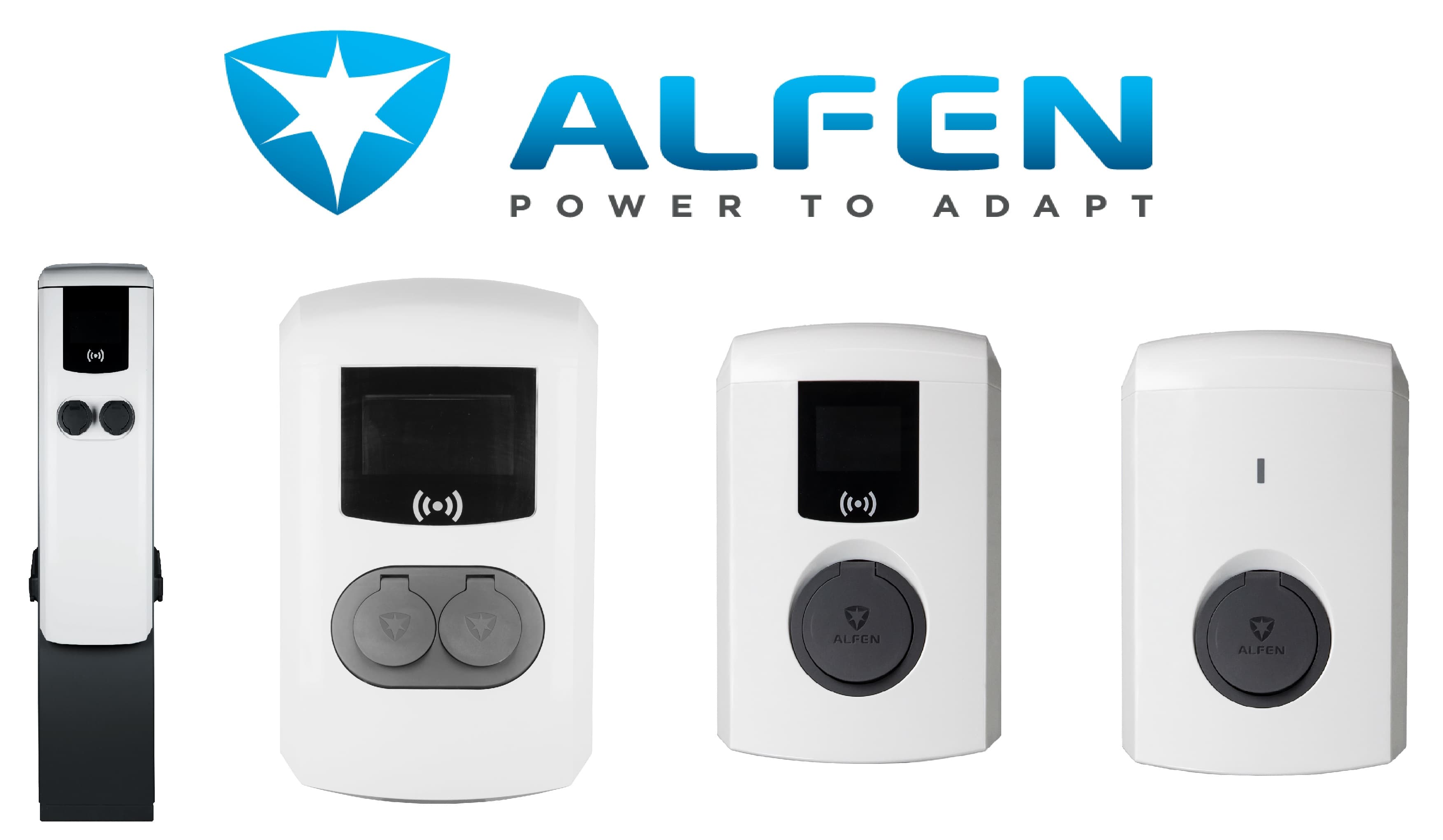
Alfen Wallbox
Controls and monitors Alfen EV wallbox charging via Modbus TCP.
This ModbusCloud template reads and controls Alfen wallboxes over Modbus TCP. It reads voltage L1 to L3, real power per phase and total, reactive power per phase, availability status, and active load balancing safe current. Writes include setting the Modbus slave max current and switching between 1-phase and 3-phase charging. Supports Eve Single and Double, S-line and Pro-line models.
- Protocol
- Modbus TCP
- Connection
- Ethernet, Modbus TCP
- Registers
- 15, read and write
- Brand
- Alfen
- Key readings
- Voltage L1 to L3 · Real Power L1 to L3 · Real Power Sum · Reactive Power L1 to L3 · Availability · Active Load Balancing Safe Current
- Available commands
- Modbus Slave Max Current · Charge using 1 or 3 phases
- Compatible models
- Eve Double PG-line · Eve Double Pro-line · Eve Single Pro-line · Eve Single S-line
- Last updated
Registers (15)
14 read, 2 write
| Name | Unit | Access | Address (Hidden until you enter your email) | Function (hidden) | Type (hidden) |
|---|---|---|---|---|---|
| Voltage Phase V (L1-N) | V | Read | |||
| Voltage Phase V (L3-N) | V | Read | |||
| Voltage Phase V (L2-N) | V | Read | |||
| Reactive Power Phase L1 | var | Read | |||
| Reactive Power Phase L2 | var | Read | |||
| Reactive Power Phase L3 | var | Read | |||
| Availability | Read | ||||
| Modbus Slave Max Current valid time | Read | ||||
| Active Load Balancing Safe Current | A | Read | |||
| Charge using 1 or 3 phases | Read and write | ||||
| Real Power Phase L1 | W | Read | |||
| Real Power Phase L2 | W | Read | |||
| Real Power Phase L3 | W | Read | |||
| Real Power Sum | W | Read | |||
| Modbus Slave Max Current | A | Write |
Loading registers…
Send your device list
If a device is not in the library yet, we build the template for free as soon as we have the register data.
Use cases
- Integrate the Alfen wallbox into a building-wide dynamic load manager, throttling current when total demand approaches the grid capacity.
- Show real-time charging power and session progress on a fleet operator dashboard.
- Bill charging sessions by delivered energy using Pro-line calibrated measurements.
- Automatically switch to 1-phase charging for small PHEVs to reduce cable heating while keeping dual-socket throughput for BEVs.
- Alert the operator when a wallbox reports an availability fault, including the fault type for faster dispatch.
Installation
Enable Modbus TCP on the Alfen wallbox via the ACE Service Installer software and purchase the Modbus TCP/IP licence if required.
Note the wallbox IP on the LAN and set a DHCP reservation.
In ModbusCloud, add a Modbus TCP device at the wallbox IP, port 502, slave ID 1 (or the socket ID for multi-socket units).
Import the Alfen Wallbox template. Readings start within one polling cycle.
For dual-socket units, create a second ModbusCloud device on slave ID 2 and import the same template.
Things to watch for
Modbus TCP connection is refused even after licensing. What to check?
Confirm Modbus TCP is actually enabled in the ACE Service Installer, not just licensed. The two are separate steps. Also verify firewall rules allow inbound port 502 from the ModbusCloud gateway.
Can I write Modbus Slave Max Current to throttle charging dynamically?
Yes. Writes to the max current register take effect within seconds and apply to the currently active session. For dynamic control, update the value from a ModbusCloud automation rule triggered by a register value or a time schedule.






Want to see how it works?
