








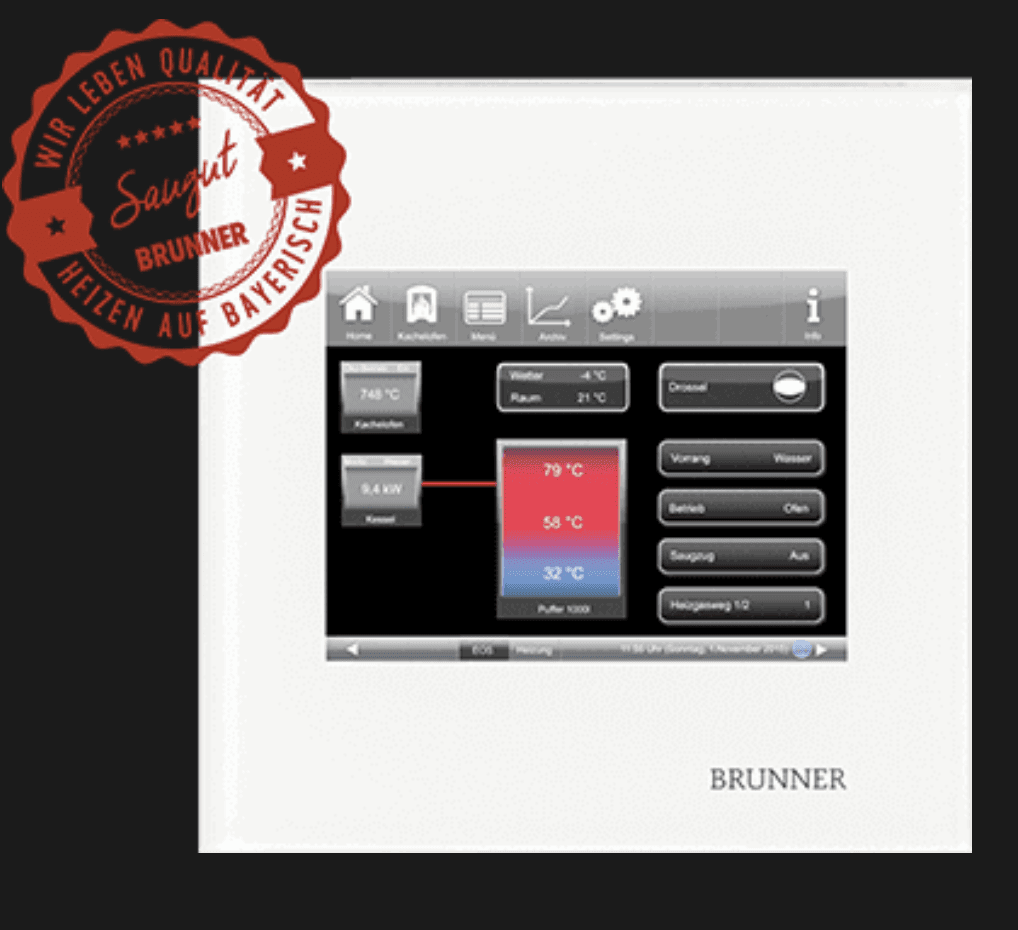
Brunner Smart Home BSH
Reads temperatures, door status, and battery level from Brunner BSH fireplaces via Modbus TCP.
Template for the Brunner Smart Home BSH fireplace controller via Modbus TCP. It reads combustion chamber, boiler, and chimney temperatures, door contact status, battery voltage, and operational counters such as burns, errors, and refill counts. All registers are read-only.
- Protocol
- Modbus TCP
- Connection
- Ethernet, Modbus TCP
- Registers
- 11, read only
- Brand
- Brunner
- Key readings
- Door contact open/close · Temperature combustion chamber · Temperature boiler water · Chimney temperature · Battery status · Burns, errors, and refill counts
- Compatible models
- Brunner Smart Home BSH
- Last updated
Registers (11)
11 read, 0 write
| Name | Unit | Access | Address (Hidden until you enter your email) | Function (hidden) | Type (hidden) |
|---|---|---|---|---|---|
| Door contact open | Read | ||||
| Door contact close | Read | ||||
| Temperature combustion chamber | °C | Read | |||
| Temperature boiler water | °C | Read | |||
| Chimney temperature | °C | Read | |||
| Sensor T6 (PT1000) | °C | Read | |||
| Sensor T7 (PT1000) | °C | Read | |||
| Battery status | V | Read | |||
| Number of burns | count | Read | |||
| Number of heating errors | count | Read | |||
| Number of refills | count | Read |
Loading registers…
Send your device list
If a device is not in the library yet, we build the template for free as soon as we have the register data.
Use cases
- Monitor combustion chamber, boiler, and chimney temperatures on a live cloud dashboard for each customer site.
- Track battery voltage over time to schedule proactive maintenance before the BSH battery fails.
- Create an alert when the door contact remains open for longer than a defined threshold.
- Review burn counts and refill counts remotely to assess fireplace usage patterns across installations.
- Set up notifications when the error counter increments so a technician can respond quickly.
- Compare chimney temperature trends across multiple Brunner fireplace sites from a single dashboard.
Installation
Update the BSH firmware to at least version 1.9 using the BSK update package available from Brunner (https://dnl.brunner.de/Api/GetFile?code=UKUKW-MSBVH).
Connect the ModbusCloud Gateway to the same local network as the Brunner BSH controller.
Configure the gateway with the IP address of the BSH and the correct Modbus TCP port (default 502).
Import the Brunner Smart Home BSH template in the ModbusCloud platform and assign it to the gateway.
Verify that live values for temperatures, door contact, and battery voltage appear on the ModbusCloud dashboard.
Things to watch for
The gateway cannot read any registers from the BSH. What should I check?
Confirm the BSH firmware is version 1.9 or newer. Older firmware versions do not expose the Modbus TCP register map. Apply the BSK update from Brunner before retrying.
Which Modbus TCP port does the BSH use?
The BSH typically uses port 502, which is the standard Modbus TCP port. Ensure no firewall rules on the local network are blocking traffic on this port between the gateway and the BSH.
Can I control the fireplace or change settings through this template?
No. All registers exposed by the BSH are read-only. The template is designed for monitoring only. Control of the fireplace must be done directly on the Brunner unit.
Temperature values seem incorrect or show unexpected numbers. What could be wrong?
Check that the gateway is using the correct data format and byte order as defined in the template. Re-importing the template from the ModbusCloud library ensures all register definitions and scaling factors are applied correctly.






Want to see how it works?
