








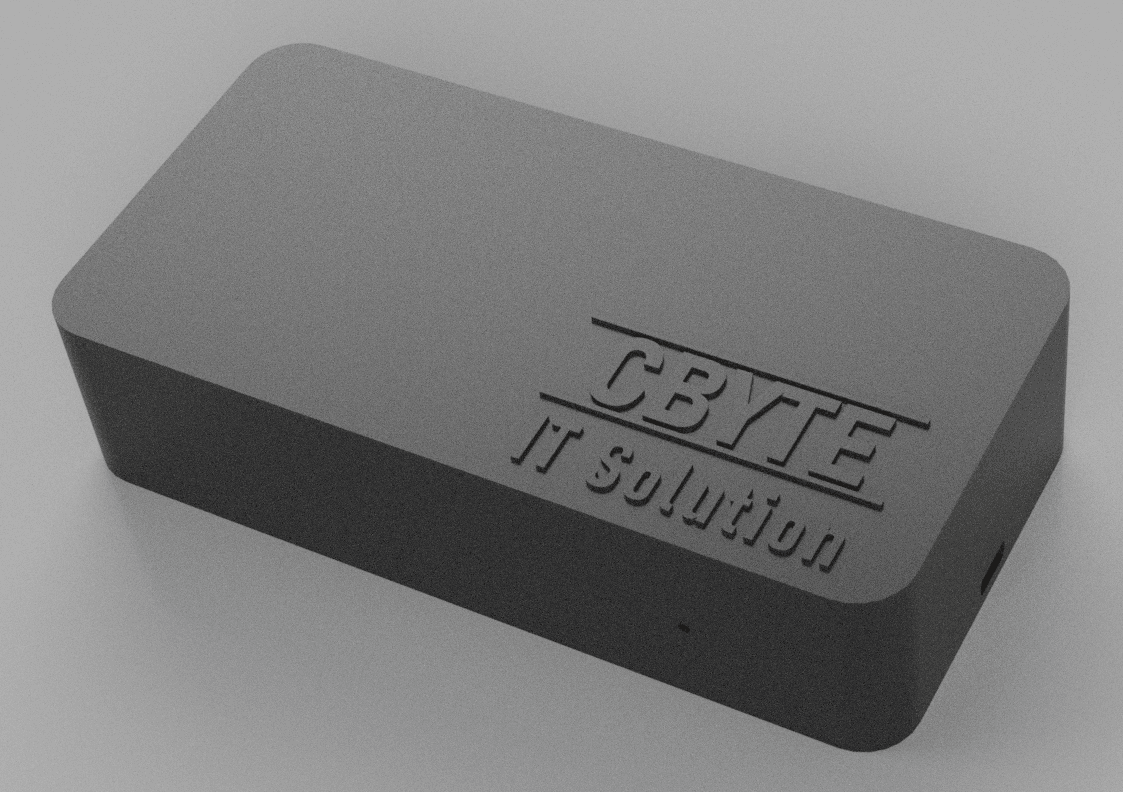
CByte SMARTI
Reads Austrian smart meter data via Modbus TCP interface.
The CByte SMARTI is a Modbus TCP interface that reads data from Austrian EVU smart meters (KAIFA 309). This template provides grid voltage, current, power, energy, and power factor readings from supported utility meters across multiple Austrian providers.
- Protocol
- Modbus TCP
- Connection
- Ethernet, Modbus TCP
- Registers
- 14, read only
- Brand
- CByte
- Key readings
- Grid voltage L1 to L3 · Grid current L1 to L3 · Grid power import · Grid power export · Grid active energy import/export · Grid power factor
- Compatible models
- KAIFA 309
- Last updated
Registers (14)
14 read, 0 write
| Name | Unit | Access | Address (Hidden until you enter your email) | Function (hidden) | Type (hidden) |
|---|---|---|---|---|---|
| Grid voltage L1 | V | Read | |||
| Grid voltage L2 | V | Read | |||
| Grid voltage L3 | V | Read | |||
| Grid current L1 | A | Read | |||
| Grid current L2 | A | Read | |||
| Grid current L3 | A | Read | |||
| Grid power import | kW | Read | |||
| Grid power export | kW | Read | |||
| Grid active energy import | kWh | Read | |||
| Grid active energy export | kWh | Read | |||
| Grid reactive energy import | kWh | Read | |||
| Grid reactive energy export | kWh | Read | |||
| TimeStamp | Read | ||||
| Grid powerfactor | Read |
Loading registers…
Send your device list
If a device is not in the library yet, we build the template for free as soon as we have the register data.
Use cases
- Monitor real-time grid import and export power to track household energy balance on a cloud dashboard.
- Log active energy import and export over time to verify utility billing for Austrian EVU customers.
- Create alerts when grid voltage on any phase falls outside acceptable limits for more than five minutes.
- Visualize three-phase current distribution to detect load imbalances in commercial installations.
- Combine smart meter data with PV inverter readings to calculate self-consumption ratios remotely.
- Track power factor readings to identify potential reactive power issues in small commercial buildings.
Installation
Connect the CByte SMARTI to the customer interface port on the KAIFA 309 smart meter as described in the SMARTI installation manual.
Connect the CByte SMARTI to your local network via Ethernet and assign a static IP address or use DHCP reservation.
Connect the ModbusCloud Gateway to the same local network as the CByte SMARTI.
In the ModbusCloud portal, add a new Modbus TCP device using the SMARTI's IP address and the correct unit ID.
Import the CByte SMARTI template from the ModbusCloud template library and assign it to the configured device.
Verify that all readings, especially the uint32 energy registers spanning two consecutive addresses, display plausible values on the dashboard.
Things to watch for
Why do my energy readings show incorrect or extremely large values?
The active and reactive energy registers use uint32 data spanning two consecutive Modbus addresses. Ensure the register pairing and byte/word order are configured correctly in the template. Swapping the high and low words will produce unrealistic values.
Which Austrian smart meters are supported by the CByte SMARTI?
The CByte SMARTI supports the KAIFA 309 meter deployed by Illwerke VKW, IKB, TIWAG, Salzburg, and EVN. Other meter types or providers are not confirmed to work.
The gateway cannot connect to the CByte SMARTI over Modbus TCP. What should I check?
Verify that the SMARTI and the ModbusCloud gateway are on the same network or VLAN. Confirm the IP address and Modbus TCP port (default 502) are correct. Check that no firewall rules are blocking traffic between the two devices.
Do I need to enable the customer interface on the smart meter before using the SMARTI?
Yes. In Austria, the customer interface on EVU smart meters may need to be activated by your energy provider. Contact your utility company to request activation before installing the CByte SMARTI.






Want to see how it works?
