








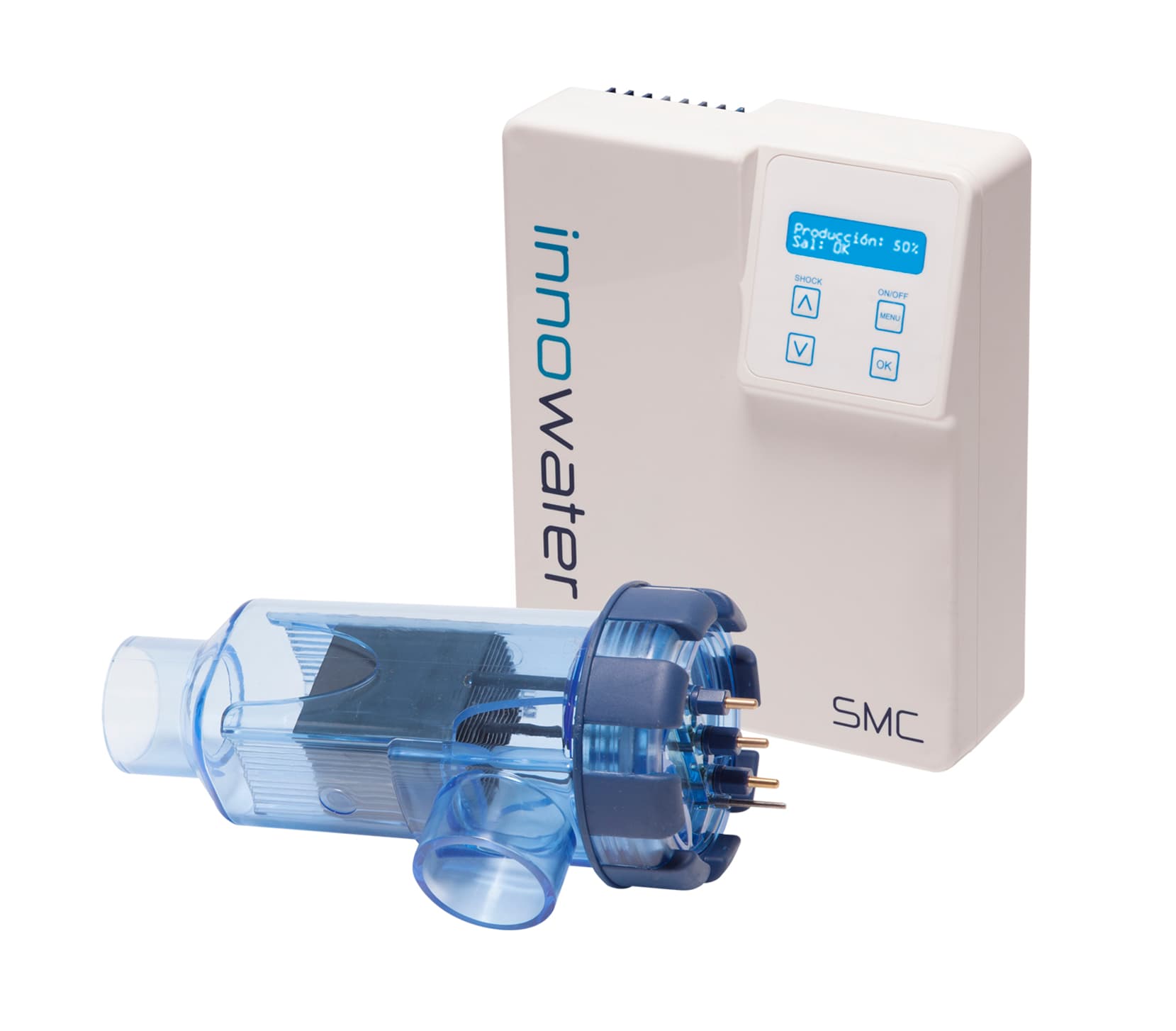
Innowater SMC Salt Chlorinator
Controls Innowater SMC salt chlorinators via Modbus TCP for pool management
Modbus TCP template for the Innowater SMC salt chlorinator. Reads pH, ORP (RX), production levels, cell voltage and current. Allows remote on/off control, setpoint adjustments, and manual production overrides for swimming pool chlorination systems.
- Protocol
- Modbus TCP
- Connection
- Ethernet, Modbus TCP
- Registers
- 17, read and write
- Brand
- INNOWATER
- Key readings
- pH value · Current production (%) · Cell state · Volts and Amps · RX value · pH and RX dosing (%)
- Available commands
- ON / OFF · pH Set Point · RX Set Point · Manual production
- Compatible models
- Innowater SMC
- Last updated
Registers (17)
17 read, 6 write
| Name | Unit | Access | Address (Hidden until you enter your email) | Function (hidden) | Type (hidden) |
|---|---|---|---|---|---|
| pH Set Point | pH | Read and write | |||
| pH | pH | Read | |||
| pH dosing | % | Read | |||
| pH command | % | Read | |||
| Current production | % | Read | |||
| Cell state | Read | ||||
| Water sensor | Read | ||||
| Volts | voltios | Read | |||
| Amps | amperios | Read | |||
| ON / OFF | Read and write | ||||
| pH ON / OFF | Read and write | ||||
| Delay | s | Read | |||
| RX ON / OFF | Read and write | ||||
| Manual production | Read and write | ||||
| RX | Read | ||||
| RX Set Point | Read and write | ||||
| RX dosing | Read |
Loading registers…
Send your device list
If a device is not in the library yet, we build the template for free as soon as we have the register data.
Use cases
- Monitor pH and ORP values on a live dashboard to verify water quality between service visits.
- Create an alert when pH drifts outside the acceptable range so a technician can respond quickly.
- Adjust the pH and RX setpoints remotely from a mobile device without travelling to the pool site.
- Log production percentage and cell voltage over time to detect scaling or cell degradation early.
- Switch the chlorinator on or off remotely during seasonal pool shutdowns or maintenance windows.
- Manage multiple Innowater SMC installations from one ModbusCloud account to streamline fleet operations.
Installation
Connect the ModbusCloud Gateway to the same local network as the Innowater SMC Modbus TCP interface using an Ethernet cable or a shared switch.
Verify the IP address of the Innowater SMC Modbus TCP interface and ensure it is reachable from the gateway subnet.
In the ModbusCloud portal, add a new device and select the Innowater SMC Salt Chlorinator template from the library.
Enter the IP address and Modbus TCP port (default 502) of the SMC interface in the device configuration screen.
Confirm communication by checking that live values such as pH, ORP, and production percentage appear on the dashboard.
Optionally configure alerts and setpoint controls in the ModbusCloud portal to enable remote management for the end customer.
Things to watch for
What baud rate or serial settings do I need to configure?
The Innowater SMC uses Modbus TCP, so there are no serial parameters to set. You only need the IP address and TCP port of the Modbus interface.
Why do some registers return unexpected values after a firmware update?
Register addresses on the SMC interface are spread across a wide range and may shift with firmware changes. Cross-check the register list supplied by Innowater with the template mapping and update any addresses that have moved.
Can I read and write the setpoints from the same register?
Yes. Registers such as pH setpoint (address 94) and on/off (address 2) are both readable and writable. The template handles this automatically, displaying the current value and allowing you to send a new one.
What data type are the registers?
All registers are uint16 (unsigned 16-bit integer). No 32-bit register pairing or special byte-order configuration is needed.






Want to see how it works?
