








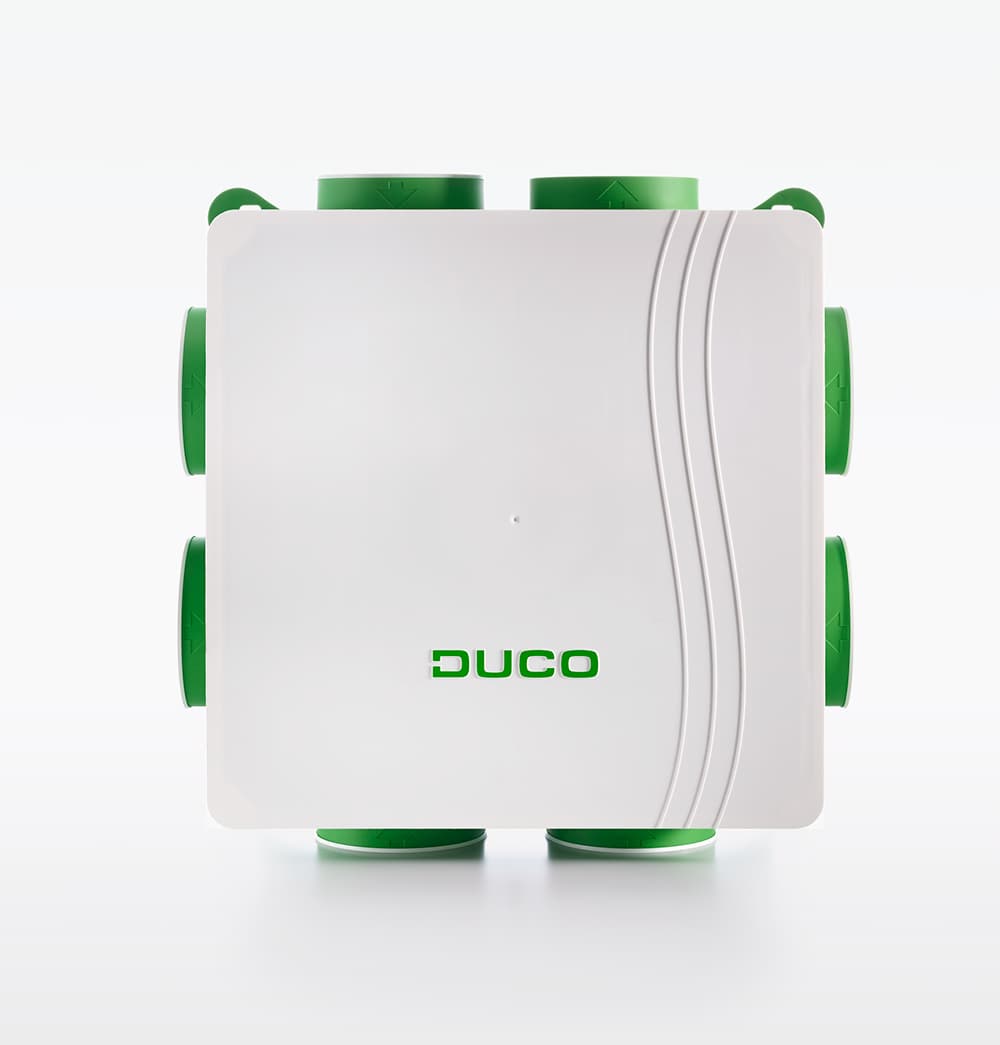
DucoBox Focus
Monitors and controls ventilation for DucoBox Focus via Modbus TCP
Template for the DucoBox Focus demand-controlled ventilation unit via Modbus TCP. Reads ventilation status, airflow rates, CO2 and humidity levels from multiple nodes. Allows direct control of ventilation positions for the box and individual valves.
- Protocol
- Modbus TCP
- Connection
- Ethernet, Modbus TCP
- Registers
- 22, read and write
- Brand
- Duco
- Key readings
- Ventilation status box · Flow rate vs. target level · Indoor air quality CO2 (PPM) · Indoor air quality RH (%) · Ventilation positions (nodes 1-5) · Remaining time current ventilation mode
- Available commands
- Ventilation position box (node 1) · Ventilation position Valve (node 3) · Ventilation position Valve RH (node 4) · Ventilation position Valve CO2 (nodes 2, 5)
- Compatible models
- DucoBox Focus
- Last updated
Registers (22)
22 read, 5 write
| Name | Unit | Access | Address (Hidden until you enter your email) | Function (hidden) | Type (hidden) |
|---|---|---|---|---|---|
| Ventilation Status box (node 1) | Read | ||||
| Remaining time current ventilation mode box (node 1) | s | Read | |||
| Flow rate vs. Target level box (node 1) | % | Read | |||
| Ventilation position Valve CO2 (node 2) | Read and write | ||||
| Indoor Air quality CO2 Valve (node 5) | % | Read | |||
| Indoor Air quality CO2 Valve (node 2) | % | Read | |||
| Indoor Air quality RH Roomsensor (node 6) | % | Read | |||
| Ventilation position box (node 1) | Read and write | ||||
| Ventilation position Valve (node 3) | Read and write | ||||
| Ventilation position Valve RH (node 4) | Read and write | ||||
| Ventilation position Valve CO2 (node 5) | Read and write | ||||
| Remaining time current ventilation mode Valve CO2 (node 5) | s | Read | |||
| Remaining time current ventilation mode Valve CO2 (node 2) | s | Read | |||
| Remaining time current ventilation mode Valve RH (node 4) | s | Read | |||
| Remaining time current ventilation mode Valve (node 3) | s | Read | |||
| Indoor Air quality CO2 Roomsensor (node 7) | % | Read | |||
| Indoor Air quality RH Valve (node 4) | % | Read | |||
| Indoor Air RH Valve (node 4) | % | Read | |||
| Indoor Air quality CO2 Roomsensor PPM (node 7) | PPM | Read | |||
| Indoor Air quality CO2 Valve PPM (node 2) | PPM | Read | |||
| Indoor Air RH Roomsensor (node 6) | % | Read | |||
| Indoor Air quality CO2 Valve PPM (node 5) | PPM | Read |
Loading registers…
Send your device list
If a device is not in the library yet, we build the template for free as soon as we have the register data.
Use cases
- Monitor CO2 and relative humidity levels per room on a live dashboard for your customer.
- Set ventilation positions remotely for the box and individual valves without on-site visits.
- Create an alert when indoor CO2 exceeds a threshold for more than five minutes.
- Track airflow rates versus target levels to verify correct system balancing after commissioning.
- Log remaining time in each ventilation mode to analyze usage patterns over weeks or months.
- Combine ventilation data with other building systems on a single ModbusCloud dashboard for facility management.
Installation
Ensure the DucoBox Focus is equipped with a Duco connectivity board and connected to the local network via Ethernet.
Enable Modbus TCP on the DucoBox Focus connectivity board and note the unit's IP address and TCP port.
Connect your ModbusCloud Gateway to the same local network as the DucoBox Focus.
Import the DucoBox Focus template from the ModbusCloud template library into your project.
Assign the correct IP address and port of the DucoBox Focus in the gateway configuration.
Verify live data appears on the ModbusCloud dashboard and confirm read and write operations on a ventilation position register.
Things to watch for
Why do read and write operations use the same Modbus address?
The DucoBox Focus API v2.5 maps ventilation position registers to shared addresses for reading and writing, for example address 100 for node 1. This is by design. The template handles this automatically.
Do I need a specific firmware version on the connectivity board?
The template is based on API v2.5. Make sure your connectivity board firmware supports this API version or later. Check the Duco support portal for firmware updates if registers do not respond as expected.
What TCP port does the DucoBox Focus use for Modbus?
The default port is documented in the Duco Modbus manual. Verify the port setting in the connectivity board configuration interface before configuring the gateway.
Can I control valves that are not connected or not present in my installation?
Writing to a node address for a valve that is not physically connected will have no effect. Only configure the nodes that match your actual installation to avoid confusion in the dashboard.
More Duco templates
Want to see how it works?
