








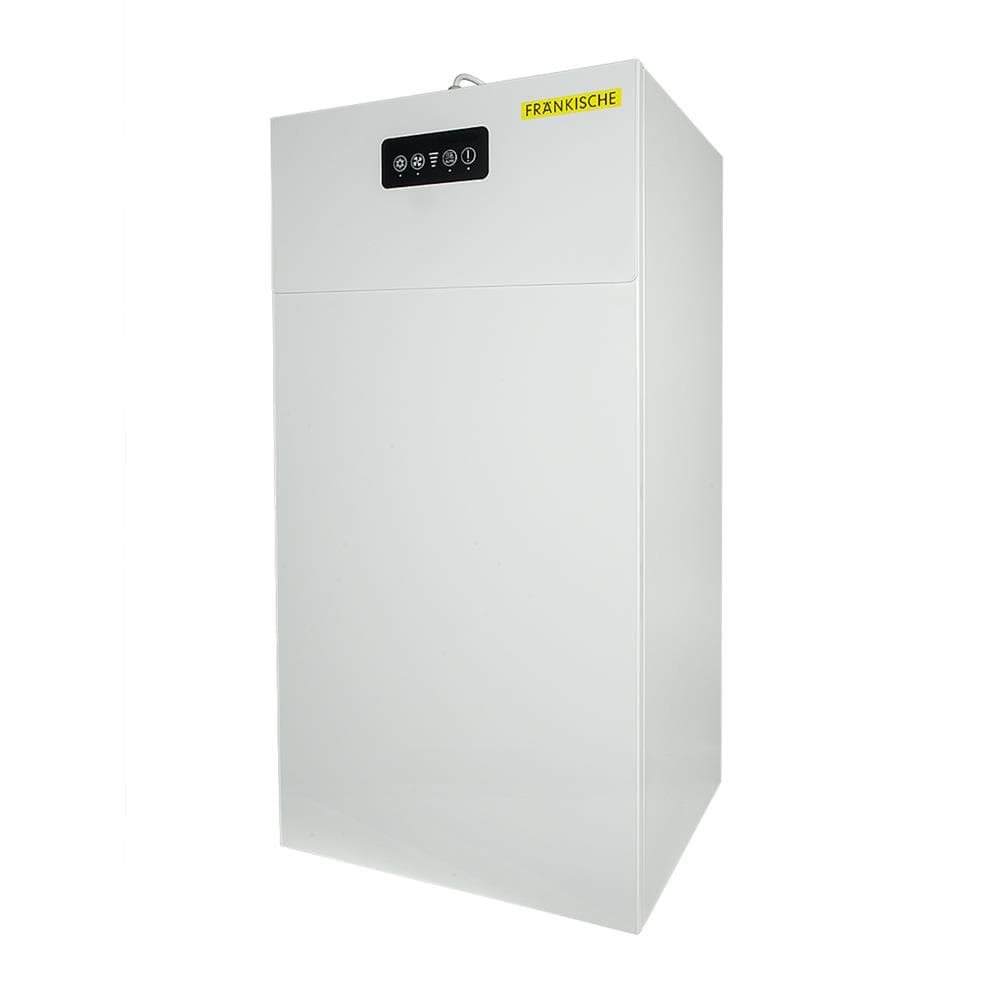
Fränkische Profi Air
Monitors and controls Fränkische Profi Air ventilation via Modbus TCP.
This template connects the Fränkische Profi Air ventilation system via Modbus TCP. It reads temperatures, fan speeds, filter remaining life, and the current ventilation level. It also allows remote selection of ventilation levels 0 through 4.
- Protocol
- Modbus TCP
- Connection
- Ethernet, Modbus TCP
- Registers
- 10, read and write
- Brand
- Fränkische
- Key readings
- Outside intake temperature · Indoor supply air temperature · Exhaust air inside temperature · Outside exhaust air temperature · Filter remaining term · Exhaust and supply fan speed · Current ventilation level
- Available commands
- Ventilation level (IO325) · Ventilation level (IO324)
- Compatible models
- Fränkische Profi Air
- Last updated
Registers (10)
8 read, 2 write
| Name | Unit | Access | Address (Hidden until you enter your email) | Function (hidden) | Type (hidden) |
|---|---|---|---|---|---|
| Outside intake temperature IO133 | °C | Read | |||
| Indoor supply air temperature 135 | °C | Read | |||
| Temperature exhaust air inside IO137 | °C | Read | |||
| Outside exhaust air temperature IO139 | °C | Read | |||
| Filter remaining term IO554 | — | Read | |||
| Exhaust fan speed IO101 | rpm | Read | |||
| Fan supply air IO103 | rpm | Read | |||
| Current ventilation level IO473 | Read | ||||
| Ventilation levels IO325 | Write | ||||
| Ventilation levels IO324 | Write |
Loading registers…
Send your device list
If a device is not in the library yet, we build the template for free as soon as we have the register data.
Use cases
- Monitor supply and exhaust air temperatures on a live cloud dashboard to verify heat recovery performance.
- Create an alert when the filter remaining life drops below a set number of days to schedule timely maintenance.
- Remotely adjust the ventilation level from 0 to 4 based on occupancy or seasonal requirements.
- Track fan speeds over time to detect performance degradation or mechanical issues early.
- Provide end customers with a shared dashboard showing real-time indoor air quality parameters.
- Compare outside intake and indoor supply temperatures to evaluate heat exchanger efficiency.
Installation
Connect the ModbusCloud Gateway to the same local network as the Fränkische Profi Air unit via Ethernet.
Verify the IP address of the Profi Air unit and ensure Modbus TCP communication is enabled on the device.
In the ModbusCloud portal, add a new device and import the Fränkische Profi Air template from the template library.
Enter the IP address and Modbus TCP port of the Profi Air unit in the gateway configuration.
Confirm that temperature readings (float32), filter remaining life (uint16), and ventilation level registers (uint32) are returning valid data on the dashboard.
Test the ventilation level write registers IO324 and IO325 by setting a level and verifying the fan speed changes on the unit.
Things to watch for
Why do the temperature values appear as zero or nonsensical numbers?
Temperature registers on the Fränkische Profi Air use the float32 data type, which requires reading two consecutive 16-bit registers. Ensure the template is configured for float32 and that the correct byte order (big-endian or little-endian) matches the device. Check the Profi Air documentation for the expected byte order.
What is the difference between registers IO324 and IO325 for ventilation level control?
The Profi Air exposes two separate write registers for setting the ventilation level. Both accept uint32 values from 0 to 4. Consult the Fränkische documentation to determine which register applies to your specific control scenario or firmware version.
The gateway cannot reach the Profi Air unit over the network. What should I check?
Confirm that both the gateway and the Profi Air are on the same subnet and that no firewall or VLAN is blocking Modbus TCP traffic on the configured port (default is 502). Verify the IP address is correct and that the unit is powered on.
How often is the filter remaining life value updated?
The filter remaining term register (uint16, in days) is updated by the Profi Air firmware periodically. It does not change in real time but decrements based on operating hours. Polling it once every few minutes is sufficient.






Want to see how it works?
