








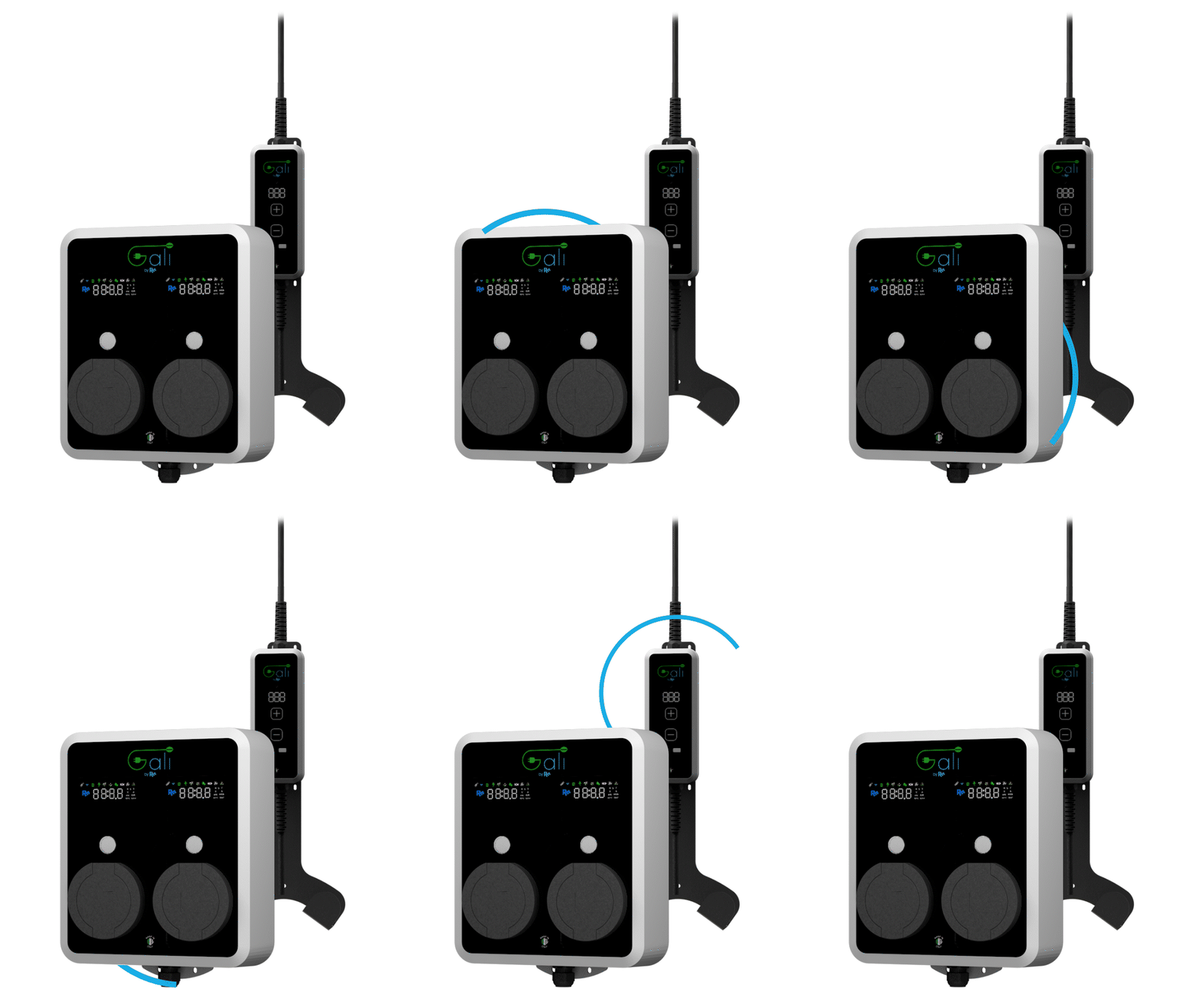
GALI M, BC & B
Controls and monitors GALI EV chargers via Modbus TCP
This template connects GALI M, BC and B smart EV chargers to ModbusCloud via Modbus TCP. It reads voltage, power, energy, temperatures and charge state, and provides controls for power setpoint, energy limit and on/off switching.
- Protocol
- Modbus TCP
- Connection
- Ethernet, Modbus TCP
- Registers
- 19, read and write
- Brand
- GALI
- Key readings
- Power Car · Charge Energy · Charge Time · Voltage Phase 1 to 3 · Plug Temperature · Board Temperature
- Available commands
- Power · Energy Limit · ON-OFF Command
- Compatible models
- GALI M · GALI BC · GALI B
- Last updated
Registers (19)
18 read, 3 write
| Name | Unit | Access | Address (Hidden until you enter your email) | Function (hidden) | Type (hidden) |
|---|---|---|---|---|---|
| Power | kW | Read and write | |||
| Energy Limit | kWh | Read and write | |||
| State | Read | ||||
| Error | Read | ||||
| Power Car | W | Read | |||
| Charge Energy | Wh | Read | |||
| Charge Time | s | Read | |||
| Voltage Phase 1 | V | Read | |||
| Voltage Phase 2 | V | Read | |||
| Voltage Phase 3 | V | Read | |||
| Plug Temperature | °C | Read | |||
| Phases number | Read | ||||
| Power Min | kW | Read | |||
| Power Max | kW | Read | |||
| Version | Read | ||||
| Serial Number | Read | ||||
| Board Temperature | °C | Read | |||
| WiFi RSSI | -dBm | Read | |||
| ON-OFF COMMAND | Write |
Loading registers…
Send your device list
If a device is not in the library yet, we build the template for free as soon as we have the register data.
Use cases
- Monitor real-time charging power and session energy on a cloud dashboard for each customer site.
- Set energy limits remotely to prevent a single EV session from exceeding a contracted power budget.
- Create an alert when plug temperature or board temperature exceeds a safe threshold during charging.
- Start or stop charging remotely via the on/off command to support scheduled or off-peak charging.
- Track cumulative charge energy across multiple sessions for billing or energy reporting purposes.
- Compare three-phase voltages to detect grid imbalance at the charging point.
Installation
Verify that the GALI charger (M, BC or B) is running firmware version 1.19 or higher, which is required for Modbus TCP communication.
Connect the ModbusCloud Gateway to the same local network as the GALI charger using an Ethernet cable or a managed switch.
Note the IP address and Modbus unit ID configured on the GALI device, as these are needed during template setup.
Import the GALI M, BC and B template in the ModbusCloud portal and assign the correct IP address and unit ID to the device.
Confirm that live data (voltage, power, temperature) appears on the ModbusCloud dashboard before closing the installation.
Test the writable registers by sending a power setpoint or on/off command from the dashboard and verifying the charger responds.
Things to watch for
No data appears after importing the template. What should I check?
Confirm the GALI charger runs firmware 1.19 or higher. Earlier firmware versions do not fully support Modbus TCP. Also verify that the gateway and charger share the same subnet and that the IP address and unit ID match.
Charge Energy and Charge Time show incorrect or zero values. Why?
These registers (1276 and 1278) are unsigned 32-bit values spanning two consecutive registers each. Make sure the template is imported without manual edits to the register length or data type, as the template already handles the uint32 format.
Can I read and write the power register at the same time?
Yes. Register 1271 is dual-purpose. Reading it returns the current charging power, and writing to it sets a new power limit. The template exposes both functions automatically.
Does this template work for a dual-channel GALI B wallbox?
The template supports the GALI B, including dual-channel variants. If each channel has a separate Modbus unit ID, add the template twice in ModbusCloud, once per unit ID.






Want to see how it works?
