








Jablotron 100
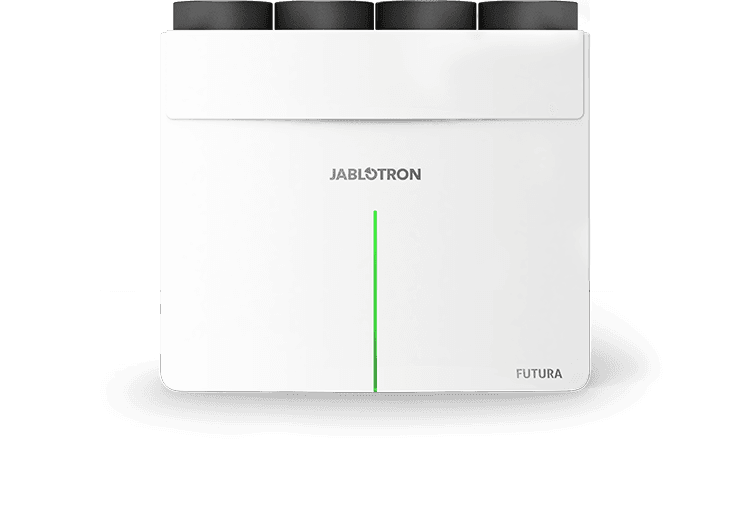
Controls Jablotron 100 security system via Modbus RTU gateway
This template integrates the Jablotron 100 security system via Modbus RTU over RS485. It allows you to send security commands, read the garage door sensor, and control PG outputs through the ModbusCloud platform.
- Protocol
- Modbus RTU
- Connection
- RS485, 9600 baud
- Registers
- 0, read only
- Brand
- Jablotron
- Key readings
- Garage door sensor
- Available commands
- PG output
- Compatible models
- Jablotron 100
- Last updated
Send your device list
If a device is not in the library yet, we build the template for free as soon as we have the register data.
Use cases
- Monitor the garage door sensor status on a live dashboard to verify whether the door is open or closed.
- Control the PG output remotely to trigger connected devices such as lights or sirens.
- Create an alert when the garage door sensor changes state outside of expected hours.
- Send arming and disarming commands to the Jablotron 100 system from the ModbusCloud interface.
- Log security events and sensor readings over time for audit and troubleshooting purposes.
Installation
Install the RS485 extension module on the Jablotron 100 system according to the Jablotron installation manual.
Wire the RS485 A and B data lines and ground between the Jablotron RS485 extension and the RS485 port on your ModbusCloud Gateway, using shielded twisted pair cable.
Set the baud rate on both the Jablotron RS485 module and the ModbusCloud gateway to 9600, with matching parity and stop bit settings.
Configure the Modbus slave address on the Jablotron system and ensure the same address is set in the ModbusCloud template.
Import the Jablotron 100 template in the ModbusCloud platform and assign it to the correct gateway and slave address.
Verify communication by checking that the garage door sensor value and PG output state appear correctly on the ModbusCloud dashboard.
Things to watch for
Why is the gateway not receiving any data from the Jablotron 100?
Confirm that the RS485 extension module is installed and enabled on the Jablotron side. Check that the A and B wires are not swapped and that both devices use 9600 baud with identical parity and stop bit settings.
Do I need a separate RS485 module for the Jablotron system?
Yes. The Jablotron 100 requires its own RS485 extension module to expose the serial interface. This is in addition to the RS485 port on your ModbusCloud gateway.
Where can I find the Jablotron RS485 command reference?
Jablotron provides command documentation separately. Check the Jablotron 100 product support pages or contact your Jablotron distributor for the RS485 command specification.
Can I arm and disarm the system remotely through this template?
Yes, the template supports sending security commands over Modbus RTU. Ensure the Jablotron system is configured to accept external commands via RS485 and that you use the correct command codes from the Jablotron documentation.

Want to see how it works?
