


Saia Burgess AWD3
Three-phase CT energy meter for energy, voltage, current, power and cos phi per phase.
The Saia Burgess AWD3 is a three-phase energy meter that measures energy, voltage, current and power through current transformers up to 1500 A in switchboards. This Modbus RTU template reads energy, per-phase values and phase errors, and lets you reset the partial counter and set the Modbus address from ModbusCloud.
- Protocol
- Modbus RTU
- Connection
- RS485, 19200 baud
- Registers
- 32, read and write
- Brand
- Saia Burgess
- Key readings
- Total energy · Voltage per phase · Current per phase · Active power · Reactive power · Cos phi · Phase errors
- Available commands
- Partial energy counter reset · Modbus address
- Compatible models
- AWD3D5WD00C2A00 · AWD3D5WD00C3A00 · AWD3D5WD00C3A44
- Last updated
Registers (32)
32 read, 2 write
| Name | Unit | Access | Address (Hidden until you enter your email) | Function (hidden) | Type (hidden) |
|---|---|---|---|---|---|
| Voltage L1 | V | Read | 35 | FC03 | uint16 |
| Current L1 | A | Read | 36 | FC03 | uint16 |
| Active Power L1 | kW | Read | 37 | FC03 | uint16 |
| Reactive Power L1 | kvar | Read | 38 | FC03 | int16 |
| Cos Phi L1 | Read | 39 | FC03 | uint16 | |
| Voltage L2 | V | Read | |||
| Current L2 | A | Read | |||
| Active Power L2 | kW | Read | |||
| Reactive Power L2 | kvar | Read | |||
| Cos Phi L2 | Read | ||||
| Voltage L3 | V | Read | |||
| Current L3 | A | Read | |||
| Active Power L3 | kW | Read | |||
| Reactive Power L3 | kvar | Read | |||
| Cos Phi L3 | Read | ||||
| Total Active Power | kW | Read | |||
| Total Reactive Power | kvar | Read | |||
| Energy Total Tariff 1 | kWh | Read | |||
| Energy Partial Tariff 1 | kWh | Read and write | |||
| Error Register | Read | ||||
| Communication Status | Read | ||||
| Current Transformer Ratio | Read | ||||
| Modbus Address | Read and write | ||||
| Baud Rate | Read | ||||
| Response Timeout | ms | Read | |||
| Firmware Version | Read | ||||
| Hardware Version | Read | ||||
| Type Designation | Read | ||||
| Serial Number Low | Read | ||||
| Serial Number High | Read | ||||
| Number of Supported Registers | Read | ||||
| Number of Supported Flags | Read |
Loading registers…
Send your device list
If a device is not in the library yet, we build the template for free as soon as we have the register data.
Use cases
- Show energy and power per phase of a feeder on a dashboard in ModbusCloud.
- Log total energy to report consumption per tenant or installation month by month.
- Get an alert when the error register is not 0, so a missing phase or wrong CT direction stands out.
- Reset the partial counter at the start of a period and compare it with the previous one.
- Watch cos phi per phase to spot a poor power factor on a group of machines.
Installation
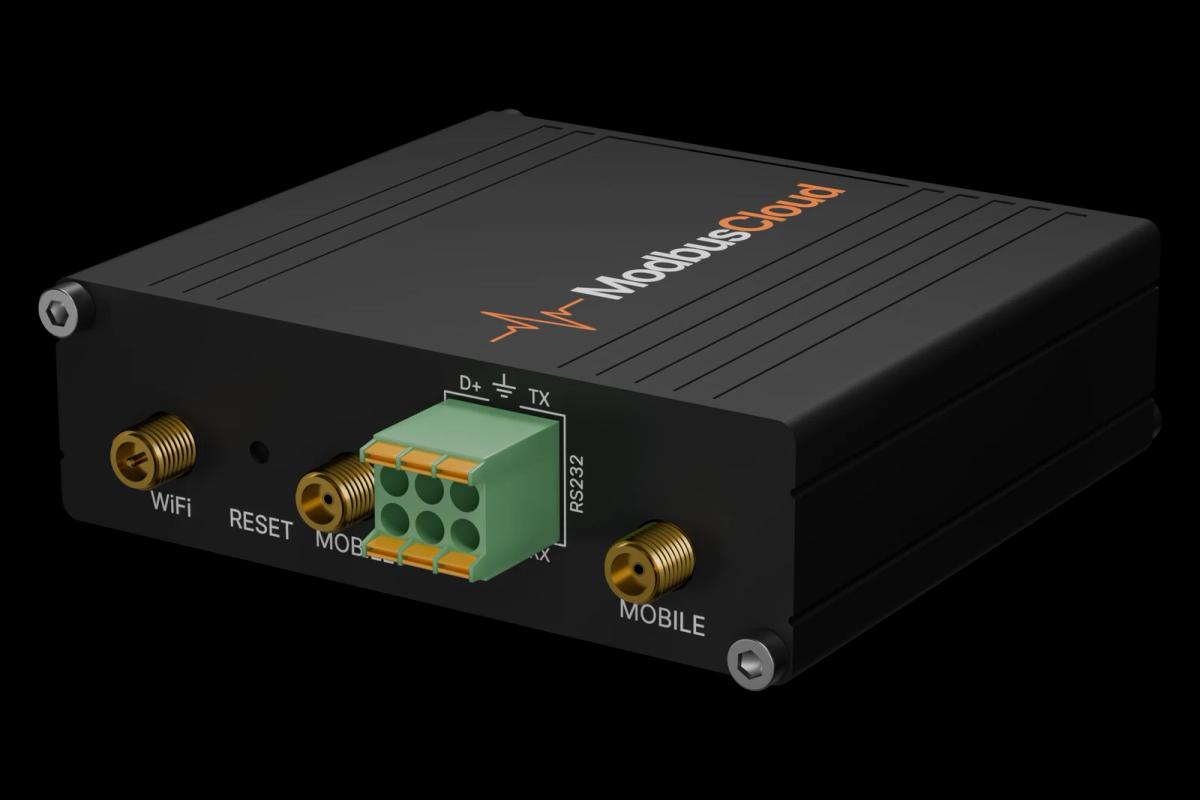
Connect RS485 terminals D and /D of the meter to the RS485 port of the ModbusCloud Gateway and put a terminator at both ends of the bus.
Make sure phase 1 is connected, otherwise the interface stays silent.
Set the Modbus address on the meter: hold the right key for 3 seconds, then set the address.
In ModbusCloud, add a Modbus device with the same address, 19200 baud, 8E1, and import this template.
Check that voltage reads about 230 V per phase and that the CT ratio matches the transformers.
Things to watch for
The meter does not answer. What should I check?
Phase 1 must be connected and the meter needs 30 seconds after power on. Check the address on the display, swap D and /D, and fit a terminator because the meter has none. Baud rate and parity are detected automatically; the A44 version only talks 8N1.
Why does current show ten times too much?
With CT ratio 5/5 the meter reports current in 0.1 A instead of whole amps. Set the scale of the three current values to 0.1 in ModbusCloud if you use that ratio.
Values change only every few readings. Is that normal?
Yes. The meter refreshes its values every 10 seconds, so faster reads return the same values. Busy buses can make the refresh slower.
How do I write to the meter from ModbusCloud?
The partial energy counter and the Modbus address are writable. The meter only accepts write multiple registers, and the partial counter resets when you write 0 to both of its registers in one message. Writing must be enabled for the gateway first; a wrong address makes the meter unreachable until you set it on the display.
More Saia Burgess templates
Want to see how it works?