








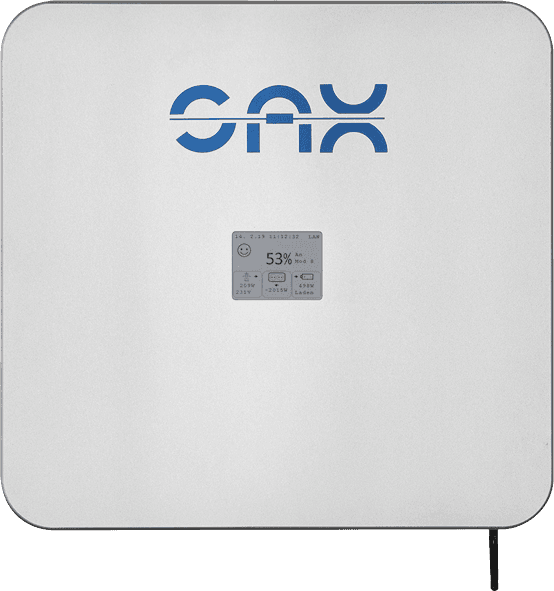
SAX-Power Home Battery
Monitors and controls SAX-Power Home plug-in battery storage via Modbus TCP.
This template integrates the SAX-Power Home Plug-In Battery Storage (5.2 kWh) via Modbus TCP. It reads battery state, state of charge, power output, and power meter values. It also allows control of charge and discharge power limits, target power, and power factor (cosPhi).
- Protocol
- Modbus TCP
- Connection
- Ethernet, Modbus TCP
- Registers
- 8, read and write
- Brand
- SAX-Power
- Key readings
- Battery state · State of charge (SOC) · Power output · Power meter
- Available commands
- Set power · Set max charge power · Set max discharge power · Set cosPhi
- Compatible models
- SAX-Power Home Plug-In Battery Storage 5.2kWh
- Last updated
Registers (8)
4 read, 5 write
| Name | Unit | Access | Address (Hidden until you enter your email) | Function (hidden) | Type (hidden) |
|---|---|---|---|---|---|
| get_state | Read and write | ||||
| get_soc | % | Read | |||
| get_power | kW | Read | |||
| get_power_meter | kW | Read | |||
| set_power | kW | Write | |||
| set_cosPhi | Write | ||||
| set_max_dischargepower | kW | Write | |||
| set_max_chargepower | kW | Write |
Loading registers…
Send your device list
If a device is not in the library yet, we build the template for free as soon as we have the register data.
Use cases
- Monitor state of charge and battery state on a live dashboard to track daily energy storage cycles.
- Set maximum charge and discharge power limits remotely to optimize self-consumption for residential PV systems.
- Create an alert when state of charge drops below a critical threshold to prevent deep discharge events.
- Log power meter values over time to analyze energy flows and validate battery performance for the end customer.
- Adjust the power factor (cosPhi) remotely to comply with local grid operator requirements.
Installation
Connect the ModbusCloud Gateway to the same local network as the SAX-Power Home battery and verify IP connectivity.
Note the IP address of the SAX-Power Home battery and confirm that its Modbus TCP interface is active and reachable.
Import the SAX-Power Home Battery template in the ModbusCloud platform and assign the correct IP address of the battery in the Modbus TCP server configuration.
Subtract the offset of 16384 manually from the get_power and get_power_meter register values to obtain correct kilowatt readings.
Contact SAX-Power to request activation of write access for set_power, set_max_chargepower, set_max_dischargepower, and set_cosPhi before attempting to use control functions.
Verify all sensor readings on the ModbusCloud dashboard and confirm that values match the battery display before handing over to the customer.
Things to watch for
Why are my get_power and get_power_meter readings incorrect or very high?
The SAX-Power Home adds an offset of 16384 to these register values. You must subtract 16384 from the raw values manually to get the correct reading in kilowatts.
Why can I not write to the set_power or set_max_chargepower registers?
Write access to control registers (set_power, set_max_chargepower, set_max_dischargepower, set_cosPhi) is disabled by default. Contact SAX-Power directly to request activation of these functions.
What unit does the battery use for power values?
The battery sends and accepts power values in watts. The template converts these to kilowatts for display. Keep this in mind when interpreting raw register data.
What network setup is required for Modbus TCP communication?
The ModbusCloud gateway and the SAX-Power Home battery must be on the same local network. Ensure the battery IP address is static or reserved via DHCP, and that no firewall rules block Modbus TCP traffic on port 502.






Want to see how it works?
