









SolarEdge Hybrid Inverter (battery)
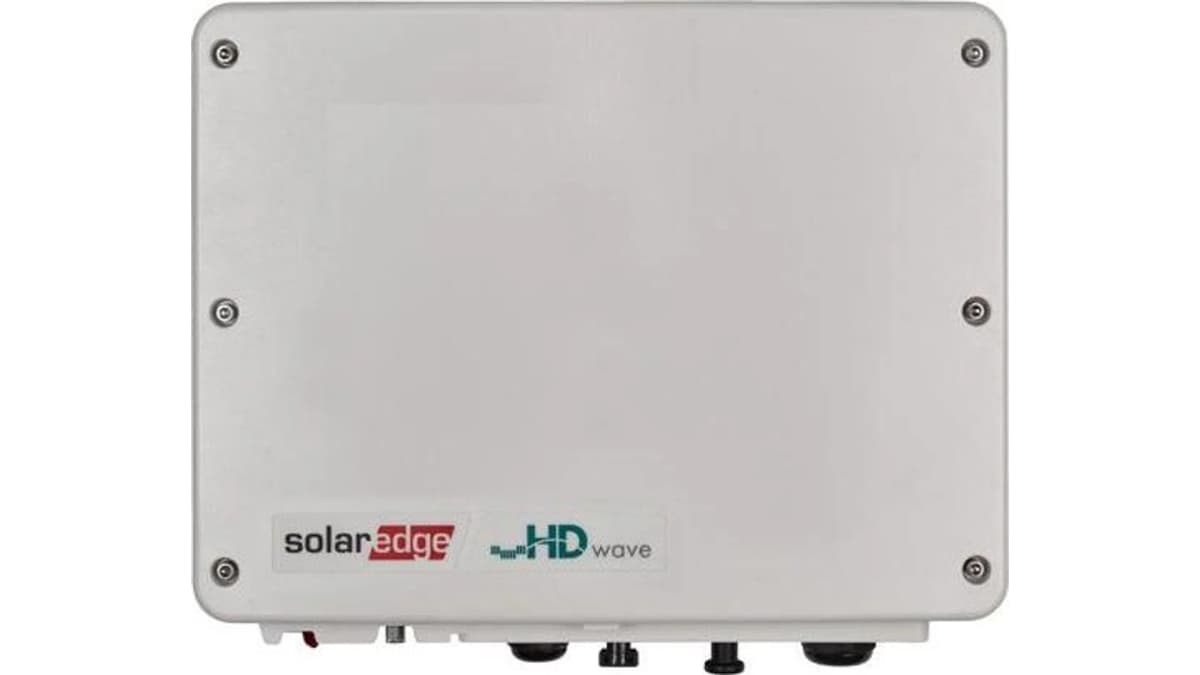
The SolarEdge Hybrid Inverter is a StorEdge-compatible PV inverter with integrated DC-coupled battery management, used in residential and small commercial solar-plus-storage installations. This Modbus TCP template targets the inverter's StorEdge control block, providing two write registers: batterymode_a selects the storage operating mode (such as self-consumption or remote control) and batterymode_b sets the remote charge or discharge power command in watts. Together, these registers allow external control of battery dispatch from the ModbusCloud portal, enabling tariff-aware charging and export strategies.
- Protocol
- Modbus TCP
- Connection
- Ethernet, Modbus TCP
- Registers
- 2, read and write
- Brand
- SolarEdge
- Last updated
Registers (2)
0 read, 2 write
| Name | Unit | Access | Address (Hidden until you enter your email) | Function (hidden) | Type (hidden) |
|---|---|---|---|---|---|
| batterymode_a | Write | ||||
| batterymode_b | W | Write |
Loading registers…
Send your device list
If a device is not in the library yet, we build the template for free as soon as we have the register data.
Use cases
- Switch the SolarEdge Hybrid Inverter to remote control mode during cheap grid-import periods to charge the battery from the grid.
- Set a discharge power command via batterymode_b to maximise self-consumption during evening peak-tariff hours.
- Alert on unexpected storage mode changes that could indicate a firmware reset or communication dropout.
- Verify that the battery mode command written by an automation script is accepted and held by the inverter.
- Compare actual battery dispatch against the commanded power value to detect inverter-side limiting or protection events.
Installation
Enable Modbus TCP on the SolarEdge inverter: navigate to Site Communication in the inverter display or SetApp and set Modbus TCP to Enabled on port 502, then note the inverter's LAN IP address.
Connect the ModbusCloud Gateway to the same LAN segment as the inverter; confirm the Gateway can reach the inverter IP on port 502 using a basic TCP connectivity test.
In the ModbusCloud portal, add a new device, import the SolarEdge Hybrid Inverter (battery) template, and set the Modbus unit ID to 1 (the default for the Ethernet-connected SolarEdge inverter).
Write the value 4 to batterymode_a to activate Remote Control mode, then write a small test wattage to batterymode_b and confirm the inverter responds by checking its display or the SolarEdge monitoring app.
Things to watch for
Writes to batterymode_a return an illegal address error. What is wrong?
Not all SolarEdge inverter models expose the StorEdge control registers over Modbus. Battery control registers are only available on inverter hardware that has battery support enabled. Confirm your model is a StorEdge or Hybrid variant and that the battery is commissioned in SetApp. If the error persists, the firmware may need updating.
I set batterymode_a to 4 but the inverter reverts to a previous mode. Why?
SolarEdge implements a Remote Control Command Timeout. If no new command is sent within the timeout window (default 3600 seconds), the inverter falls back to the Storage Default Mode. Send periodic keep-alive writes to batterymode_a, or set the timeout to a shorter value so the fallback is predictable.
The Gateway connects but no acknowledgement appears after writing batterymode_b. What now?
Modbus TCP on SolarEdge supports only a single concurrent connection and session. If another client (such as a home automation system or a monitoring app) is holding the TCP socket, the ModbusCloud Gateway write will fail. Close all other Modbus connections to the inverter before attempting writes.
Is it safe to freely write any wattage value to the remote charge/discharge register?
Use caution: writing an excessively high charge or discharge power to batterymode_b may trigger the inverter's internal protection limits or conflict with grid-operator export restrictions configured on the site. Always confirm the commanded value is within the rated battery and inverter limits, and test with conservative values first. Incorrect setpoints may cause unexpected behaviour and could affect your warranty.
More SolarEdge templates

Knowledge base articles for this device
Want to see how it works?
