









Solax X3-Mic Pro G2
Monitors Solax X3-Mic Pro G2 inverter via Modbus RTU or TCP.
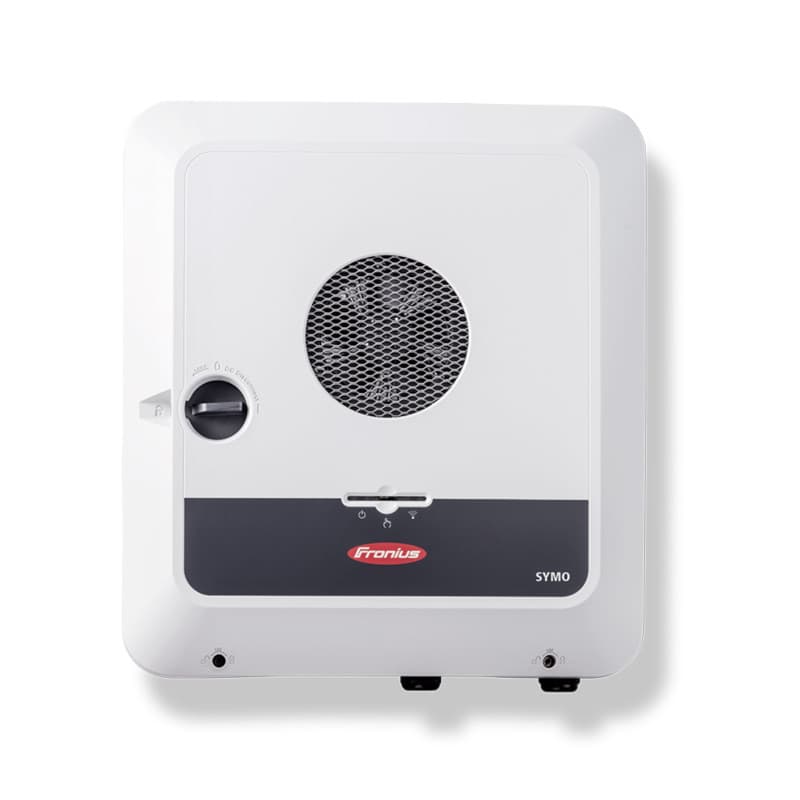
This template reads key electrical parameters from the Solax X3-Mic Pro G2 three-phase solar inverter via Modbus RTU or Modbus TCP. It provides real-time values for active power, grid power, phase voltages, phase currents, and grid frequency. No write registers are included.
- Protocol
- Modbus TCP
- Connection
- Ethernet, Modbus TCP
- Registers
- 8, read only
- Brand
- Peter Humer
- Key readings
- Active Power · Grid Power · Current Phase L1 to L3 · Voltage L2 and L3 · Grid Frequency
- Compatible models
- Solax X3-Mic Pro G2
- Last updated
Registers (8)
8 read, 0 write
| Name | Unit | Access | Address (Hidden until you enter your email) | Function (hidden) | Type (hidden) |
|---|---|---|---|---|---|
| 1013 ActivePower 0x3F5~0x3F6 | W | Read | |||
| 1083 Grid Power 0x43B | kw | Read | |||
| 1103 Current phase L1 0x44F | A | Read | |||
| 1104 Current phase L2 0x450 | A | Read | |||
| 1105 Current phase L3 0x451 | A | Read | |||
| 1019 Gridfrequency 0x3FB~0x3FC | Hz | Read | |||
| Voltage L3 1011 T phase output voltage 0x3F3~0x3F4 | V | Read | |||
| Voltage L2 1009 S phase output voltage0x3F3~0x3F4 | V | Read |
Loading registers…
Send your device list
If a device is not in the library yet, we build the template for free as soon as we have the register data.
Use cases
- Monitor real-time PV active power and grid power on a live ModbusCloud dashboard for each customer site.
- Log phase voltages and currents over time to detect imbalance across the three phases.
- Create an alert when grid frequency deviates from the nominal value for more than a configurable duration.
- Compare energy production across multiple Solax X3-Mic Pro G2 installations from a single ModbusCloud account.
- Verify correct inverter commissioning by checking live phase currents and voltages immediately after installation.
Installation
Enable Modbus RTU or Modbus TCP on the Solax X3-Mic Pro G2 through its local settings menu or web interface, and note the configured slave address and communication parameters.
For Modbus RTU, connect the RS-485 A and B terminals of the inverter to the corresponding terminals on the ModbusCloud Gateway, observing correct polarity and using a twisted-pair cable.
For Modbus TCP, connect the inverter and the ModbusCloud gateway to the same local network and verify that the inverter's IP address is reachable from the gateway.
In the ModbusCloud platform, import the Solax X3-Mic Pro G2 template and assign it to the gateway, entering the correct slave address, IP address, or serial port as applicable.
Verify that all mapped registers, especially voltage L2 (address 1009) and voltage L3 (address 1011), return plausible values on the live dashboard before finalizing the setup.
Things to watch for
Why do voltage L2 and L3 show the same value or seem swapped?
Both registers reference a similar hex address range but map to different decimal addresses (1009 and 1011). Double-check the decimal address assignment in the template to ensure each register points to the correct address.
What baud rate and parity settings should I use for Modbus RTU?
Solax inverters typically default to 9600 baud, 8 data bits, 1 stop bit, no parity. Confirm these settings in the inverter's communication menu and match them on the ModbusCloud gateway.
Some registers return very large or negative numbers. What is wrong?
The template uses mixed data types including uint32, int16, and uint16. Make sure the gateway is configured to read each register with the correct data type and byte order as specified in the template.
Can I use both Modbus RTU and Modbus TCP at the same time?
This depends on the inverter firmware. Some Solax models allow only one active Modbus interface at a time. Check the inverter documentation or test by enabling both and confirming stable communication.





Want to see how it works?
