




Vaisala HMT330
Industrial transmitter for relative humidity, temperature, dew point and derived humidity values.
The Vaisala HMT330 is an industrial transmitter that measures relative humidity and temperature and calculates dew point and other humidity values in processes, cleanrooms and dryers. This Modbus RTU template reads all measured and calculated values with fault and error status, and lets you set pressure compensation, chemical purge and filtering from ModbusCloud.
- Protocol
- Modbus RTU
- Connection
- RS485, 19200 baud
- Registers
- 44, read and write
- Brand
- Vaisala
- Key readings
- Relative humidity · Temperature · Dew point · Absolute humidity · Mixing ratio · Water vapour pressure · Fault status
- Available commands
- Pressure compensation · Chemical purge · Filtering
- Compatible models
- HMT330 · HMT331 · HMT332 · HMT333 · HMT334 · HMT335 · HMT337 · HMT338
- Last updated
Registers (44)
44 read, 14 write
| Name | Unit | Access | Address (Hidden until you enter your email) | Function (hidden) | Type (hidden) |
|---|---|---|---|---|---|
| Relative Humidity | %RH | Read | 0 | FC04 | float32 |
| Temperature | °C | Read | 2 | FC04 | float32 |
| Dew Point Temperature | °C | Read | 6 | FC04 | float32 |
| Dew/Frost Point Temperature | °C | Read | 8 | FC04 | float32 |
| Absolute Humidity | g/m³ | Read | 14 | FC04 | float32 |
| Mixing Ratio | g/kg | Read | |||
| Wet Bulb Temperature | °C | Read | |||
| Water Concentration ppmV | ppm | Read | |||
| Water Vapor Pressure | hPa | Read | |||
| Saturation Vapor Pressure | hPa | Read | |||
| Enthalpy | Read | ||||
| Dew Point Difference | °C | Read | |||
| Water Concentration ppmW | ppm | Read | |||
| Relative Humidity Integer | %RH | Read | |||
| Temperature Integer | °C | Read | |||
| Dew Point Temperature Integer | °C | Read | |||
| Dew/Frost Point Temperature Integer | °C | Read | |||
| Absolute Humidity Integer | g/m³ | Read | |||
| Mixing Ratio Integer | g/kg | Read | |||
| Wet Bulb Temperature Integer | °C | Read | |||
| Water Concentration ppmV Integer | ppm | Read | |||
| Water Vapor Pressure Integer | hPa | Read | |||
| Saturation Vapor Pressure Integer | hPa | Read | |||
| Enthalpy Integer | Read | ||||
| Dew Point Difference Integer | °C | Read | |||
| Water Concentration ppmW Integer | ppm | Read | |||
| Fault Status | Read | ||||
| Online Status | Read | ||||
| Error Code Bits 0 to 15 | Read | ||||
| Error Code Bits 16 to 31 | Read | ||||
| Pressure Setting Default | hPa | Read and write | |||
| Pressure Setting Temporary | hPa | Read and write | |||
| Chemical Purge Interval | min | Read and write | |||
| Molecular Weight for ppmW | Read and write | ||||
| Pressure Setting Default Integer | hPa | Read and write | |||
| Pressure Setting Temporary Integer | hPa | Read and write | |||
| Chemical Purge Interval Integer | min | Read and write | |||
| Molecular Weight for ppmW Integer | Read and write | ||||
| Standard Filtering | Read and write | ||||
| Extended Filtering | Read and write | ||||
| Automatic Chemical Purge | Read and write | ||||
| Start-up Chemical Purge | Read and write | ||||
| Chemical Purge In Progress | Read and write | ||||
| Sensor Heating | Read and write |
Loading registers…
Send your device list
If a device is not in the library yet, we build the template for free as soon as we have the register data.
Use cases
- Show relative humidity, temperature and dew point of a process or cleanroom on a dashboard.
- Get an email when the dew point rises above a limit in a compressed air or drying system.
- Keep a year of humidity history as evidence for production or storage conditions.
- Alert on the fault status register when the transmitter reports a sensor or probe error.
- Update the pressure compensation remotely when the process pressure changes.
Installation
Enable Modbus on the transmitter with the display or the service port: SMODE MODBUS, SERI 19200 N 8 1 and ADDR with a non-zero address.
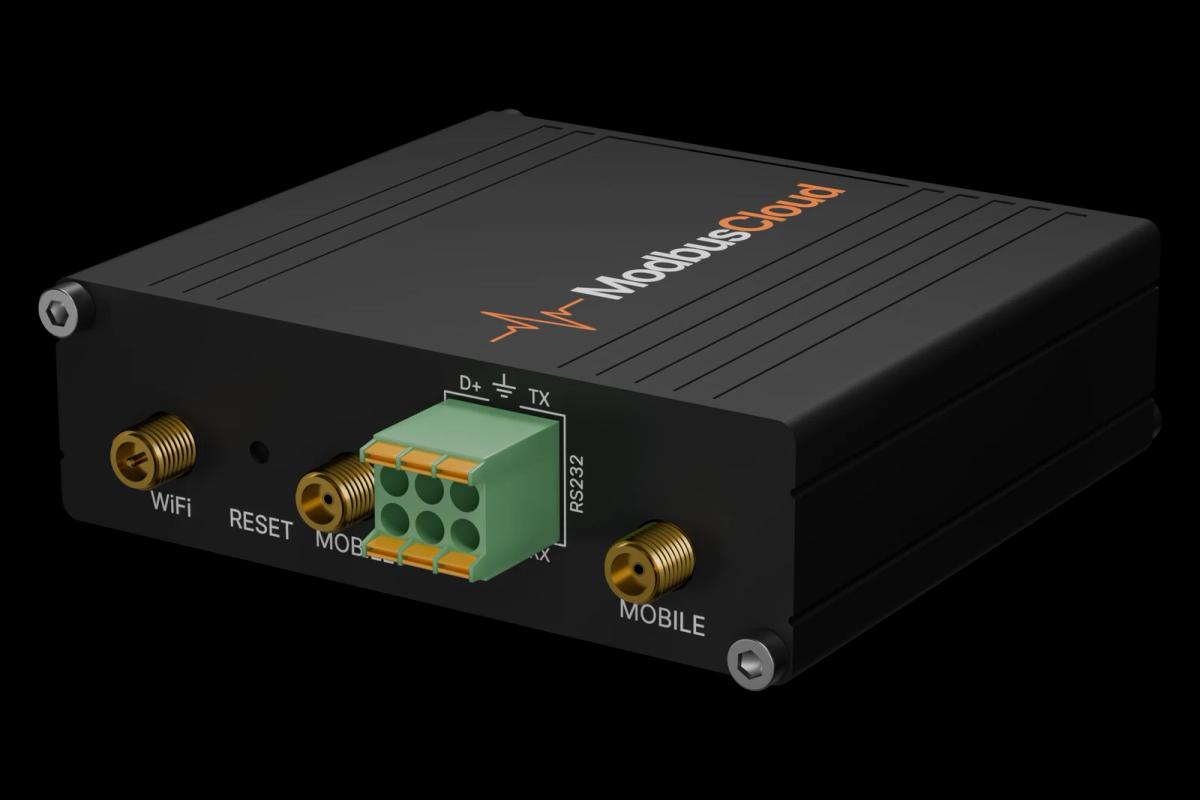
Wire the RS-485 module to the RS485 port of the ModbusCloud Gateway, A to A and B to B, with termination at both bus ends.
In ModbusCloud, add a Modbus device (RTU) with the same address, 19200 baud, no parity, 8 data bits and 1 stop bit, then import this template.
Check that relative humidity and temperature show plausible values and that the fault status reads 1.
Things to watch for
The transmitter does not answer. What should I check?
Modbus must be enabled with SMODE MODBUS and the transmitter reset. Modbus needs 8 data bits, so the factory setting 4800 E 7 1 does not work; use for example 19200 N 8 1. The address must not be 0. Then check A and B and the termination.
Why do the temperature values look completely wrong?
The floating point values are sent with the least significant word first. The template already uses that word order. If you set up registers yourself, choose the word-swapped float format, or use the integer registers instead.
Why do some values stay empty or at zero?
Which humidity values are available depends on the model and configuration. Unavailable float values return NaN and unavailable integer values return 0, so an integer reading of 0 can also mean a missing value.
Can I write the pressure setting often?
Write frequent changes to the temporary pressure setting and leave the default setting alone. Writing 0 to the temporary value returns to the default. Out of range values are ignored. Writing from the portal must be enabled for your Gateway.


Want to see how it works?