








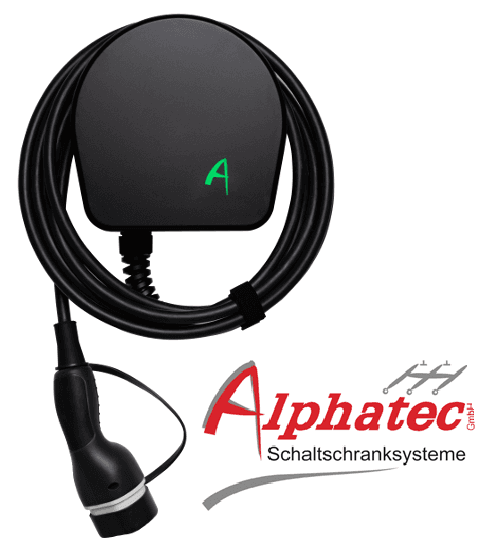
Alphatec Wallbox
Controls and monitors Alphatec EV chargers via Modbus RTU.
This template lets you read status data and control Alphatec EV wallboxes via Modbus RTU. It covers EVSE status, installed amps, charging current settings, and station enable/disable. Compatible with the AC Wallbox Mini (AW1eM) and AC Charging Station Twin (AL2eM).
- Protocol
- Modbus RTU
- Connection
- RS485, 9600 baud
- Registers
- 6, read and write
- Brand
- Alphatec
- Key readings
- EVSE status · Actual Modbus ID · Installed Amps · Enable Station state · Setted Amps
- Available commands
- Enable Station · Setted Amps
- Compatible models
- AC Wallbox Mini (AW1eM) · AC Charging Station Twin (AL2eM)
- Last updated
Registers (6)
6 read, 2 write
| Name | Unit | Access | Address (Hidden until you enter your email) | Function (hidden) | Type (hidden) |
|---|---|---|---|---|---|
| EVSE status | Read | ||||
| Actual Modbus ID | Read | ||||
| Installed Amps | A | Read | |||
| Enable Station | Read and write | ||||
| Setted Amps | A | Read and write | |||
| Reboot Unit | Read |
Loading registers…
Send your device list
If a device is not in the library yet, we build the template for free as soon as we have the register data.
Use cases
- Monitor EVSE status and charging current on a live dashboard for each customer site.
- Enable or disable the Alphatec charging station remotely to support maintenance or billing workflows.
- Set the charging current in amps from the cloud to implement basic load management.
- Create an alert when the EVSE status indicates a fault or unexpected offline state.
- Track installed amps across multiple Alphatec wallboxes in a fleet overview.
Installation
Connect the Modbus RTU wiring (A and B terminals) from the Alphatec wallbox to your ModbusCloud Gateway.
Verify that the Alphatec charger is set to a baud rate of 9600 and note its configured Modbus slave address.
Configure the serial port on the ModbusCloud gateway to match the baud rate (9600) and set the correct parity and stop bit settings as specified in the Alphatec datasheet.
Import the Alphatec Wallbox template in the ModbusCloud platform and assign the correct Modbus slave address.
Test the connection by reading the EVSE status and installed amps values from the ModbusCloud dashboard.
If you need registers beyond those in this template, consult the official Alphatec datasheet and add custom registers in ModbusCloud.
Things to watch for
The gateway cannot communicate with the Alphatec wallbox. What should I check?
Verify that the RS-485 A and B wires are not swapped. Confirm the baud rate is set to 9600 on both the gateway and the charger. Check that the Modbus slave address configured in the template matches the address set on the wallbox.
Can I use this template for both the AW1eM and the AL2eM?
Yes. The template is compatible with both the AC Wallbox Mini (AW1eM) and the AC Charging Station Twin (AL2eM). The core Modbus register set is the same for both models.
Are there more registers available than what this template provides?
Yes. The template covers the most common readings and controls. Additional registers and commands are documented in the official Alphatec datasheets, which you can add manually in ModbusCloud.
What parity and stop bit settings should I use?
Refer to your specific Alphatec model datasheet for the exact serial settings. A common configuration is 8 data bits, 1 stop bit, and no parity (8N1), but confirm this against the manufacturer documentation.






Want to see how it works?
