








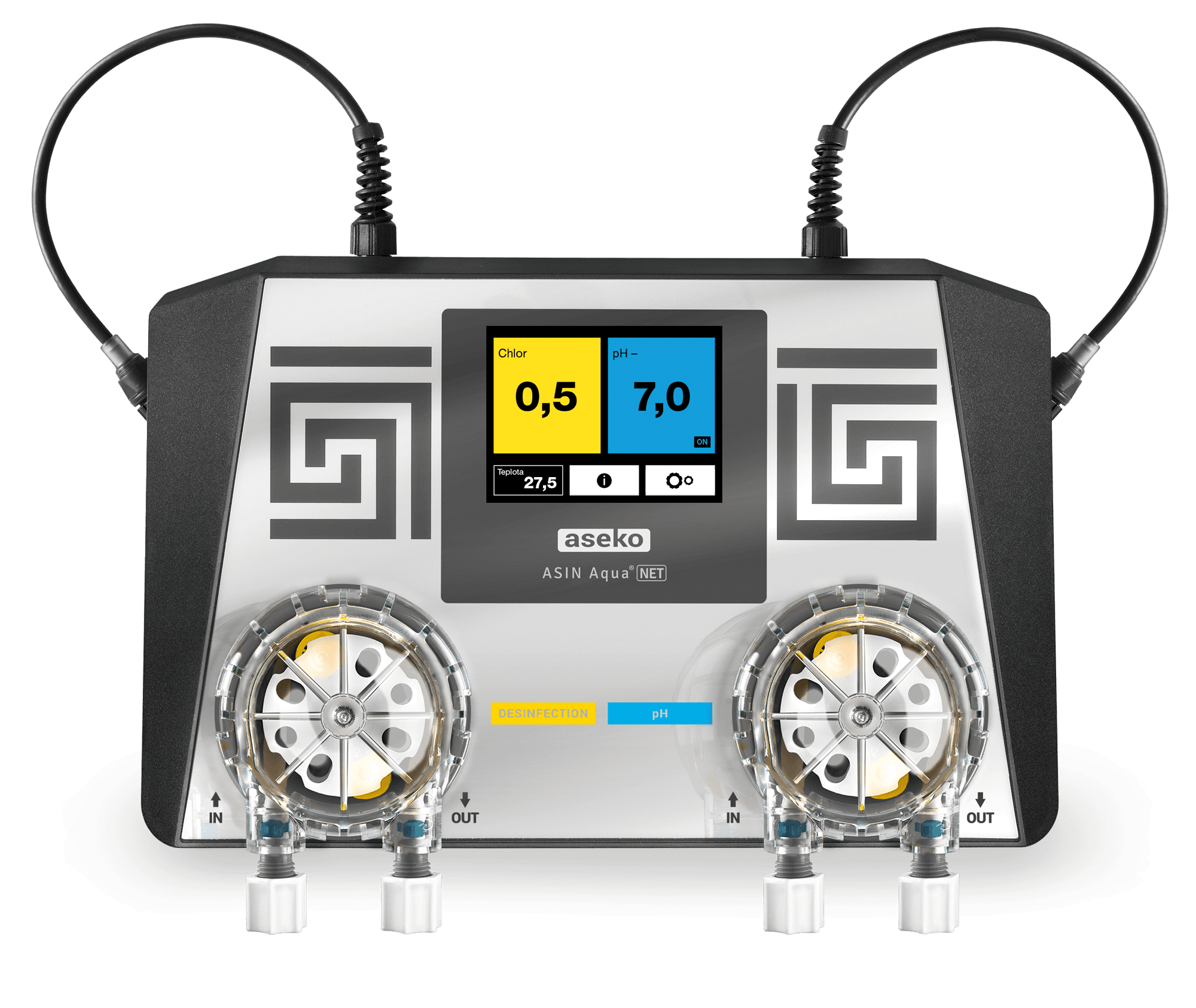
Asin Aqua Net - pool Chlorine and pH
Measures and controls free chlorine and pH levels in pool water.
This template connects the Aseko ASIN Aqua Net pool water controller via Modbus RTU. It reads free chlorine or redox potential, pH level, and reading error status. Values are updated every 10 seconds at 57600 baud.
- Protocol
- Modbus RTU
- Connection
- RS485, 57600 baud
- Registers
- 0, read only
- Brand
- Aseko
- Key readings
- Free chlorine or redox potential · pH level · Reading error status
- Compatible models
- ASIN Aqua Net
- Last updated
Send your device list
If a device is not in the library yet, we build the template for free as soon as we have the register data.
Use cases
- Monitor free chlorine and pH levels remotely on a live cloud dashboard for each pool site.
- Create an alert when pH or chlorine readings fall outside acceptable ranges for more than five minutes.
- Track reading error status to detect sensor malfunctions or communication failures early.
- Compare water quality trends over time using historical data logs stored in ModbusCloud.
- Manage multiple pool installations from a single ModbusCloud account to reduce on-site visits.
Installation
Connect the ModbusCloud Gateway to the Aseko ASIN Aqua Net using a twisted-pair RS485 cable, ensuring correct A/B polarity.
Set the baud rate on the gateway to 57600 to match the ASIN Aqua Net's required communication speed.
Configure the Modbus RTU slave address on the ASIN Aqua Net according to the device manual, and enter the same address in the ModbusCloud gateway settings.
Apply proper RS485 bus termination at both ends of the cable, especially for longer cable runs at 57600 baud.
Import the Aseko ASIN Aqua Net template from the ModbusCloud template library and assign it to the configured gateway connection.
Verify that chlorine, pH, and error status values appear correctly on the ModbusCloud dashboard before completing the installation.
Things to watch for
Why am I not receiving any data from the ASIN Aqua Net?
The most common cause is a baud rate mismatch. The ASIN Aqua Net requires 57600 baud, which is uncommon for Modbus RTU devices. Verify that your gateway is set to exactly 57600 baud with the correct parity and stop bit settings.
Can I control chlorine dosing or change setpoints through this template?
No. This template is read-only and provides monitoring of chlorine or redox potential, pH, and error status. It does not include write registers for dosing control.
What does the reading error status indicate?
The reading error status flag signals that one or more sensor readings may be unreliable. This can be caused by a faulty sensor, a disconnected probe, or a calibration issue on the ASIN Aqua Net.
How long can the RS485 cable be at 57600 baud?
At 57600 baud, keep cable runs as short as practical. Use shielded twisted-pair cable and proper termination resistors. For runs exceeding 100 meters, verify signal quality or consider a lower baud rate if the device supports it.






Want to see how it works?
