








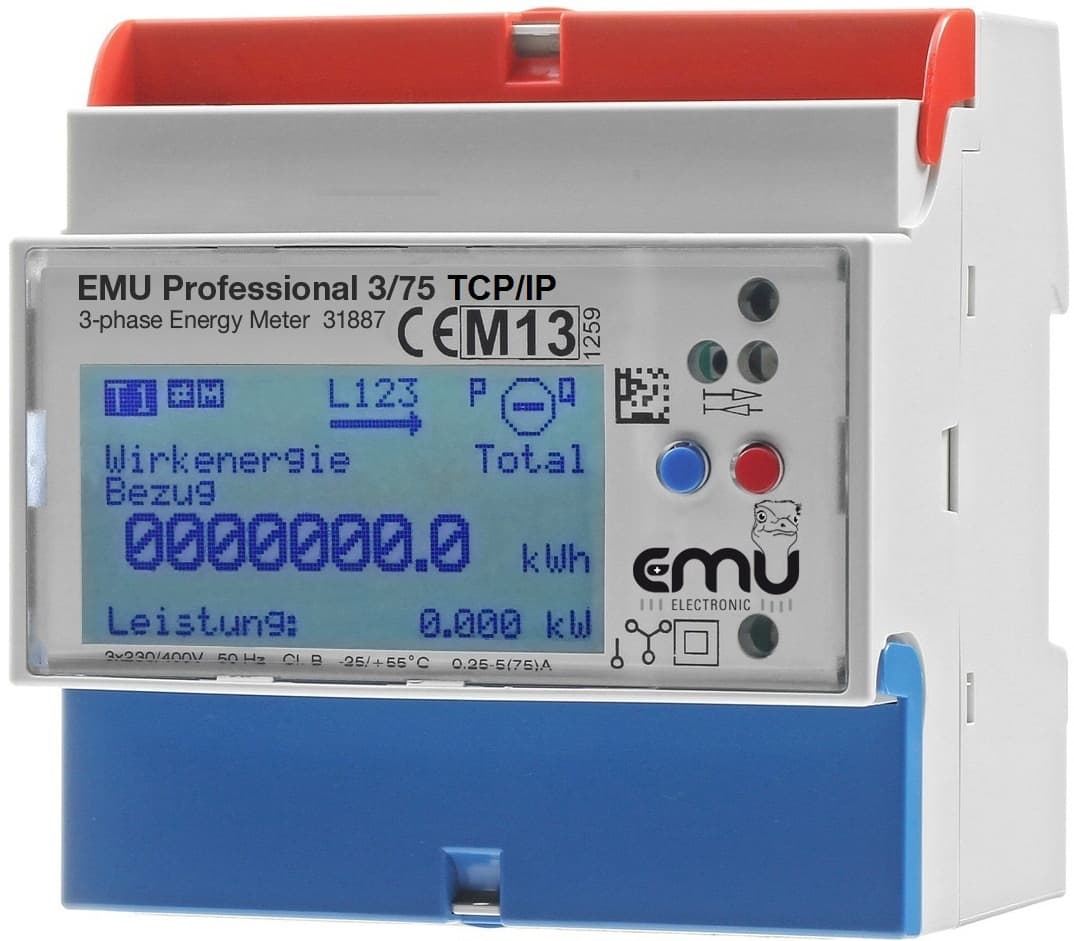
EMU Professional Modbus TCP
Monitors 3-phase energy, power, voltage, and current via Modbus TCP over Ethernet.
The EMU Professional TCP/IP is a MID-certified 3-phase energy and power meter. This ModbusCloud template reads active and reactive energy (import/export), voltage, current, active power, power factor, and frequency via Modbus TCP over Ethernet. No control registers are included.
- Protocol
- Modbus TCP
- Connection
- Ethernet, Modbus TCP
- Registers
- 27, read only
- Brand
- EMU
- Key readings
- Active Energy Import/Export L123 · Reactive Energy Import/Export L123 · Active Power L1 to L123 · Voltage L1-N to L3-N · Current L1 to L123 · Power Factor L1 to L3 and Frequency
- Compatible models
- EMU Professional 3/5 TCP/IP · EMU Professional 3/75 TCP/IP
- Last updated
Registers (27)
27 read, 0 write
| Name | Unit | Access | Address (Hidden until you enter your email) | Function (hidden) | Type (hidden) |
|---|---|---|---|---|---|
| Active Energy Import L123 Total | kWh | Read | |||
| Active Energy Import L123 T1 | kWh | Read | |||
| Active Energy Import L123 T2 | kWh | Read | |||
| Active Energy Export L123 Total | kWh | Read | |||
| Active Energy Export L123 T1 | kWh | Read | |||
| Active Energy Export L123 T2 | kWh | Read | |||
| Reactive Energy Export L123 Total | kvarh | Read | |||
| Reactive Energy Export L123 T1 | kvarh | Read | |||
| Reactive Energy Export L123 T2 | kvarh | Read | |||
| Reactive Energy Import L123 Total | kvarh | Read | |||
| Reactive Energy Import L123 T1 | kvarh | Read | |||
| Reactive Energy Import L123 T2 | kvarh | Read | |||
| Active Power L123 | W | Read | |||
| Active Power L1 | W | Read | |||
| Active Power L2 | W | Read | |||
| Active Power L3 | W | Read | |||
| Current L123 | A | Read | |||
| Current L1 | A | Read | |||
| Current L2 | A | Read | |||
| Current L3 | A | Read | |||
| Voltage L1N | V | Read | |||
| Voltage L2N | V | Read | |||
| Voltage L3N | V | Read | |||
| Power Factor L1 | Cos | Read | |||
| Power Factor L2 | Cos | Read | |||
| Power Factor L3 | Cos | Read | |||
| Frequency | Hz | Read |
Loading registers…
Send your device list
If a device is not in the library yet, we build the template for free as soon as we have the register data.
Use cases
- Monitor 3-phase active energy import and export on a live cloud dashboard for ISO 50001 reporting.
- Track voltage, current, and power factor per phase to identify power quality issues at a customer site.
- Create an alert when total active power exceeds a predefined demand limit for more than five minutes.
- Compare energy consumption across multiple metering points by deploying the template on several EMU Professional meters.
- Export historical energy data as CSV for periodic energy audits and management reviews.
- Verify current transformer installations by cross-checking per-phase current readings remotely.
Installation
Connect the EMU Professional TCP/IP to your local network using an Ethernet cable and ensure it has a valid IP address.
Wire the meter to the electrical supply either directly or via current transformers (CT ratio /5 or /1A), following the EMU Professional installation manual.
Verify the Modbus TCP unit ID configured on the meter, accessible through its built-in web interface.
Connect your ModbusCloud Gateway to the same local network as the EMU Professional meter.
Import the EMU Professional Modbus TCP template in the ModbusCloud platform and enter the meter IP address and unit ID.
Confirm that live readings for voltage, current, and energy appear on your ModbusCloud dashboard before closing the cabinet.
Things to watch for
Which Modbus TCP port does the EMU Professional use?
The EMU Professional TCP/IP uses the standard Modbus TCP port 502 by default. You can verify or change this in the meter's web interface.
Do I need to scale the register values manually?
No. The ModbusCloud template already applies the correct data types and scaling factors. Energy registers are read as uint32, power and current as int32, and voltage, power factor, and frequency as uint16.
Can I use this template with the RS485 version of the EMU Professional?
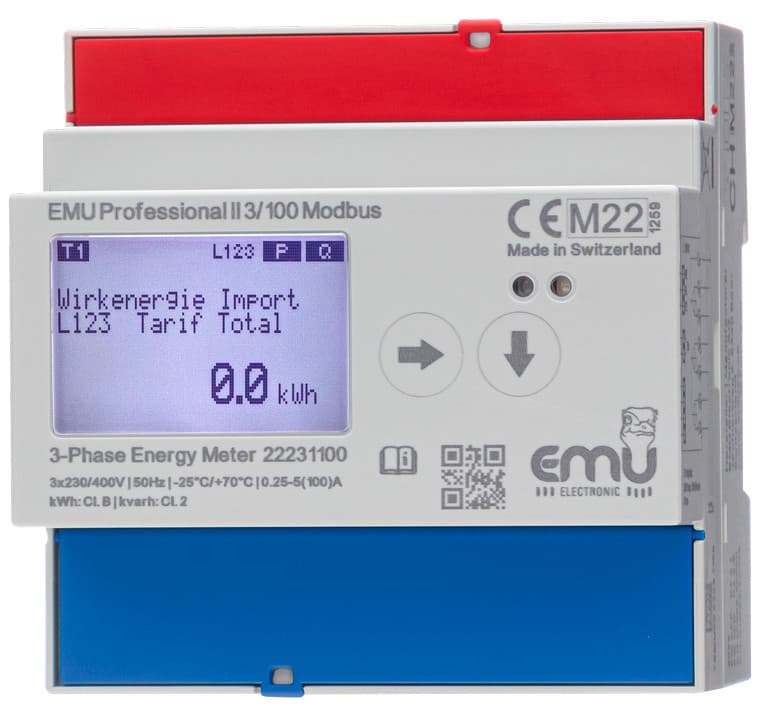
No. This template is designed for the TCP/IP variant only. The RS485 version uses Modbus RTU and requires a different template and wiring setup.
The meter shows readings on its display but nothing appears in ModbusCloud. What should I check?
Verify that the gateway and the meter are on the same subnet and that no firewall blocks port 502. Also confirm that the Modbus TCP unit ID in the template matches the one configured on the meter.
Want to see how it works?
