








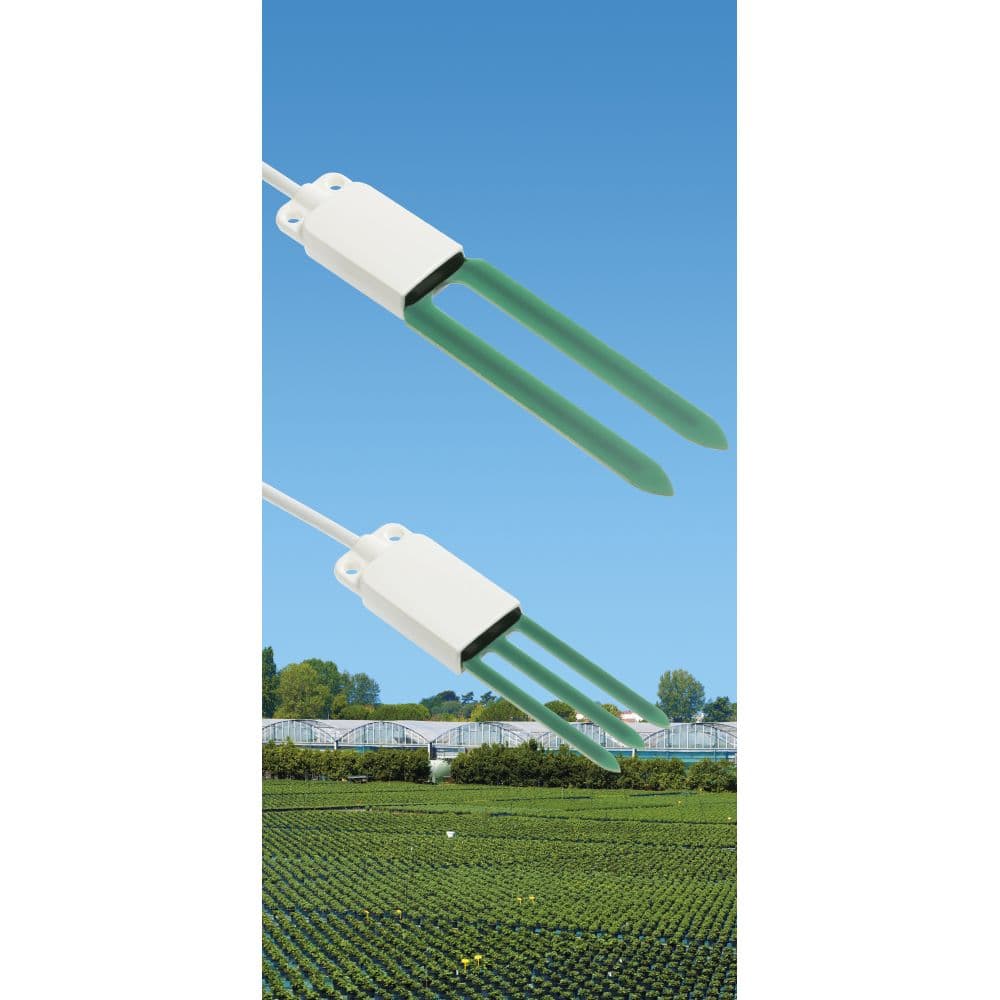
HD3910.x Soil Volumetric Water Content
Measures soil volumetric water content using Modbus RTU probes.
This template connects Delta OHM HD3910.x soil volumetric water content probes via Modbus RTU. It reads VWC, soil temperature, apparent dielectric permittivity, and a status byte. Compatible models include HD3910.1 and HD3910.2.
- Protocol
- Modbus RTU
- Connection
- RS485, 9600 baud
- Registers
- 5, read only
- Key readings
- Volumetric Water Content · Soil Temperature (°C/°F) · Apparent Dielectric Permittivity · Status Byte
- Compatible models
- HD3910.1 · HD3910.2
- Last updated
Registers (5)
5 read, 0 write
| Name | Unit | Access | Address (Hidden until you enter your email) | Function (hidden) | Type (hidden) |
|---|---|---|---|---|---|
| Volumetric Water Content (Percent x 10) | % VWC | Read | |||
| Soil Temperature in °C (°C x 10) | °C | Read | |||
| Apparent Dielectric Permittivity (X1000) | PDA | Read | |||
| Soil Temperature in °F (°F x 10) | °F | Read | |||
| 16bit Status Byte | Read |
Loading registers…
Send your device list
If a device is not in the library yet, we build the template for free as soon as we have the register data.
Use cases
- Monitor soil volumetric water content remotely to optimize irrigation schedules for agricultural sites.
- Log soil temperature trends over time to detect frost risk or seasonal changes.
- Create an alert when VWC drops below a critical threshold, indicating the need for irrigation.
- Compare dielectric permittivity readings across multiple zones to assess soil composition differences.
- Track probe status bytes on a dashboard to detect sensor faults before they cause data gaps.
- Generate periodic reports of soil moisture data for customers managing landscaped or agricultural properties.
Installation
Wire the Delta OHM HD3910.x probe to the RS-485 port on your ModbusCloud Gateway, observing correct A/B and GND connections.
Set the Modbus slave address on the HD3910.x probe according to the manufacturer instructions, ensuring it does not conflict with other devices on the bus.
Confirm that the baud rate on the probe is set to 9600, matching the default configuration of this template.
Import the HD3910.x template in the ModbusCloud platform and assign it to the correct gateway and Modbus address.
Verify that VWC, soil temperature, and dielectric permittivity values appear correctly on the dashboard after the first polling cycle.
If multiple probes are installed on the same RS-485 bus, assign unique Modbus addresses to each and add a separate template instance per probe.
Things to watch for
Why are my VWC or temperature readings showing values that seem 10 times too high or too low?
The raw register values for VWC and temperature are scaled by a factor of 10. The template applies this scaling automatically. If you see unexpected values, check that you are using the correct template version and that no additional scaling is applied in your dashboard configuration.
What baud rate should I use for the HD3910.x probes?
The default baud rate is 9600. Both the probe and the ModbusCloud gateway must be set to the same baud rate. If you have changed the baud rate on the probe, update the gateway configuration accordingly.
Can I connect multiple HD3910.x probes on one RS-485 bus?
Yes. Assign a unique Modbus slave address to each probe and create a separate template instance in ModbusCloud for each address. Ensure proper RS-485 bus termination if the cable run is long.
How do I interpret the status byte register?
The status byte indicates the operational state of the probe. Refer to the Delta OHM HD3910.x documentation for the specific bit definitions. A non-zero status byte typically signals a measurement issue or sensor fault.






Want to see how it works?
