









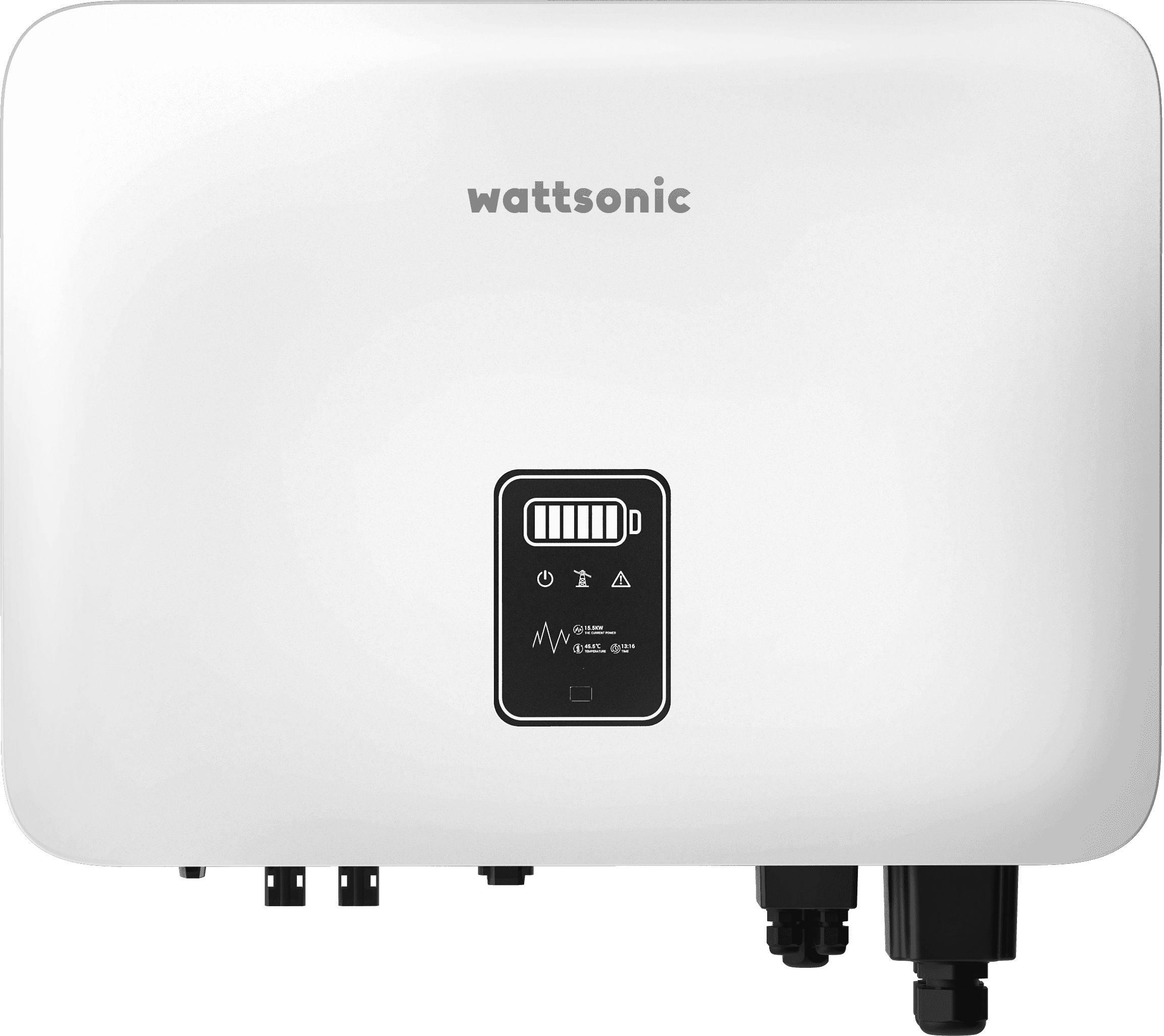
Kaco new energy blueplanet Inverter
Reads AC and DC power data from Kaco new energy blueplanet inverters via Modbus RTU.
This template reads AC and DC power data from Kaco new energy blueplanet inverters via Modbus RTU. It provides real-time values for AC current, AC power, DC power, line frequency, and cumulative AC energy using the SunSpec standard.
- Protocol
- Modbus RTU
- Connection
- RS485, 9600 baud
- Registers
- 5, read only
- Brand
- Kaco new energy
- Key readings
- AC Current · AC Power · DC Power · Line Frequency · AC Energy
- Compatible models
- blueplanet TL3 series (3kW-165kW) · blueplanet hybrid 10.0
- Last updated
Registers (5)
5 read, 0 write
| Name | Unit | Access | Address (Hidden until you enter your email) | Function (hidden) | Type (hidden) |
|---|---|---|---|---|---|
| AC Current | A | Read | |||
| AC Power | kW | Read | |||
| Line Frequency | Hz | Read | |||
| AC Energy | kWh | Read | |||
| DC Power | kW | Read |
Loading registers…
Send your device list
If a device is not in the library yet, we build the template for free as soon as we have the register data.
Use cases
- Monitor real-time AC and DC power output of a Kaco blueplanet inverter on a live cloud dashboard.
- Track cumulative AC energy production over time to verify expected PV yield for your customer.
- Create an alert when AC power drops to zero during daylight hours to detect potential inverter faults.
- Compare DC power input against AC power output to identify unusual conversion losses.
- Log line frequency readings to detect grid instability at the installation site.
- Generate monthly energy reports for residential or commercial PV system owners.
Installation
Enable the Modbus interface on the Kaco blueplanet inverter via the device display menu or the built-in web interface.
Connect the RS485 A and B wires from the inverter's Modbus port to the ModbusCloud Gateway.
Set the inverter's Modbus slave address to a unique value and note it for gateway configuration.
Confirm the baud rate is set to 9600 on both the inverter and the gateway.
Import the Kaco new energy blueplanet template in the ModbusCloud platform and assign the correct slave address.
Verify that live readings for AC current, AC power, and DC power appear on the ModbusCloud dashboard.
Things to watch for
I see no data after connecting the gateway. What should I check first?
Make sure the Modbus interface is enabled on the inverter. On Kaco blueplanet models, Modbus is not active by default. Enable it through the device menu or the web interface.
What baud rate should I use?
The template is configured for 9600 baud, which is the default for Kaco blueplanet inverters. Ensure the gateway is also set to 9600 baud, 8 data bits, 1 stop bit, no parity.
Can I connect multiple Kaco inverters on one RS485 bus?
Yes. Assign each inverter a unique Modbus slave address and add a separate template instance for each address in ModbusCloud. Use proper RS485 daisy-chain wiring with termination resistors at both ends of the bus.
Does the template support writing setpoints or controlling the inverter?
No. This template is read-only. It monitors AC current, AC power, DC power, line frequency, and cumulative AC energy. No control registers are included.




Want to see how it works?
