








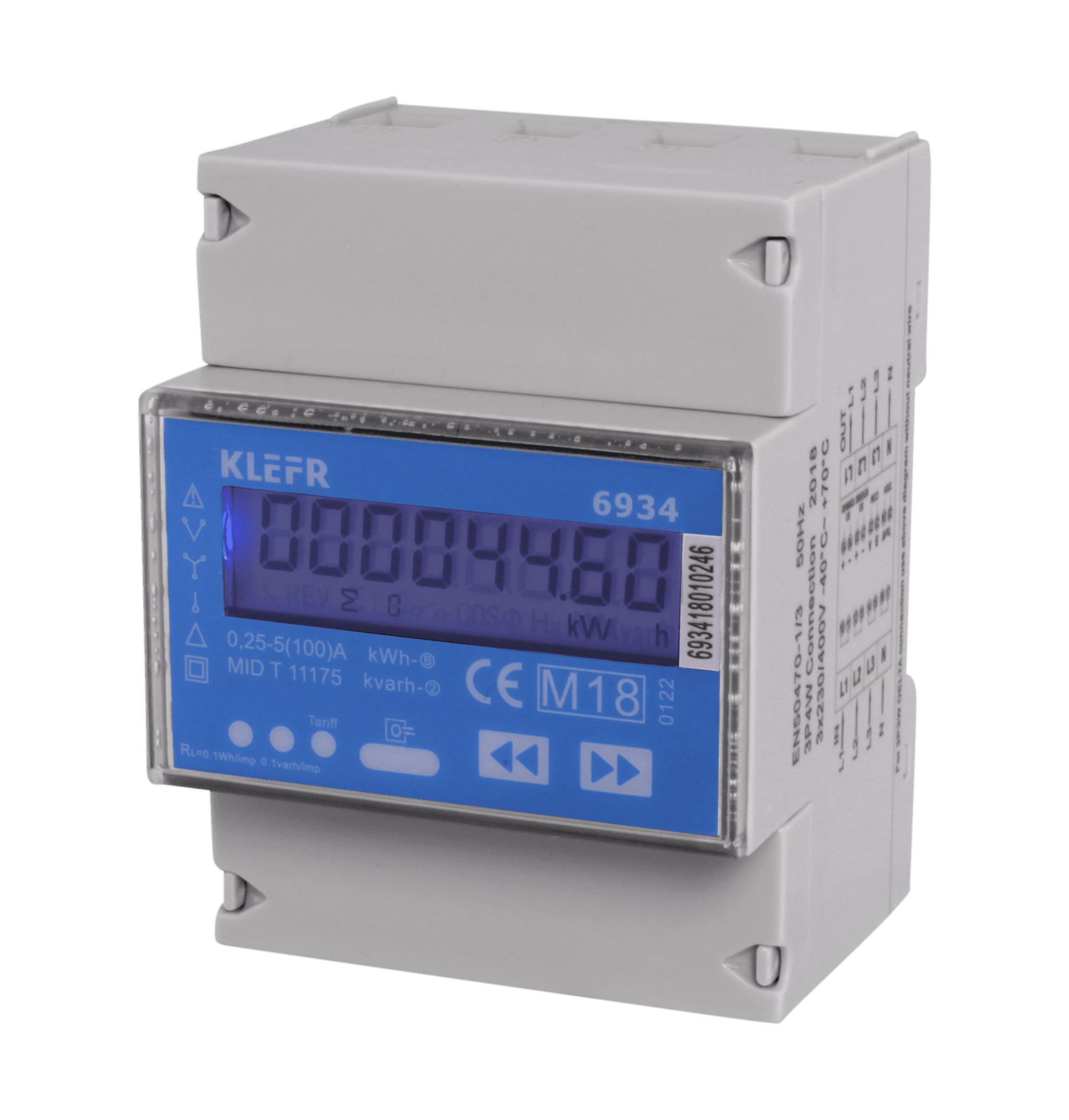
KLEFR 6934 energy meter
Monitors three-phase energy metering via Modbus RTU
The KLEFR 6934 is a three-phase energy meter from Inepro with a Modbus RTU interface. This template reads voltage, current, active power, apparent power, frequency, power factor, and energy totals per tariff. It also supports tariff selection via a writable register.
- Protocol
- Modbus RTU
- Connection
- RS485, 9600 baud
- Registers
- 15, read and write
- Brand
- KLEFR
- Key readings
- Voltage L1 to L3 · Current L1 to L3 · Total active power · Total apparent power · Grid frequency · T1/T2 active energy
- Available commands
- Tariff
- Compatible models
- KLEFR 6934
- Last updated
Registers (15)
15 read, 1 write
| Name | Unit | Access | Address (Hidden until you enter your email) | Function (hidden) | Type (hidden) |
|---|---|---|---|---|---|
| Grid frequency [Hz] | Hz | Read | |||
| T1 reverse active energy [kWh] | kWh | Read | |||
| L1 Voltage [V] | V | Read | |||
| L1 Current [A] | A | Read | |||
| Power Down Counter | Read | ||||
| Modbus ID | Read | ||||
| L2 Voltage [V] | V | Read | |||
| L3 Voltage [V] | V | Read | |||
| L2 Current [A] | A | Read | |||
| L3 Current [A] | A | Read | |||
| Total active power [kW] | kW | Read | |||
| Total apparent power [kVA] | kVA | Read | |||
| T2 reverse active energy [kWh] | kWh | Read | |||
| Tariff | Read and write | ||||
| T1 Total active energy [kWh] | kWh | Read |
Loading registers…
Send your device list
If a device is not in the library yet, we build the template for free as soon as we have the register data.
Use cases
- Monitor three-phase voltage, current, and power on a live cloud dashboard for your customer.
- Track cumulative energy consumption per tariff period (T1 and T2) for accurate billing.
- Create an alert when grid frequency deviates from the nominal 50 Hz value for more than 30 seconds.
- Log historical active power data to identify peak demand periods and optimize energy contracts.
- Switch between tariff T1 and T2 remotely via the writable tariff register on the dashboard.
- Compare energy consumption across multiple KLEFR 6934 meters in a multi-tenant building.
Installation
Wire the KLEFR 6934 RS-485 A and B terminals to the corresponding Modbus RTU port on your ModbusCloud Gateway, and connect a GND reference if available.
Set the Modbus slave address on the KLEFR 6934 using its front-panel buttons, ensuring it does not conflict with other devices on the same bus.
Confirm the meter is configured for 9600 baud and even parity (the default settings matching this template).
In the ModbusCloud platform, add a new device and import the KLEFR 6934 template from the template library.
Verify that live readings for voltage, current, and power appear correctly in the cloud dashboard before finalizing the installation.
Things to watch for
Why do I see zero or incorrect values for voltage and current readings?
The KLEFR 6934 uses float32 encoding for analog values, which spans two consecutive registers. Ensure the byte order and word order settings in your gateway match the meter. The template is preconfigured for this, so re-check that you selected the correct template.
The documentation lists register addresses in HEX. Do I need to convert them manually?
No. The ModbusCloud template already maps the hexadecimal addresses from the Inepro documentation to the correct decimal register addresses. No manual conversion is required.
Can I connect multiple KLEFR 6934 meters on the same RS-485 bus?
Yes. Assign a unique Modbus slave address to each meter and add a separate device instance in ModbusCloud for each one. Use the same template but set the correct slave address per device.
What baud rate and parity settings does this template expect?
The template is configured for 9600 baud with even parity (1 stop bit). Make sure the KLEFR 6934 and all other devices on the same bus use identical communication settings.






Want to see how it works?
