








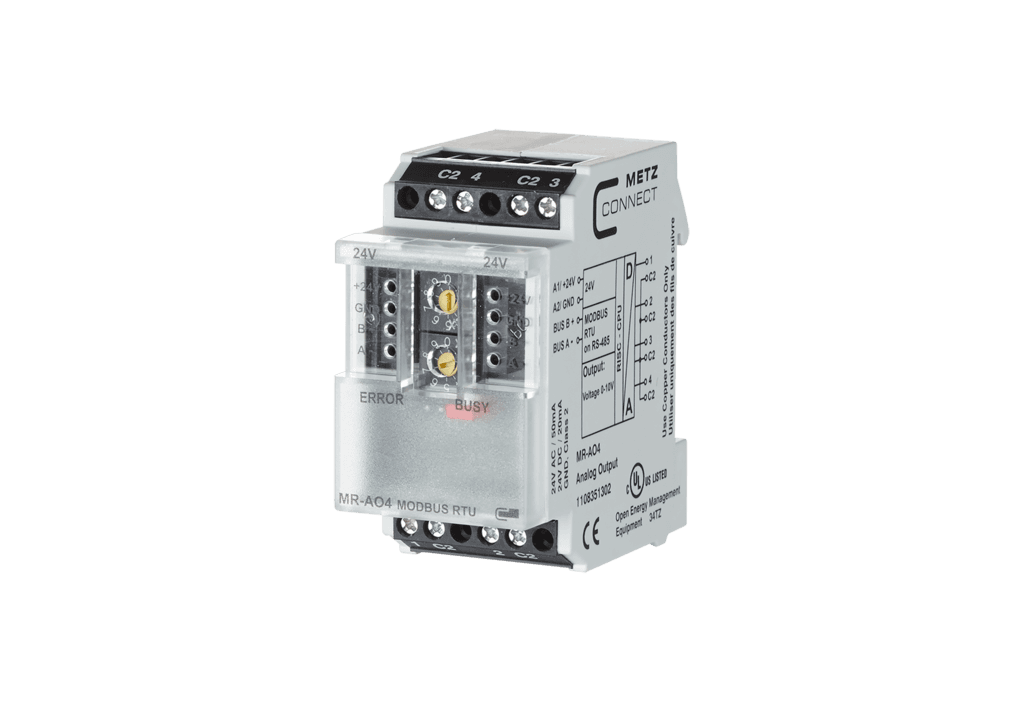
Metz Connect MR-AO4 Modbus RTU
Controls 4 analog outputs for decentralized switching tasks via Modbus RTU
Modbus RTU template for the Metz Connect MR-AO4 analog output module. It provides control of 4 analog outputs typically used to drive vent valves, mixing valves, and similar actuators in HVAC and building automation systems.
- Protocol
- Modbus RTU
- Connection
- RS485, 9600 baud
- Registers
- 4, read and write
- Brand
- Metz Connect
- Available commands
- Analog output 1 · Analog output 2 · Analog output 3 · Analog output 4
- Compatible models
- MR-AO4 · MR-F-AO4
- Last updated
Registers (4)
0 read, 4 write
| Name | Unit | Access | Address (Hidden until you enter your email) | Function (hidden) | Type (hidden) |
|---|---|---|---|---|---|
| Analog output 1 | Write | ||||
| Analog output 2 | Write | ||||
| Analog output 3 | Write | ||||
| Analog output 4 | Write |
Loading registers…
Send your device list
If a device is not in the library yet, we build the template for free as soon as we have the register data.
Use cases
- Control mixing valve positions remotely from the ModbusCloud dashboard to adjust heating or cooling setpoints.
- Write analog output values to vent valve actuators on a scheduled basis for seasonal HVAC adjustments.
- Monitor and adjust control signals across multiple MR-AO4 modules installed at different customer sites from one platform.
- Create automation rules that ramp analog outputs up or down based on external sensor data or time schedules.
- Commission analog output levels remotely during initial system setup to verify actuator wiring and response.
Installation
Mount the Metz Connect MR-AO4 on a DIN TH35 rail inside the distribution cabinet and wire the analog outputs to the target actuators.
Connect the RS-485 A and B terminals of the MR-AO4 to the RS-485 port on your ModbusCloud Gateway.
Set a unique Modbus address and the baud rate to 9600 using the two rotary switches on the front panel of the module.
Use the Metz Connect MBus configuration tool to select the correct output type (voltage or current) for each channel.
Import the Metz Connect MR-AO4 template in the ModbusCloud portal and assign it to the gateway with the matching Modbus address.
Verify communication by writing a test value to one of the four analog outputs and confirming the actuator responds.
Things to watch for
The gateway cannot communicate with the MR-AO4. What should I check?
Verify that the RS-485 A and B wires are not swapped and that the baud rate on the module matches 9600 as expected by the template. Also confirm the Modbus address set on the rotary switches matches the address configured in ModbusCloud.
How do I change the output type from voltage to current?
Use the Metz Connect MBus configuration tool connected via RS-485 to set the output mode for each channel. This cannot be done through Modbus registers alone.
What value range should I write to the output registers?
Each output register is a uint16 at addresses 0 through 3. The exact scaling depends on the configured output type. Consult the MR-AO4 datasheet for the mapping between register value and physical output level.
Can I use multiple MR-AO4 modules on the same RS-485 bus?
Yes. Assign each module a unique Modbus address using the front panel rotary switches. Add a separate template instance in ModbusCloud for each module with the corresponding address.
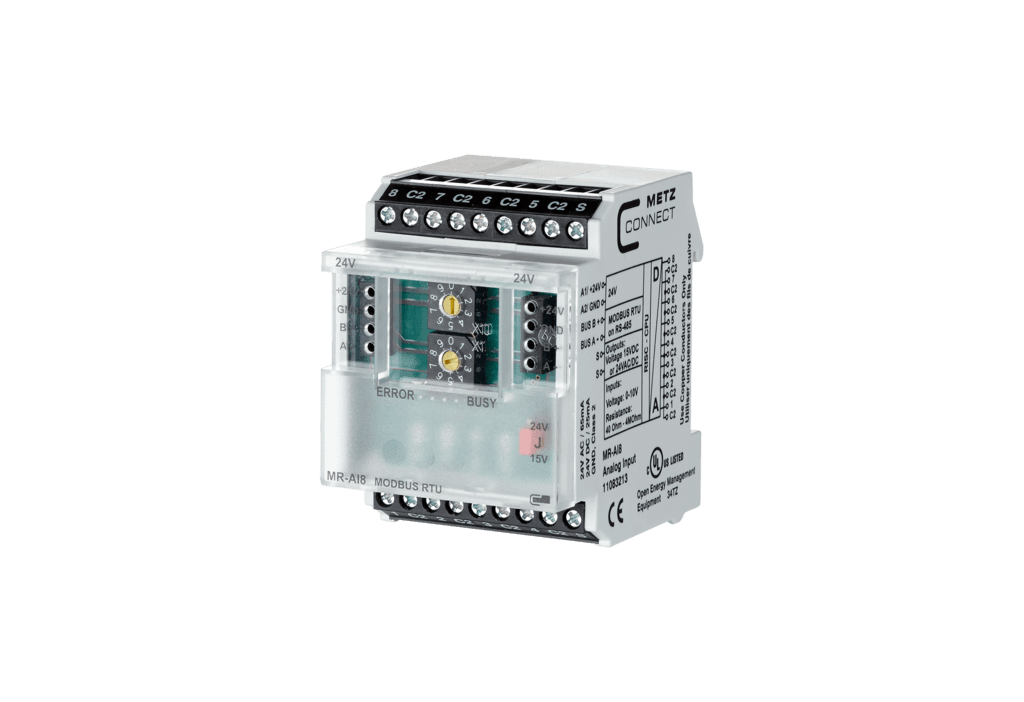
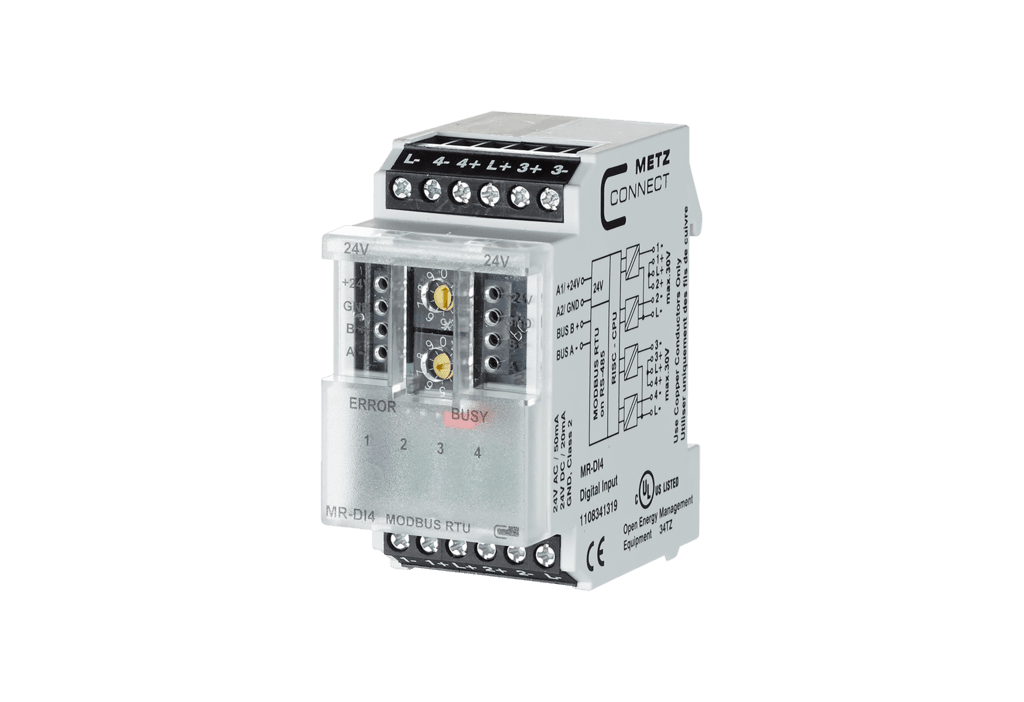
More Metz Connect templates
Want to see how it works?
