








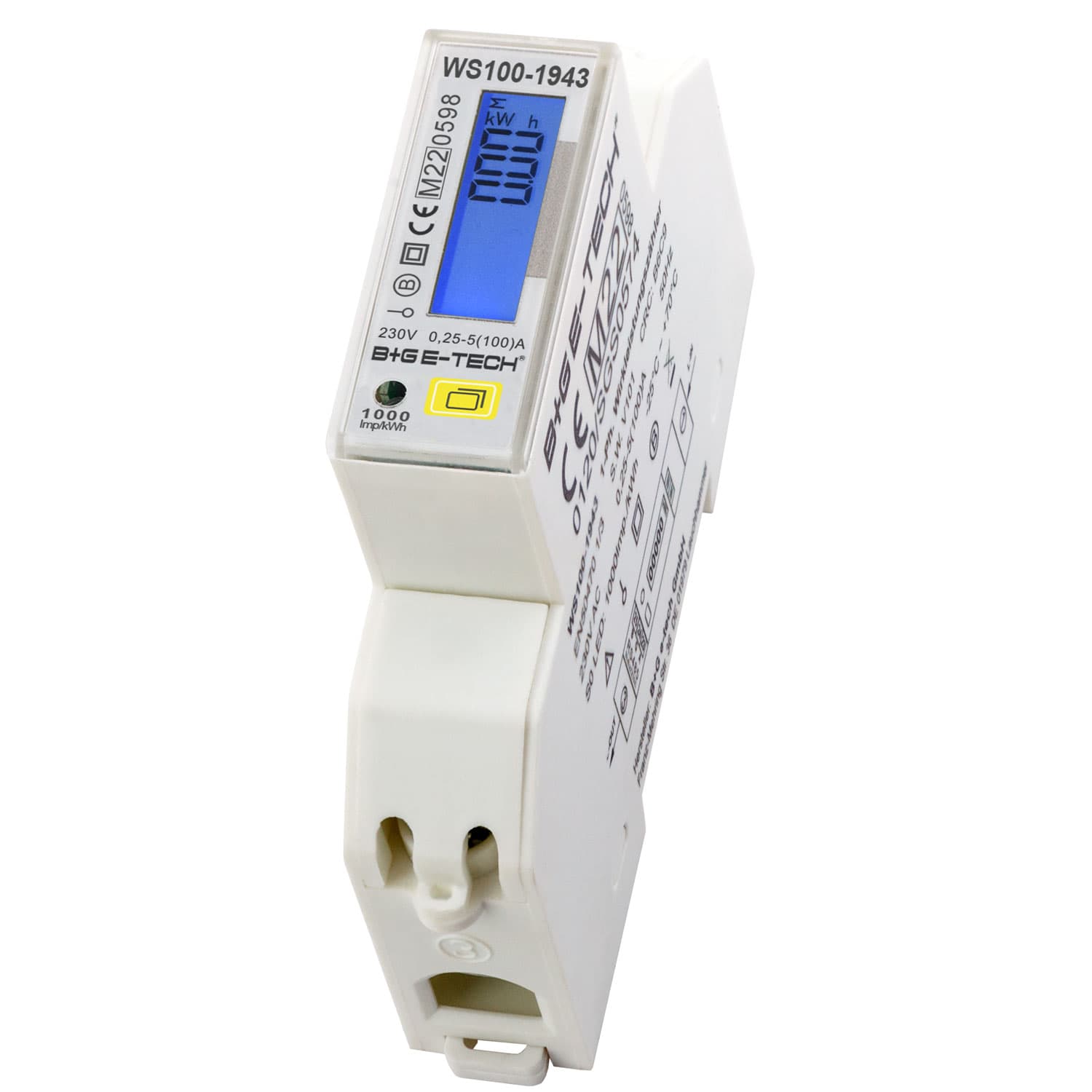
1~ energy meter BG e-tech WS100-19xx
Reads single-phase bidirectional energy metering via Modbus RTU
Template for the B+G E-Tech WS100-19xx single-phase bidirectional energy meter. It reads voltage, current, active power, frequency, and forward/reverse energy totals over Modbus RTU. Supports direct connection up to 100A with MID accuracy class B.
- Protocol
- Modbus RTU
- Connection
- RS485, 9600 baud
- Registers
- 9, read only
- Brand
- B+G E-Tech
- Key readings
- Voltage · Current · Active Power · Frequency · Total Forward Active Energy · Total Reverse Active Energy
- Compatible models
- WS100-1943 · WS100-19L3
- Last updated
Registers (9)
9 read, 0 write
| Name | Unit | Access | Address (Hidden until you enter your email) | Function (hidden) | Type (hidden) |
|---|---|---|---|---|---|
| Voltage [V] | V | Read | |||
| Current [A] | A | Read | |||
| Active Power [kW] | kW | Read | |||
| Frequency [Hz] | Hz | Read | |||
| SN | Read | ||||
| Total forward active energy [kWh] | kWh | Read | |||
| Mobus ID | Read | ||||
| FW Version | Read | ||||
| Total reverse active energy [kWh] | kWh | Read |
Loading registers…
Send your device list
If a device is not in the library yet, we build the template for free as soon as we have the register data.
Use cases
- Monitor real-time voltage, current, and active power of a single-phase circuit on a live cloud dashboard.
- Track forward and reverse energy totals to verify PV self-consumption and grid feed-in.
- Set up alerts when active power exceeds a defined threshold for load management purposes.
- Log energy consumption over time for tenant billing or cost allocation reports.
- Compare metered energy data across multiple sites managed from a single ModbusCloud account.
Installation
Wire the RS485 A and B terminals of the B+G E-Tech WS100 meter to the corresponding RS485 port on the ModbusCloud Gateway.
Set the meter baud rate to 9600, parity to none, and stop bit to 1 to match the template defaults.
Assign a unique Modbus RTU slave address on the meter and ensure it does not conflict with other devices on the same bus.
Confirm the meter is configured for Modbus RTU mode rather than DLT645.
Import the B+G E-Tech WS100-19xx template in the ModbusCloud platform and assign it to the correct gateway and slave address.
Verify that voltage, current, and energy readings appear correctly on the ModbusCloud dashboard before closing the installation.
Things to watch for
Energy values in kWh appear incorrect or much too high. What should I check?
Make sure you are using template version 1.0.1 or later, which corrected wrong energy consumption kWh values. The energy registers are uint32 and span two registers each, so byte order must match the template configuration.
The gateway cannot communicate with the meter. What are the correct serial settings?
Set the baud rate to 9600, stop bit to 1, and parity to none. Also verify that the meter is in Modbus RTU mode, not DLT645 mode, as both protocols share the same RS485 interface.
Can I connect multiple WS100 meters on one RS485 bus?
Yes. Assign each meter a unique Modbus slave address. Keep the total cable length within RS485 specifications and use proper termination resistors if the bus is long.
Which WS100 models are supported by this template?
The template supports the WS100-1943 and WS100-19L3. Both are single-phase bidirectional meters with RS485 Modbus RTU.






Want to see how it works?
