

Condair ME
Adiabatic evaporative humidifier and cooler for air handling units.
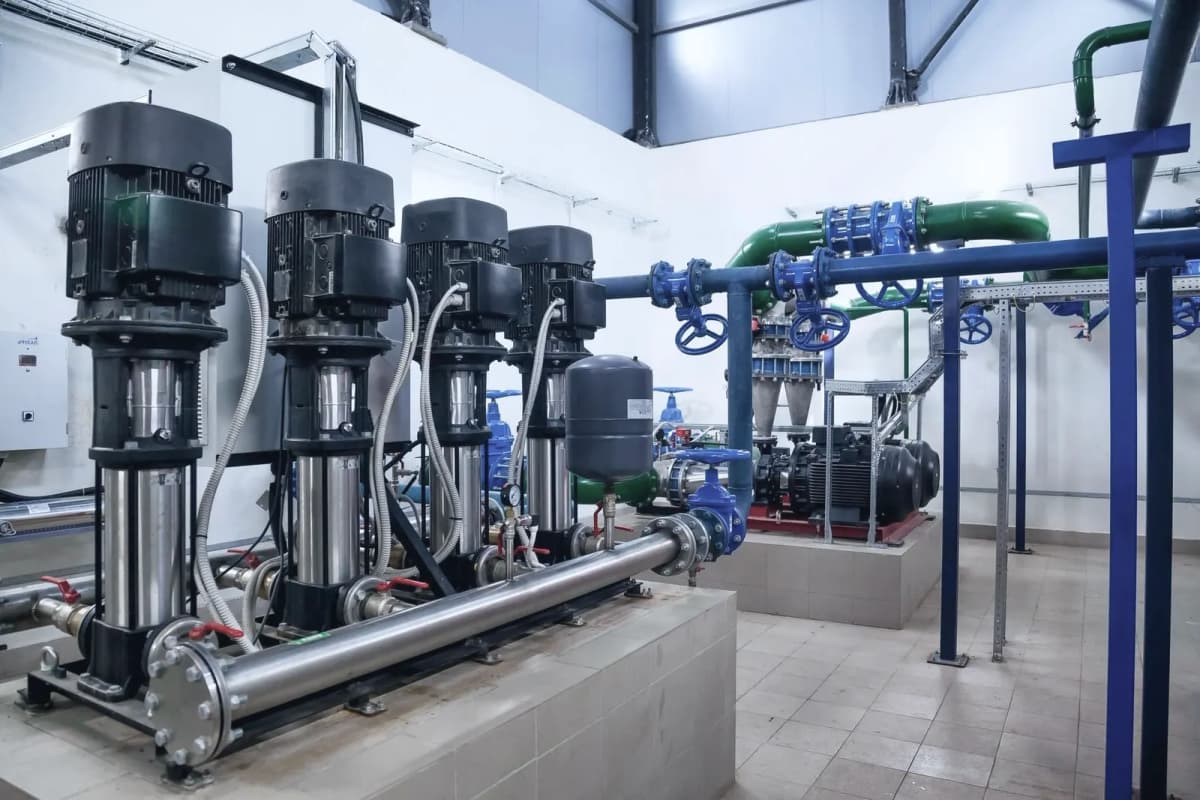
The Condair ME is an adiabatic evaporative humidifier and cooler for air handling units, with an integrated controller. This Modbus RTU template reads status, faults, pumps, humidity, temperatures and service counters, and lets you change setpoints, send the demand signal and start draining or a reset from ModbusCloud.
- Protocol
- Modbus RTU
- Connection
- RS485, 19200 baud
- Registers
- 60, read and write
- Brand
- Condair
- Key readings
- System mode and device status · Maintenance and error status · Error or warning code · Pump faults and speeds · Actual humidity or demand · Air and water temperature · Water capacity per stage · Operating hours and next service
- Available commands
- Humidity setpoint and control · Temperature setpoint in cooling mode · Demand signal via Modbus · Remote draining · Remote matrix wash over · Remote error reset
- Compatible models
- ME · ME II
- Last updated
Registers (60)
60 read, 11 write
| Name | Unit | Access | Address (Hidden until you enter your email) | Function (hidden) | Type (hidden) |
|---|---|---|---|---|---|
| System Mode | Read | 2000 | FC04 | uint16 | |
| Device Status | Read | 2001 | FC04 | uint16 | |
| Maintenance And Error Status | Read | 2002 | FC04 | uint16 | |
| Error Or Warning Code | Read | 2003 | FC04 | uint16 | |
| Safety Loop | Read | 2004 | FC04 | uint16 | |
| Number Of Running Stages | Read | ||||
| Fault Pump 1 | Read | ||||
| Fault Pump 2 | Read | ||||
| Fault Pump 3 | Read | ||||
| Fault Pump 4 | Read | ||||
| Fault Pump 5 | Read | ||||
| Fault Pump 6 | Read | ||||
| Fault Pump 7 | Read | ||||
| Fault Water Inlet | Read | ||||
| Fault Water Temperature | Read | ||||
| Fault Water Outlet | Read | ||||
| Fault Level Sensor | Read | ||||
| Fault Water Conductivity | Read | ||||
| Speed Pump 1 | % | Read | |||
| Speed Pump 2 | % | Read | |||
| Speed Pump 3 | % | Read | |||
| Speed Pump 4 | % | Read | |||
| Speed Pump 5 | % | Read | |||
| Speed Pump 6 | % | Read | |||
| Speed Pump 7 | % | Read | |||
| Water Level Tank | Read | ||||
| WET Tank Level | Read | ||||
| Disinfection Tank Level | Read | ||||
| Leakage Sensor | Read | ||||
| Inlet Valve | Read | ||||
| Drain Valve | Read | ||||
| Drain Pump | Read | ||||
| Actual Humidity Or Demand | % | Read | |||
| Actual Air Temperature | Read | ||||
| Incoming Air Temperature | Read | ||||
| Actual Water Temperature | Read | ||||
| Water Conductivity | µS/cm | Read | |||
| UV Current | A | Read | |||
| Water Capacity Stage 1 | Read | ||||
| Water Capacity Stage 2 | Read | ||||
| Water Capacity Stage 3 | Read | ||||
| Water Capacity Stage 4 | Read | ||||
| Water Capacity Stage 5 | Read | ||||
| Water Capacity Stage 6 | Read | ||||
| Water Capacity Stage 7 | Read | ||||
| Operating Hours | h | Read | |||
| Next Maintenance | h | Read | |||
| Next UV Lamp Exchange | d | Read | |||
| Next PureFlo Exchange | d | Read | |||
| Setpoint Humidity Control | % | Read and write | |||
| P-Band Humidity Control | % | Read and write | |||
| I-Time Humidity Control | min | Read and write | |||
| Actual Humidity Or Demand Via Modbus | % | Read and write | |||
| I-Time Temperature Control | min | Read and write | |||
| Setpoint Temperature Control | Read and write | ||||
| P-Band Temperature Control | Read and write | ||||
| Actual Temperature Via Modbus | Read and write | ||||
| Remote Draining | Read and write | ||||
| Remote Matrix Wash Over | Read and write | ||||
| Remote Error Warning Reset | Read and write |
Loading registers…
Send your device list
If a device is not in the library yet, we build the template for free as soon as we have the register data.
Use cases
- Get an email alert on an error or warning, with the error code, before a service visit.
- Watch the fault and speed of each pump to spot a failing pump early.
- Plan service visits from the hours until the next maintenance and the days until the next UV lamp exchange.
- Compare actual humidity with the setpoint to check that the air handling unit reaches its target.
- Start draining remotely before a long standstill and follow the progress.
- Reset an error remotely after the cause has been fixed.
Installation
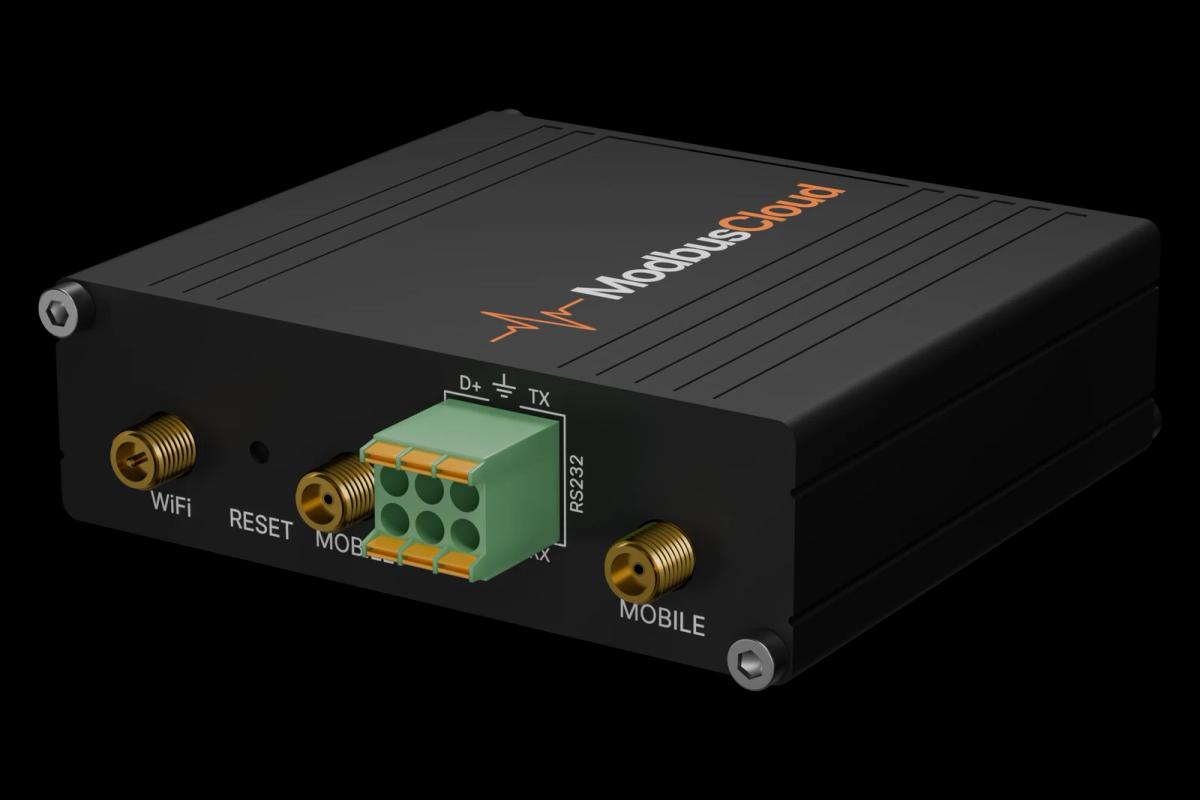
Connect Data+, Data- and GND of the controller to the RS485 port of the ModbusCloud Gateway, with termination at both ends of the bus.
On the controller, open Menu, enter password 8808, go to Network, Modbus Settings and set protocol Modbus/RTU, address, baud rate, parity and register sequence MSR first.
In ModbusCloud, add a Modbus device on the Gateway with the same address and serial settings and import this template.
Check that system mode and device status match the controller display, for example Standby when there is no demand.
Things to watch for
The Condair ME does not answer on the RS485 bus. What should I check?
Check that the protocol under Network, Modbus Settings is Modbus/RTU and not Off or Modbus/TCP, and that address, baud rate and parity match, by default 10, 19200 baud and even parity. Then swap Data+ and Data- and check the termination. The controller restarts after a change.
Temperatures and capacities show strange values.
Set the register sequence on the controller to MSR first. With LSR first the two halves of each value arrive swapped. The unit follows the Metric or Imperial setting of the controller.
Writing the demand signal has no effect or warning W35 appears.
The controller only uses the signal from Modbus when Source is set to Modbus under Controls, Signal Settings. ModbusCloud must write it again within the Signal Timeout, 300 seconds by default, or warning W35 stops humidification.
How do I start draining or reset an error remotely?
Write 1 to Remote Draining to start draining and 0 to stop; reading it gives 100 when off or the progress in percent. Write 1 to Remote Error Warning Reset to reset errors and warnings.
More Condair templates


Want to see how it works?