

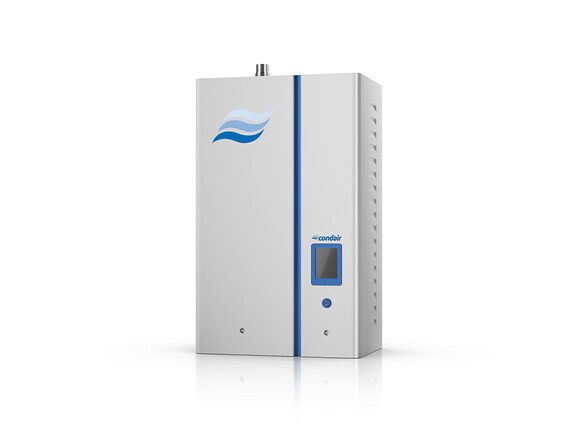
Condair Nortec EL
Condair
Electrode steam humidifier: status, demand, setpoints, valves and operating hours over Modbus RTU.
Overview
Key readings
- Operating status per unit
- System demand A and B
- Input and limiter signals
- Safety loop, blower pack and fan
- Main contactor, inlet and drain valves
- Operating hours per cylinder
Available commands
- Remote disable
- Manual capacity limit per cylinder
- Humidity setpoints per channel
- Digital RH or demand via Modbus
- P-band, I-time and damp time
Use cases
- Alert when Status A changes to Warning or Fault so a technician knows the humidifier needs attention.
- Watch Safety Loop A and Blower Pack A to see why the humidifier does not produce steam.
- Track Operating Hours A and B to plan cylinder replacement.
- Write Digital RH Demand A1 from the building controller and compare it with System Demand A.
Installation
- 1Connect the 3-pole Modbus plug on the main processor card to the RS485 port of your ModbusCloud Gateway; set jumper J4 at the end of the bus.
- 2On the display open Menu, enter 0335, go to Configuration, Comms. and switch Modbus on; keep address 10, even parity and 9600 baud or note your values.
- 3In ModbusCloud, add a Modbus device (RTU) with the same address and serial settings, then import this template.
- 4Check the link: Status A should match the display, for example 1 = Standby when there is no demand.
Things to watch for
- The Nortec EL does not answer on the RS485 bus.
- Modbus is off by default. Switch it on under Configuration, Comms., then check address, parity and baud rate (default 10, even, 9600) and the wiring of the 3-pole plug. Set jumper J4 only at the end of the bus.
- Writing the setpoint or demand has no effect.
- The humidifier uses a hardwired control signal by default. Set Source to Modbus under Configuration, Control Settings, and choose the control mode Demand, RH P or RH PI that matches the register you write.
- Operating hours show strange values.
- Operating Hours A and B are floats over two registers with word order CD AB. Read both registers at once and keep the byte order CDAB from the template.
- Why do the B registers read 0 on my unit?
- Unit B exists only on the two-cylinder Nortec EL-150 and EL-200. On single-cylinder models the B registers for enable input, signals, demand, valves and operating hours stay at 0 and can be removed from the device.
Registers (43)
43 read / 19 write
| Name | Address | Function | Type | Unit | Access |
|---|---|---|---|---|---|
| Remote Disable | ••• | ••• | ••• | R/W | |
| Manual Capacity A | ••• | ••• | ••• | % | R/W |
| Setpoint Channel A1 | ••• | ••• | ••• | % | R/W |
| Setpoint Channel A2 | ••• | ••• | ••• | % | R/W |
| Digital RH Demand A1 | ••• | ••• | ••• | % | R/W |
| Digital RH Demand A2 | ••• | ••• | ••• | % | R/W |
| Manual Capacity B | ••• | ••• | ••• | % | R/W |
| Setpoint Channel B1 | ••• | ••• | ••• | % | R/W |
| Setpoint Channel B2 | ••• | ••• | ••• | % | R/W |
| Digital RH Demand B1 | ••• | ••• | ••• | % | R/W |
| Digital RH Demand B2 | ••• | ••• | ••• | % | R/W |
| P-Band Channel A1 | ••• | ••• | ••• | % | R/W |
| P-Band Channel A2 | ••• | ••• | ••• | % | R/W |
| P-Band Channel B1 | ••• | ••• | ••• | % | R/W |
| P-Band Channel B2 | ••• | ••• | ••• | % | R/W |
| I-Time Channel A1 | ••• | ••• | ••• | min | R/W |
| Damp Time Channel A2 | ••• | ••• | ••• | s | R/W |
| I-Time Channel B1 | ••• | ••• | ••• | min | R/W |
| Damp Time Channel B2 | ••• | ••• | ••• | s | R/W |
| Enable Input A | ••• | ••• | ••• | R | |
| Input Signal Channel A1 | ••• | ••• | ••• | % | R |
| Limiter Signal Channel A2 | ••• | ••• | ••• | % | R |
| System Demand A | ••• | ••• | ••• | % | R |
| Safety Loop A | ••• | ••• | ••• | R | |
| Blower Pack A | ••• | ••• | ••• | R | |
| Fan Activate A | ••• | ••• | ••• | R | |
| Operating Hours A | ••• | ••• | ••• | h | R |
| Enable Input B | ••• | ••• | ••• | R | |
| Input Signal Channel B1 | ••• | ••• | ••• | % | R |
| Limiter Signal Channel B2 | ••• | ••• | ••• | % | R |
| System Demand B | ••• | ••• | ••• | % | R |
| Safety Loop B | ••• | ••• | ••• | R | |
| Blower Pack B | ••• | ••• | ••• | R | |
| Fan Activate B | ••• | ••• | ••• | R | |
| Operating Hours B | ••• | ••• | ••• | h | R |
| Status A | ••• | ••• | ••• | R | |
| Service Status B | ••• | ••• | ••• | R | |
| Main Contactor A | ••• | ••• | ••• | R | |
| Main Contactor B | ••• | ••• | ••• | R | |
| Inlet Valve A | ••• | ••• | ••• | R | |
| Inlet Valve B | ••• | ••• | ••• | R | |
| Drain Valve A | ••• | ••• | ••• | R | |
| Drain Valve B | ••• | ••• | ••• | R |
Loading registers…
Read the Condair Nortec EL remotely
We load the templates onto the gateway and set up your portal, you connect it at your customer's site. Tell us briefly what you need and we'll send a proposal.
From €295 + €149/year.
Prefer to configure it yourself? Order the gateway in the shop·Or see the live demo first
More Condair templates
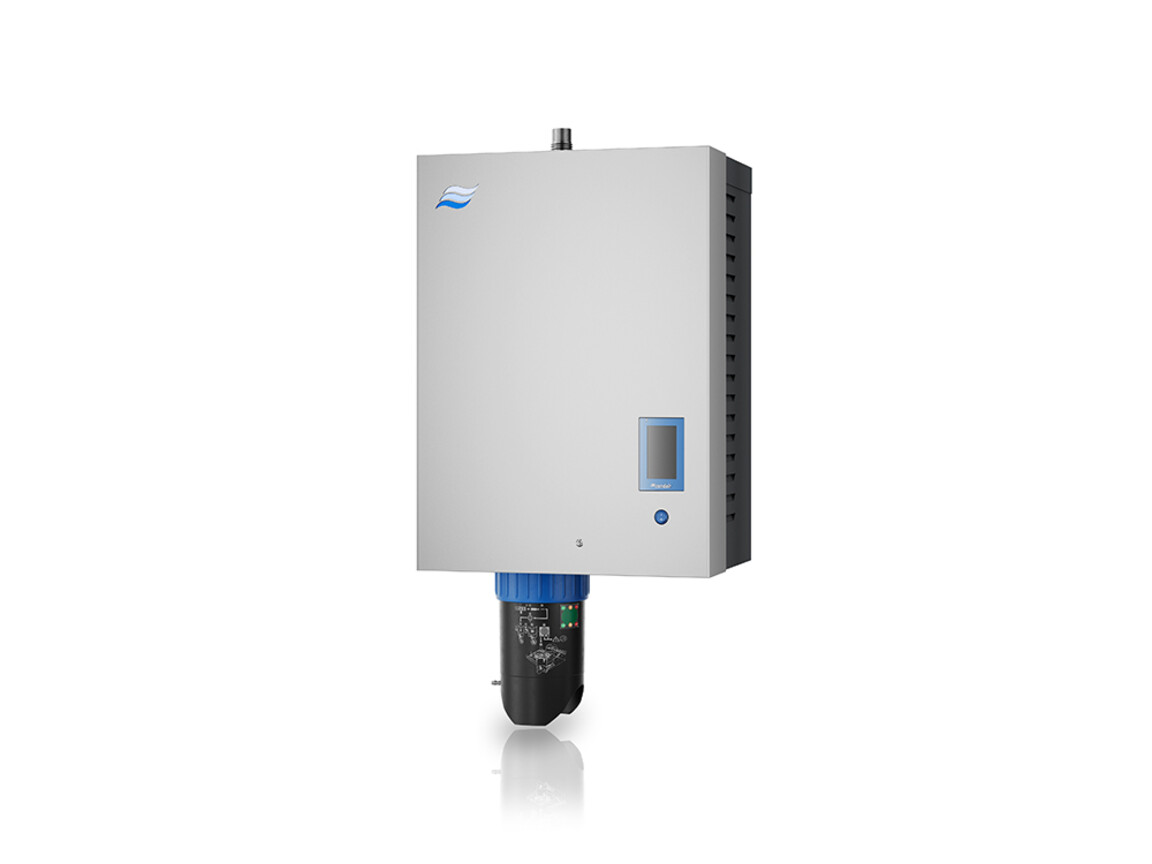
Condair RS II
Condair
Resistive steam humidifier: status, error code, safety chain, steam output, demand and maintenance hours over Modbus RTU.
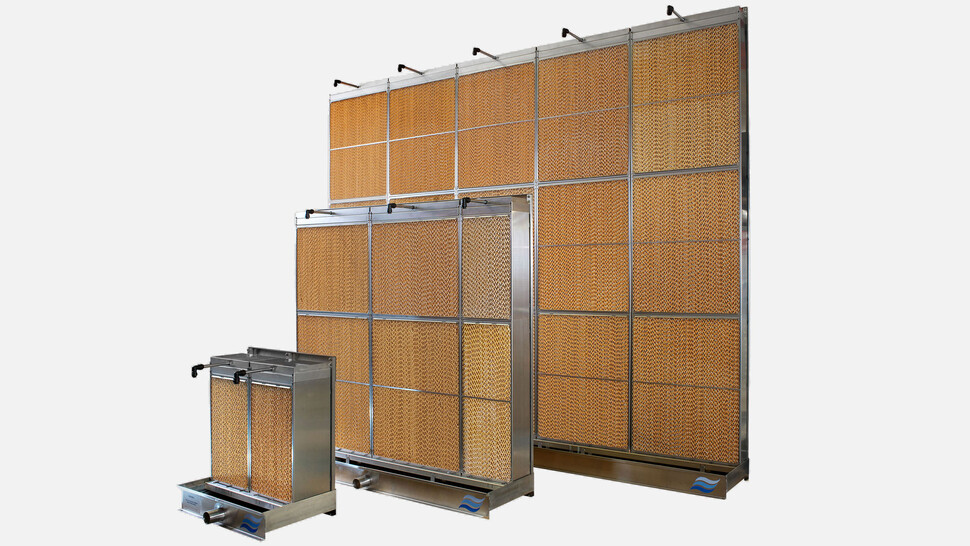
Condair ME
Condair
Adiabatic evaporative humidifier and cooler: status, faults, pump speeds, humidity, capacity, setpoints and remote commands over Modbus RTU or TCP.
More RTU templates

Alnor HRU
Alnor Systemy Wentylacji Sp. z o. o.
Controls and monitors Alnor heat recovery ventilation units via Modbus RTU.

Alnor HRU-P
Alnor Systemy Wentylacji Sp. z o. o.
Controls Alnor HRU-P heat recovery ventilation units via Modbus RTU.

connecdoor.controller
connecdoor
Controls and monitors smart door access points via RS485
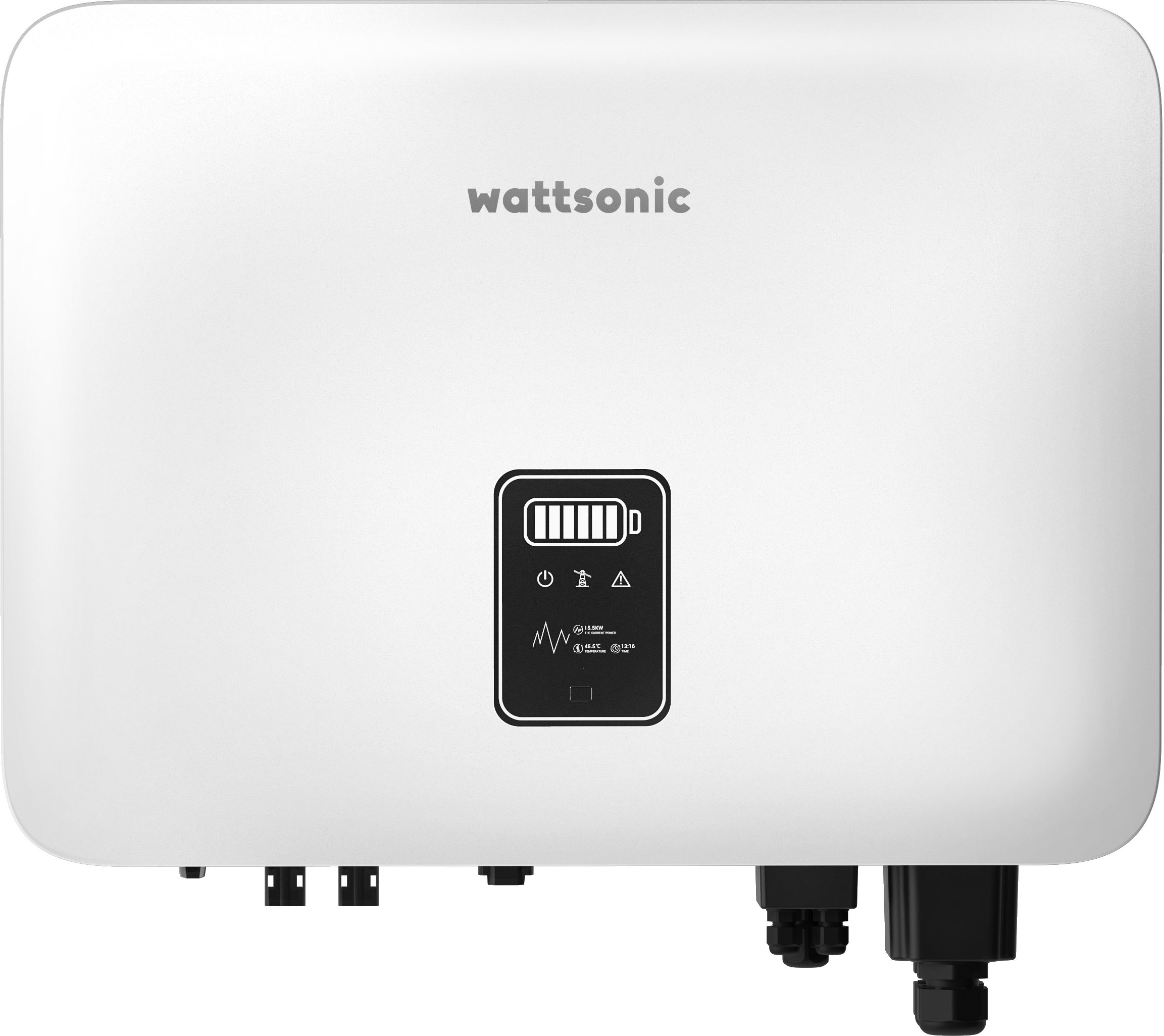
Wattsonic - Schmachtl Sun Energy Box
Wattsonic
Monitors Schmachtl Wattsonic hybrid inverter via Modbus RTU

Heidelberg Wallbox Energy Control
AMPERFIED GmbH
Controls and monitors Heidelberg Wallbox Energy Control EV charger via Modbus RTU.
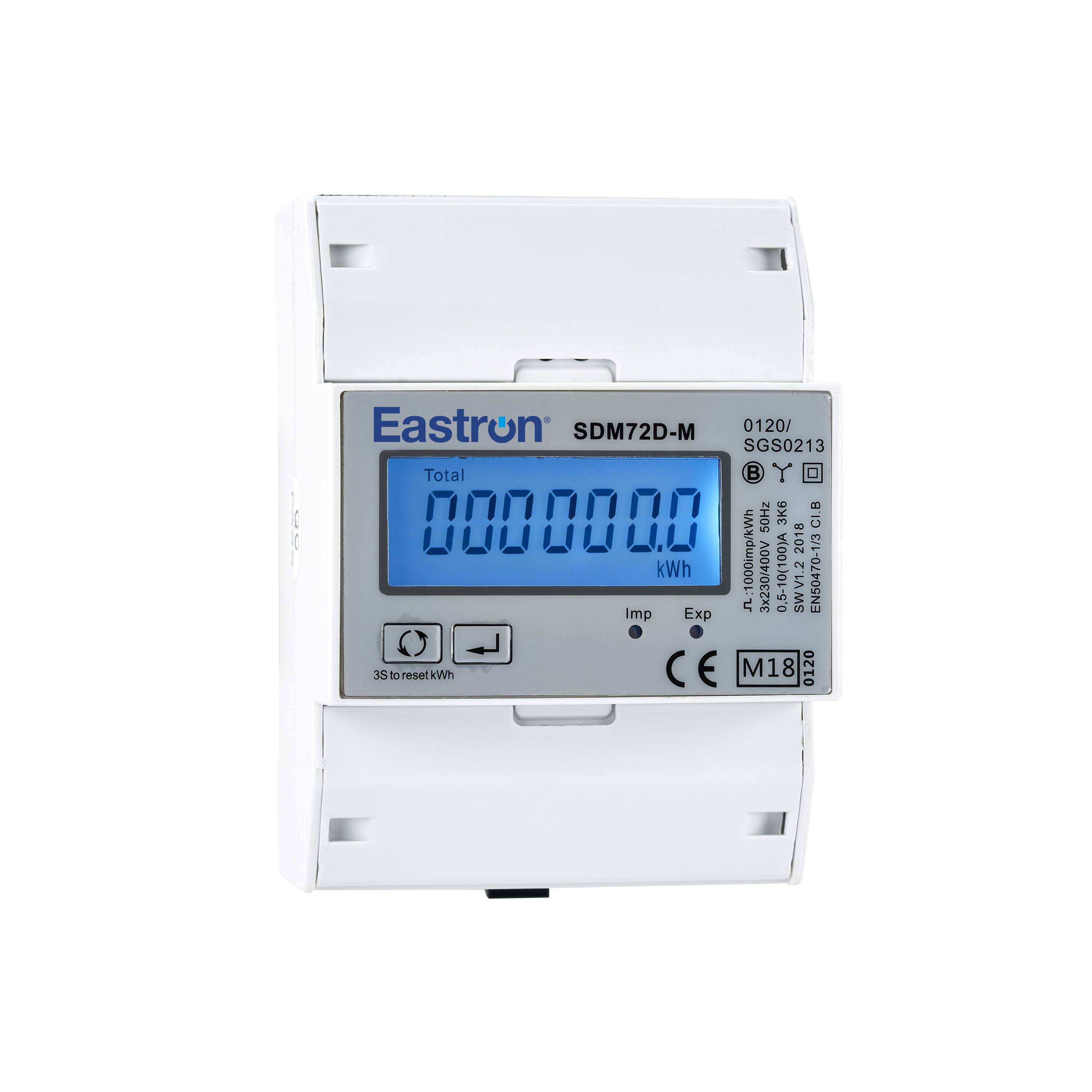
Eastron SDM72D-M
Eastron
Reads energy metering values from an Eastron SDM72D-M three-phase meter.