









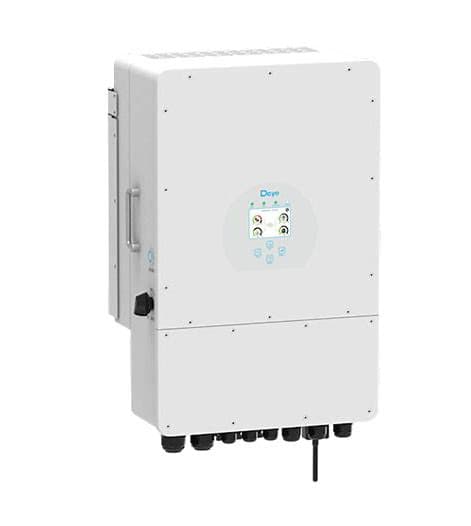
Deye Storage (hybrid) inverter (grid)
The Deye Storage (hybrid) inverter is a hybrid PV and battery storage inverter designed for residential and light-commercial grid-tied installations with battery backup. This ModbusCloud template targets the grid-metering registers of the Deye Storage (hybrid) inverter over Modbus RTU, reading instantaneous grid active power at address 169 and two cumulative energy counters at addresses 78 and 80. Together, these three registers give you a continuous picture of how much energy is being drawn from or pushed to the grid, making settlement verification and import/export tracking straightforward from your ModbusCloud portal.
- Protocol
- Modbus RTU
- Connection
- RS485
- Registers
- 3, read only
- Brand
- Deye
- Compatible models
- Storage (hybrid) inverter
- Last updated
Registers (3)
3 read, 0 write
| Name | Unit | Access | Address (Hidden until you enter your email) | Function (hidden) | Type (hidden) |
|---|---|---|---|---|---|
| power | W | Read | |||
| energy_a | Read | ||||
| energy_b | Read |
Loading registers…
Send your device list
If a device is not in the library yet, we build the template for free as soon as we have the register data.
Use cases
- Monitor real-time grid active power to detect unexpected import during peak-tariff periods.
- Track cumulative import energy counter to verify utility billing against inverter-reported consumption.
- Track cumulative export energy counter to confirm feed-in credit calculations each billing cycle.
- Alert on sustained negative power values indicating prolonged grid export beyond contracted limits.
- Compare import and export energy totals over time to evaluate self-consumption ratio trends.
Installation
Enable Modbus RTU on the Deye Storage (hybrid) inverter under the communication or Modbus settings section, and note the configured slave address (default is typically 1).
Connect the RS485 A and B terminals of the inverter to the ModbusCloud Gateway RS485 port, observing correct polarity, and keep cable length within recommended limits.
In the ModbusCloud portal, add the Gateway, import the Deye Storage (hybrid) inverter (grid) template, and set the unit ID to match the slave address configured on the inverter.
Perform a spot-check by reading register 169 in the portal live view and confirming the value matches the grid power reading shown on the inverter display or app.
Things to watch for
Register 169 always reads zero. What is wrong?
Deye hybrid inverters use Modbus RTU over RS485. If register 169 returns zero, confirm the inverter is actively grid-tied and not in standby. Also verify the RS485 A/B wiring polarity is correct: swapped lines produce no response or constant zero on signed registers.
Energy counters at 78 and 80 never increment. Why?
Registers 78 and 80 are uint16 accumulators. They increment only when actual energy flows through the grid connection. If the inverter is islanded or grid transfer is blocked by a protection setting, no accumulation occurs. Confirm grid connection status on the inverter display first.
The Gateway connects but no register values appear at all.
The Deye Modbus RTU interface requires the correct baud rate (typically 9600 baud) and unit ID. Verify these match between the inverter communication settings and the ModbusCloud portal. Also confirm only one Modbus master is connected: if a datalogger or SolarMan stick is simultaneously polling the bus, conflicts will cause read failures.
Power reads as a large positive number instead of a negative export value.
Register 169 is a signed int16. If your Modbus client or portal interprets it as unsigned, export power will appear as a large value near 65535 rather than a negative number. Ensure the template data type is set to int16, which this template does correctly by default.

Want to see how it works?
