

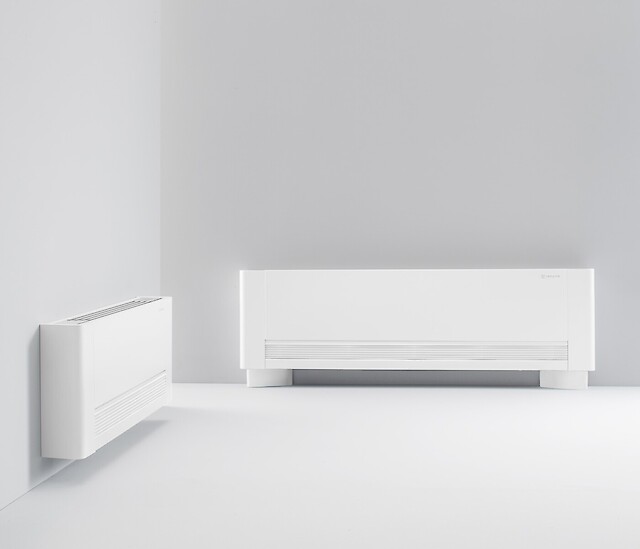
Innova AirLeaf
Innova
DC inverter fancoil: air and water temperature, fan speed, alarms, setpoint and season.
Overview
Key readings
- Air temperature
- Hot water temperature
- Actual setpoint
- Fan motor speed
- Alarm flags
Available commands
- Setpoint
- Season mode
- Program and standby
- Setpoint limits
- Keypad lock
Use cases
- Show the air temperature and setpoint of every fancoil in a building on one dashboard.
- Get an email when the alarm flags show a motor fault, a probe fault or a dirty filter.
- Switch all fancoils between heating and cooling with one automation when the season changes.
- Lower setpoints in empty rooms or at night with an automation on a schedule.
- Lock the keypad or limit the setpoint range in hotel rooms and offices.
Installation
- 1Connect the +AB- terminals of the INN-FR-B32 board, or the serial port of the EDA649 or EDB649 wall control, to the RS485 A and B terminals of the ModbusCloud Gateway with shielded cable, and terminate with 120 Ohm.
- 2Give each fancoil its own address from 2 to 255: in standby hold AUTO for 5 seconds and set the address with the arrow keys.
- 3In ModbusCloud, add a Modbus device (RTU) with the same address, 9600 baud, 8 data bits, no parity and 1 stop bit, and import this template.
- 4Check that the air temperature and setpoint match the control panel.
Things to watch for
- The fancoil does not answer. What should I check?
- The serial settings are fixed at 9600 baud, 8 data bits, no parity and 1 stop bit. Check the address on the keypad, swap A and B if nothing comes back, and terminate the bus with 120 Ohm at the end. Star wiring is not allowed.
- Why do some values read 0?
- Water temperatures, outputs, fan speed and some settings are only available with the INN-FR-B32 board of the ECA644 and ECA647. The cold water probe H4 exists only on the 4-pipe ECA647.
- Can several fancoils share one RS485 line?
- Yes, up to 50 per line and 500 m in total. Give each fancoil its own address and keep address 1 free for replacements, as Innova advises. Wire the bus as one line from unit to unit.
- What should I keep in mind when I write a setting?
- Write the setpoint in register 231 within SPL and SPH. In the program register only change bits 0 to 2, 4 and 7; bits 8 to 15 are system flags. The web flags block keys on the panel, so the user sees a flashing icon when a key is disabled.
Registers (33)
33 read / 25 write
| Name | Address | Function | Type | Unit | Access |
|---|---|---|---|---|---|
| Air Temperature | ••• | ••• | ••• | °C | R |
| Hot Water Temperature | ••• | ••• | ••• | °C | R |
| Cold Water Temperature | ••• | ••• | ••• | °C | R |
| Actual Setpoint | ••• | ••• | ••• | °C | R |
| Output Status | ••• | ••• | ••• | R | |
| Fan Motor Speed | ••• | ••• | ••• | R | |
| Status Flags | ••• | ••• | ••• | R | |
| Alarm Flags | ••• | ••• | ••• | R | |
| Device Address | ••• | ••• | ••• | R/W | |
| Operating Mode Flags | ••• | ••• | ••• | R/W | |
| Minimum Setpoint | ••• | ••• | ••• | °C | R/W |
| Maximum Setpoint | ••• | ••• | ••• | °C | R/W |
| Energy Saving Offset | ••• | ••• | ••• | K | R/W |
| Fan Speed Night Min | ••• | ••• | ••• | R/W | |
| Fan Speed Night Max | ••• | ••• | ••• | R/W | |
| Fan Speed Min Max | ••• | ••• | ••• | R/W | |
| Fan Speed Min Max Performance | ••• | ••• | ••• | R/W | |
| Fan Speed Auto Max | ••• | ••• | ••• | R/W | |
| Fan Speed Auto Max Performance | ••• | ••• | ••• | R/W | |
| Fan Speed Max | ••• | ••• | ••• | R/W | |
| Fan Speed Max Performance | ••• | ••• | ••• | R/W | |
| Heating Min Water Temperature | ••• | ••• | ••• | °C | R/W |
| Cooling Max Water Temperature | ••• | ••• | ••• | °C | R/W |
| Maintenance Interval | ••• | ••• | ••• | h | R/W |
| Fan Operating Hours | ••• | ••• | ••• | h | R/W |
| Setpoint | ••• | ••• | ••• | °C | R/W |
| Season Mode | ••• | ••• | ••• | R/W | |
| Air Probe Offset | ••• | ••• | ••• | K | R/W |
| H2 Probe Offset | ••• | ••• | ••• | K | R/W |
| H4 Probe Offset | ••• | ••• | ••• | K | R/W |
| Web Minimum Setpoint | ••• | ••• | ••• | °C | R/W |
| Web Maximum Setpoint | ••• | ••• | ••• | °C | R/W |
| Web Flags | ••• | ••• | ••• | R/W |
Loading registers…
Read the Innova AirLeaf remotely
We load the templates onto the gateway and set up your portal, you connect it at your customer's site. Tell us briefly what you need and we'll send a proposal.
From €295 + €149/year.
Prefer to configure it yourself? Order the gateway in the shop·Or see the live demo first
More RTU templates

Alnor HRU
Alnor Systemy Wentylacji Sp. z o. o.
Controls and monitors Alnor heat recovery ventilation units via Modbus RTU.

Alnor HRU-P
Alnor Systemy Wentylacji Sp. z o. o.
Controls Alnor HRU-P heat recovery ventilation units via Modbus RTU.

connecdoor.controller
connecdoor
Controls and monitors smart door access points via RS485
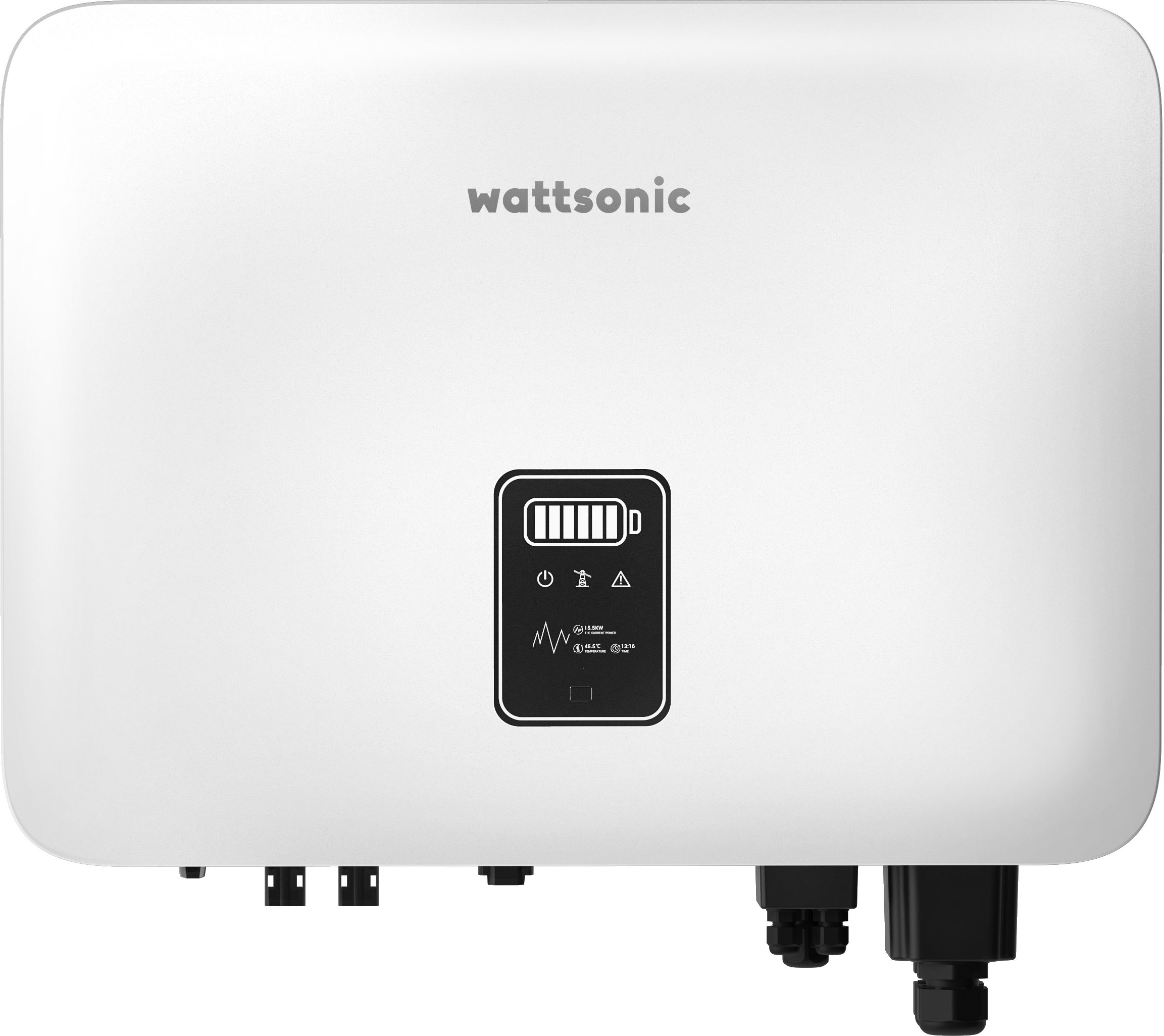
Wattsonic - Schmachtl Sun Energy Box
Wattsonic
Monitors Schmachtl Wattsonic hybrid inverter via Modbus RTU

Heidelberg Wallbox Energy Control
AMPERFIED GmbH
Controls and monitors Heidelberg Wallbox Energy Control EV charger via Modbus RTU.
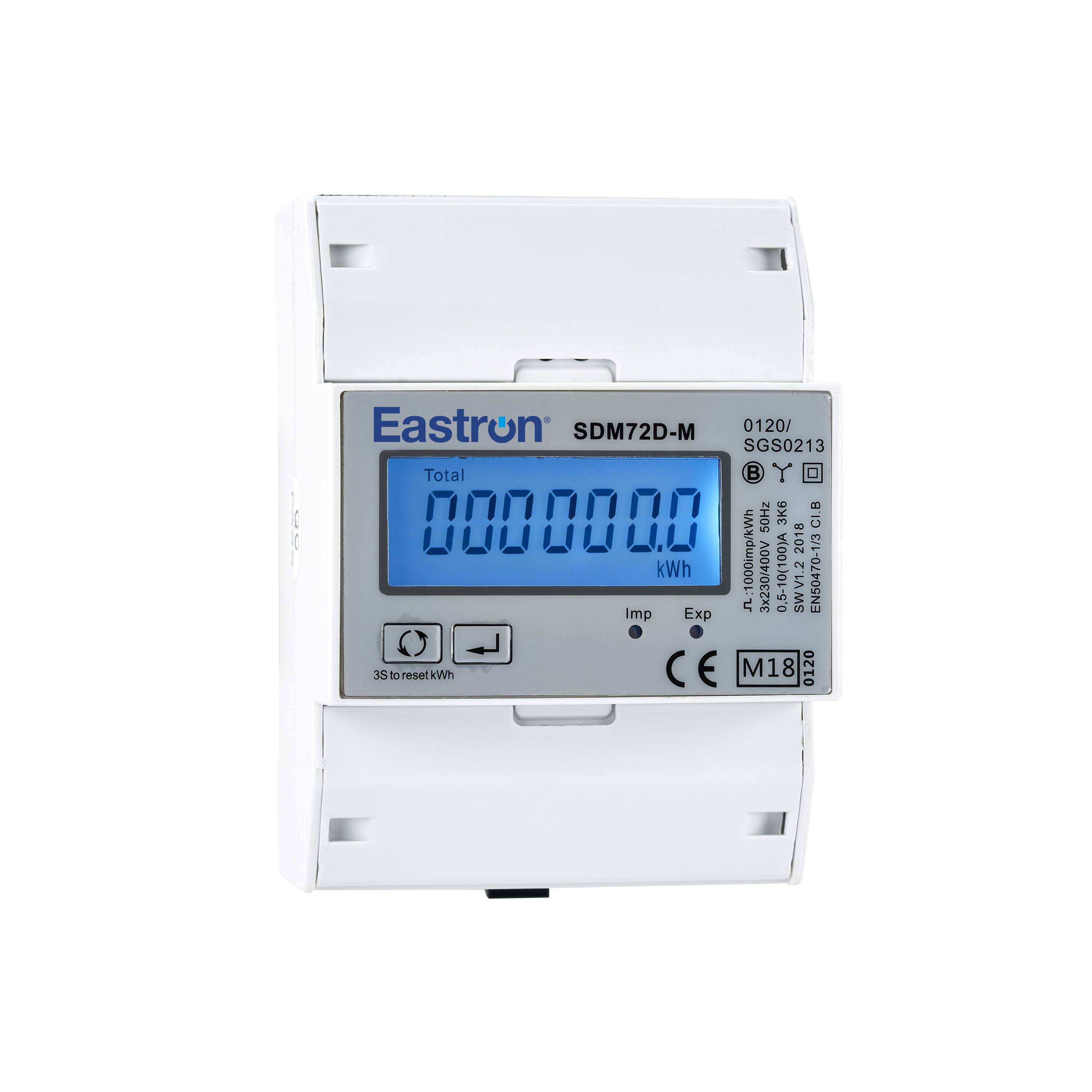
Eastron SDM72D-M
Eastron
Reads energy metering values from an Eastron SDM72D-M three-phase meter.