








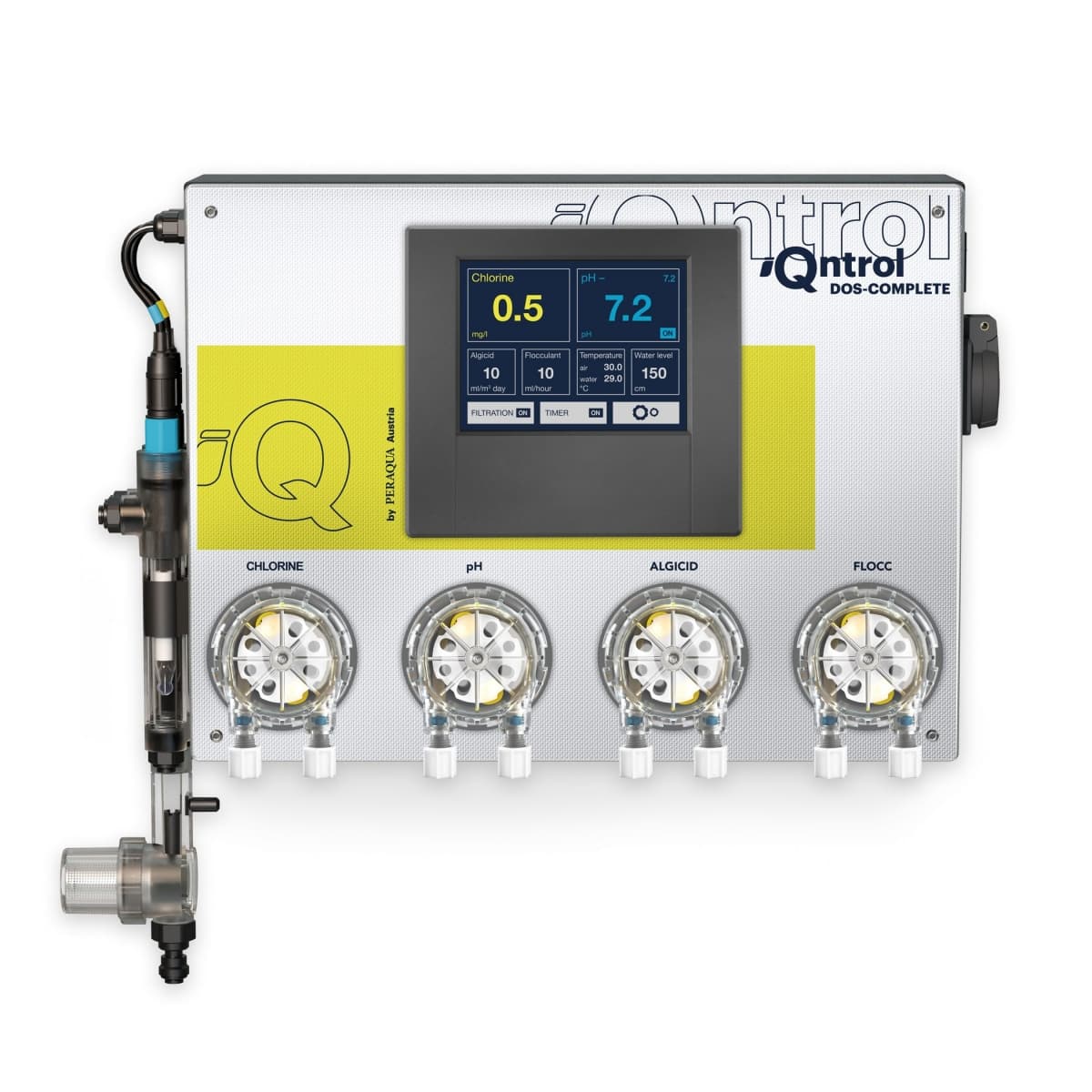
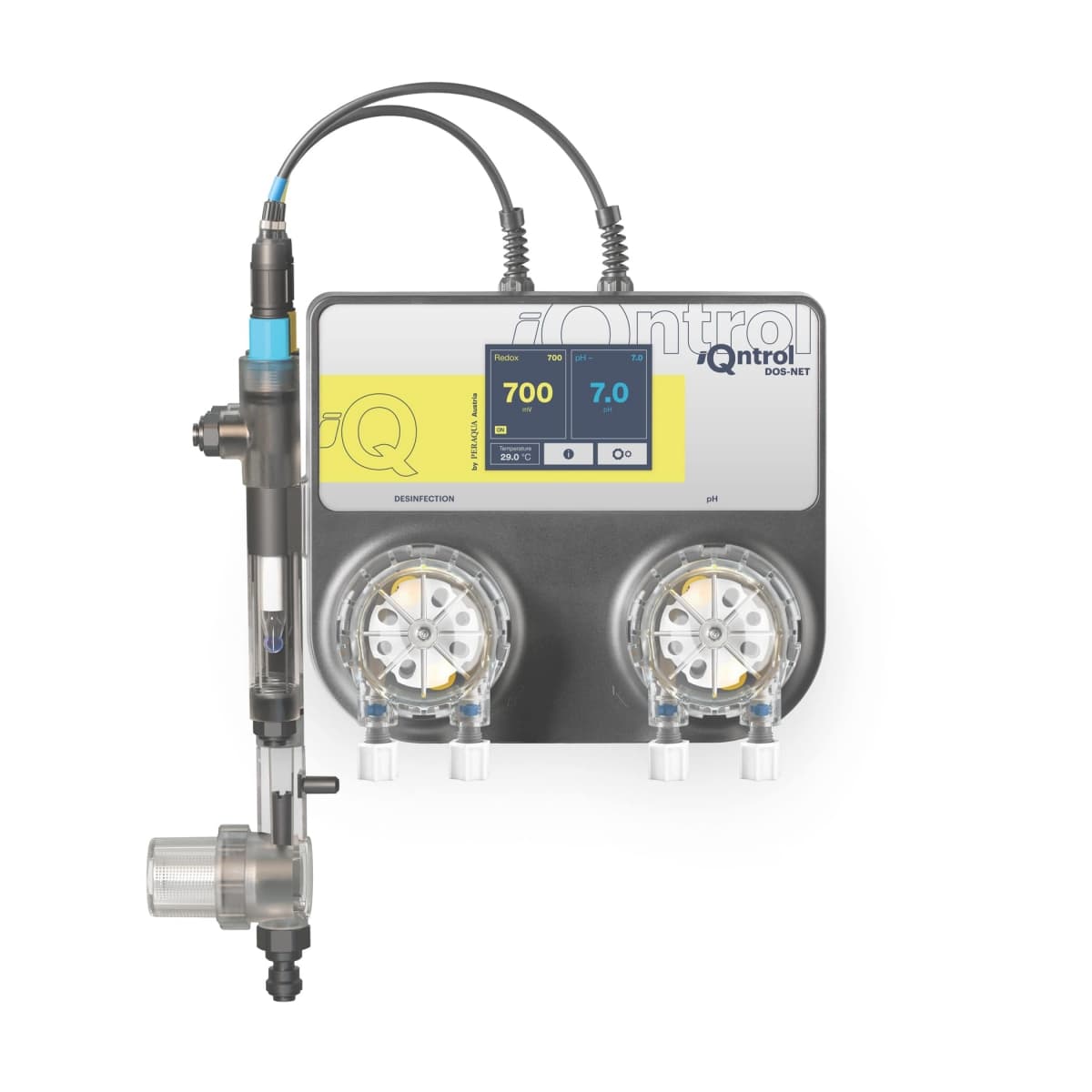
iQntrol Dosieranlage DOS-COMPLETE Redox-CLF
Monitors pool water treatment parameters via RS485 for dosing systems
Modbus RTU template for the Peraqua iQntrol DOS-COMPLETE Redox-CLF dosing system. Reads pH, ORP/chlorine, water temperature, and error codes over RS485 for pool water quality monitoring. All parameters are read-only for safety.
- Protocol
- Modbus RTU
- Connection
- RS485, 57600 baud
- Registers
- 0, read only
- Brand
- Peraqua
- Key readings
- pH actual value · pH target value · ORP/Cl actual value · ORP/Cl target value · Water temperature · Error code
- Compatible models
- iQntrol DOS-COMPLETE Redox-CLF
- Last updated
Send your device list
If a device is not in the library yet, we build the template for free as soon as we have the register data.
Use cases
- Monitor pH and ORP values on a live cloud dashboard for remote pool water quality oversight.
- Create alerts when the pH actual value deviates from the target value beyond an acceptable threshold.
- Log water temperature trends over time to correlate seasonal changes with chemical consumption.
- Receive notifications when the dosing system reports an error code, enabling faster on-site response.
- Manage multiple pool installations from a single ModbusCloud account to streamline service routes.
Installation
Connect the RS485 A and B terminals of the Peraqua iQntrol DOS-COMPLETE to the corresponding RS485 port on your ModbusCloud Gateway.
Configure the serial port on the gateway to match the device settings: 57600 baud, 8 data bits, 1 stop bit, no parity.
Set the correct Modbus slave address on the DOS-COMPLETE unit via its touchscreen menu, and enter the same address in the ModbusCloud gateway configuration.
Import the Peraqua iQntrol DOS-COMPLETE Redox-CLF template from the ModbusCloud template library into your project.
Verify the connection by checking that pH, ORP/Cl, and water temperature values appear correctly on the ModbusCloud dashboard.
If values do not appear, check RS485 wiring polarity (swap A and B if necessary) and confirm the baud rate setting on both sides.
Things to watch for
Why can I not write setpoints or control the dosing pumps through the template?
The DOS-COMPLETE disables Modbus write access for safety reasons. All parameters exposed over RS485 are read-only. Setpoint changes must be made on the device touchscreen or its own app.
The gateway cannot communicate with the dosing system. What should I check?
Verify that the baud rate is set to 57600 on both the gateway and the DOS-COMPLETE. Check the RS485 wiring polarity, as swapped A and B lines will prevent communication. Also confirm the Modbus slave address matches on both sides.
Do I need a termination resistor on the RS485 bus?
If the cable run exceeds a few meters or if you experience intermittent read errors, add a 120 ohm termination resistor at the far end of the RS485 bus. Short cable runs typically work without termination.
What does the error code register indicate?
The error code register reports faults from the dosing system such as probe errors, empty chemical containers, or pump malfunctions. Refer to the Peraqua iQntrol DOS-COMPLETE manual for the specific error code definitions.
Want to see how it works?
