








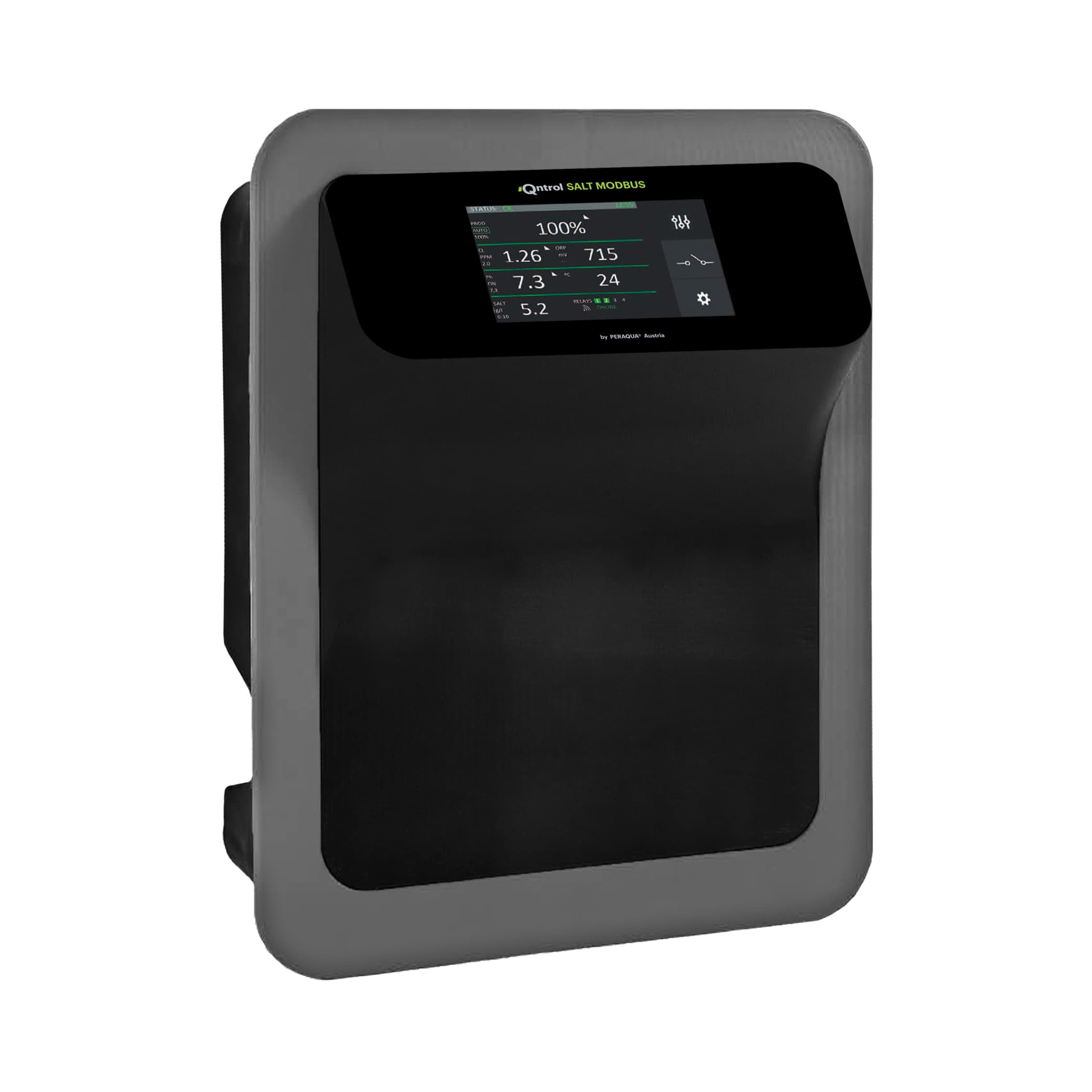
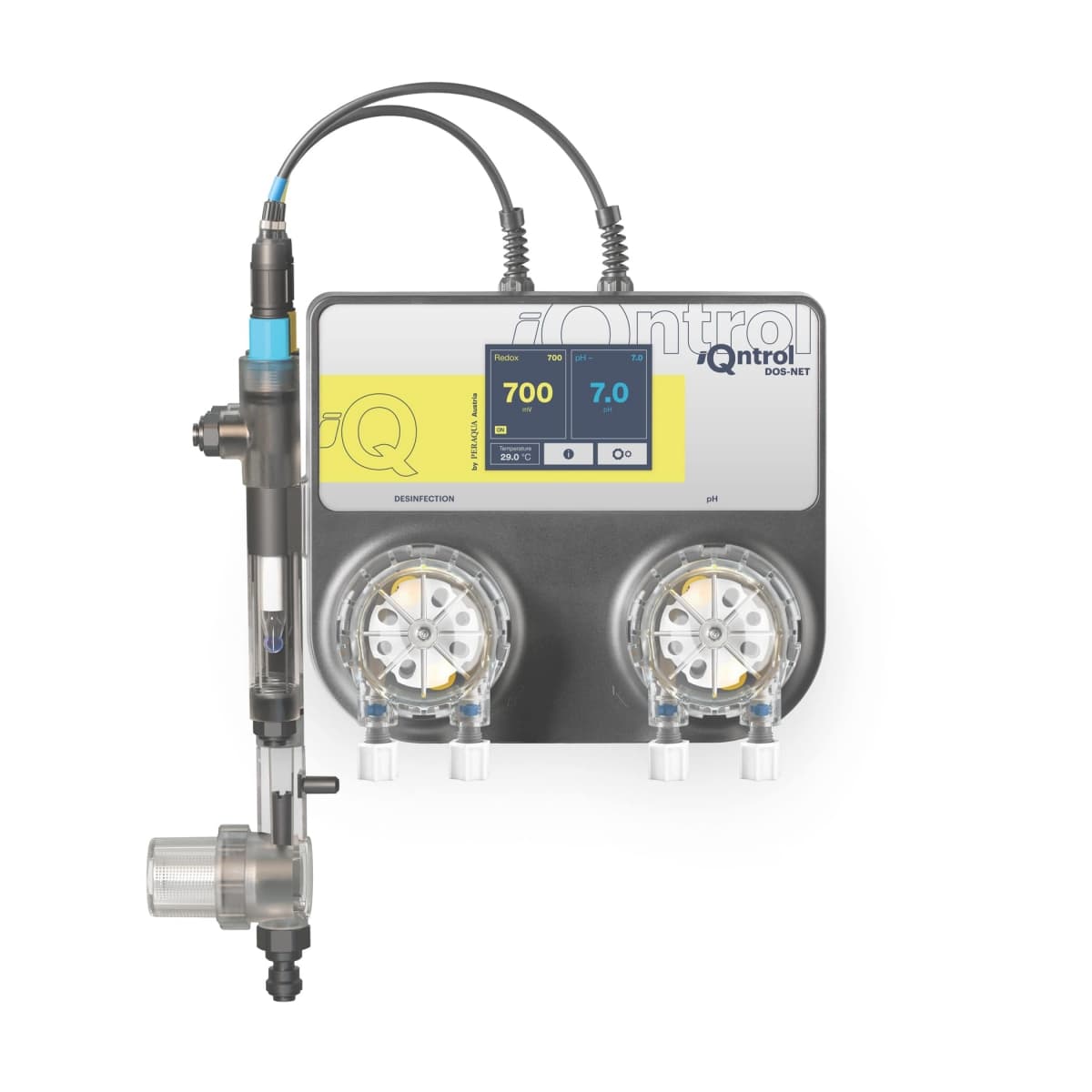
iQntrol SALT-MODBUS salt electrolysis | TOUCH EVO PLUS
Controls salt electrolysis pool water treatment with real-time pH, ORP, and PPM monitoring.
Template for the Peraqua iQntrol SALT-MODBUS salt electrolysis system via Modbus RTU. Reads real-time pH, ORP, PPM, salt concentration, water temperature, and cell status. Also allows control of pH setpoints, production setpoints, and control mode.
- Protocol
- Modbus RTU
- Connection
- RS485, 9600 baud
- Registers
- 35, read and write
- Brand
- Peraqua
- Key readings
- Current pH value · Current ORP value · Current PPM value · Salt concentration · Water temperature · Cell intensity and voltage
- Available commands
- pH set point · Production set point · PPM Setpoint · Control mode
- Compatible models
- iQntrol SALT-MODBUS · Aquastar Air
- Last updated
Registers (35)
35 read, 6 write
| Name | Unit | Access | Address (Hidden until you enter your email) | Function (hidden) | Type (hidden) |
|---|---|---|---|---|---|
| Salt concentration | ppm | Read and write | |||
| Control mode | Read and write | ||||
| Master probe | Read | ||||
| pH set point | Read and write | ||||
| Current pH value | Read | ||||
| Cleaning cycle | Read and write | ||||
| ORP Setpoint | mV | Read | |||
| Production set point | Read and write | ||||
| PPM Setpoint | ppm | Read and write | |||
| Cell intensity_p | % | Read | |||
| Current OPR value | mV | Read | |||
| Current ppm value | ppm | Read | |||
| Water temperature | °C | Read | |||
| Cell intensity_a | A | Read | |||
| Cell_voltage | V | Read | |||
| Cover position | Read | ||||
| Operation hours_low | h | Read | |||
| Operation hours_high | h | Read | |||
| pH alarm (active) | Read | ||||
| Cell polarity | Read | ||||
| Filter pump status | Read | ||||
| Waiting time for probe to be stable | s | Read | |||
| Electrode cleaning in process | Read | ||||
| ORP probe saturated | Read | ||||
| Overtemperature inside the chlorinator | Read | ||||
| Open circuit | Read | ||||
| No water flow | Read | ||||
| Short circuit | Read | ||||
| pH Alarm (ALARMS) | Read | ||||
| PPM Probe disconnected | Read | ||||
| Lack of salt | Read | ||||
| Too much salt | Read | ||||
| Bad Cell | Read | ||||
| ORP probe disconnectetd | Read | ||||
| Flow switch | Read |
Loading registers…
Send your device list
If a device is not in the library yet, we build the template for free as soon as we have the register data.
Use cases
- Monitor real-time pH, ORP, and PPM values on a cloud dashboard to verify water quality remotely.
- Create alerts when salt concentration drops below minimum levels to prevent production interruptions.
- Adjust pH and production setpoints remotely without an on-site visit to the pool equipment room.
- Track water temperature trends over time to correlate with electrolysis performance and energy usage.
- Set up notifications for cell status alarms to schedule proactive maintenance before failures occur.
- Compare ORP readings against setpoints to verify that the automatic production shutoff is functioning correctly.
Installation
Connect the Modbus RTU wiring (A, B, GND) from the iQntrol SALT-MODBUS unit to the RS485 port on your ModbusCloud Gateway.
Set the baud rate on the gateway to 9600 to match the default communication settings of the iQntrol SALT-MODBUS.
Configure the Modbus slave address on the electrolysis unit and ensure it does not conflict with other devices on the same bus.
Import the Peraqua iQntrol SALT-MODBUS template in the ModbusCloud platform and assign it to the correct gateway and slave address.
Verify that the filter pump is running, then confirm that live readings for pH, ORP, PPM, and water temperature appear on the dashboard.
Test write functionality by adjusting a setpoint value from the dashboard and confirming the change on the local device display.
Things to watch for
Why do I see no data even though the gateway is connected?
The electrolysis system only communicates when the filter pump is running. Make sure the pump is in filtration or circulation mode before testing the Modbus connection.
Some registers seem to return unexpected values or overlap with other readings. What is happening?
Several register addresses (e.g., 16 through 21) are shared across setpoints and current values. They are differentiated by Modbus function codes. Ensure the template is correctly mapping read and write function codes for each register.
What baud rate and serial settings should I use?
The default is 9600 baud. Use 8 data bits, no parity, and 1 stop bit (8N1) unless the device has been configured differently.
Can I use this template with the Aquastar Air model?
Yes. The Aquastar Air is listed as a compatible device and uses the same Modbus register map as the iQntrol SALT-MODBUS.
Want to see how it works?
