








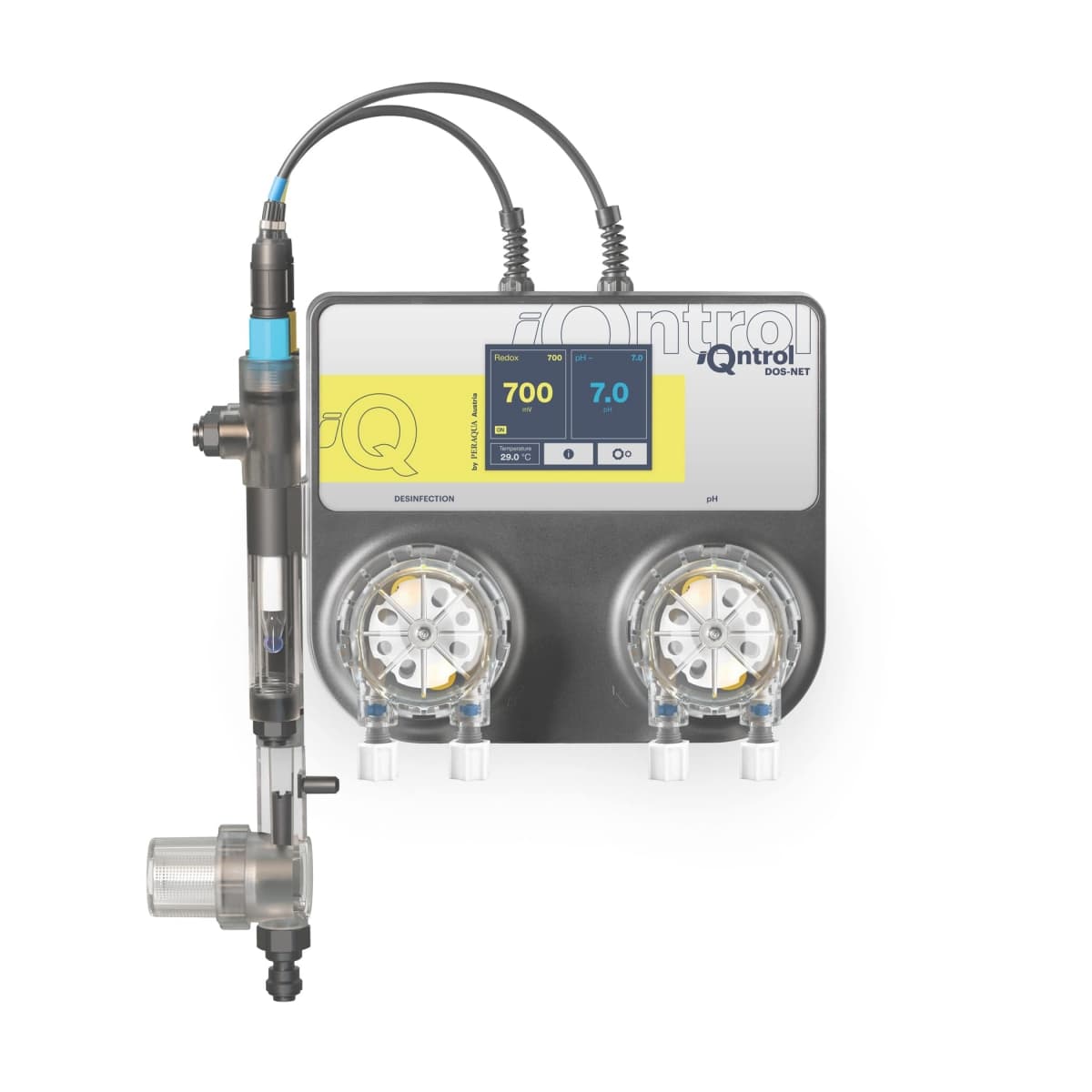
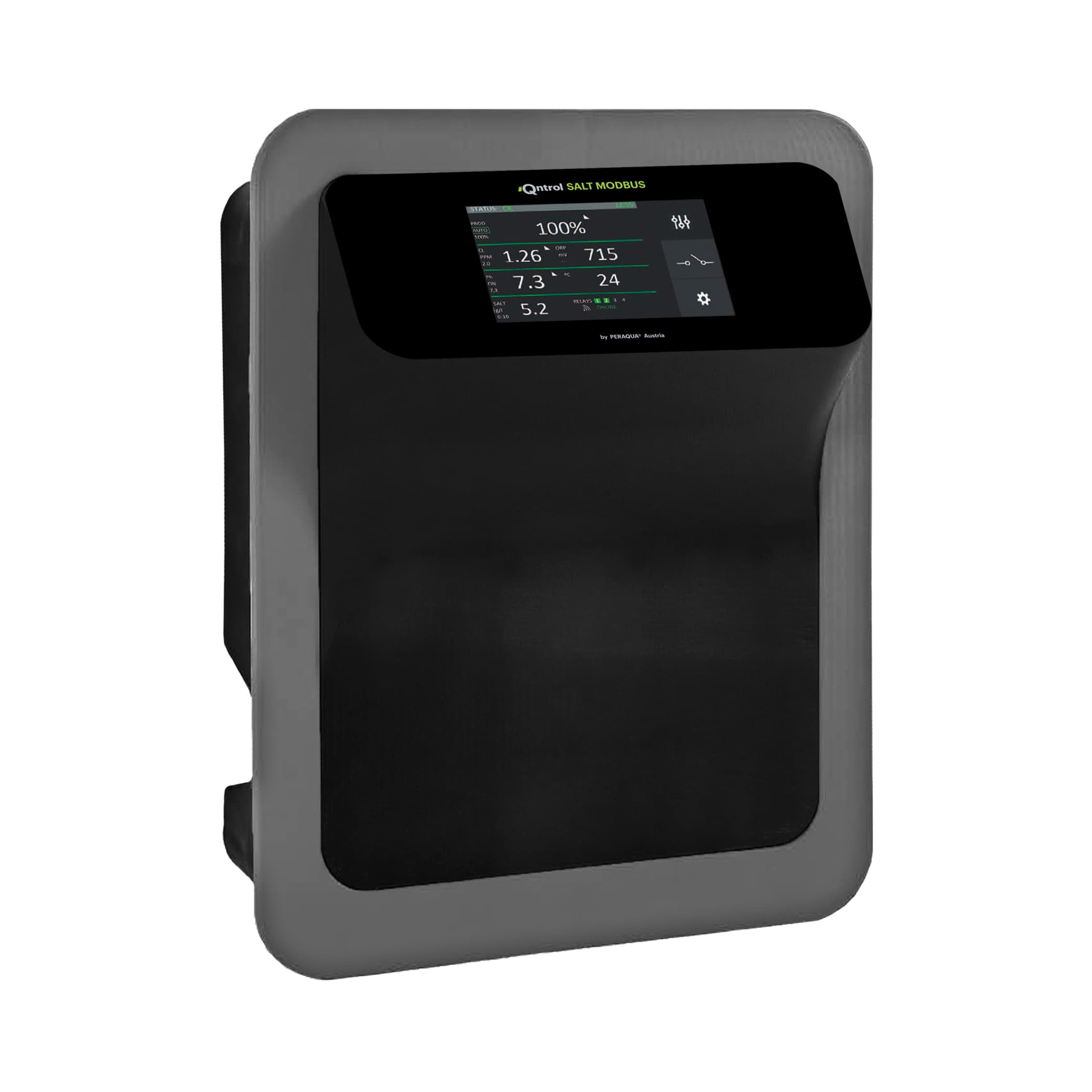
iQntrol dosing system DOS-NET
Monitors pool water treatment parameters via RS485 interface
Template for the Peraqua iQntrol DOS-NET pool water dosing system. Reads pH, ORP/redox, water temperature, target values, and error codes over Modbus RTU (RS485). This is a read-only integration; writing is disabled for safety reasons.
- Protocol
- Modbus RTU
- Connection
- RS485, 57600 baud
- Registers
- 0, read only
- Brand
- Peraqua
- Key readings
- pH actual value · pH target value · ORP/REDOX actual value · ORP/REDOX target value · Water temperature · Error code
- Compatible models
- DOS-NET
- Last updated
Send your device list
If a device is not in the library yet, we build the template for free as soon as we have the register data.
Use cases
- Monitor live pH and ORP/redox values for multiple pool installations from a single cloud dashboard.
- Create an alert when the error code register changes to a non-zero value, indicating a dosing fault.
- Track water temperature trends over time to correlate seasonal changes with chemical consumption.
- Compare actual pH and ORP values against their target values to verify correct dosing behaviour.
- Generate weekly water quality reports for pool owners or facility managers.
Installation
Connect the ModbusCloud Gateway to the RS485 terminal on the Peraqua DOS-NET using a twisted pair cable with correct A/B polarity.
Configure the gateway serial port to 57600 baud, 8 data bits, 1 stop bit, no parity to match the DOS-NET RS485 settings.
Set the correct Modbus RTU slave address on the gateway to match the address configured on the DOS-NET unit.
Import the Peraqua iQntrol DOS-NET template from the ModbusCloud template library into your project.
Verify that pH, ORP/redox, water temperature, and error code values appear correctly on the ModbusCloud dashboard.
If the RS485 bus length exceeds 20 metres, add a 120 ohm termination resistor at the end of the bus.
Things to watch for
Why can I not write setpoints or control dosing via ModbusCloud?
The DOS-NET firmware deliberately blocks all write commands over RS485 for safety reasons. Changing dosing parameters remotely could create health hazards. All configuration must be done locally on the touchscreen.
I see no data after connecting the gateway. What should I check?
Verify that the baud rate is set to 57600 on both the gateway and the DOS-NET. Also confirm the A and B wires are not swapped and that the correct Modbus slave address is configured.
What does the error code register contain?
The error code register returns a numeric value indicating the current fault state of the dosing system. Refer to the Peraqua DOS-NET manual for a full list of error code meanings.
Can I connect multiple DOS-NET units on the same RS485 bus?
Yes, as long as each unit has a unique Modbus slave address. Ensure proper bus wiring with daisy-chain topology and termination resistors at both ends of the bus.
Want to see how it works?
