








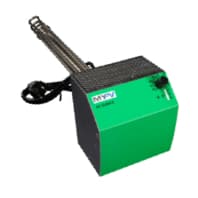
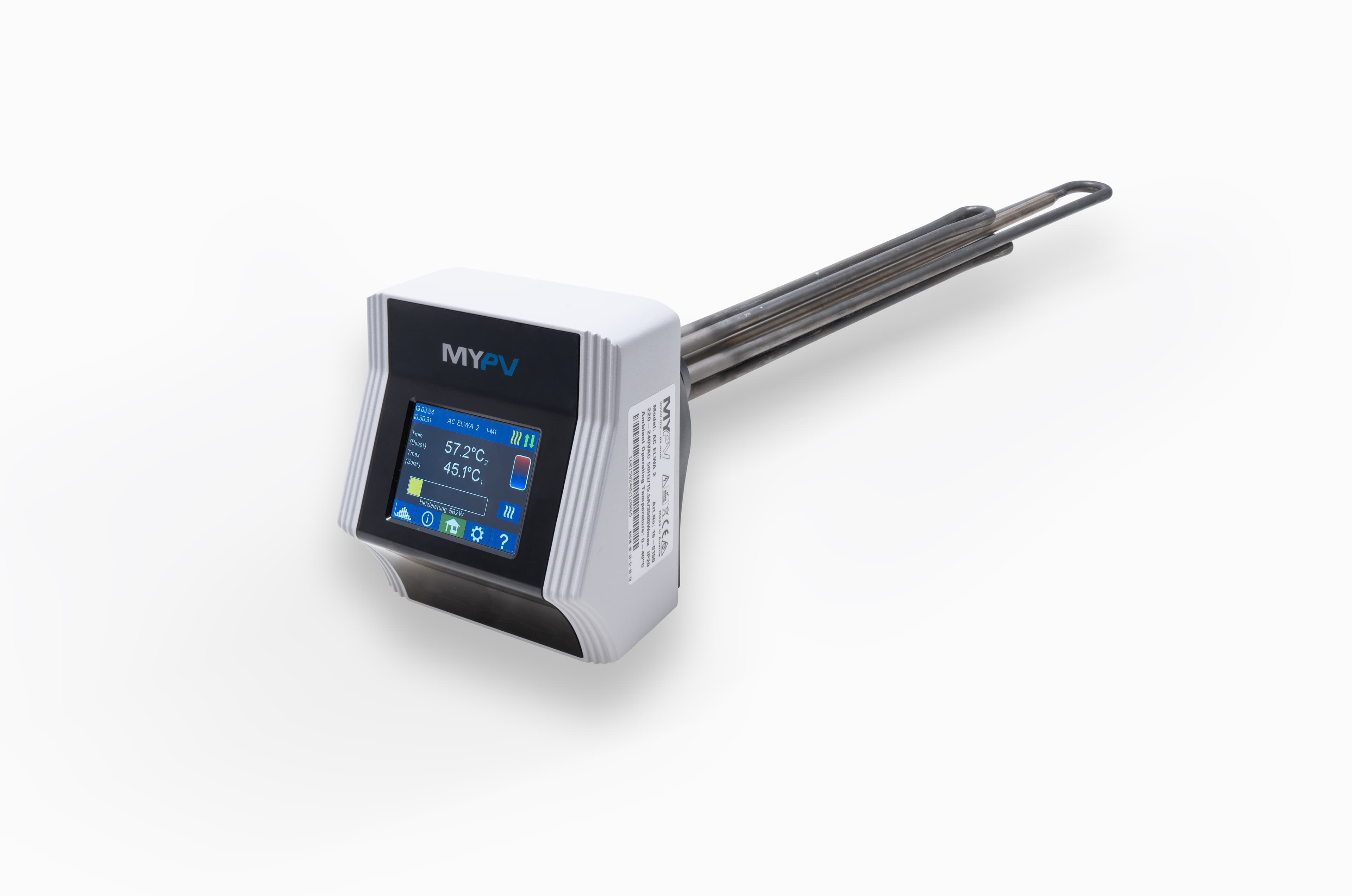
my-PV AC ELWA-E
Controls my-PV AC ELWA-E water heater power and boost settings via Modbus TCP.
Template for the my-PV AC ELWA-E electric water heater via Modbus TCP. Reads water temperature, power consumption, device status, and hardware temperature. Allows control of heating power setpoint, boost mode, boost schedule, and system clock settings.
- Protocol
- Modbus TCP
- Connection
- Ethernet, Modbus TCP
- Registers
- 16, read and write
- Brand
- my-PV
- Key readings
- Power · Water Temp · Target Temp · Status · Hardware Temp · Boost Mode
- Available commands
- Power setpoint · Boost activate · Boost Temp · Boost Start/Stop Hour
- Compatible models
- AC ELWA-E
- Last updated
Registers (16)
15 read, 12 write
| Name | Unit | Access | Address (Hidden until you enter your email) | Function (hidden) | Type (hidden) |
|---|---|---|---|---|---|
| Read Power | W | Read and write | |||
| Read Water Temp | °C | Read | |||
| Read Target Temp | °C | Read | |||
| Read Status | Read | ||||
| Read Power Timeout | s | Read and write | |||
| Read Boost Mode | Read and write | ||||
| Read Boost Temp | °C | Read and write | |||
| Read Boost Start Hour | h | Read and write | |||
| Read Boost Stop Hour | h | Read and write | |||
| Read Time Hour | h | Read and write | |||
| Read Time Minute | min | Read and write | |||
| Read Time Second | s | Read and write | |||
| Read ELWA Number | Read and write | ||||
| Read Fuse Type | Read and write | ||||
| Read Hardware Temp | °C | Read | |||
| Boost activate | Write |
Loading registers…
Send your device list
If a device is not in the library yet, we build the template for free as soon as we have the register data.
Use cases
- Monitor water temperature and heating power in real time on a cloud dashboard for your customer.
- Create an alert when water temperature drops below a defined threshold for more than 15 minutes.
- Remotely activate boost mode before a scheduled maintenance visit to verify heater operation.
- Adjust the power setpoint based on available PV surplus data from a paired inverter template.
- Schedule boost start and stop hours remotely to align with low-tariff periods or peak solar generation.
- Track hardware temperature over time to detect overheating or ventilation issues early.
Installation
Connect the my-PV AC ELWA-E to the same local network as the ModbusCloud Gateway using an Ethernet cable or a shared network switch.
Open the AC ELWA-E web interface in a browser and navigate to the control settings page.
Set the control type to Modbus TCP and set the control timeout to 60 seconds, then save the configuration.
Note the IP address assigned to the AC ELWA-E and ensure it has a static IP or a DHCP reservation to prevent address changes.
In the ModbusCloud portal, add a new device using the my-PV AC ELWA-E template and enter the device IP address and Modbus TCP port (default 502).
Verify communication by checking that water temperature and power readings appear on the ModbusCloud dashboard.
Things to watch for
The gateway cannot connect to the AC ELWA-E. What should I check?
Verify that the control type is set to Modbus TCP in the AC ELWA-E web interface. Confirm both the gateway and the heater are on the same subnet and that no firewall is blocking TCP port 502.
Readings show zero or do not update. Why?
Ensure the control timeout is set to 60 seconds in the AC ELWA-E settings. If the timeout is too short, the device may stop responding between polling cycles. Also confirm the IP address in ModbusCloud matches the current device IP.
What data type do the registers use?
All registers on the AC ELWA-E are uint16. The template is preconfigured with this data type, so no manual byte order or scaling adjustments are needed.
Can I control the AC ELWA-E and still use its internal PV surplus logic?
When Modbus TCP is selected as the control type, the device expects external power setpoint commands. Its internal frequency-based surplus control is disabled. You must manage the power setpoint through the template or another external source.

Want to see how it works?
